pstorage multiplatform
v1.2.2

| Branch | Build Status | Code Quality |
|---|---|---|
main |
pstorage
pstorage - simple offline portable password storage application. Table of contents
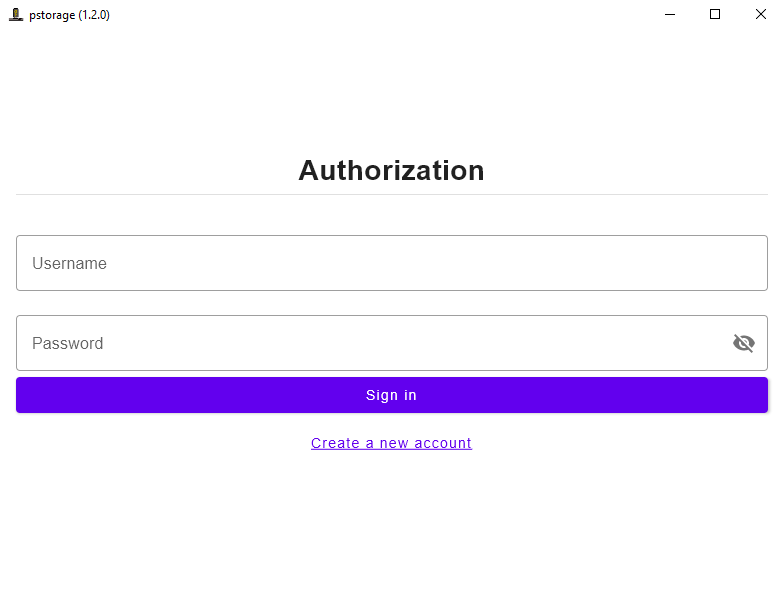
How to useAuthOnce app is open you will see auth form:
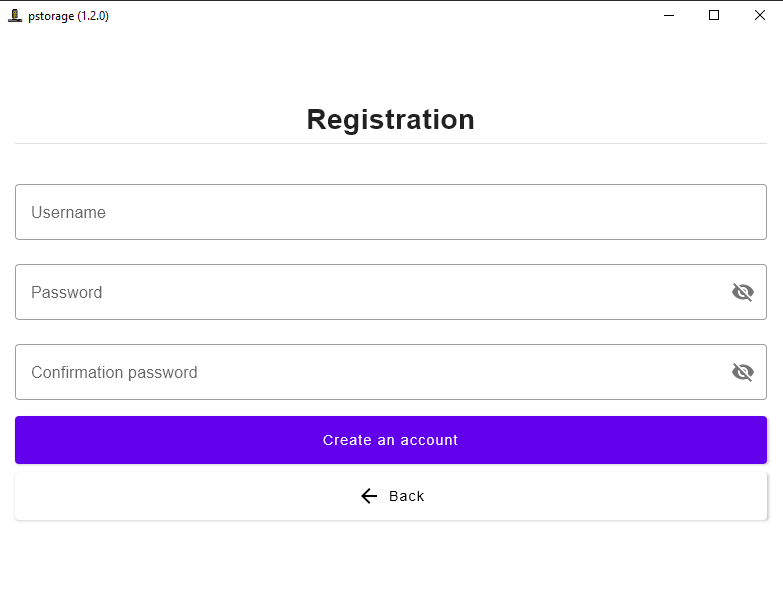
If you don't have an account you can follow "Create a new account" button. In case of wrong credentials you will see an error. Registration
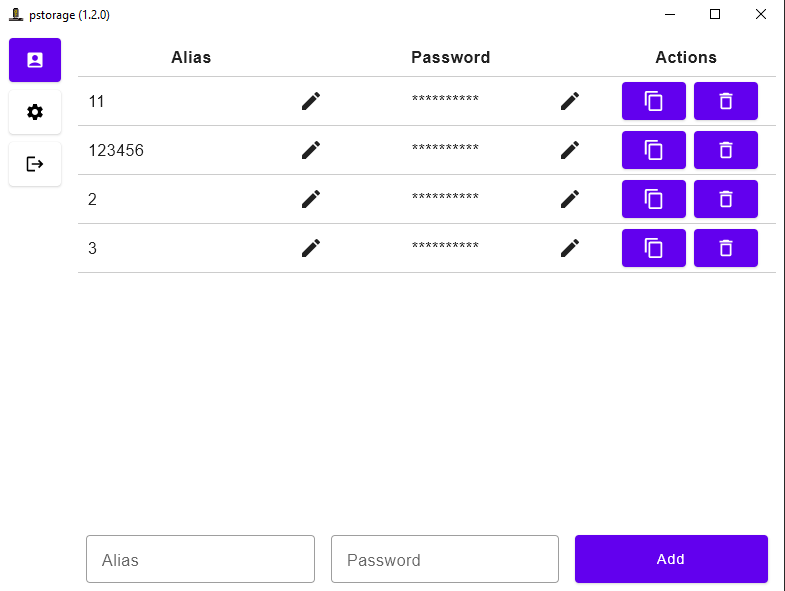
You can create any number of accounts with unique 'Username'. Be careful: you can't restore your password if you forget it. Be sure that you remember it or write down in safe place. Main viewAfter successful log in you will see main view. If it's your first log in - passwords table will be empty. Else you will see information about your passwords as on screenshot below.
On screenshot:
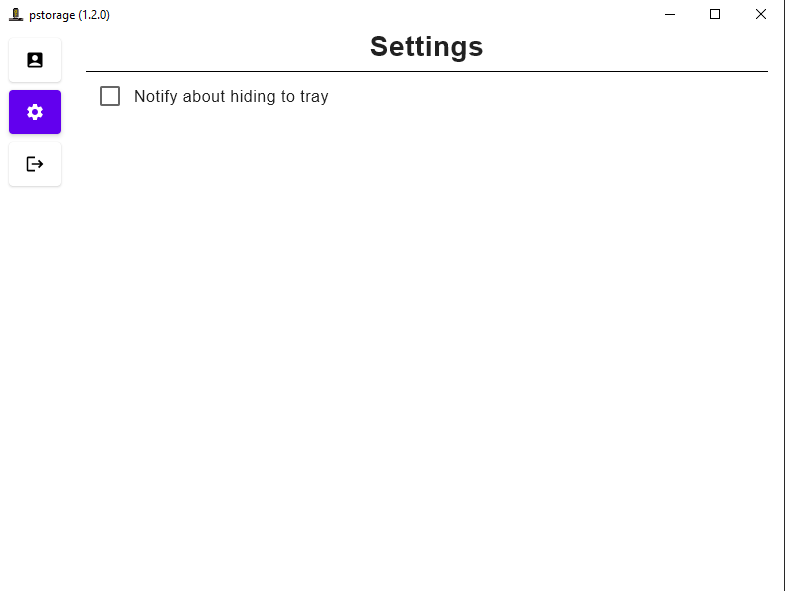
Settings
Here you can configure application.
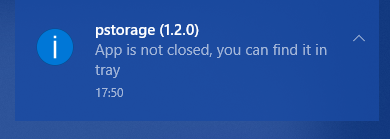
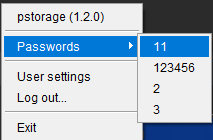
System trayOn launch application creates an icon in system tray. After successful log in you will see there your passwords' aliases.
On screenshot above:
More
How to install on Windows
How to install on MacOS
How to buildRequirements:
Steps
./gradlew packageReleaseDistributionForCurrentOS
How to run for local developmentIf you need full application version: ./gradlew runIf you need to preview specific View (
./gradlew -Dapp.preview=true runLicenseApache License 2.0 Expand
Additional Information
Related Applications
Recommended for You
Related Information
All
|