k8s for docker desktop
1.0.0

Chinese | English
illustrate:
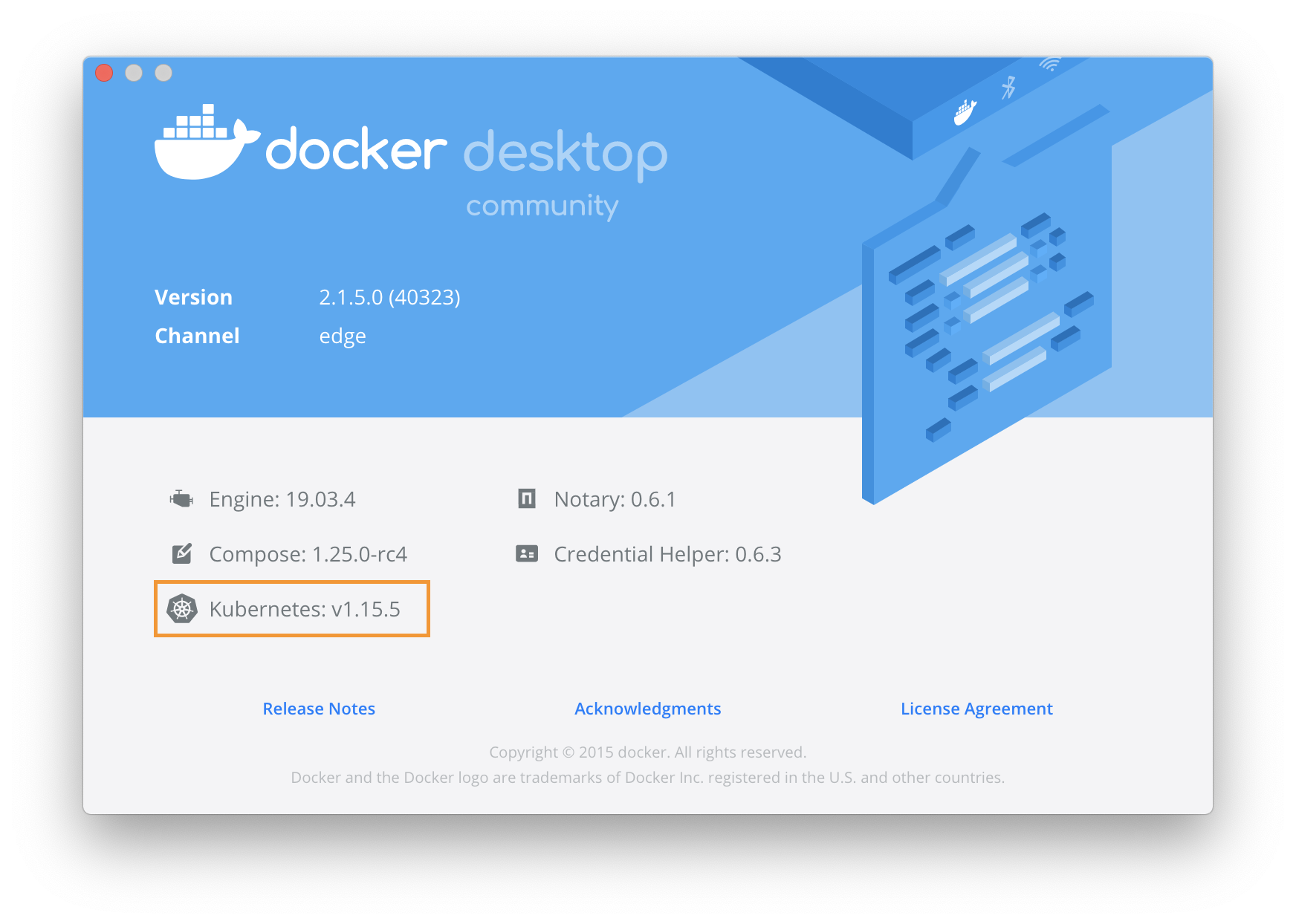
git checkout v1.30.2git checkout v1.29.2git checkout v1.29.1git checkout v1.28.2git checkout v1.27.2git checkout v1.25.9git checkout v1.25.4git checkout v1.25.2git checkout v1.25.0git checkout v1.24.2git checkout v1.24.0Note:
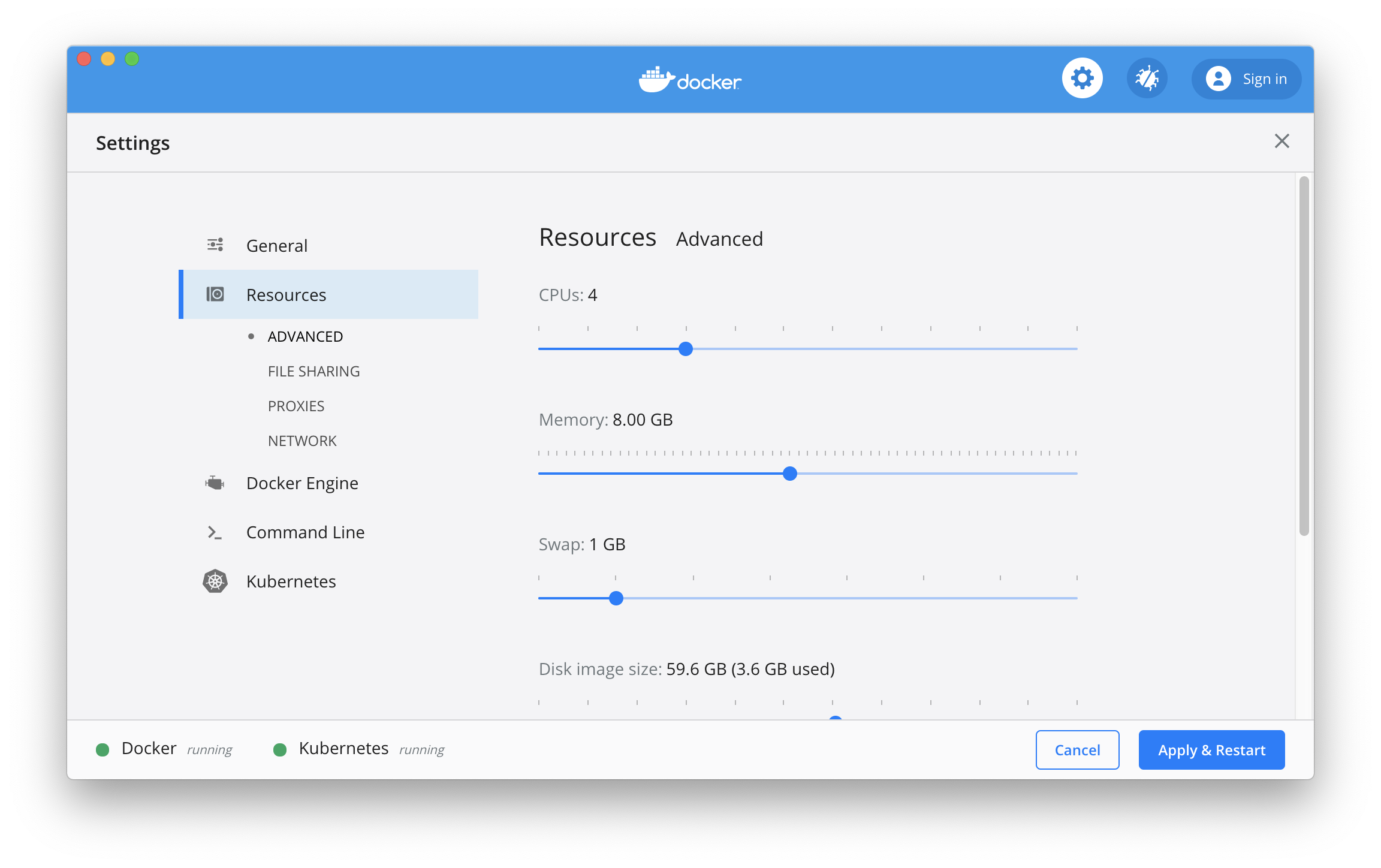
images.properties file to indicate the required mirror version, and you are welcome to submit the Pull Requestkubeadm config images list --kubernetes-version v1.30.2Configure CPU and memory resources for Kubernetes, and it is recommended to allocate 4GB or more memory.
Download the image required for Kubernetes from Alibaba Cloud Mirror Service
Execute the following script on your Mac
./load_images.shOn Windows, use PowerShell
.load_images.ps1illustrate:
Set-ExecutionPolicy RemoteSigned command in PowerShell "Run as Administrator".images.properties file Turn on Kubernetes and wait for Kubernetes to start running 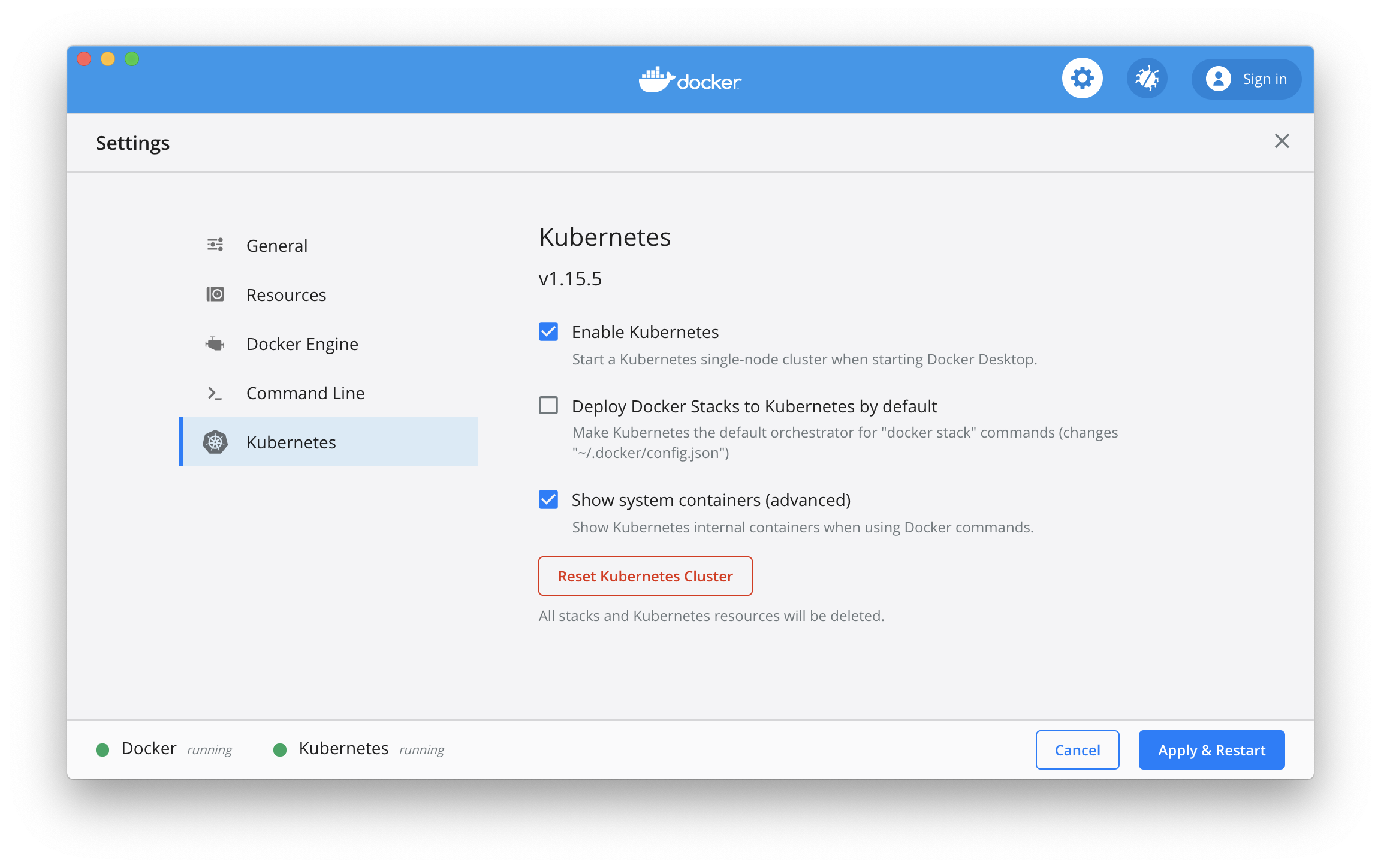
TIPS :
On Mac:
If there is a problem during Kubernetes deployment, you can obtain real-time log information through the docker desktop application log:
pred= ' process matches ".*(ocker|vpnkit).*"
  || (process in {"taskgated-helper", "launchservicesd", "kernel"} && eventMessage contains[c] "docker") '
/usr/bin/log stream --style syslog --level=debug --color=always --predicate " $pred "
On Windows:
If there is a problem during Kubernetes deployment, you can view the Docker log in service.txt under C:ProgramDataDockerDesktop, and log in log.txt under C:UsersyourUserNameAppDataLocalDocker
Problem diagnosis :
If you see that Kubernetes is always starting, please refer to
rm -fr '~/Library/Group Containers/group.com.docker/pki'K8S entry container method
How to enter K8s with multiple containers in a pod
kubectl --namespace=kube-system exec -it kube-dns-1336009800-15b1h --container nginx -- sh
or
kubectl --namespace=kube-system exec -it kube-dns-1336009800-15b1h -c nginx -- sh
Note: --namespace is the namespace kube-dns is the name of the pod, and -c or -container is the name of one of the containers in the pod
Optional operation: Switch the Kubernetes running context to docker-desktop (the previous version of the context was docker-for-desktop)
kubectl config use-context docker-desktopVerify Kubernetes cluster status
kubectl cluster-info
kubectl get nodeskubectl apply -f https://raw.githubusercontent.com/kubernetes/dashboard/v2.5.1/aio/deploy/recommended.yamlor
kubectl apply -f kubernetes-dashboard.yamlCheck the status of kubernetes-dashboard application
kubectl get pod -n kubernetes-dashboardEnable API Server Access Agent
kubectl proxyAccess Kubernetes dashboard via the following URL
http://localhost:8001/api/v1/namespaces/kubernetes-dashboard/services/https:kubernetes-dashboard:/proxy/
Authorize kube-system default service account
kubectl apply -f kube-system-default.yamlFor Mac environment
TOKEN= $( kubectl -n kube-system describe secret default | awk ' $1=="token:"{print $2} ' )
kubectl config set-credentials docker-desktop --token= " ${TOKEN} "
echo $TOKEN
For Windows environment
 $TOKEN = (( kubectl - n kube - system describe secret default | Select - String "token : ") - split " + ")[ 1 ]
kubectl config set-credentials docker-desktop --token=" ${TOKEN} "
echo $TOKEN 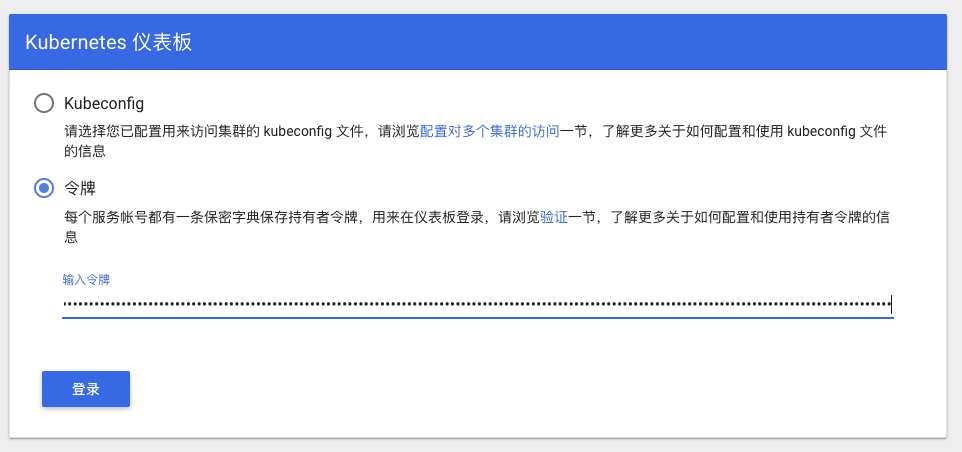
Select a token
Enter the content output from the console above
Or select the Kubeconfig file, the path is as follows:
 Mac: $HOME/.kube/config
Win: %UserProfile%.kubeconfig
Click to log in and enter Kubernetes Dashboard
Note: If you test Istio, you do not need to install Ingress
Source address installation instructions
verify
kubectl get pods --all-namespaces -l app.kubernetes.io/name=ingress-nginxDeploy the test application, please refer to the community article for details
kubectl create -f sample/apple.yaml
kubectl create -f sample/banana.yaml
kubectl create -f sample/ingress.yaml
Test sample application
$ curl -kL http://localhost/apple
apple
$ curl -kL http://localhost/banana
banana
Delete the sample app
kubectl delete -f sample/apple.yaml
kubectl delete -f sample/banana.yaml
kubectl delete -f sample/ingress.yamlkubectl delete -f https://raw.githubusercontent.com/kubernetes/ingress-nginx/controller-v1.2.0/deploy/static/provider/cloud/deploy.yamlor
kubectl delete -f ingress-nginx-controller.yamlYou can install helm v3 according to the document https://helm.sh/docs/intro/install/ In China, since the cdn node of helm uses Google Cloud, it may not be accessible. You can refer to the existing official issue: helm/helm#7028
 # Use homebrew on Mac
brew install helm

# Add helm repo
helm repo add stable http://mirror.azure.cn/kubernetes/charts/

# Update charts repo
helm repo update If there is a version compatibility problem during the subsequent installation of components using helm, you can refer通过二进制包安装idea to install the matching version
 # Use Chocolatey on Windows
# 注:安装的时候需要保证网络能够访问googleapis这个域名
choco install kubernetes-helm

# Change helm repo
helm repo add stable http://mirror.azure.cn/kubernetes/charts/

# Update charts repo
helm repo updateInstall Wordpress
helm install wordpress stable/wordpressCheck the wordpress publish status
helm status wordpressUninstall wordpress Publish
helm uninstall wordpressNote: The default port conflict between Istio Ingress Gateway and Ingress. Please remove Ingress and perform the following tests.
Istio can be installed according to the documentation https://istio.io/docs/setup/getting-started/
For example, download Istio version 1.22.1 (other newer versions can be replaced by themselves), and execute the following command:
curl -L https://istio.io/downloadIstio | ISTIO_VERSION=1.22.1 sh -
cd istio-1.22.1
export PATH= $PWD /bin: $PATH
Note: The Windows environment has not been rigorously tested.
On Windows, you can manually download the Istio installation package, or copy getLatestIstio.ps1 to the directory where you want to download Istio and execute - Note: Modified according to the installation script provided by the community
.getLatestIstio.ps1istioctl install --set profile=demo -ykubectl get pods -n istio-systemdefault namespace kubectl label namespace default istio-injection=enabled
kubectl get namespace -L istio-injectionPlease refer to https://istio.io/docs/examples/bookinfo/
kubectl apply -f samples/bookinfo/platform/kube/bookinfo.yamlView sample application resources
kubectl get svc,podConfirm that the sample application is running
kubectl exec -it $( kubectl get pod -l app=ratings -o jsonpath= ' {.items[0].metadata.name} ' ) -c ratings -- curl productpage:9080/productpage | grep -o " <title>.*</title> "Create an Ingress Gateway
kubectl apply -f samples/bookinfo/networking/bookinfo-gateway.yamlView Gateway Configuration
kubectl get gatewayConfirm that the sample application is accessible
 export GATEWAY_URL=localhost:80
curl -s http:// ${GATEWAY_URL} /productpage | grep -o " <title>.*</title> "
Can be accessed through the browser
http://localhost/productpage
samples/bookinfo/platform/kube/cleanup.shistioctl manifest generate --set profile=demo | kubectl delete -f -




