ldraw2houdini
Dragonfruit

Source individual parts or import entire models with one-button shelf tools!
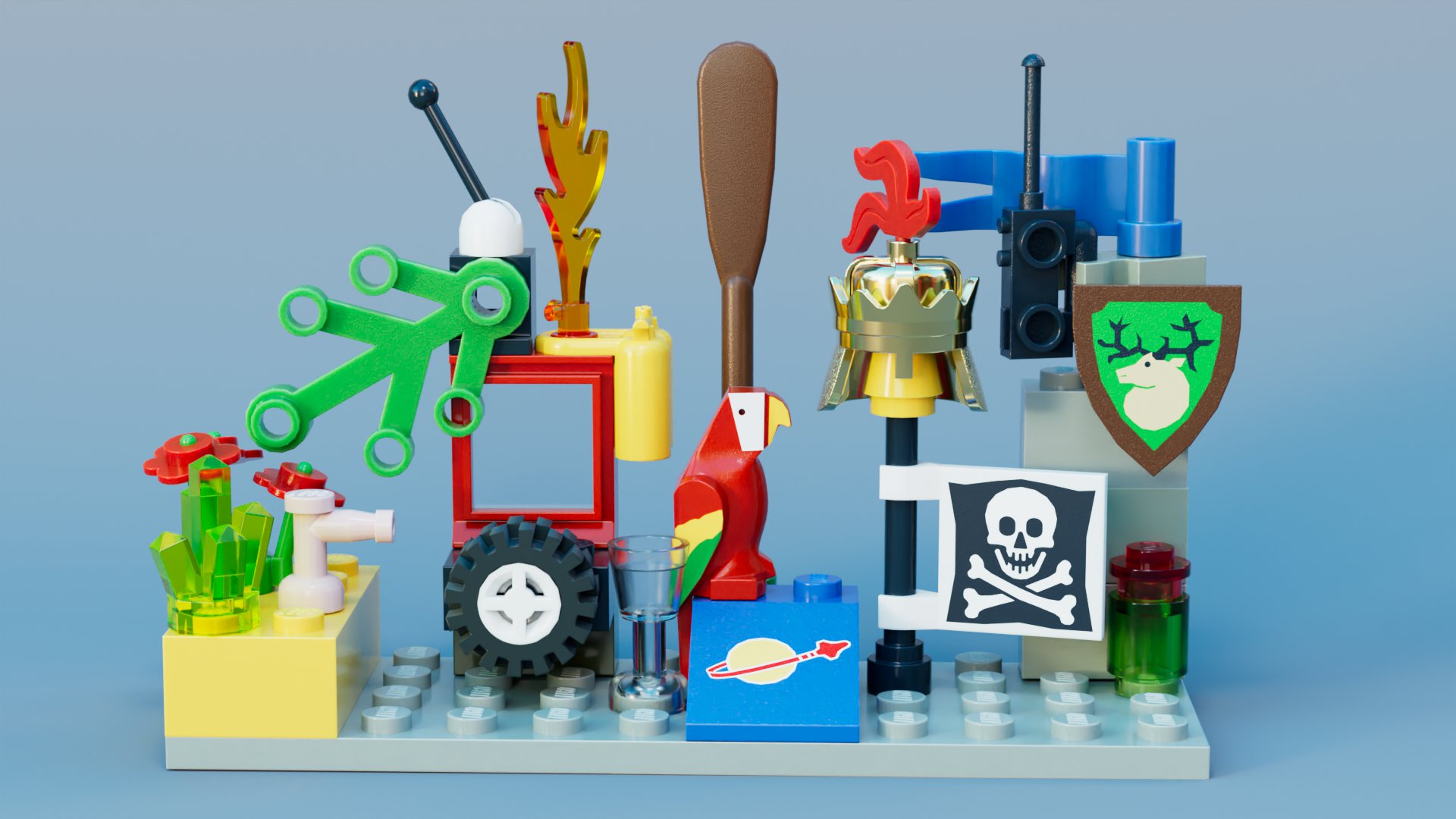
Watch YouTube Showcase Video
Download the latest release
Unpack to a directory called ldraw2houdini
 # Windows C:Users<username>Documentsgitldraw2houdini
 # Linux ~/git/ldraw2houdini
Download LDraw parts library - (complete.zip)
Unpack to a directory called ldraw
 # Windows C:Users<username>Documentsldraw
 # Linux ~/ldraw
Download ldraw2houdini.json from release page. Place it in the Houdini packages folder.
If packages folder doesn't exist create it yourself.
 # Windows C:Users<username>DocumentshoudiniXX.Xpackages
 # Linux ~/houdiniXX.X/packages
Launch Houdini - Happy ldrawing!
Make sure you have Houdini 20 with Python 3.10 installed. If you are running 3.9 you have to rename the python3.10libs folder to python3.9libs
If you placed anything in different paths, adjust ldraw2houdini.json accordingly.
LDRAW2HOUDINI needs to point to the path of this plugin
LDRAW_LIB needs to point to the LDraw library
Under Windows $HOME points to C:Users<username>Documents
Under Linux $HOME is ~/
      {
      "env": [
              { "LDRAW2HOUDINI": "$HOME/git/ldraw2houdini" },
              { "LDRAW_LIB": "$HOME/ldraw" },
              { "LDRAW_CACHE": 0 }
      ],
      "path": [
              "${LDRAW2HOUDINI}"
      ]
      }
Set LDRAW_CACHE to 0 or 1 to enable/disable caching. This will write bgeo files to $LDRAW_LIB/bgeo. Remember to delete this folder if you update your LDraw parts library.
If you install a new release and want to upgrade your hdas in an existing scene run the Upgrade Brickini HDAs Shelf Tool
See release notes for more details and explanations of specific features
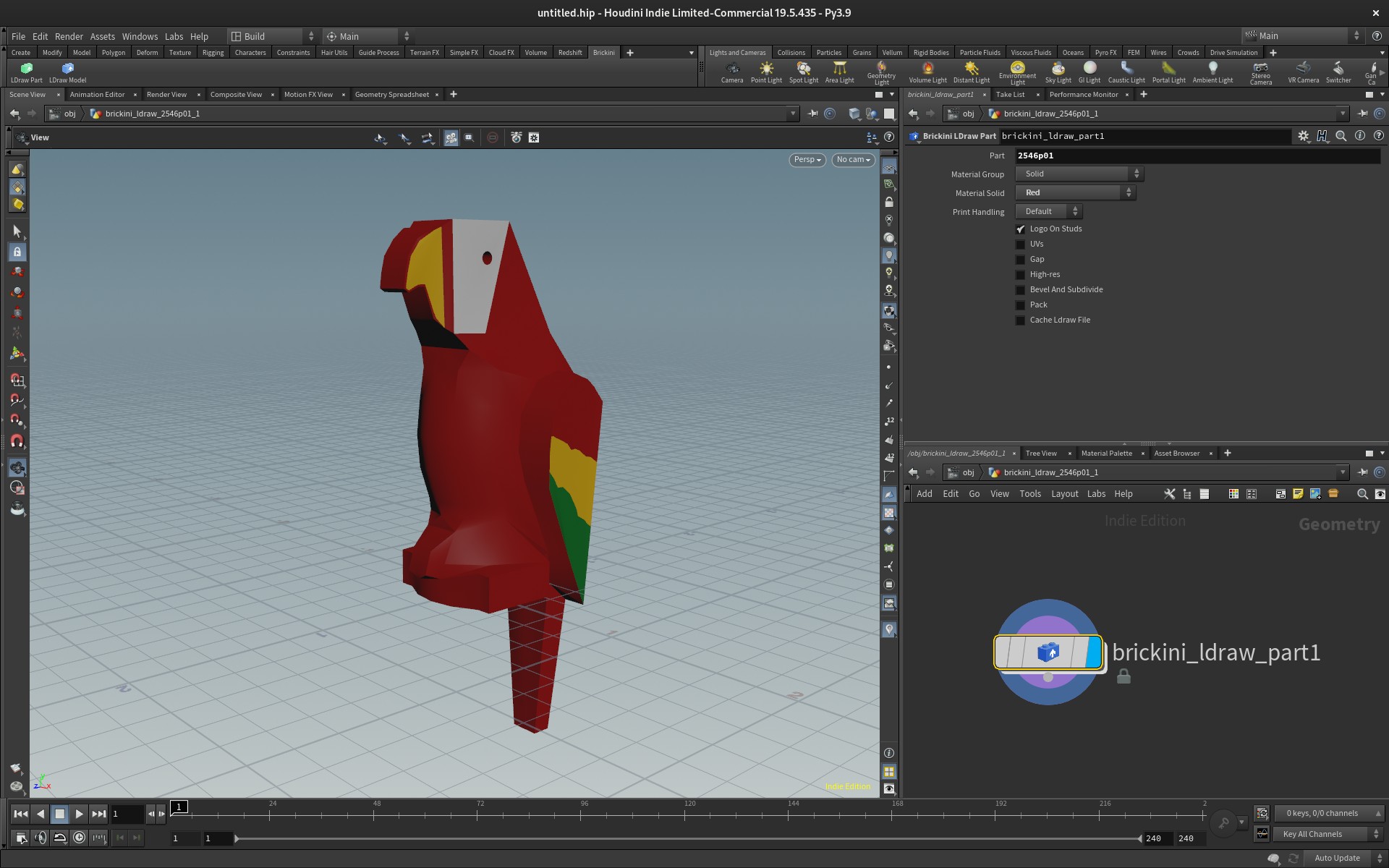
Add the Brickini Shelf to your toolbar
Click LDraw Model or LDraw Model Dynamic
Choose an LDraw model file
Prints won't show up in the viewport, if bricks are packed (default) but are supported when rendering with Karma/Solaris
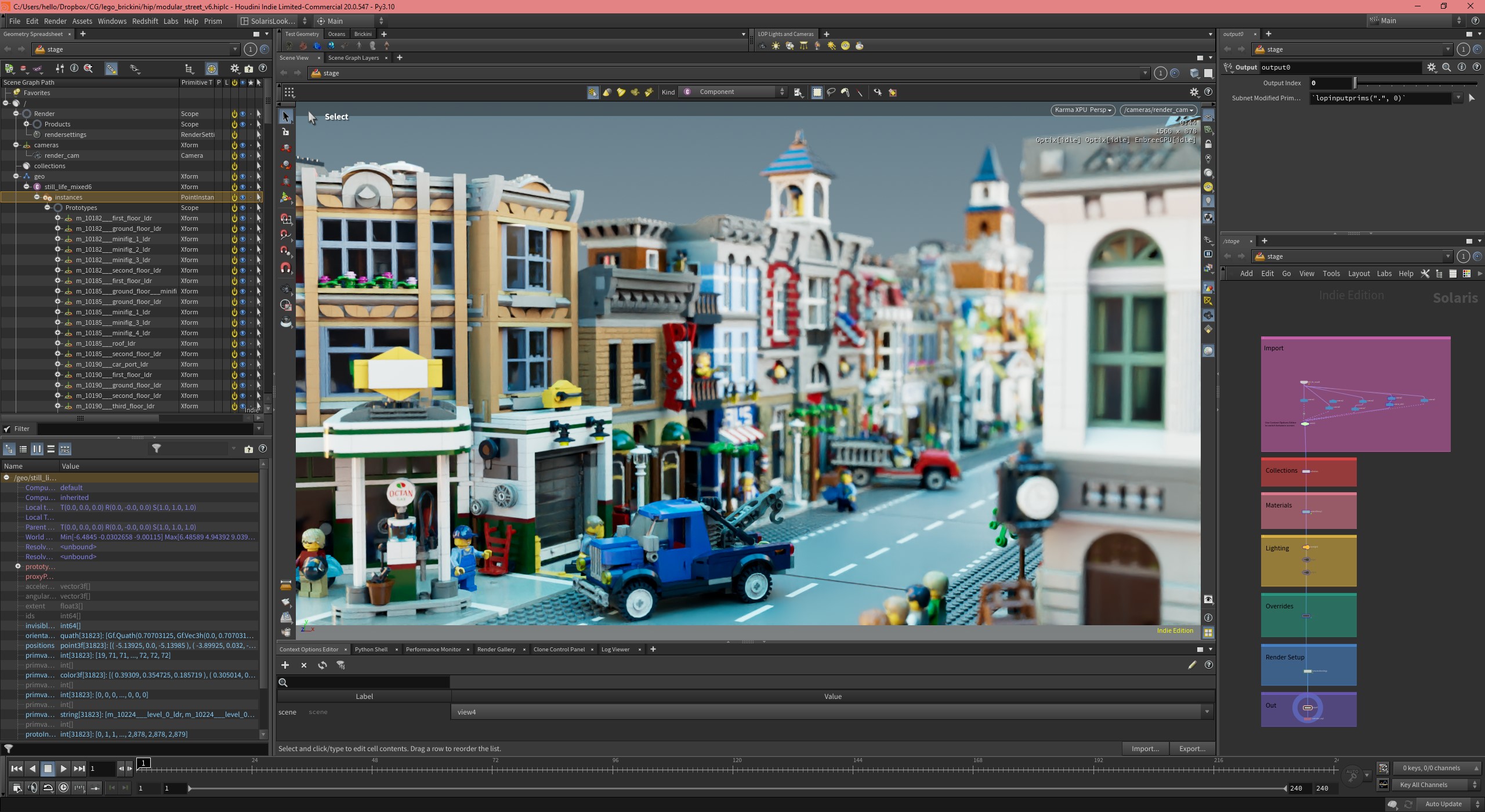
Example scene with Karma material can be found here:
ldraw2houdini/resources/example_files/example_scene.hiplc
You can buy me a coffee :) Buy Me a Coffee





