ALP
1.0.0

ALP is an open-source, knowledge-based conversational AI system, crafted to produce responses that are rooted in relevant information from external sources. ?
ALP allows you to build a large knowledge base that can be queried while interacting with a chatbot. Similarity based context constructions allows for better relevance of materials extracted from the database. The chatbot has unlimited conversational memory and the ability to export conversation and source embeddings to JSON format.
ALP maintains conversation history and embeddings in a local SQLite database ?️. As a result, document uploading and embedding processes are required only once, enabling users to resume conversations seamlessly.
ALP is intended to be run via localhost . All you need is Python and few commands to setup environment. Feel free to fork, explore the code, and adjust to your needs ?.
gpt-4o', gpt-4o-mini
gpt-4-1106-preview added as default generative model. User can change it in ./lib/params.py in PROD_MODEL. Collection creation page count bug fix.ALP enhances the accuracy of responses of GPT-based models relative to given PDF documents by using a retrieval augmentation method. This approach ensures that the most relevant context is always passed to the model. The intention behind ALP is to assist exploration of the overwhelming knowledge base of research papers, books and notes, making it easier to access and digest content.
Currently ALP utilizes following models:
multi-qa-MiniLM-L6-cos-v1
gpt-4o', gpt-4o-mini
To set up ALP on your local machine, follow these steps:
Make sure you have Python installed on your machine. I recommend Anaconda for an easy setup.
Important: ALP runs on Python 3.10
After forking the repo clone it in a command line:
git clone https://github.com/yourusername/alp.git
cd ALPFrom within the ALP/ local directory invoke following commands
For Linux users in Bash:
python3 -m venv venv
source venv/bin/activate
For Windows users in CMD:
python -m venv venv
venvScriptsactivate.bat
This should create ALP/venv/ directory and activate virtual environment. Naturally, you can use other programs to handle virtualenvs.
pip install -r requirements.txtBy default, ALP runs in localhost. It requires API key to connect with GPT model via Open AI API.
in the ALP/ directory create an api_key.txt and paste your API key there. Make sure api_key.txt is added to your .gitignore file so it doesnt leak to github. You can get your Open AI API key here https://platform.openai.com
python alp.pyThe app should open in your default web browser. If it doesn't, navigate to http://localhost:5000. First use involves creation of app.db file under ALP/static/data/dbs/. This is your SQLite database file that will hold conversation history and embeddings. Also, the script will download 'multi-qa-MiniLM-L6-cos-v1' (80 MB) to your PC from Hugging Face repositories. It will happen automatically on a first launch.
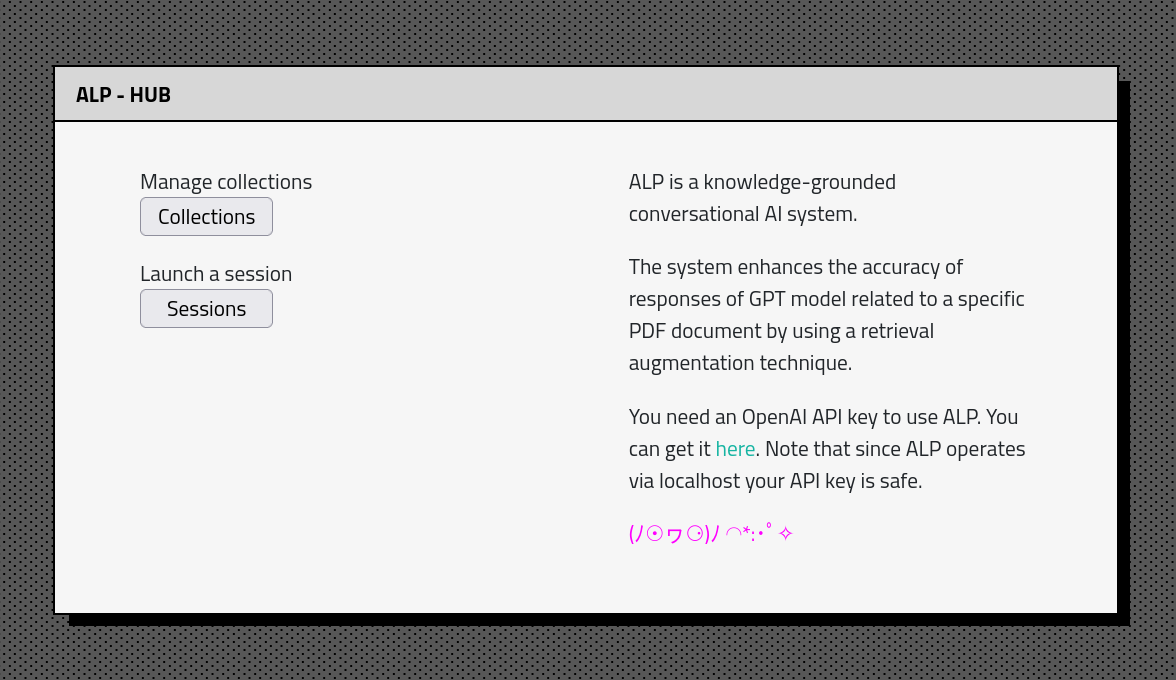
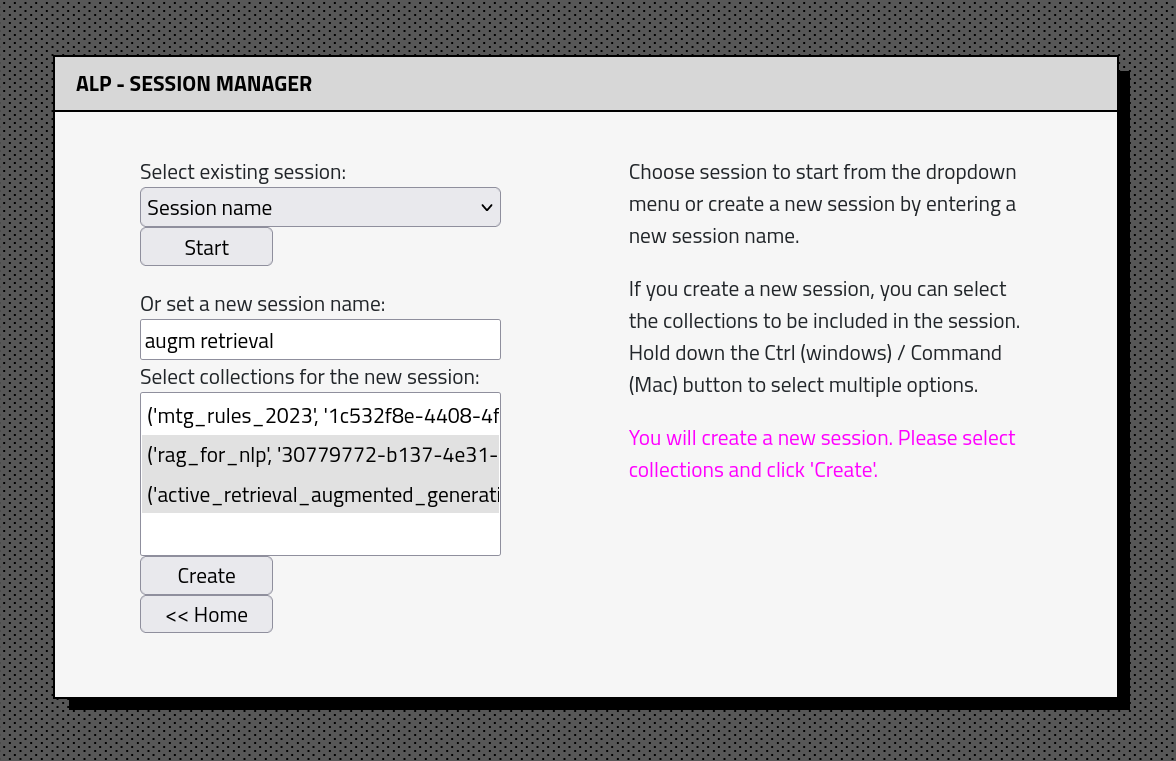
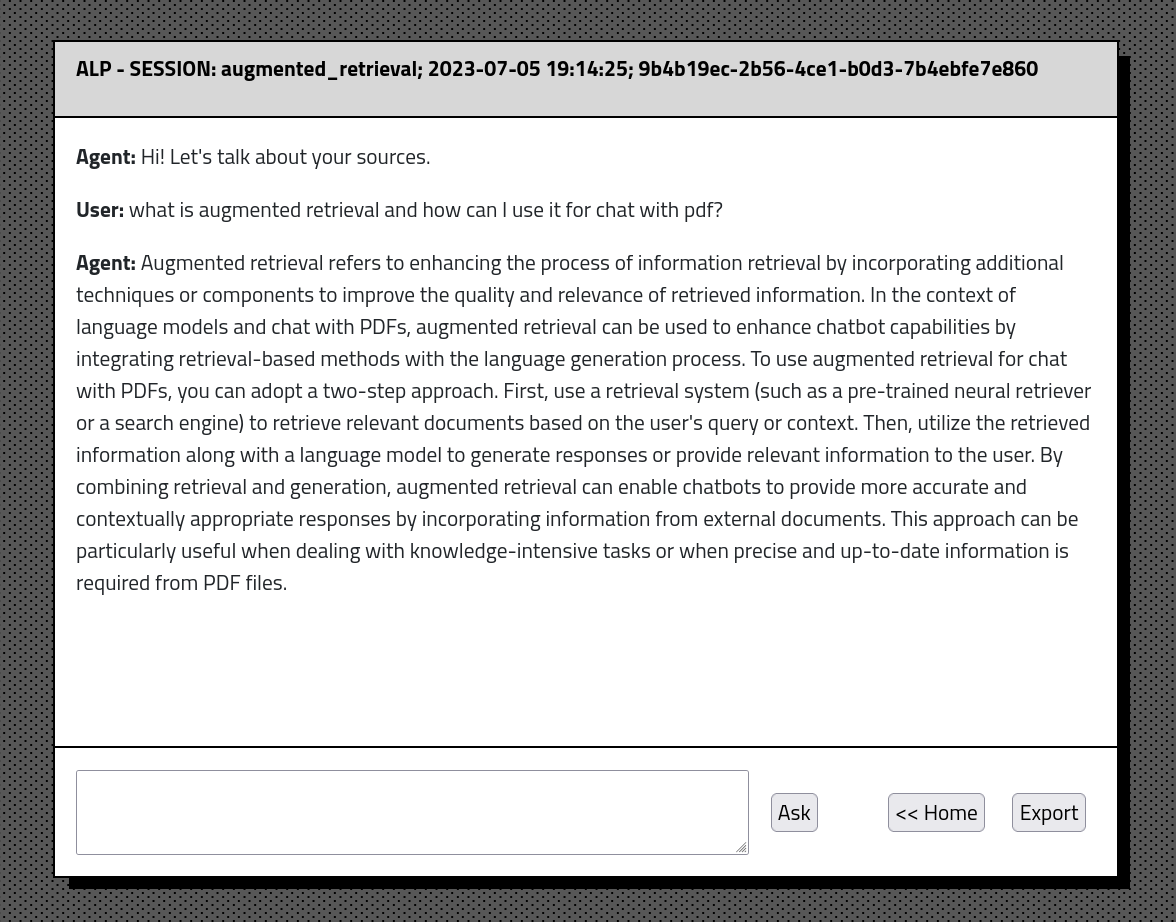
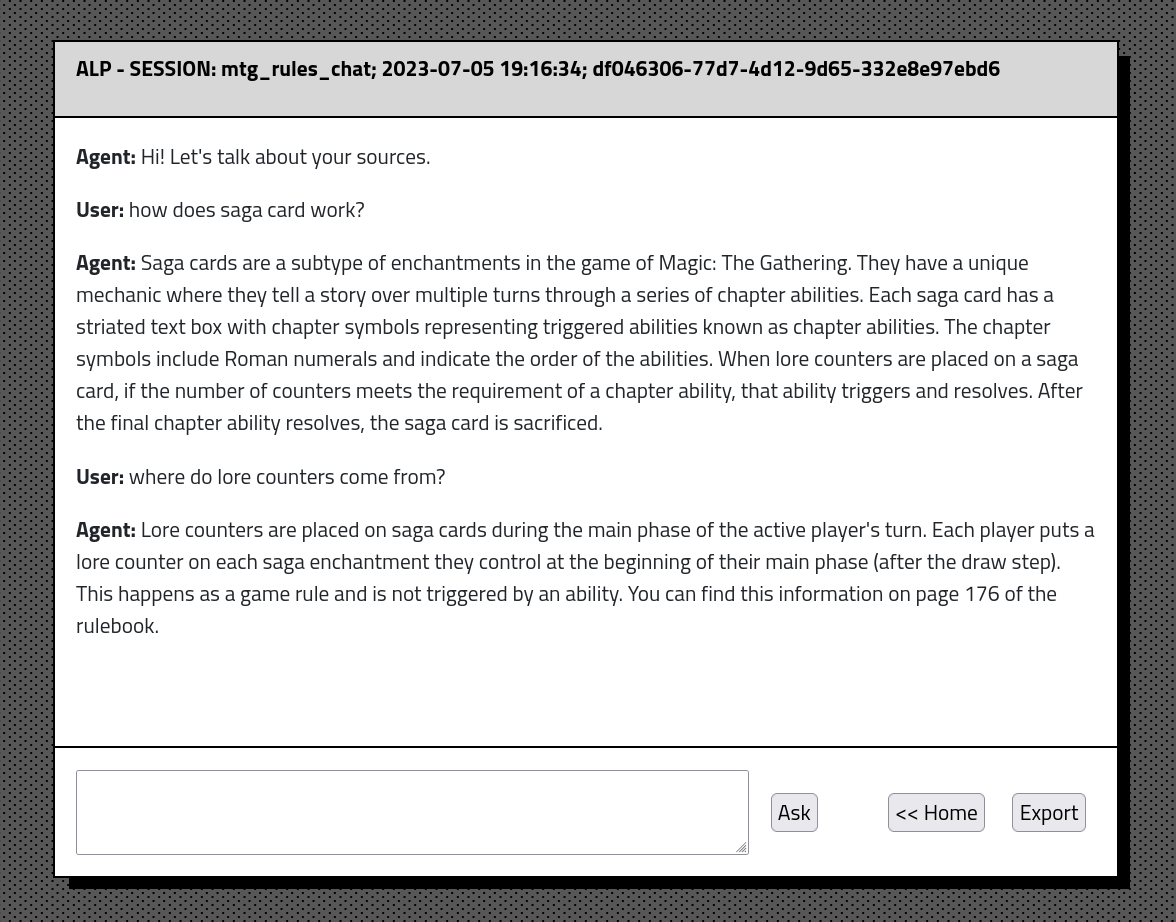
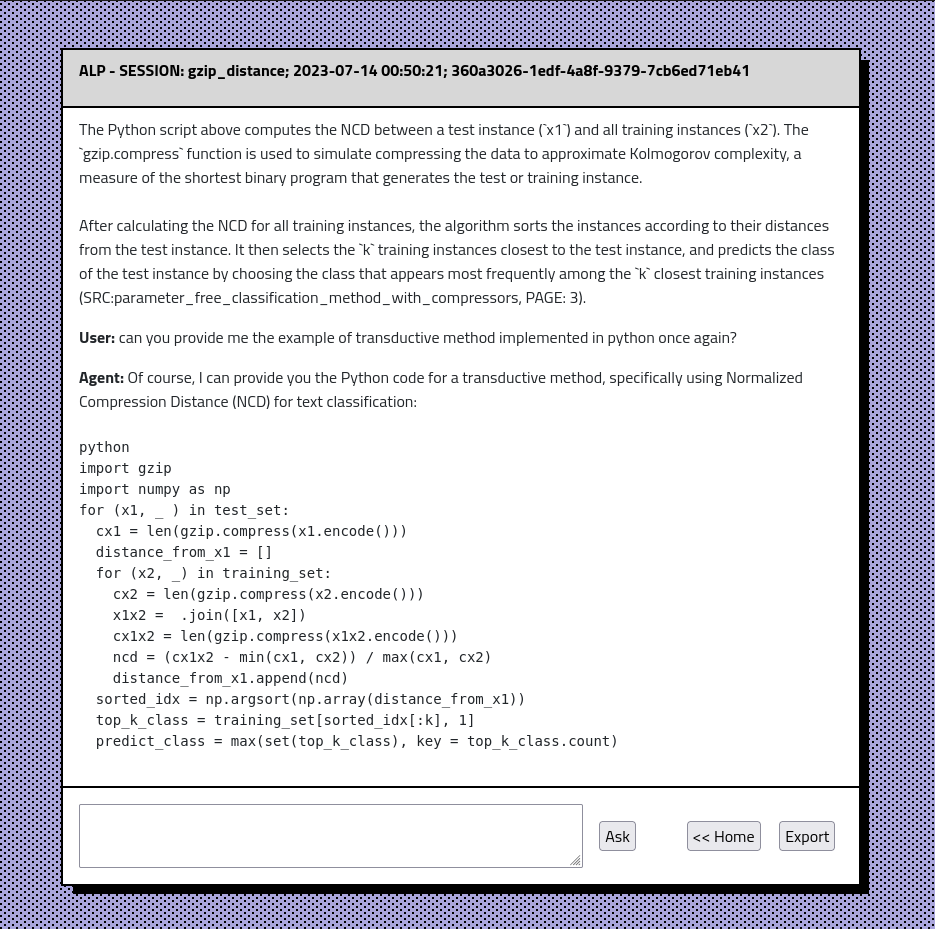
ALP app interface consists of couple of sections: