rvc tts webui
1.0.0

Dies ist ein Text-to-Speech-Gradio-Webui für RVC-Modelle unter Verwendung von Edge-TTs.
? Online -Demo
Dies kann auf CPU ohne GPU (aber langsam) ausgeführt werden.
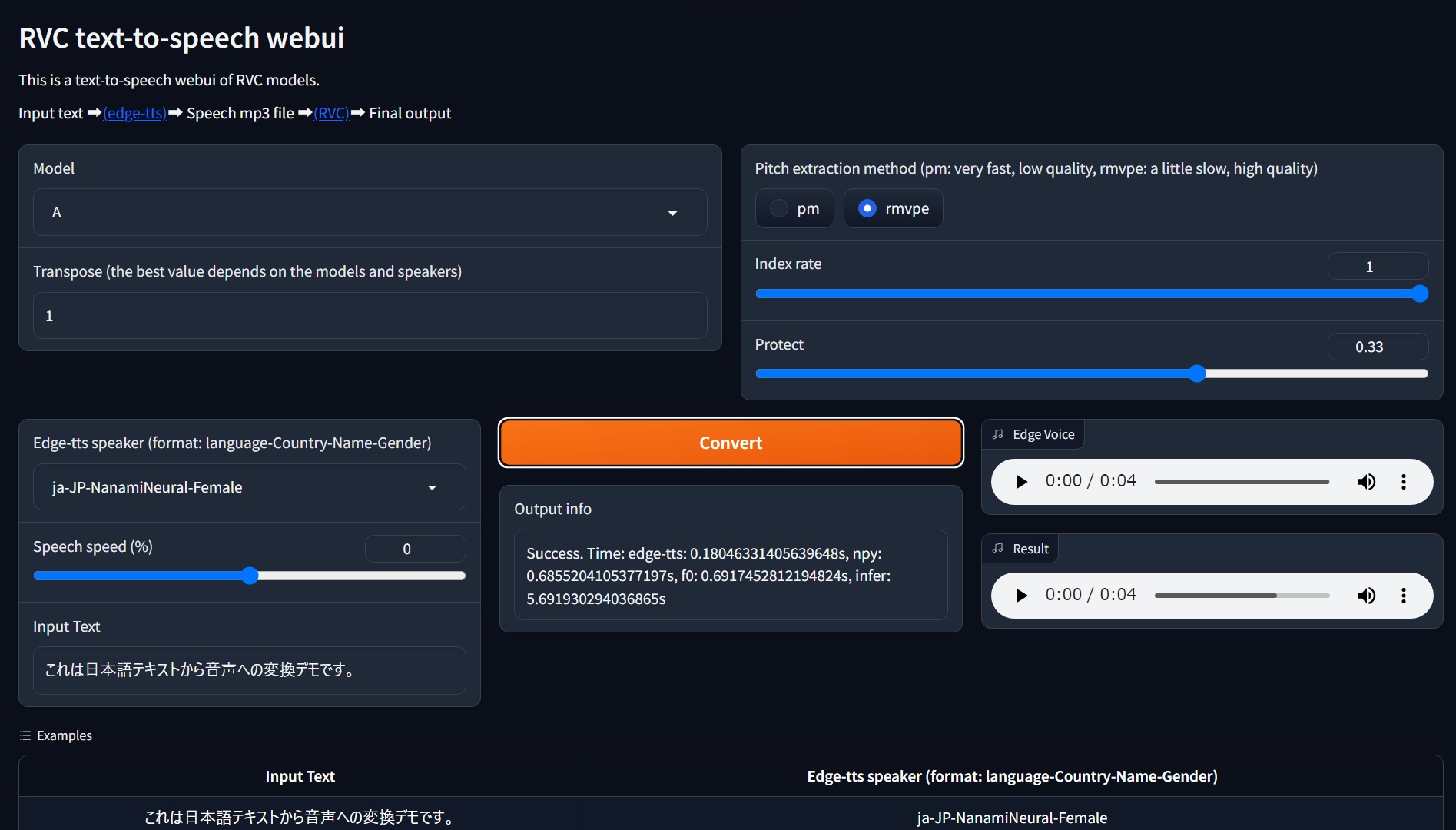
Anforderungen: getestet für Python 3.10 unter Windows 11. Python 3.11 wird wahrscheinlich nicht unterstützt. Verwenden Sie also bitte Python 3.10.
git clone https://github.com/litagin02/rvc-tts-webui.git
cd rvc-tts-webui

# Download models in root directory
curl -L -O https://huggingface.co/lj1995/VoiceConversionWebUI/resolve/main/hubert_base.pt
curl -L -O https://huggingface.co/lj1995/VoiceConversionWebUI/resolve/main/rmvpe.pt

# Make virtual environment
python -m venv venv
# Activate venv (for Windows)
venv S cripts a ctivate

# Install PyTorch manually if you want to use NVIDIA GPU (Windows)
# See https://pytorch.org/get-started/locally/ for more details
pip install torch torchvision torchaudio --index-url https://download.pytorch.org/whl/cu118

# Install requirements
pip install -r requirements.txt Platzieren Sie Ihre RVC -Modelle wie folgt in weights/ Verzeichnis:
weights
├── model1
│   ├── my_model1.pth
│   └── my_index_file_for_model1.index
└── model2
    ├── my_model2.pth
    └── my_index_file_for_model2.index
...
Jedes Modellverzeichnis sollte genau eine .pth -Datei und höchstens eine .index -Datei enthalten. Verzeichnisnamen werden als Modellnamen verwendet.
Es scheint, dass Nicht-ASCII-Zeichen in Pfadnamen FAISS-Fehler (wie weights/モデル1/index.index ) gaben. Bitte vermeiden Sie sie.
 # Activate venv (for Windows)
venv S cripts a ctivate

python app.pygit pull
venv S cripts a ctivate
pip install -r requirements.txt --upgrade error: Microsoft Visual C++ 14.0 or greater is required. Get it with "Microsoft C++ Build Tools": https://visualstudio.microsoft.com/visual-cpp-build-tools/
[end of output]
note: This error originates from a subprocess, and is likely not a problem with pip.
ERROR: Failed building wheel for fairseq
Failed to build fairseq
ERROR: Could not build wheels for fairseq, which is required to install pyproject.toml-based projects
Vielleicht benötigt Fairseq Microsoft C ++ Build -Tools. Laden Sie das Installationsprogramm herunter und installieren Sie es.







