rvc tts webui
1.0.0

นี่คือ text-to-speech gradio webui สำหรับรุ่น RVC โดยใช้ Edge-TTS
- การสาธิตออนไลน์
สิ่งนี้สามารถทำงานบน CPU โดยไม่มี GPU (แต่ช้า)
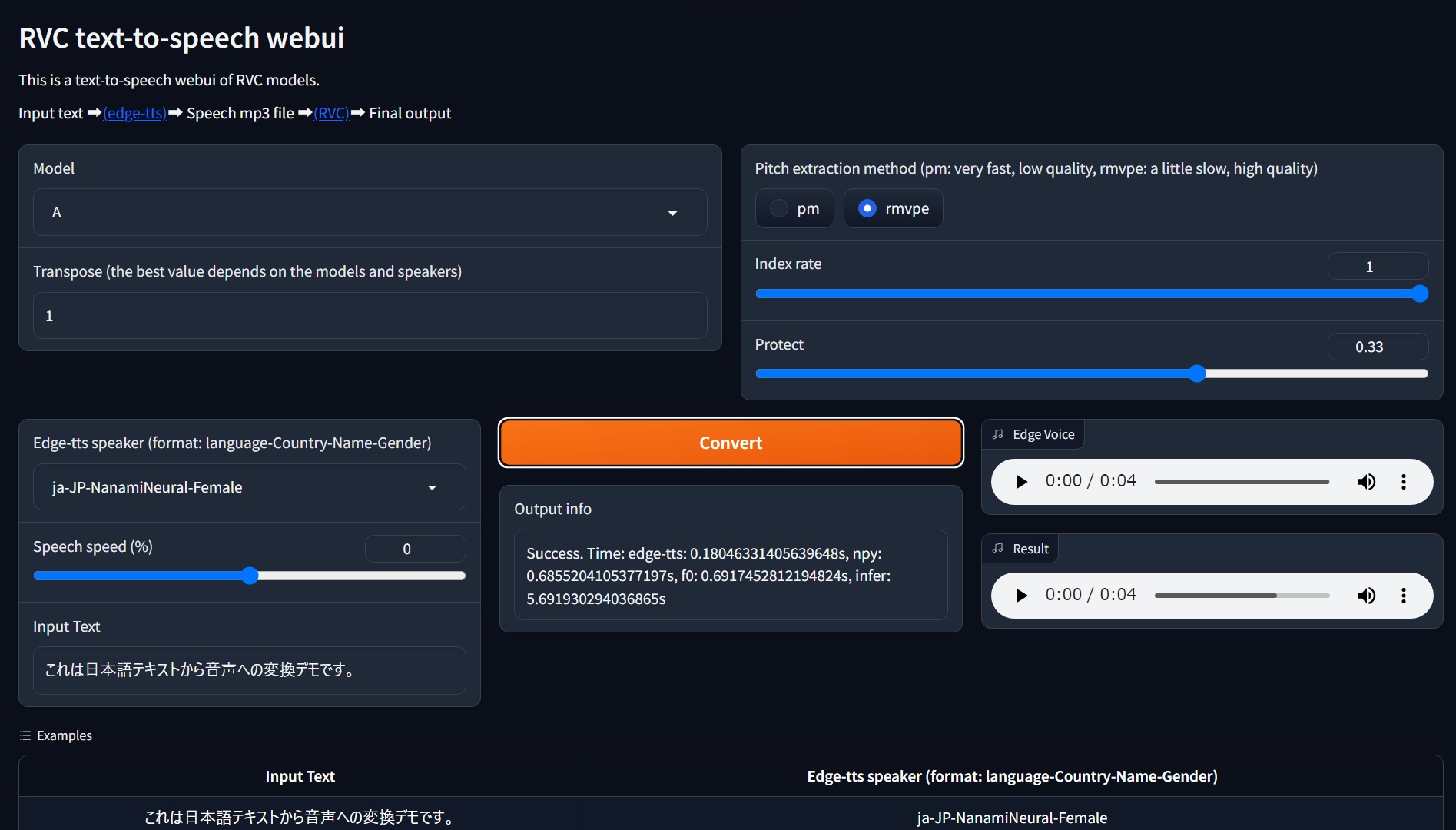
ข้อกำหนด: ทดสอบ Python 3.10 บน Windows 11. Python 3.11 อาจไม่รองรับดังนั้นโปรดใช้ Python 3.10
git clone https://github.com/litagin02/rvc-tts-webui.git
cd rvc-tts-webui

# Download models in root directory
curl -L -O https://huggingface.co/lj1995/VoiceConversionWebUI/resolve/main/hubert_base.pt
curl -L -O https://huggingface.co/lj1995/VoiceConversionWebUI/resolve/main/rmvpe.pt

# Make virtual environment
python -m venv venv
# Activate venv (for Windows)
venv S cripts a ctivate

# Install PyTorch manually if you want to use NVIDIA GPU (Windows)
# See https://pytorch.org/get-started/locally/ for more details
pip install torch torchvision torchaudio --index-url https://download.pytorch.org/whl/cu118

# Install requirements
pip install -r requirements.txt วางโมเดล RVC ของคุณใน weights/ ไดเรกทอรีดังนี้:
weights
├── model1
│   ├── my_model1.pth
│   └── my_index_file_for_model1.index
└── model2
    ├── my_model2.pth
    └── my_index_file_for_model2.index
...
ไดเรกทอรีโมเดลแต่ละตัวควรมีไฟล์ .pth หนึ่งไฟล์และไฟล์ .index มากที่สุดหนึ่งไฟล์ ชื่อไดเรกทอรีถูกใช้เป็นชื่อรุ่น
ดูเหมือนว่าอักขระที่ไม่ใช่ ASCII ในชื่อเส้นทางให้ข้อผิดพลาด FAISS (เช่น weights/モデル1/index.index ) ดังนั้นโปรดหลีกเลี่ยงพวกเขา
 # Activate venv (for Windows)
venv S cripts a ctivate

python app.pygit pull
venv S cripts a ctivate
pip install -r requirements.txt --upgrade error: Microsoft Visual C++ 14.0 or greater is required. Get it with "Microsoft C++ Build Tools": https://visualstudio.microsoft.com/visual-cpp-build-tools/
[end of output]
note: This error originates from a subprocess, and is likely not a problem with pip.
ERROR: Failed building wheel for fairseq
Failed to build fairseq
ERROR: Could not build wheels for fairseq, which is required to install pyproject.toml-based projects
บางที Fairseq ต้องการเครื่องมือสร้าง Microsoft C ++ ดาวน์โหลดตัวติดตั้งและติดตั้ง







