rvc tts webui
1.0.0

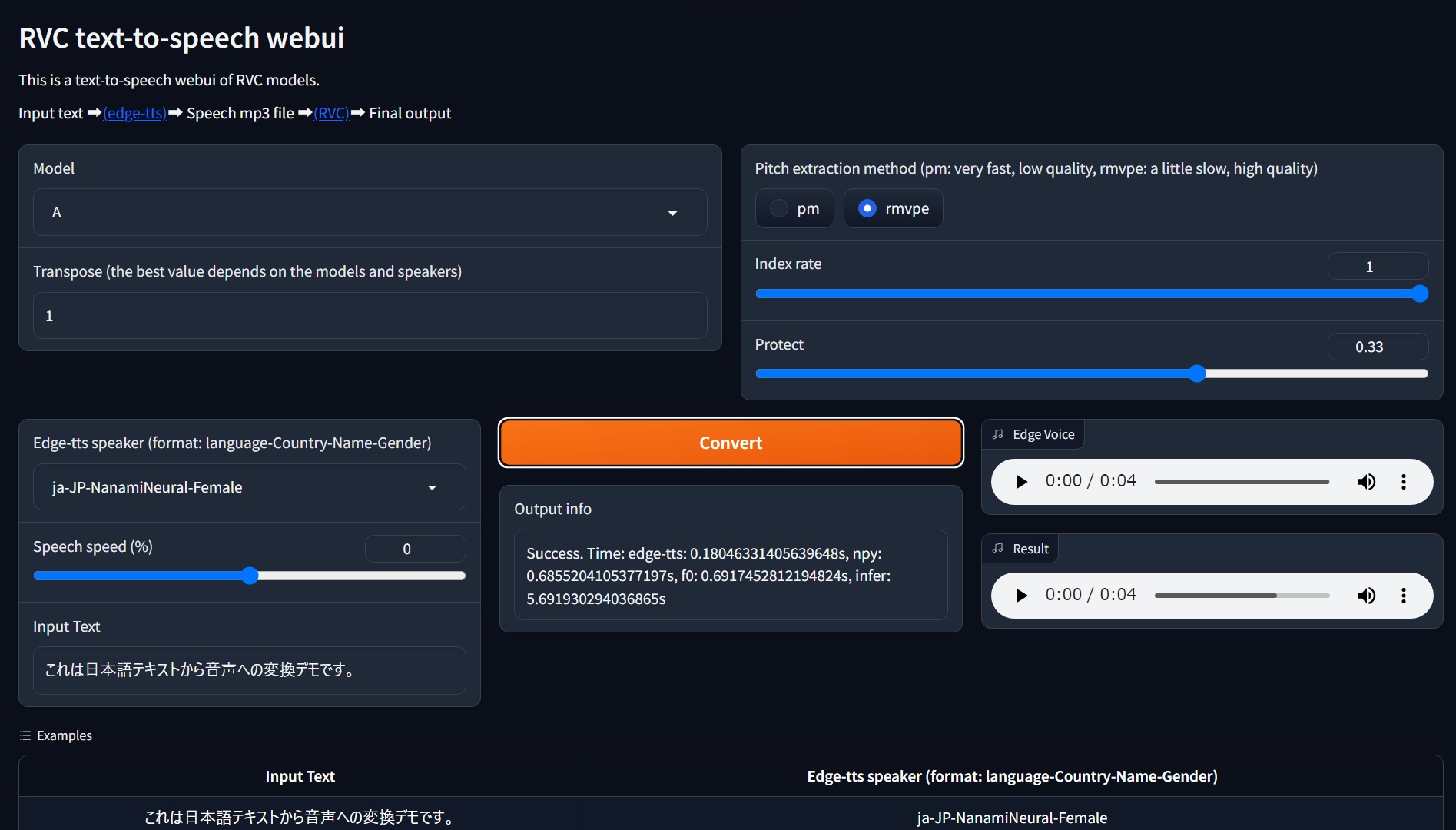
Edge-TTS를 사용하는 RVC 모델을위한 텍스트 음성 검사 Gradio Webui입니다.
? 온라인 데모
이것은 GPU없이 CPU에서 실행될 수 있습니다 (그러나 느리게).
요구 사항 : Wind
git clone https://github.com/litagin02/rvc-tts-webui.git
cd rvc-tts-webui

# Download models in root directory
curl -L -O https://huggingface.co/lj1995/VoiceConversionWebUI/resolve/main/hubert_base.pt
curl -L -O https://huggingface.co/lj1995/VoiceConversionWebUI/resolve/main/rmvpe.pt

# Make virtual environment
python -m venv venv
# Activate venv (for Windows)
venv S cripts a ctivate

# Install PyTorch manually if you want to use NVIDIA GPU (Windows)
# See https://pytorch.org/get-started/locally/ for more details
pip install torch torchvision torchaudio --index-url https://download.pytorch.org/whl/cu118

# Install requirements
pip install -r requirements.txt
RVC 모델을 다음과 같이 weights/ 디렉토리에 배치하십시오.
weights
├── model1
│   ├── my_model1.pth
│   └── my_index_file_for_model1.index
└── model2
    ├── my_model2.pth
    └── my_index_file_for_model2.index
...
각 모델 디렉토리에는 정확히 하나의 .pth 파일과 최대 하나의 .index 파일이 포함되어야합니다. 디렉토리 이름은 모델 이름으로 사용됩니다.
경로 이름의 비 ASCII 문자는 FAISS 오류 ( weights/モデル1/index.index 와 같은)를 제공하는 것으로 보이므로 피하십시오.
 # Activate venv (for Windows)
venv S cripts a ctivate

python app.pygit pull
venv S cripts a ctivate
pip install -r requirements.txt --upgrade error: Microsoft Visual C++ 14.0 or greater is required. Get it with "Microsoft C++ Build Tools": https://visualstudio.microsoft.com/visual-cpp-build-tools/
[end of output]
note: This error originates from a subprocess, and is likely not a problem with pip.
ERROR: Failed building wheel for fairseq
Failed to build fairseq
ERROR: Could not build wheels for fairseq, which is required to install pyproject.toml-based projects
FairSeQ에는 Microsoft C ++ 빌드 도구가 필요할 수 있습니다. 설치자를 다운로드하여 설치하십시오.







