Civitai2notion
1.0.0

同步您的civitai lora,檢查點和嵌入式書籤和概念,然後自動下載它們
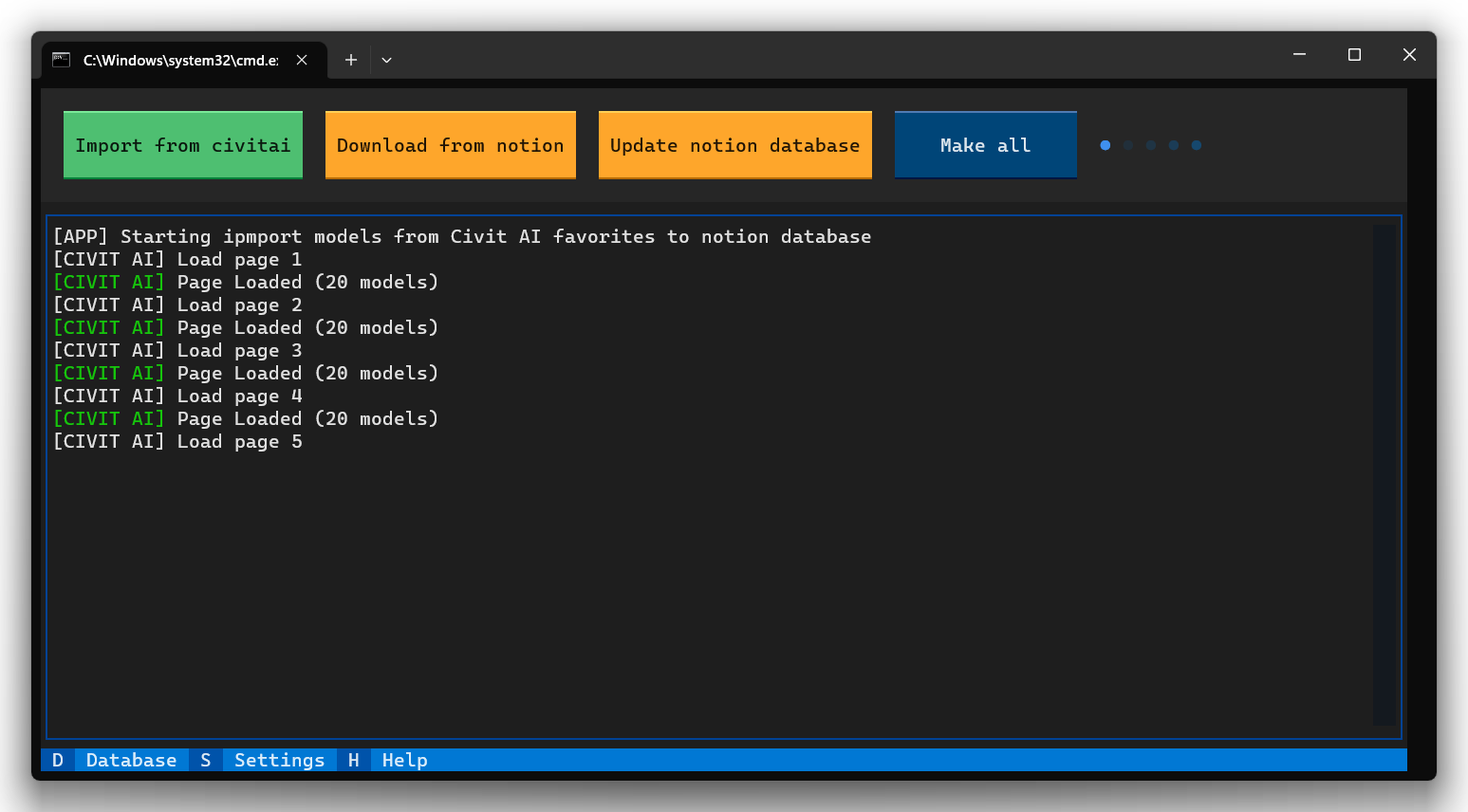
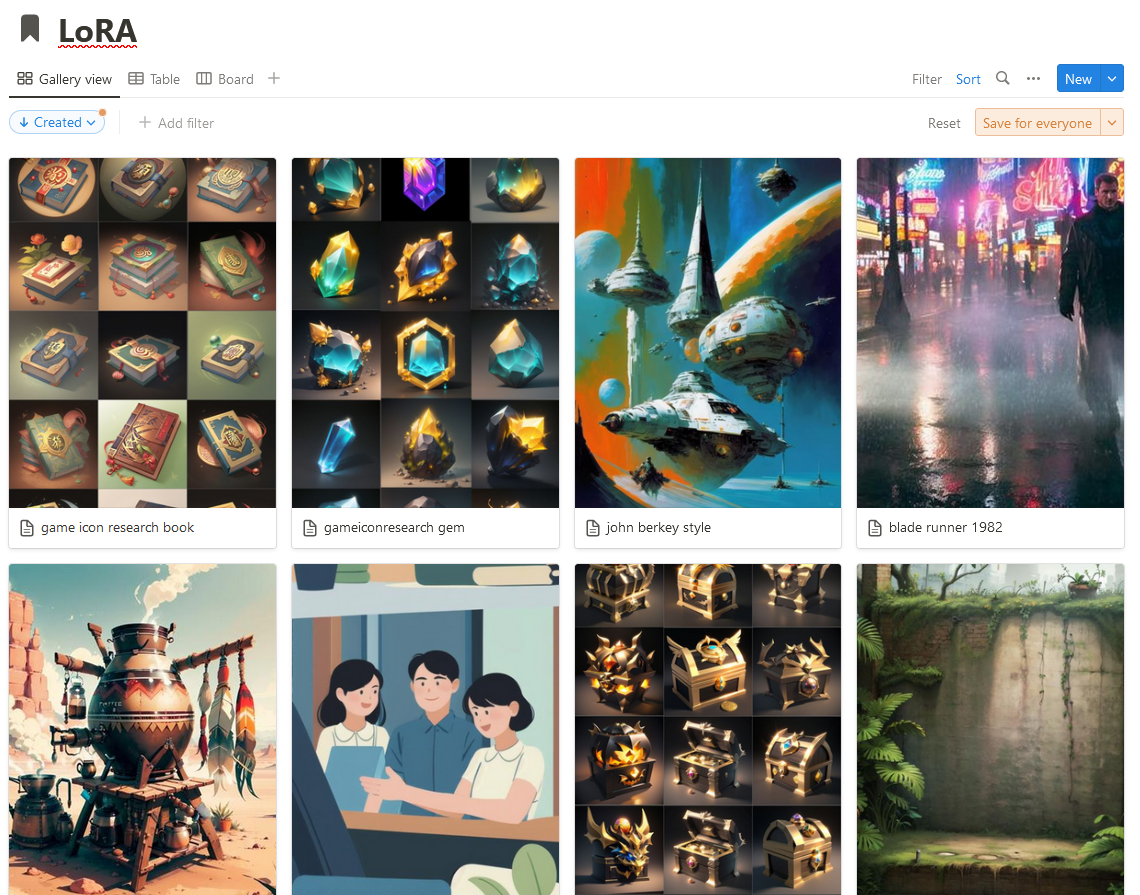
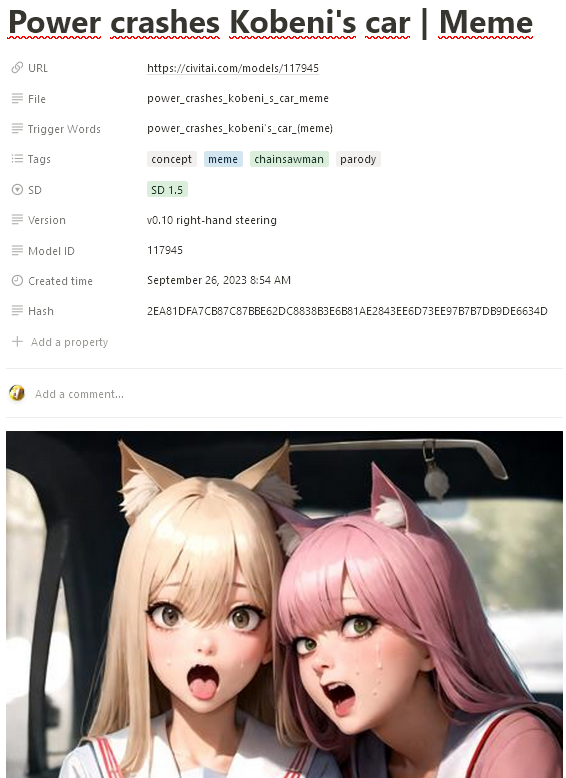
您需要Python 3版本
只需運行start.bat如果您使用Windows或start.sh for Linux,則第一個安裝可能需要一些時間
可用的公用事業:
Import from civitai - Import from civitai - 將所有書籤從civitai添加到概念,只有這些模型(lora,檢查點或嵌入)您指定的設置中的數據庫ID將被添加
在此階段,您的模型尚未下載,請轉到您的數據庫並根據需要編輯您的條目,例如,有時您可以添加另一個名稱/標題或更改圖像以及刪除重複項(請參閱第2點)
Download from notion - Checks the notion database for duplicates, the check takes place by the File property, since it will then be used for the names of the files that you download, if duplicates were found, then edit the entries in your notion database, for this you can use the built-in notion search bar to quickly find duplicates by name
您可以選擇使用自動重複的衝突分辨率設置,在這種情況下,應用程序只需添加帶有數字的後綴,直到文件名變為唯一
請注意,此實用程序還可以使用已加載的模型檢查數據庫中的哈希,這是修復失敗下載以及更新模型所必需的(請參閱第3點)
由於文件的計算,如果硬盤驅動器緩慢,可能需要時間
Update notion database - 檢查Civitai中的所有新版本(如果找到新版本的模型),該應用程序將更新概念數據庫中的條目
操作更新字段Trigger Words , Hash和Version ,但不下載文件
要更新文件,您需要Download from notion ,然後選擇Download with hash check
此操作將開始檢查哈希和加載模型,而過時的模型將由於哈希不匹配而更新
Import from civitai > Update notion database Download from notion Make all運行轉到集成並創建新的集成
在“ Capabilities菜單”中設置所有權限
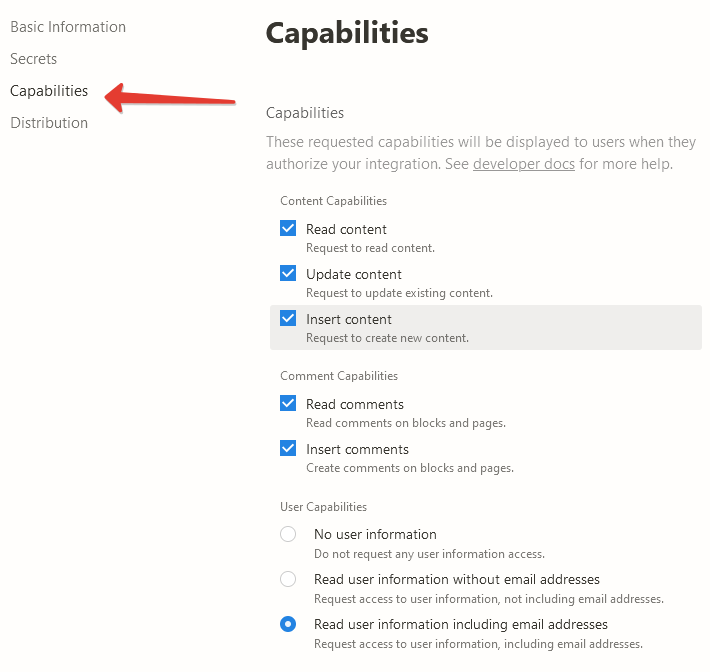
複製API鍵並將其寫入Settings - Tokens - Notion token
創建一個新的概念數據庫,並隨心所欲地命名。使用以下屬性:
Name - Type : Text
URL Type : URL
File - Type : Text
Trigger Words - Type : Text
Tags - Type : Multi-select
SD Type : Select
Version - Type : Text
Model ID Type : Text
Hash - Type : Text

在概念中創建一個新數據庫
為您的數據庫創建一個連接Add connections以便腳本可以創建記錄,做到這一點,從右上角選擇...
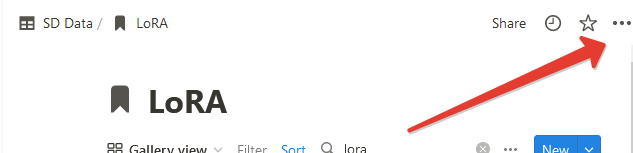
Database ID並將其寫入Settings LoRA settings - Notion database id Database ID可以在瀏覽器行中找到 https://www.notion.so/myworkspace/a8aec43384f447ed84390e8e42c2e089?v=...
|--------- Database ID --------|
將至少一條路徑添加到文件夾中,以保存在Settings中 - LoRA settings - 為1.x版本或Settings Path to save for 1.x versions LoRA settings - Path to save for SDXL versions 。您不必這樣做,然後該應用程序只能導入您的書籤,而不能下載它們
重複步驟2-5,以創建一個用於嵌入的數據庫( Settings - Notion - Notion database id for embeddings )和檢查點( Settings - Notion Notion database id checkpoints )。您可以跳過此步驟,然後該程序只需跳過處理這些類別
轉到帳戶設置並創建一個新的API Key 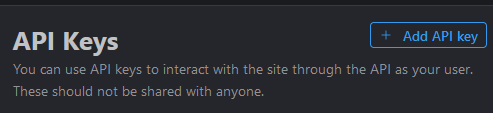
複製API鍵並將其寫入Settings - Tokens - Civit AI token
您還可以在概念中使用洛拉卡的大圖像預覽,為此,您可以為瀏覽器使用stylish擴展名,為notion.so添加以下樣式。
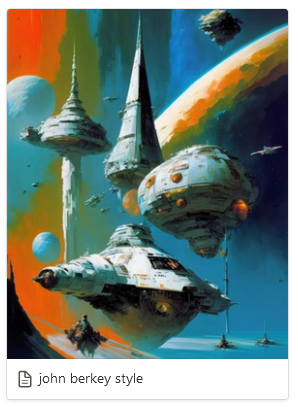
. notion-selectable . notion-page-block . notion-collection-item a > div : first-child > div : first-child > div : first-child {
  height : 350 px !important ;
}

. notion-selectable . notion-page-block . notion-collection-item a > div : first-child > div : first-child > div : first-child img {
  height : 350 px !important ;
}






