Civitai2notion
1.0.0

同步您的civitai lora,检查点和嵌入式书签和概念,然后自动下载它们
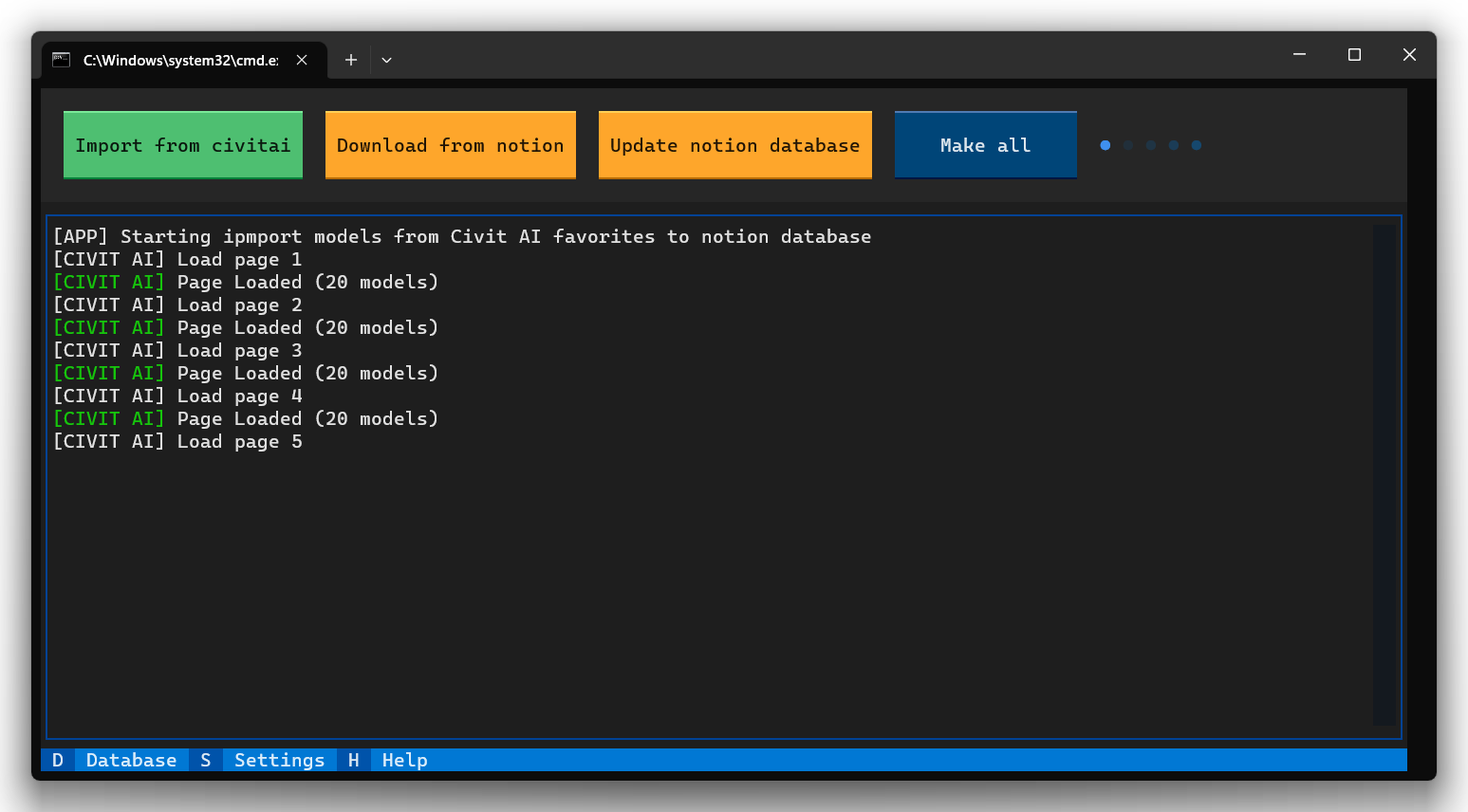
您需要Python 3版本
只需运行start.bat如果您使用Windows或start.sh for Linux,则第一个安装可能需要一些时间
可用的公用事业:
Import from civitai - Import from civitai - 将所有书签从civitai添加到概念,只有这些模型(lora,检查点或嵌入)您指定的设置中的数据库ID将被添加
在此阶段,您的模型尚未下载,请转到您的数据库并根据需要编辑您的条目,例如,有时您可以添加另一个名称/标题或更改图像以及删除重复项(请参阅第2点)
Download from notion - Checks the notion database for duplicates, the check takes place by the File property, since it will then be used for the names of the files that you download, if duplicates were found, then edit the entries in your notion database, for this you can use the built-in notion search bar to quickly find duplicates by name
您可以选择使用自动重复的冲突分辨率设置,在这种情况下,应用程序只需添加带有数字的后缀,直到文件名变为唯一
请注意,此实用程序还可以使用已加载的模型检查数据库中的哈希,这是修复失败下载以及更新模型所必需的(请参阅第3点)
由于文件的计算,如果硬盘驱动器缓慢,可能需要时间
Update notion database - 检查Civitai中的所有新版本(如果找到新版本的模型),该应用程序将更新概念数据库中的条目
操作更新字段Trigger Words , Hash和Version ,但不下载文件
要更新文件,您需要Download from notion ,然后选择Download with hash check
此操作将开始检查哈希和加载模型,而过时的模型将由于哈希不匹配而更新
Import from civitai > Update notion database Download from notion Make all运行转到集成并创建新的集成
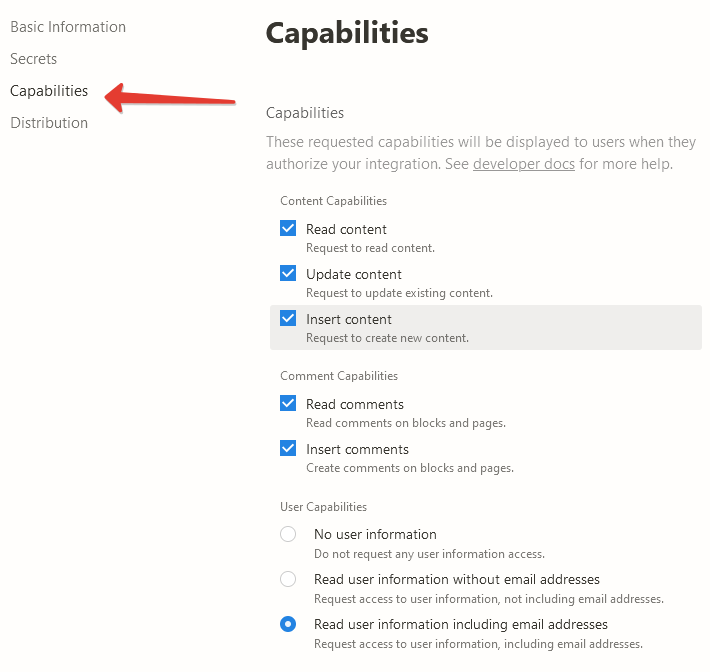
在“ Capabilities菜单”中设置所有权限
复制API键并将其写入Settings - Tokens - Notion token
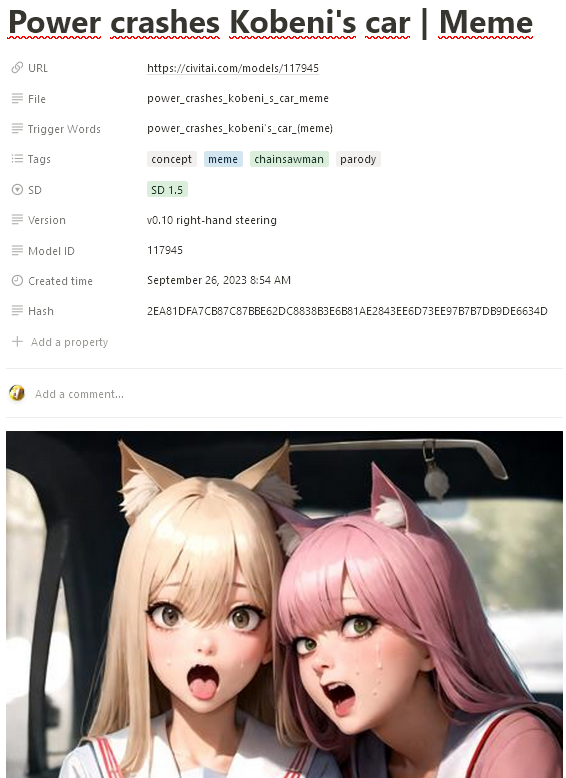
创建一个新的概念数据库,并随心所欲地命名。使用以下属性:
Name - Type : Text
URL Type : URL
File - Type : Text
Trigger Words - Type : Text
Tags - Type : Multi-select
SD Type : Select
Version - Type : Text
Model ID Type : Text
Hash - Type : Text

在概念中创建一个新数据库
为您的数据库创建一个连接Add connections以便脚本可以创建记录,做到这一点,从右上角选择...
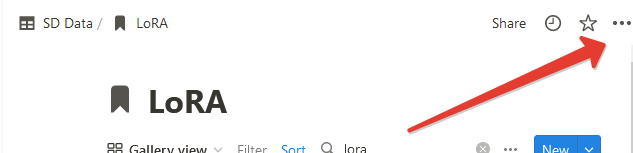
Database ID并将其写入Settings LoRA settings - Notion database id Database ID可以在浏览器行中找到 https://www.notion.so/myworkspace/a8aec43384f447ed84390e8e42c2e089?v=...
|--------- Database ID --------|
将至少一条路径添加到文件夹中,以保存在Settings中 - LoRA settings - 为1.x版本或Settings Path to save for 1.x versions LoRA settings - Path to save for SDXL versions 。您不必这样做,然后该应用程序只能导入您的书签,而不能下载它们
重复步骤2-5,以创建一个用于嵌入的数据库( Settings - Notion - Notion database id for embeddings )和检查点( Settings - Notion Notion database id checkpoints )。您可以跳过此步骤,然后该程序只需跳过处理这些类别
转到帐户设置并创建一个新的API Key 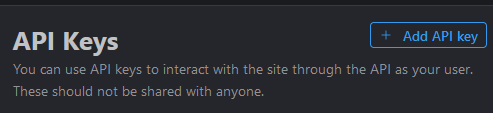
复制API键并将其写入Settings - Tokens - Civit AI token
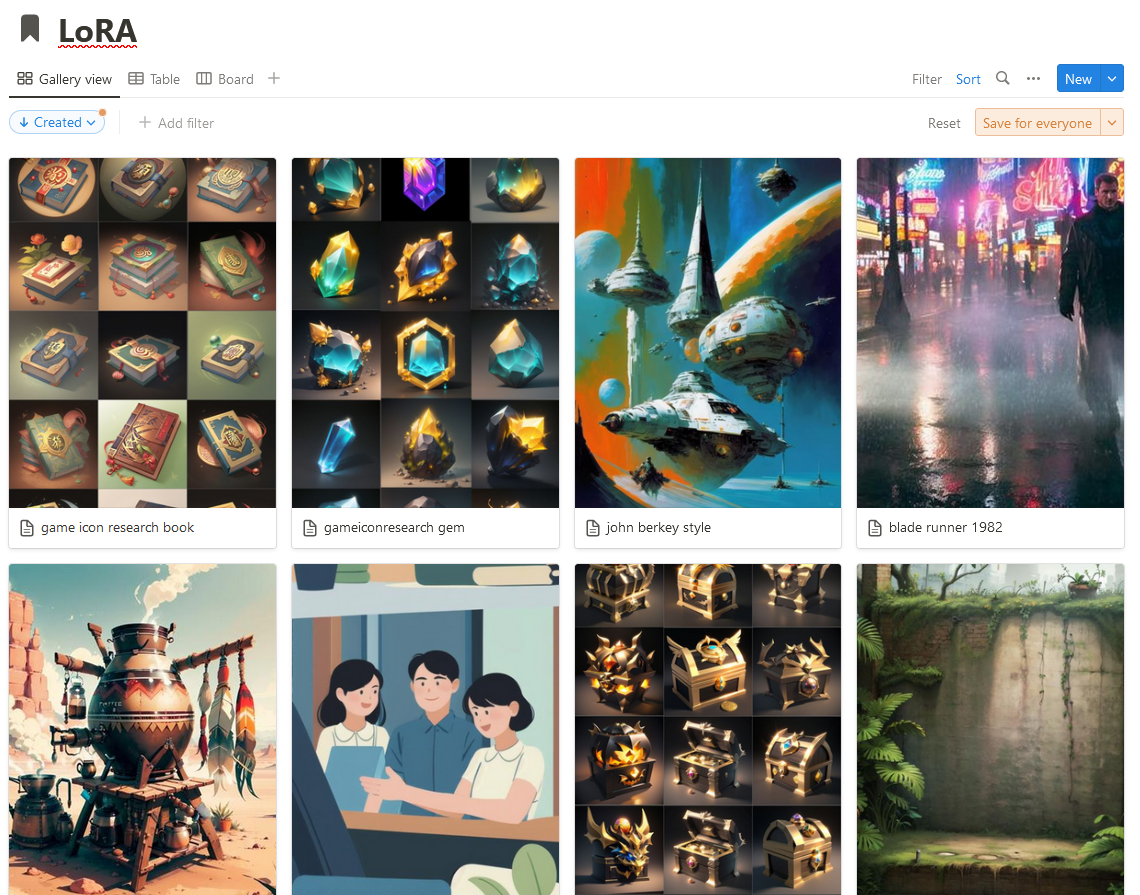
您还可以在概念中使用洛拉卡的大图像预览,为此,您可以为浏览器使用stylish扩展名,为notion.so添加以下样式。
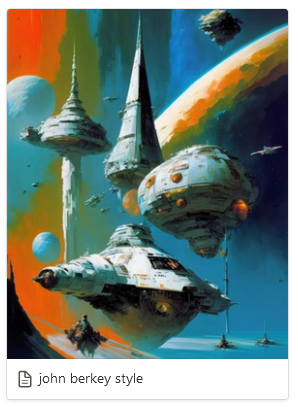
. notion-selectable . notion-page-block . notion-collection-item a > div : first-child > div : first-child > div : first-child {
  height : 350 px !important ;
}

. notion-selectable . notion-page-block . notion-collection-item a > div : first-child > div : first-child > div : first-child img {
  height : 350 px !important ;
}






