distributed chat
1.0.0


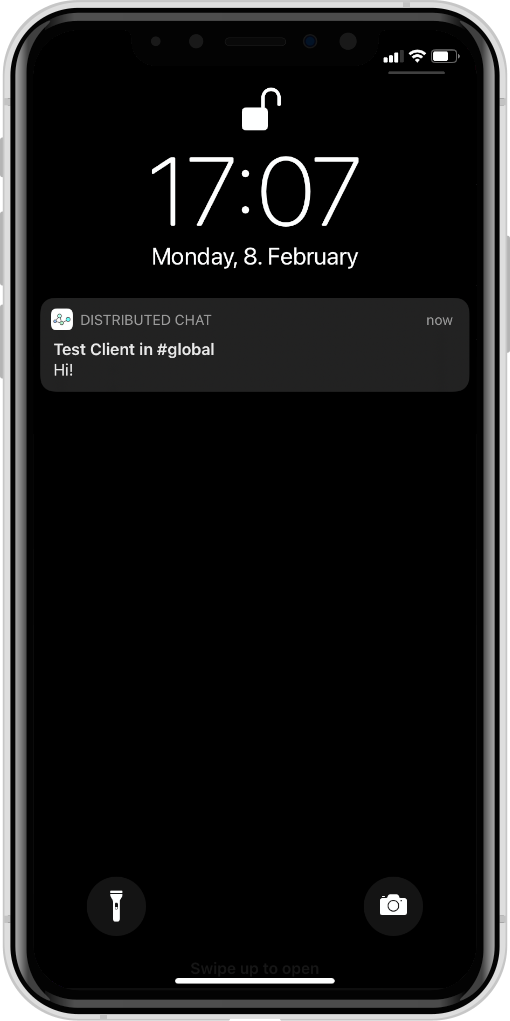
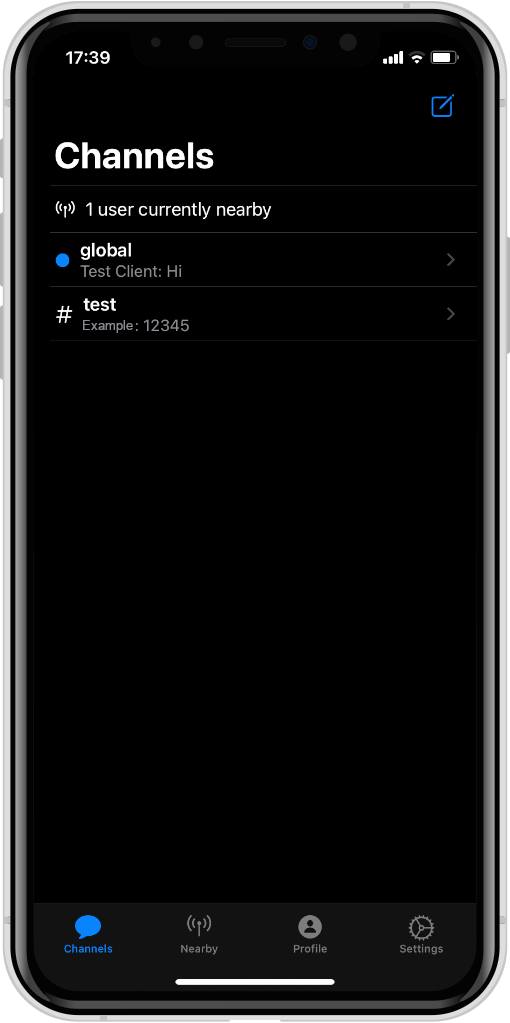
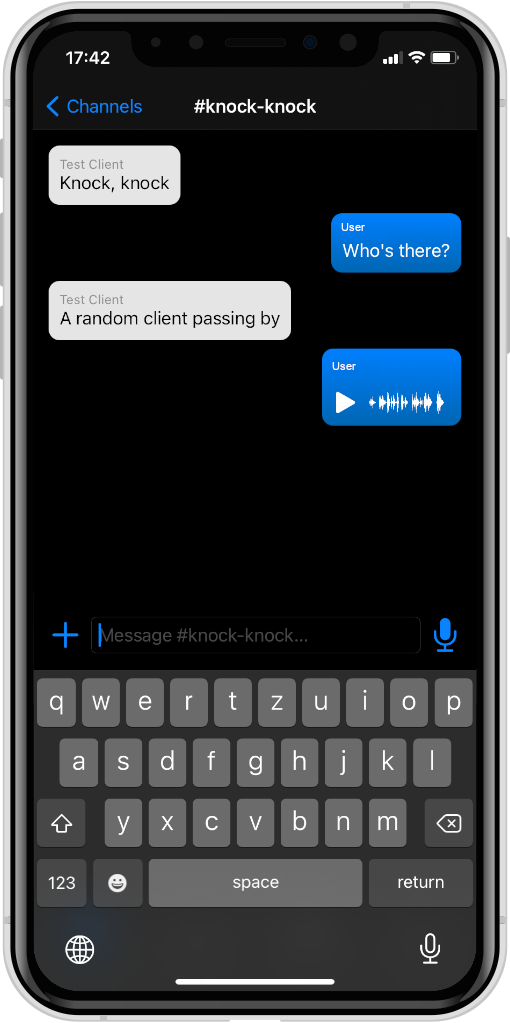
使用藍牙LE網絡網絡的分佈式聊天使者。
該項目由以下組成部分組成:
DistributedChatKit :抽象應用程序,無關,獨立於運輸(使用接口進行廣播/接收消息)DistributedChatBluetooth :平台特定藍牙LE運輸的抽象DistributedChatApp :iOS/MacOS實現,使用藍牙LE作為傳輸,不需要服務器DistributedChatCLI :CLI實現,使用http/websocket用作仿真服務器或藍牙LE(WIP)的傳輸DistributedChatSimulationProtocol :使用CLI和仿真服務器之間使用的高級JSON協議DistributedChatSimulationServer :CLI的配套服務器,中繼連接的CLI節點之間的消息提供了用於配置節點之間鏈接的Web-InterfaceScripts :用於方便啟動CLI實例和測試BLE傳輸的腳本這些軟件包之間的依賴關係圖看起來像這樣:
 %% {init:{“ flowchart”:{“ defaultrenderer”:“ elk”}}};
流程圖BT
    子圖跨平台
        DistributeChatBluetooth-> DistributeChatKit
        DistributeChatCli-> DistributeChatKit
        DistributeChatCli-> distribateChatBluetooth
        DistributeChatCli-> distribateChatSimulationProtocol
        DistributeChatSimulationServer-> DistributeChatSimulationProtocol
    結尾
    子圖“蘋果平台”
        DistributeChatapp-> DistributeChatKit
        DistributeChatapp-> distribationChatBluetooth
    結尾
首先,請確保安裝了Swift 5.10+或更新。 Ubuntu和MacOS的最新版本可以在此處找到。
要運行模擬服務器,請導航到Distribory DistributedChatSimulationServer並執行:
swift run現在,應在http://localhost:8080訪問Web界面。
要啟動CLI的一個實例,請確保正在運行模擬服務器,導航到DistributedChatCLI並執行:
swift run distributed-chat --name Alice您可以用任何名字代替愛麗絲。 CLI啟動後,所選名稱應在模擬服務器的Web界面中顯示為節點。
為了方便起見,有一個BASH腳本,用於在一次tmux會話中一起啟動CLI的多個實例。要使用它,請導航到此存儲庫的根目錄並運行
Scripts/start_clis Alice Bob Charles Dave ...或您想啟動的許多客戶。要立即停止所有客戶端,請按Ctrl + B然後鍵入:kill-session ,然後按Enter。
僅在MACOS上進行構建和運行iOS應用程序,因此請確保可用以下內容:
打開XCode中的DistributedChatApp子目錄並構建/運行項目。







