distributed chat
1.0.0


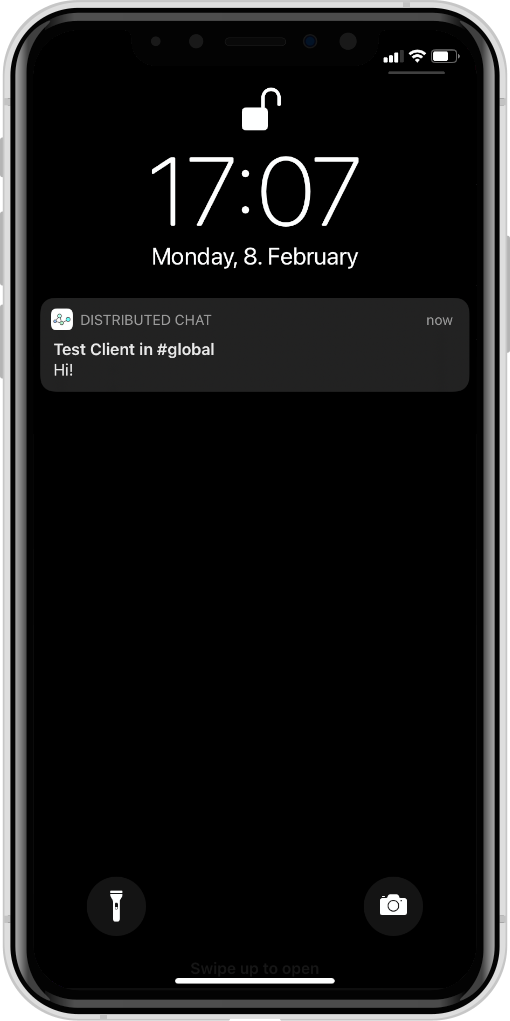
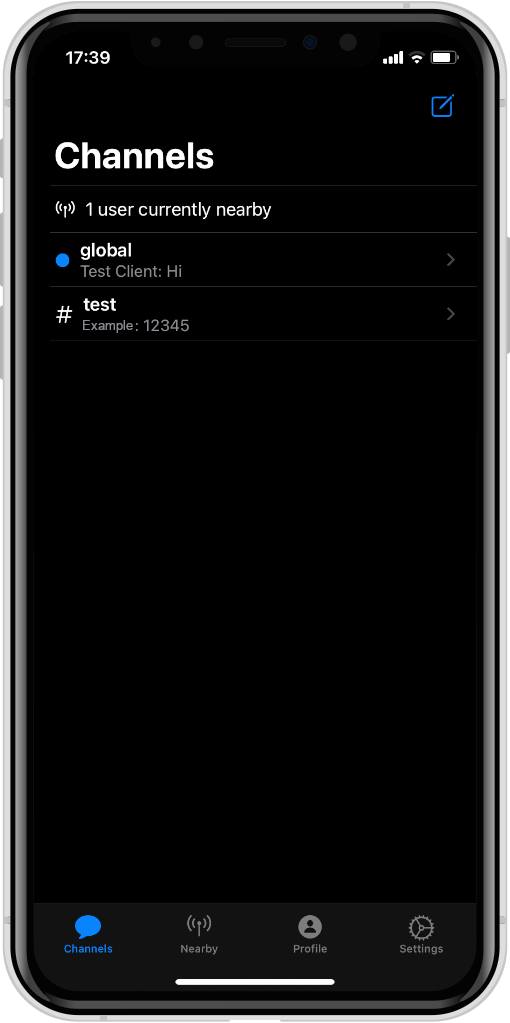
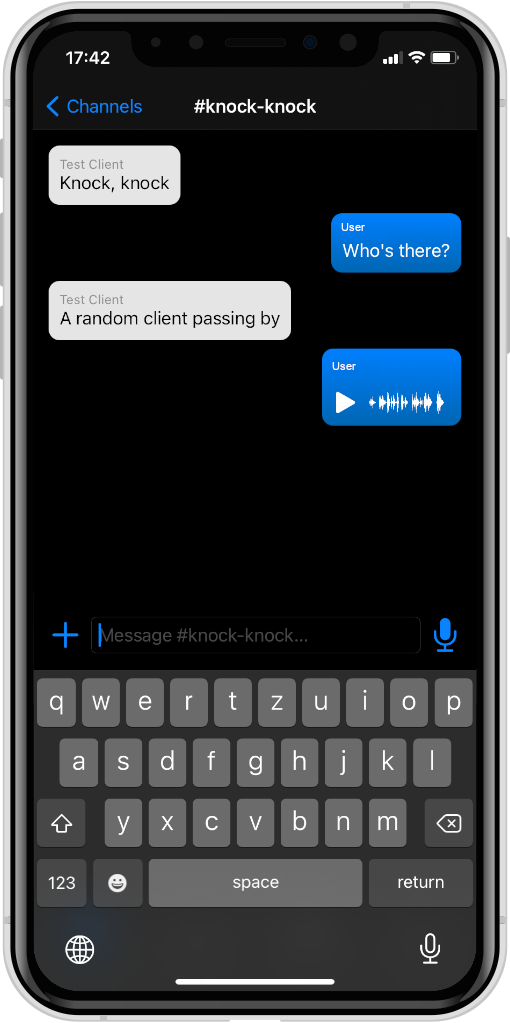
Bluetooth Le Mesh 네트워크를 사용하는 분산 채팅 메신저.
프로젝트는 다음 구성 요소로 구성됩니다.
DistributedChatKit : 추상 응용 프로그램, 플랫폼 독립적 인 전송 독립적 (방송/수신 메시지를위한 인터페이스 사용)DistributedChatBluetooth : 플랫폼 별 Bluetooth LE 운송에 대한 추상화DistributedChatApp : iOS/MacOS 구현은 Bluetooth LE를 전송으로 사용하며 서버가 필요 하지 않습니다 .DistributedChatCLI : CLI 구현은 HTTP/WebSockets를 시뮬레이션 서버 또는 Bluetooth LE (WIP)로 전송하는 것으로 사용합니다.DistributedChatSimulationProtocol : CLI와 Simulation Server간에 사용되는 고급 JSON 기반 프로토콜DistributedChatSimulationServer : CLI의 동반자 서버, 연결된 CLI 노드간에 메시지를 전달하고 노드 간 링크 구성을위한 웹 인터페이스를 제공합니다.Scripts : CLI 인스턴스를 편리하게 시작하고 BLE 전송 테스트를위한 스크립트이 패키지 간의 종속성 그래프는 다음과 같습니다.
 %% {init : { "flowchart": { "defaultrenderer": "elk"}}} %%
흐름도 BT
    서브 그래프 크로스 플랫폼
        DistributedChatbluetooth-> DistributedChatkit
        distributedchatcli-> distributedchatkit
        DistributedChatcli-> DistributedChatbluetooth
        DistributedChatcli-> DistributedChatsimulationProtocol
        DistributedChatsimulationsErver-> DistributedChatsimulationProtocol
    끝
    하위 그래프 "애플 플랫폼"
        DistributedChatApp-> DistributedChatkit
        DistributedChatApp-> DistributedChatbluetooth
    끝
먼저 5.10+ 또는 최신 설치를해야합니다. Ubuntu 및 MacOS의 최근 버전은 여기에서 찾을 수 있습니다.
시뮬레이션 서버를 실행하려면 디렉토리 DistributedChatSimulationServer 탐색하고 실행하십시오.
swift run 웹 인터페이스는 이제 http://localhost:8080 에서 액세스 할 수 있어야합니다.
CLI의 단일 인스턴스를 시작하려면 시뮬레이션 서버가 실행 중인지 확인하고 DistributedChatCLI 로 이동하여 실행하십시오.
swift run distributed-chat --name AliceAlice의 이름을 대체 할 수 있습니다. CLI가 시작되면 선택한 이름은 Simulation Server의 웹 인터페이스에서 노드로 표시되어야합니다.
편의를 위해 단일 tmux 세션에서 CLI의 여러 인스턴스를 함께 시작하기위한 Bash 스크립트가 있습니다. 그것을 사용하려면이 저장소의 루트 디렉토리로 이동하여 실행하십시오.
Scripts/start_clis Alice Bob Charles Dave ... 또는 많은 고객이 시작하고자합니다. 모든 클라이언트를 한 번에 중지하려면 Ctrl + B 누른 다음 :kill-session 입력하고 Enter를 누릅니다.
iOS 앱 빌딩 및 실행은 MacOS에서만 가능하므로 다음을 사용할 수 있어야합니다.
Xcode에서 DistributedChatApp 하위 디렉토리를 열고 프로젝트를 빌드/실행하십시오.







