distributed chat
1.0.0


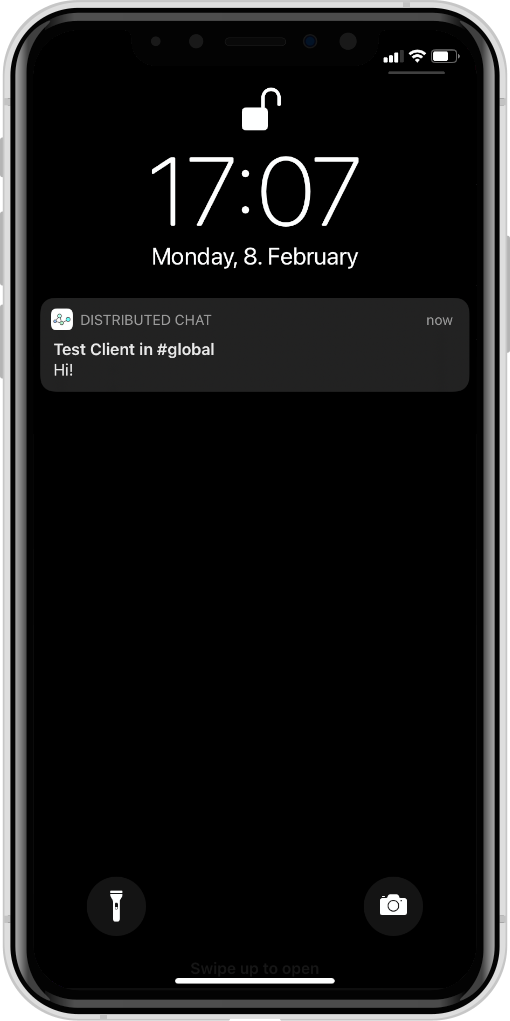
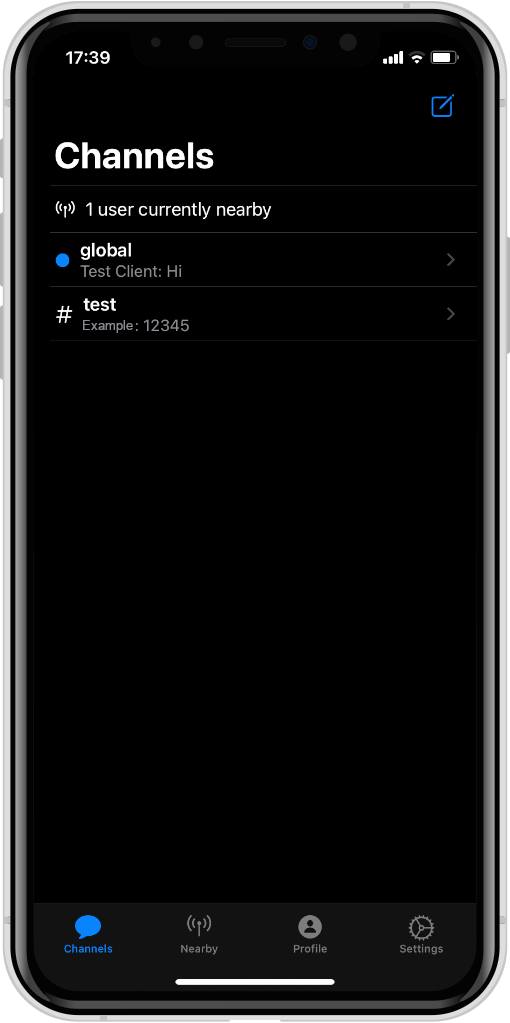
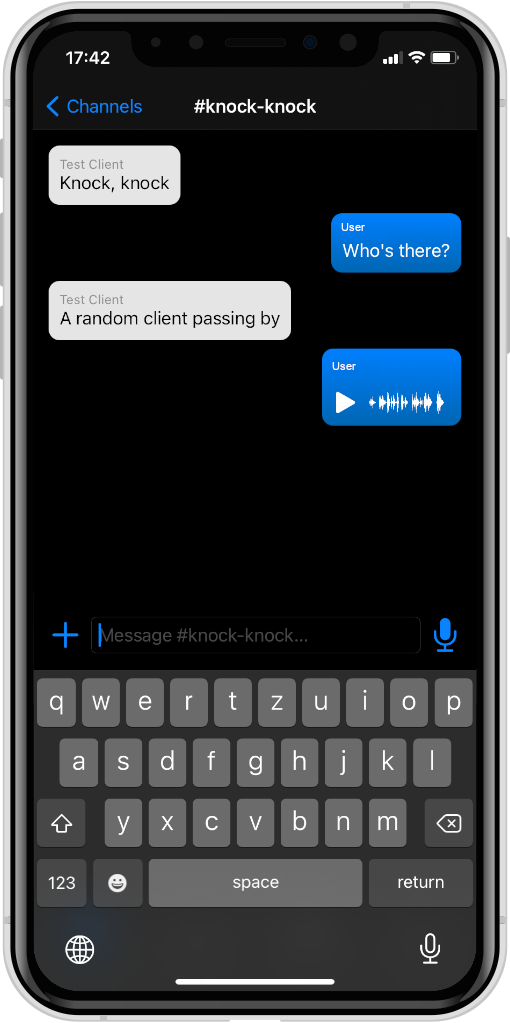
A distributed chat messenger that uses Bluetooth LE mesh networks.
The project consists of the following components:
DistributedChatKit: The abstract application, platform-independent, transport-independent (uses interface for broadcasting/receiving messages)DistributedChatBluetooth: An abstraction over platform-specific Bluetooth LE transportsDistributedChatApp: The iOS/macOS implementation, uses Bluetooth LE as transport, does not require a serverDistributedChatCLI: The CLI implementation, uses either HTTP/WebSockets as transport with the simulation server or Bluetooth LE (WIP)DistributedChatSimulationProtocol: The high-level JSON-based protocol used between CLI and simulation serverDistributedChatSimulationServer: The companion server for the CLI, relays messages between connected CLI nodes, provides web-interface for configuring links between nodesScripts: Scripts for launching CLI instances conveniently and for testing the BLE transportThe dependency graph between these packages looks like this:
%%{init: {"flowchart": {"defaultRenderer": "elk"}} }%%
flowchart BT
    subgraph cross-platform
        DistributedChatBluetooth --> DistributedChatKit
        DistributedChatCLI --> DistributedChatKit
        DistributedChatCLI --> DistributedChatBluetooth
        DistributedChatCLI --> DistributedChatSimulationProtocol
        DistributedChatSimulationServer --> DistributedChatSimulationProtocol
    end
    subgraph "Apple platforms"
        DistributedChatApp --> DistributedChatKit
        DistributedChatApp --> DistributedChatBluetooth
    end
First, make sure to have Swift 5.10+ or newer installed. Recent versions for Ubuntu and macOS can be found here.
To run the simulation server, navigate into the directory DistributedChatSimulationServer and execute:
swift runThe web interface should now be accessible at http://localhost:8080.
To start a single instance of the CLI, make sure that the simulation server is running, navigate into DistributedChatCLI and execute:
swift run distributed-chat --name AliceYou can substitute any name for Alice. Once the CLI has started, the chosen name should show up as a node in the simulation server's web interface.
For convenience, there is a bash script for starting multiple instances of the CLI together in a single tmux session. To use it, navigate into the root directory of this repository and run
Scripts/start_clis Alice Bob Charles Dave...or however many clients you want to start. To stop all clients at once, press Ctrl + B then type :kill-session and press enter.
Building and running the iOS app is only possible on macOS, so make sure to have the following available:
The open the DistributedChatApp subdirectory in Xcode and build/run the project.







