distributed chat
1.0.0


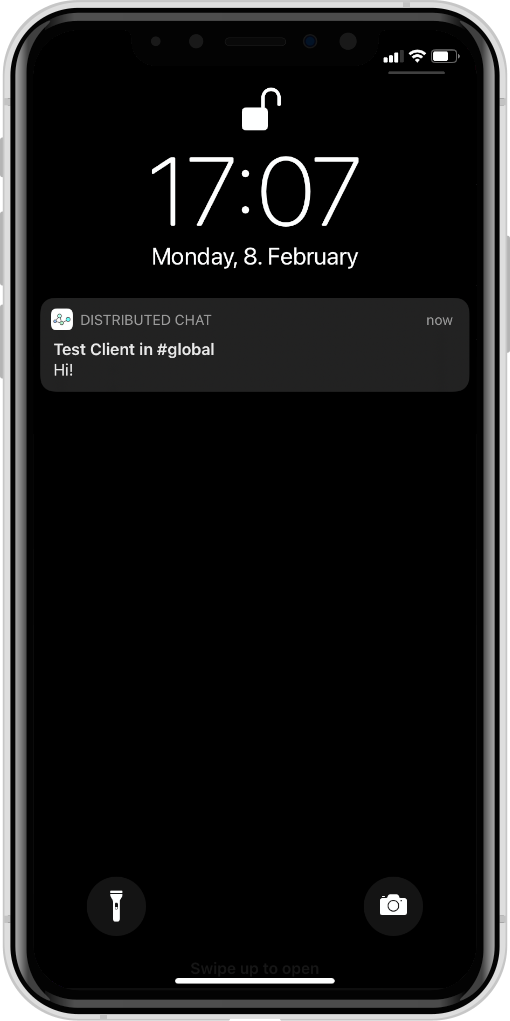
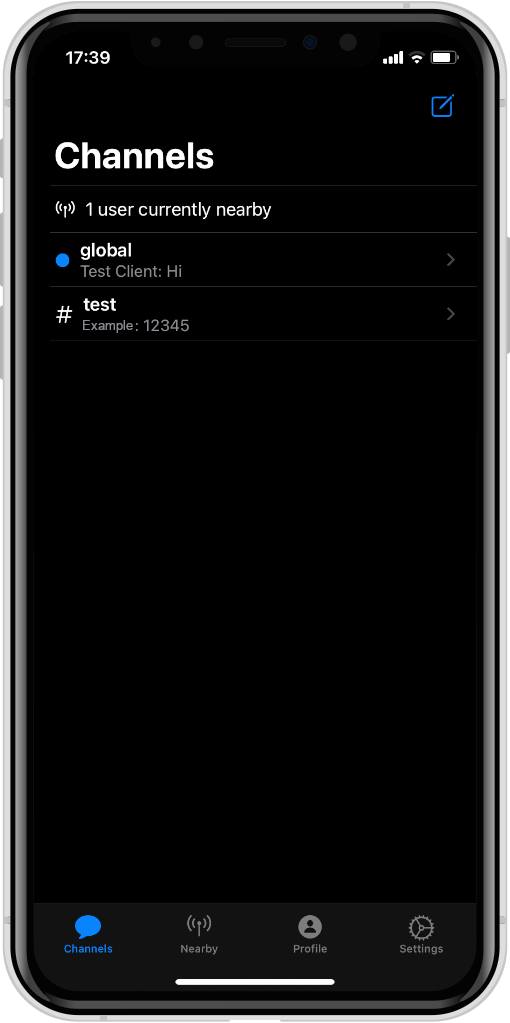
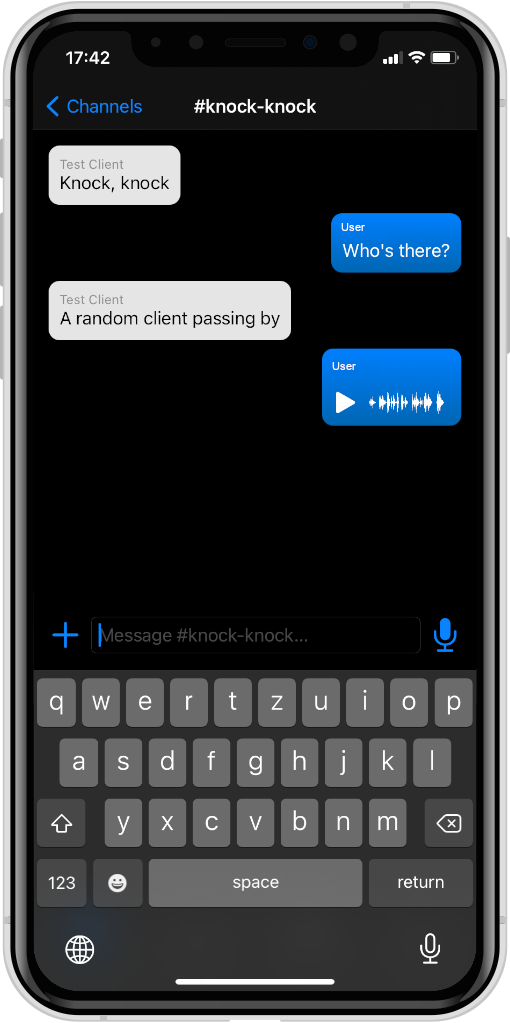
使用蓝牙LE网络网络的分布式聊天使者。
该项目由以下组成部分组成:
DistributedChatKit :抽象应用程序,无关,独立于运输(使用接口进行广播/接收消息)DistributedChatBluetooth :平台特定蓝牙LE运输的抽象DistributedChatApp :iOS/MacOS实现,使用蓝牙LE作为传输,不需要服务器DistributedChatCLI :CLI实现,使用http/websocket用作仿真服务器或蓝牙LE(WIP)的传输DistributedChatSimulationProtocol :使用CLI和仿真服务器之间使用的高级JSON协议DistributedChatSimulationServer :CLI的配套服务器,中继连接的CLI节点之间的消息提供了用于配置节点之间链接的Web-InterfaceScripts :用于方便启动CLI实例和测试BLE传输的脚本这些软件包之间的依赖关系图看起来像这样:
 %% {init:{“ flowchart”:{“ defaultrenderer”:“ elk”}}};
流程图BT
    子图跨平台
        DistributeChatBluetooth-> DistributeChatKit
        DistributeChatCli-> DistributeChatKit
        DistributeChatCli-> distribateChatBluetooth
        DistributeChatCli-> distribateChatSimulationProtocol
        DistributeChatSimulationServer-> DistributeChatSimulationProtocol
    结尾
    子图“苹果平台”
        DistributeChatapp-> DistributeChatKit
        DistributeChatapp-> distribationChatBluetooth
    结尾
首先,请确保安装了Swift 5.10+或更新。 Ubuntu和MacOS的最新版本可以在此处找到。
要运行模拟服务器,请导航到Distribory DistributedChatSimulationServer并执行:
swift run现在,应在http://localhost:8080访问Web界面。
要启动CLI的一个实例,请确保正在运行模拟服务器,导航到DistributedChatCLI并执行:
swift run distributed-chat --name Alice您可以用任何名字代替爱丽丝。 CLI启动后,所选名称应在模拟服务器的Web界面中显示为节点。
为了方便起见,有一个BASH脚本,用于在一次tmux会话中一起启动CLI的多个实例。要使用它,请导航到此存储库的根目录并运行
Scripts/start_clis Alice Bob Charles Dave ...或您想启动的许多客户。要立即停止所有客户端,请按Ctrl + B然后键入:kill-session ,然后按Enter。
仅在MACOS上进行构建和运行iOS应用程序,因此请确保可用以下内容:
打开XCode中的DistributedChatApp子目录并构建/运行项目。







