best coding fonts
2024-06-25

我建議使用殼和編程的字體的存儲庫,其中大多數都帶有連接線和Powerline/nerdfont Glyphs(圖標)支持!
注意:此存儲庫中包含的字體是我修補或值得保留的字體。如果我使用基本書呆子字體,我將嘗試簡單地鏈接到原始作者的回購/網站。
如果給您錯誤,則在字體中使用名稱+字體( '' )
'0xProto v1.6 Ligaturised NF' , '0xProto v2 Ligaturised NF' , '0xProto v2 NF' , '0xProto v2 Nerd Font'沒有連字(修補後忘了屏幕截圖):
v1.6韌帶: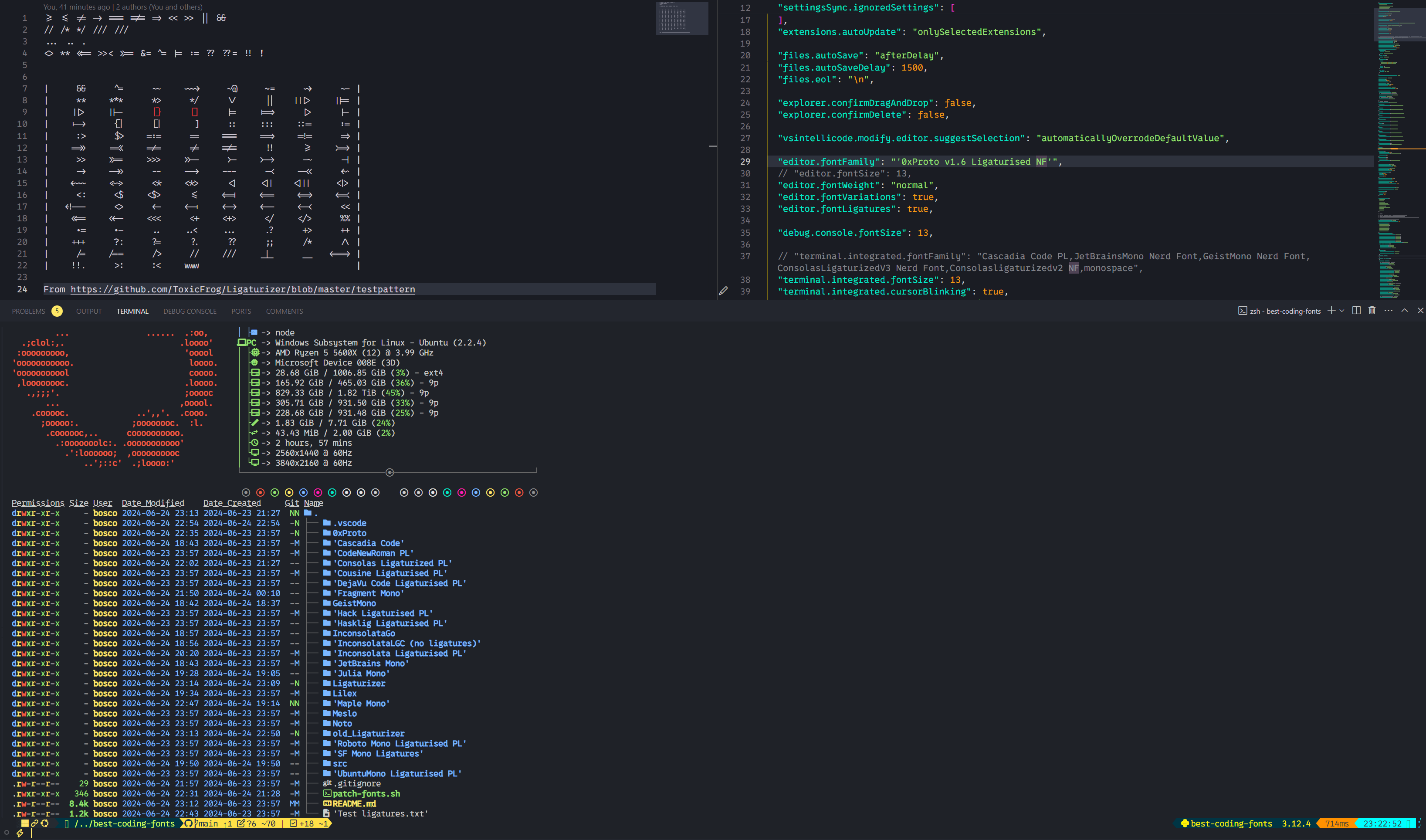 v2韌帶:
v2韌帶: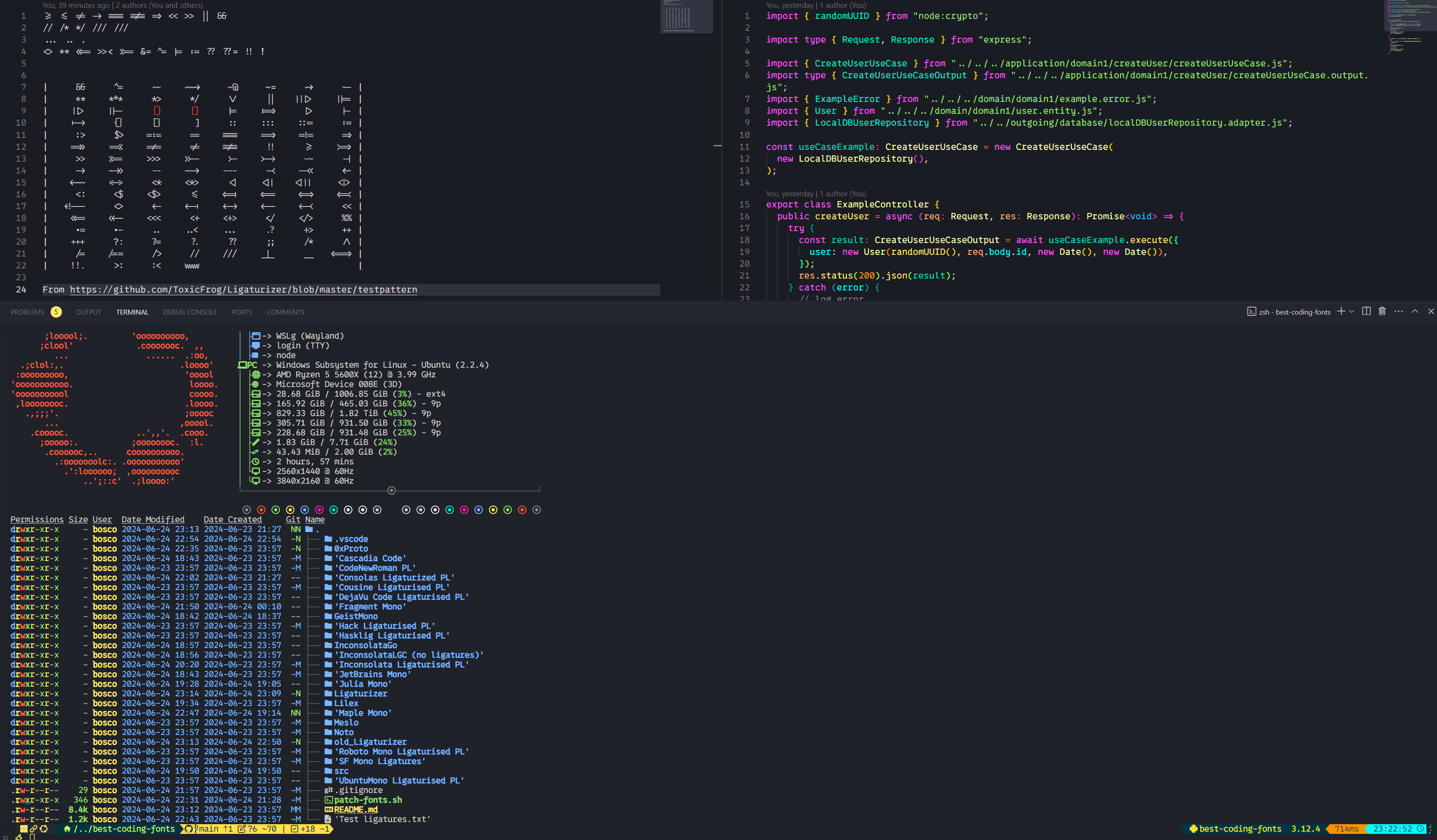 V2書呆子字體: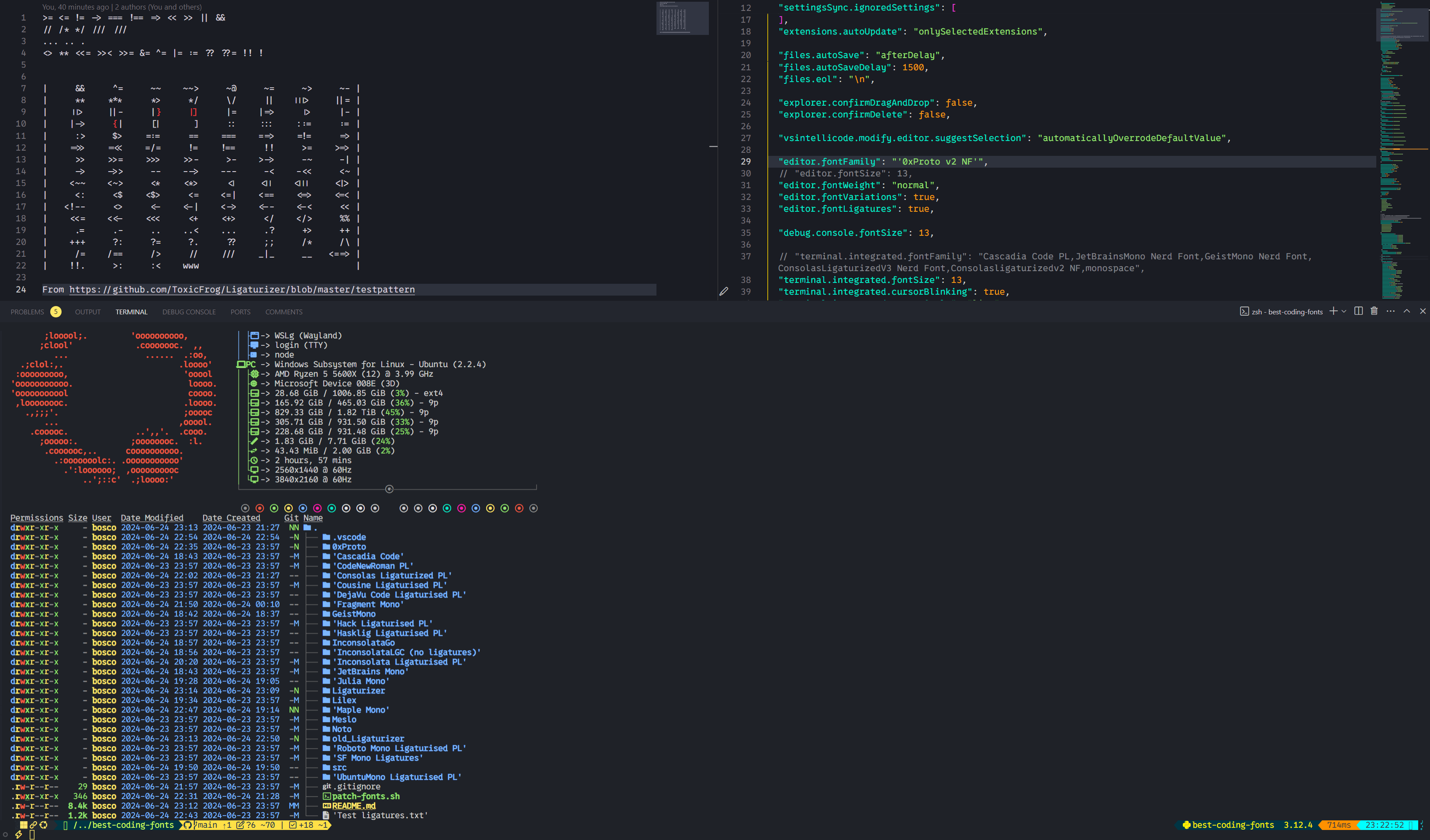
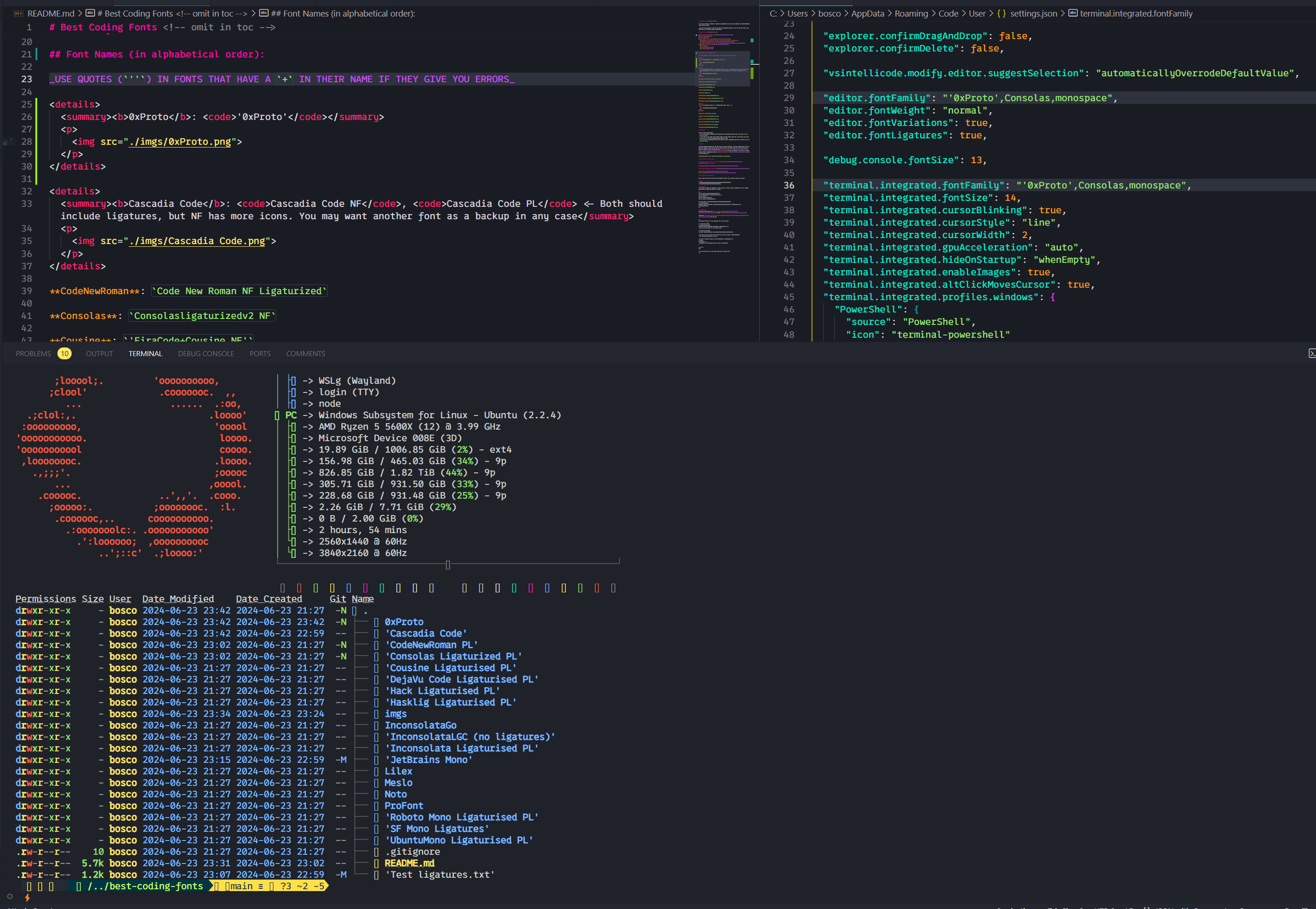
Cascadia Code NF , Cascadia Code PL < - 都應包括連接,但NF具有更多的圖標。無論如何,您可能希望另一種字體作為備份
代碼新羅馬: Code New Roman NF Ligaturized
Consolasligaturizedv2 NF , ConsolasLigaturizedV3 Nerd Font幾乎沒有任何區別,所以我只拍了一個屏幕截圖: 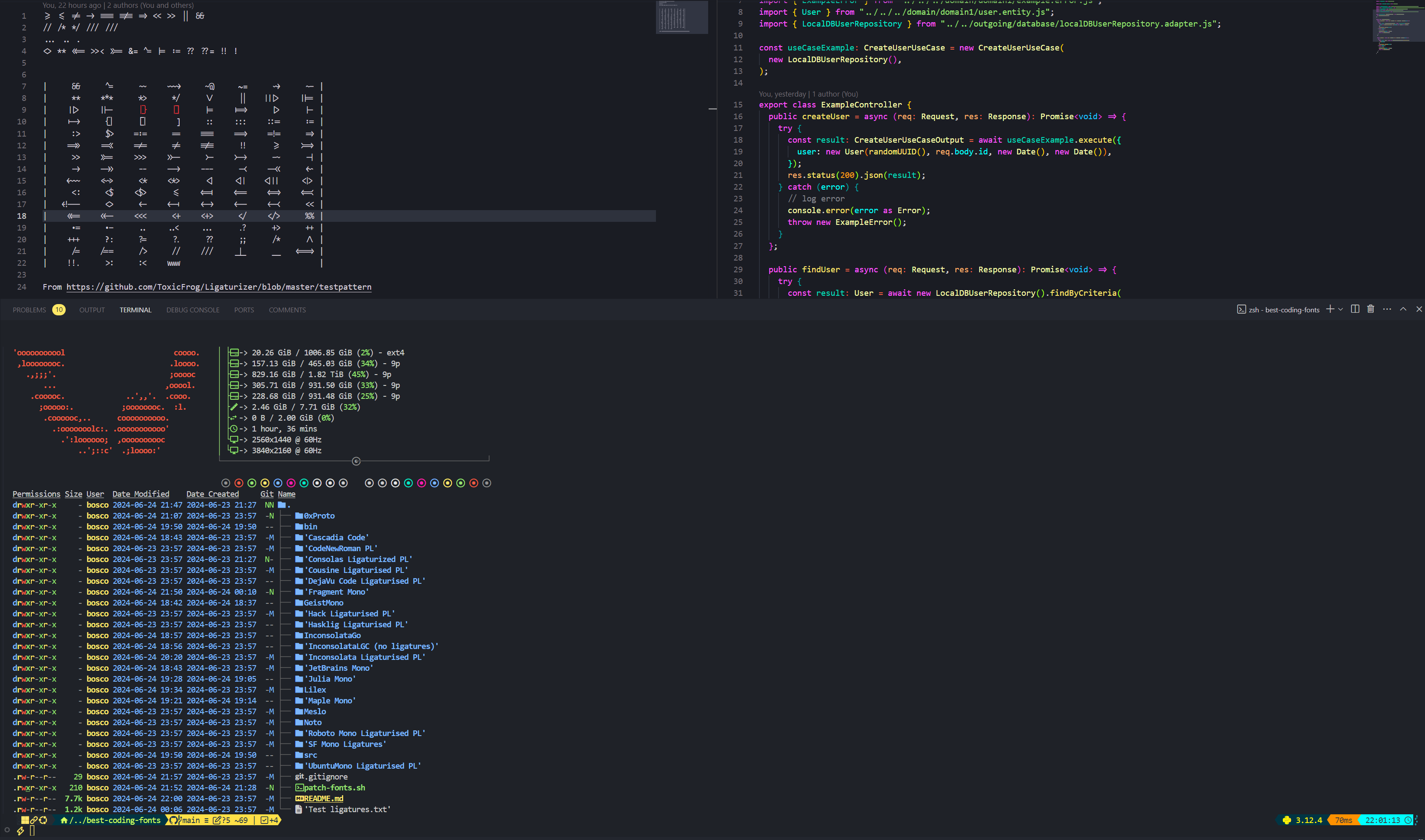
堂兄: 'FiraCode+Cousine NF'
Dejavusans : DejaVuSansCode NF
FragmentMono Nerd Font , Fragment Mono Regular 
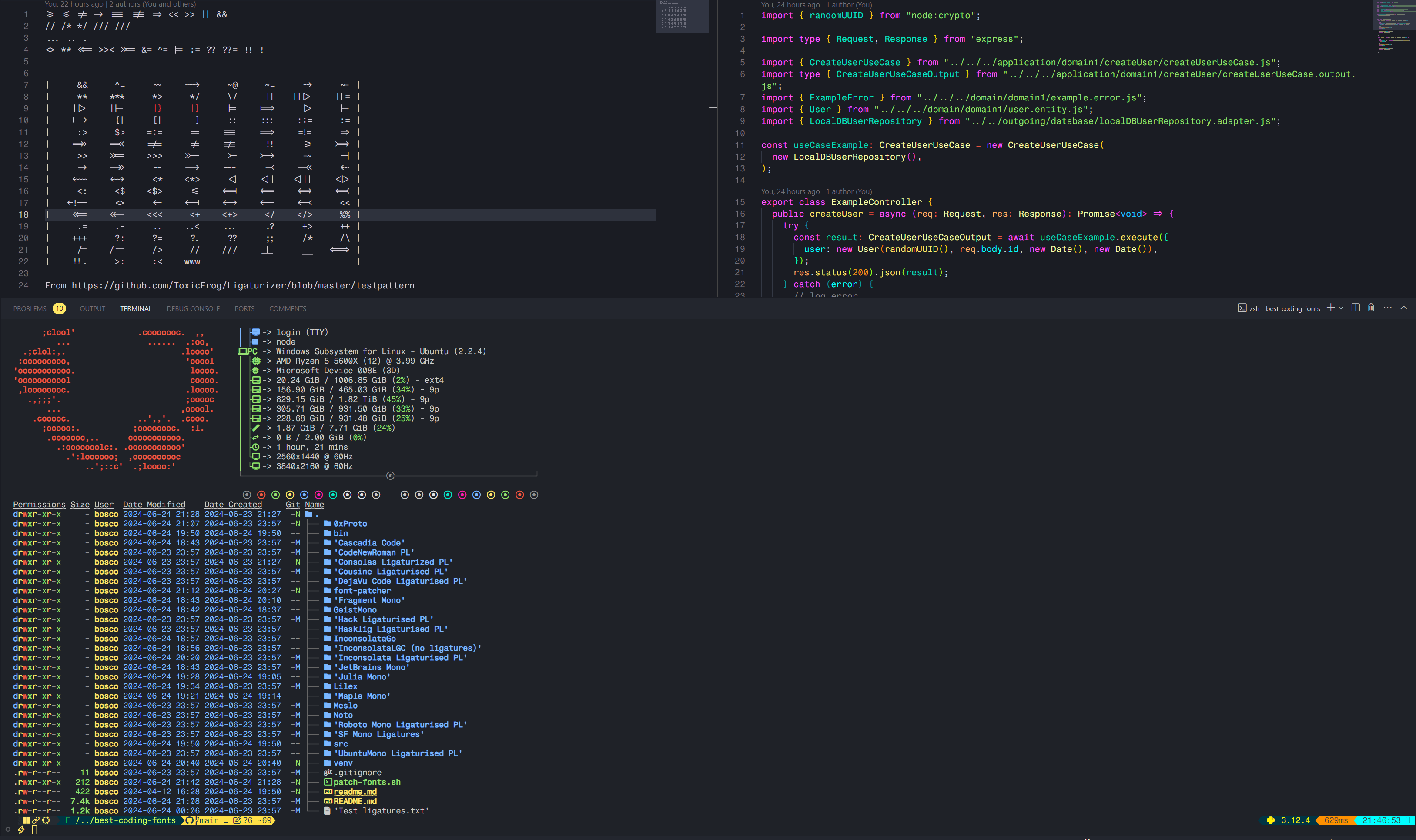
GeistMono Nerd Font 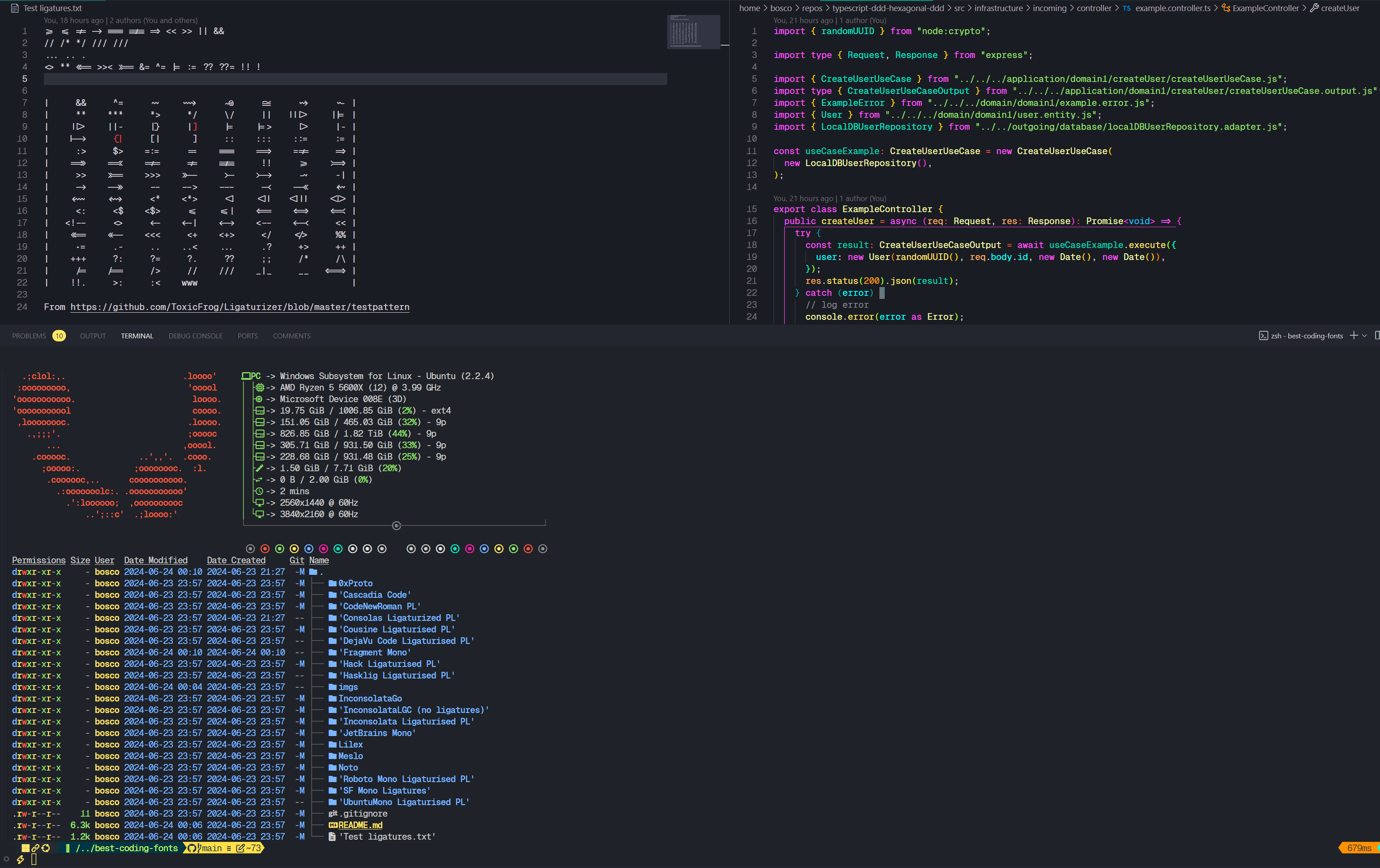
hack : 'FiraCode+Hack NF'
hasklig : Hasklug NF
'FiraCode+Inconsolata NF g' 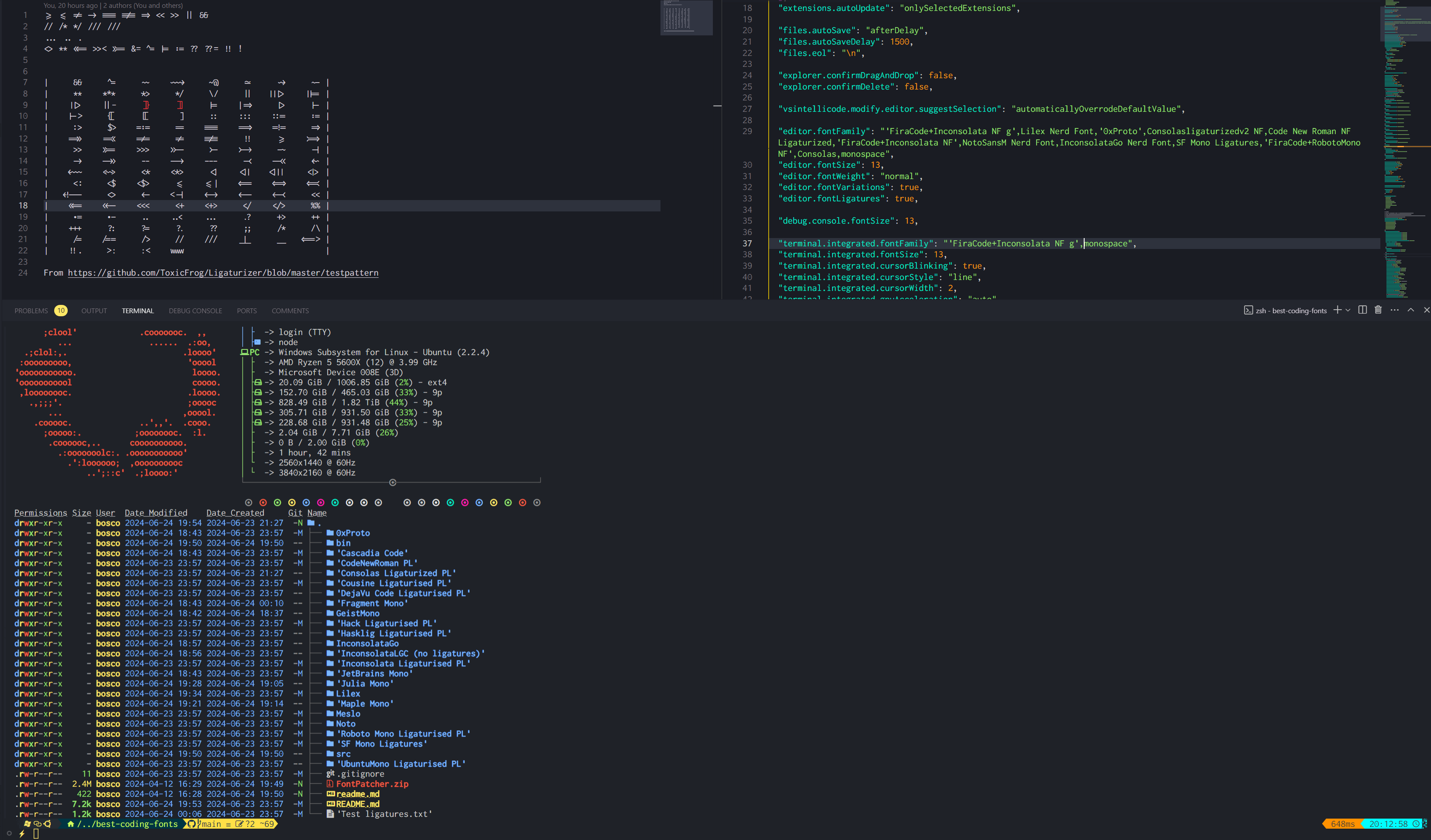
Inconsolata : 'FiraCode+Inconsolata NF'
Inconsolatago nerd字體: Inconsolatago nerd InconsolataGo Nerd Font
JetBrainsMono NF 
JuliaMono 
Lilex Nerd字體: Lilex Nerd Font
Maple Mono V7 NF , Maple Mono v6 Ligaturised NF , Maple Mono NF我個人使用V7,但是V6也很棒。
V6: 
 V7:
V7: 

notomono nerd字體: NotoMono Nerd Font
Roboto Mono : 'FiraCode+RobotoMono NF'
SF單鏈纖維化: SF Mono Ligatures
SF Mono Powerline : SF Mono Powerline
Ubuntumono : 'FiraCode+UbuntuMono NF'
來自書呆子字體的文檔:
Nerd Font Mono (或NFM )選擇字體。Mono的字體,即Nerd Font (或NF )。大多數終端都支持這一點,但是YMMV。Nerd Font Propo (或NFP )的字體。 VS Code的集成終端將使用您提供的字體中的圖標。也就是說,如果第一字體沒有您想要的圖標,它將落回第二個字體,依此類推。這就是為什麼至少提供一種後備字體至關重要的原因。書呆子字體提供了這樣的字體,但它不包含在存儲庫中,我卻沒有發現它有用。我個人始終將consolas -ligaturized v2 nf作為我的後備字體。例如
"editor.fontFamily": "Your font,Consolasligaturizedv2 NF,monospace"
這對我來說比對您更重要,但是我包括了我用來修補此倉庫字體的步驟。
我已經在Windows上嘗試過,但是Fontforge是一種痛苦,因此,如果您想重新創建我建議使用Linux或至少WSL的建議,這要容易得多。
您可以選擇地從書呆子字體的網站或倉庫中獲取它。
 # Pre-requisites
sudo add-apt-repository ppa:fontforge/fontforge -y
sudo apt update -y
sudo apt install software-properties-common python3-fontforge -y
brew install python-setuptools fontforge # or the alternative for your Linux distro

# Download and extract manually, then
cd Downloads/FontPatcher/
# Or
wget https://github.com/ryanoasis/nerd-fonts/releases/latest/download/FontPatcher.zip
unzip FontPatcher.zip -d font-patcher
cd font-patcher
# Or
git clone --depth 1 https://github.com/betaboon/nerd-fonts-patcher.git
cd nerd-fonts-patcher

# Then run:
fontforge -script ./font-patcher -l -c --careful -out /path/to/output_dir --ext otf /path/to/font
# And the new files should be in the output folder chosen

# Example (in WSL)
fontforge -script ./font-patcher -l -c --careful -out ./patched-fonts --ext otf /mnt/d/Users/Bosco/Downloads/Fonts/0xProto/0xProto-Regular.otf

# You can drop the --careful if you want to override the existing icons
您可以使用./patch-fonts.sh腳本來修補文件夾中包含的所有字體。如果您願意,請與之一起玩。
另一個選項是使用docker,按照字體斑點的讀數。這可能更容易,更快,但是我沒有嘗試過。
 # To obtain the ligatures
git clone --recurse-submodules https://github.com/ToxicFrog/Ligaturizer.git

# Do not remove any of the fonts in `fonts/`, they're needed for the ligaturizer to work

# Make sure to move the fonts you want changed into their own folder in Ligaturizer/fonts
# e.g. Ligaturizer/fonts/Code New Roman/

# Add them to build.py, whether on the prefixed_fonts or renamed_fonts. e.g
# build.py
renamed_fonts = {
  ' fonts/Code New Roman/*.otf ' : ' Code New Roman NF Ligaturized ' ,
}

# Then run
make

# And the files should be in the output folder with the correct name







