fragment
v0.1.18

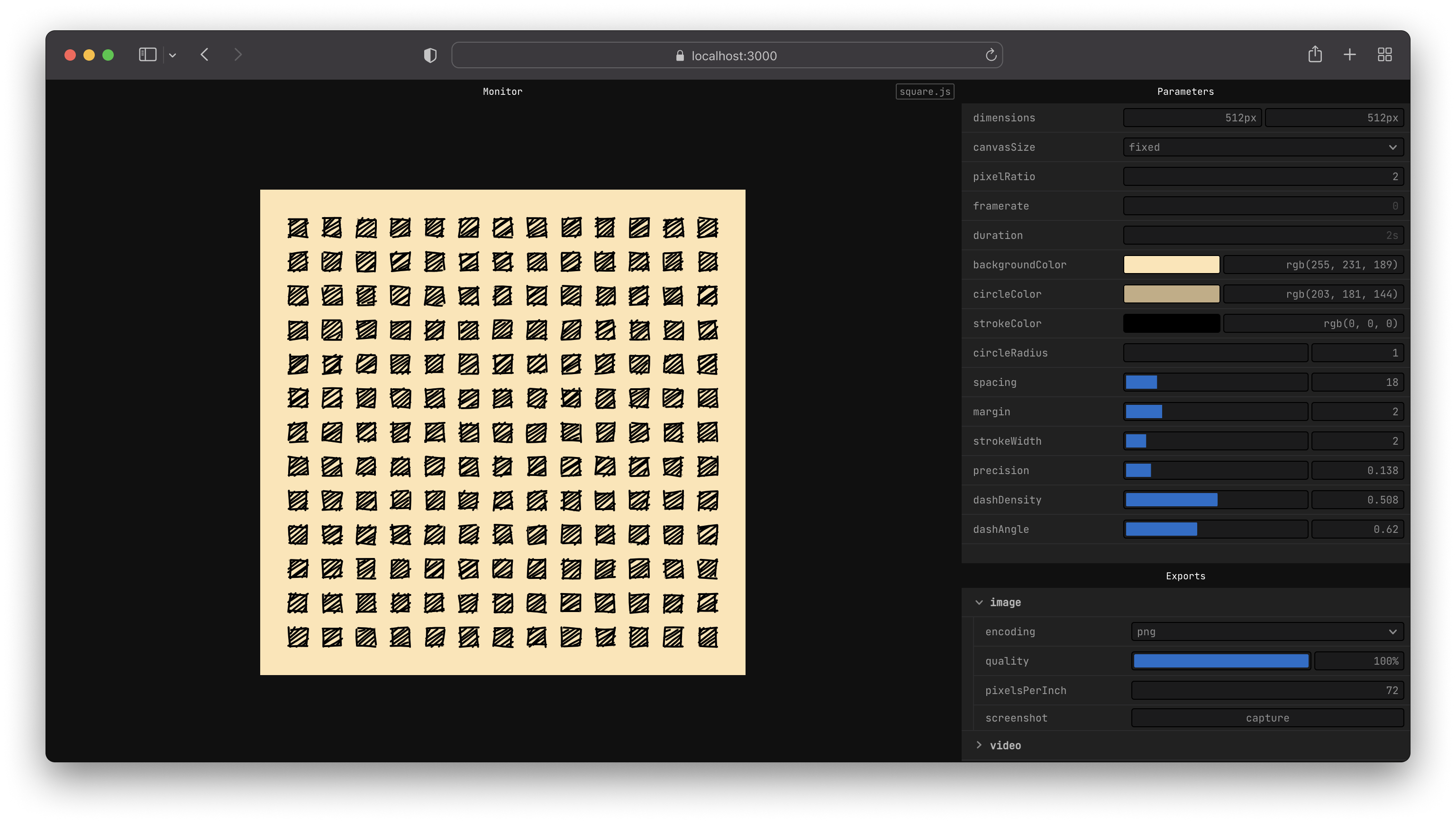
fragment提供了一個簡單的API,可與<canvas>使用。
<canvas>到圖像(.png,.webm,.jpg)或視頻(.mp4,.webm,.gif)npx npx fragment-tools sketch.js --new--global npm install fragment-tools --global現在,您應該能夠從命令行運行fragment 。
fragment sketch.js --newnpm install fragment-tools
npx fragment sketch.js --new # create a new directory for your sketches
mkdir sketches
# move into that folder
cd sketches
# create a sketch from a template
npx fragment-tools ./sketch.js --new --template=2d
了解有關CLI文檔中可用標誌選項的更多信息。
這是草圖在黑色背景上繪製藍色圓圈的一個示例,該圓形具有定制控制圓的半徑。
 export let props = {
  radius : {
    value : 10 ,
    params : {
      min : 4 ,
      max : 30 ,
    } ,
  } ,
} ;

export let update = ( { context , width , height } ) => {
  // draw background
  context . fillStyle = '#000000' ;
  context . fillRect ( 0 , 0 , width , height ) ;

  // draw circle
  const radius = props . radius . value ;

  context . fillStyle = '#0000ff' ;
  context . beginPath ( ) ;
  context . arc ( width * 0.5 , height * 0.5 , radius , 0 , 2 * Math . PI , false ) ;
  context . fill ( ) ;
} ;
通過遵循“入門指南”,閱讀API文檔或示例,了解如何編寫自己的草圖。
如果發現問題,請提交有關如何復制它的詳細信息。
如果您想討論該項目,請隨時在Twitter上聯繫。
 # clone or fork the project
git clone https://github.com/raphaelameaume/fragment.git

# move to the root of the repository
cd fragment

# run the command line locally
node ./bin/index.js examples/shape-2d.js --dev

# or from your sketch folder
node [path-to-root]/bin/index.js sketch.js --dev
--dev標誌僅啟用ViteinfoLoglevel,對開發有用。否則,它的工作原理與您從NPM軟件包運行時相同。
另外,您可以告訴NPM將fragment命令指向新克隆的文件夾。
 # at the root of the repo
npm link
您應該像以前一樣能夠像以前一樣,只有這次才能指向存儲庫,而不是全球安裝的軟件包。
fragment sketch.js
如果事實並非如此,請首先嘗試在全球範圍內卸載fragment-tools ,請確保不再找到fragment命令,然後重試將項目與回購的根鏈接起來。
有關詳細信息,請參見License.MD。







