fragment
v0.1.18

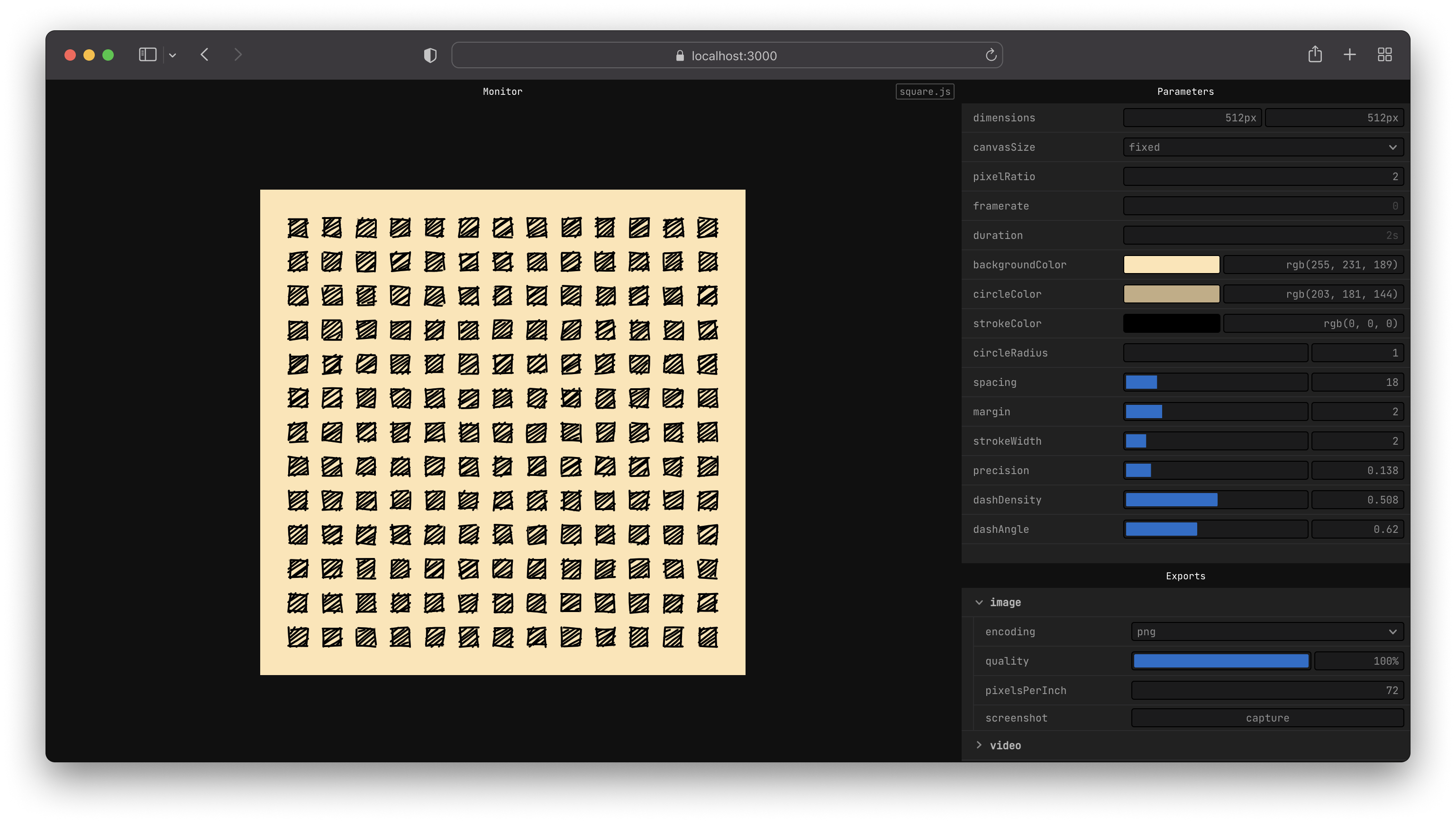
fragment 、 <canvas>で動作する簡単なAPIを提供します。
<canvas> 、その場で画像(.png、.webm、.jpg)またはビデオ(.mp4、.webm、.gif)にエクスポートしますnpxでnpx fragment-tools sketch.js --new--globalでグローバルにインストールしますnpm install fragment-tools --globalこれで、コマンドラインからfragmentを実行できるようになりました。
fragment sketch.js --newnpm install fragment-tools
npx fragment sketch.js --new # create a new directory for your sketches
mkdir sketches
# move into that folder
cd sketches
# create a sketch from a template
npx fragment-tools ./sketch.js --new --template=2d
CLIドキュメントの利用可能なフラグオプションの詳細をご覧ください。
これは、円の半径のカスタムコントロールを備えた黒い背景に青い円を描くスケッチの例です。
 export let props = {
  radius : {
    value : 10 ,
    params : {
      min : 4 ,
      max : 30 ,
    } ,
  } ,
} ;

export let update = ( { context , width , height } ) => {
  // draw background
  context . fillStyle = '#000000' ;
  context . fillRect ( 0 , 0 , width , height ) ;

  // draw circle
  const radius = props . radius . value ;

  context . fillStyle = '#0000ff' ;
  context . beginPath ( ) ;
  context . arc ( width * 0.5 , height * 0.5 , radius , 0 , 2 * Math . PI , false ) ;
  context . fill ( ) ;
} ;
Getting Guideに従って、APIドキュメントまたは例を読んで、独自のスケッチを書く方法を学びます。
問題が見つかった場合は、それを再現する方法の詳細を提出してください。
プロジェクトについて話し合いたい場合は、Twitterでお気軽にご連絡ください。
 # clone or fork the project
git clone https://github.com/raphaelameaume/fragment.git

# move to the root of the repository
cd fragment

# run the command line locally
node ./bin/index.js examples/shape-2d.js --dev

# or from your sketch folder
node [path-to-root]/bin/index.js sketch.js --dev
--devフラグは、開発に役立つViteinfoLogLevelのみを有効にします。それ以外の場合は、NPMパッケージから実行しているときと同じように機能します。
または、NPMに、 fragmentコマンドを新しくクローン化されたフォルダーに向けるように指示することもできます。
 # at the root of the repo
npm link
以前のようにコマンドができるはずですが、今回はグローバルにインストールされたパッケージの代わりにリポジトリを指します。
fragment sketch.js
そうでない場合は、最初にfragment-toolsグローバルにアンインストールするようにしてください。 fragmentコマンドがもう見つからないことを確認してから、再試行してリポジトリのルートからプロジェクトをリンクします。
詳細については、license.mdを参照してください。







