fragment
v0.1.18

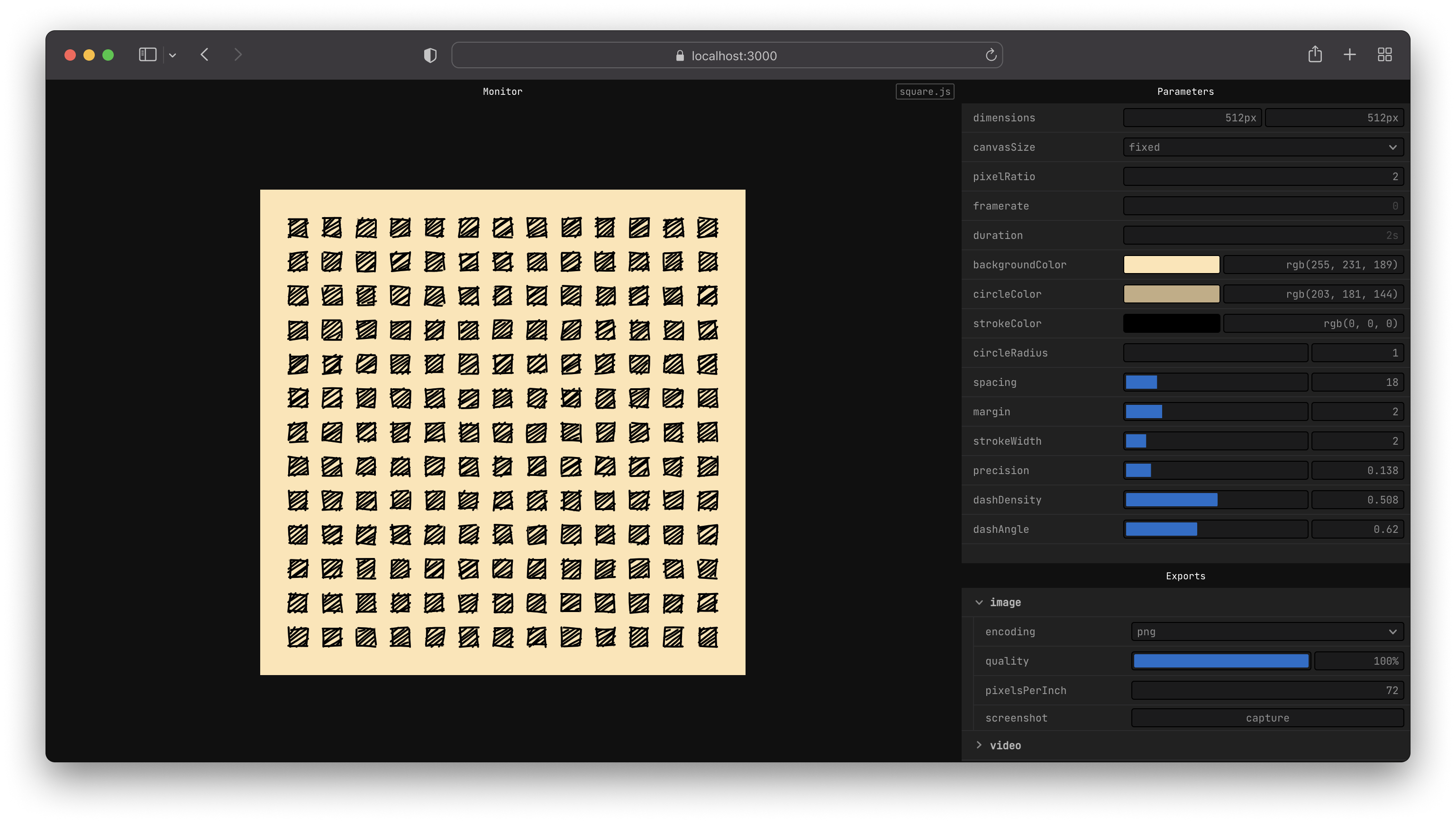
fragment provides a simple API to work with <canvas>.
<canvas> to images (.png, .webm, .jpg) or videos (.mp4, .webm, .gif) on the flynpxnpx fragment-tools sketch.js --new--globalnpm install fragment-tools --globalYou should now be able to run fragment from your command line.
fragment sketch.js --newnpm install fragment-tools
npx fragment sketch.js --new# create a new directory for your sketches
mkdir sketches
# move into that folder
cd sketches
# create a sketch from a template
npx fragment-tools ./sketch.js --new --template=2d
Learn more about the available flag options in the CLI docs.
This is an example of a sketch drawing a blue circle on a black background with a custom control for the radius of the circle.
export let props = {
  radius: {
    value: 10,
    params: {
      min: 4,
      max: 30,
    },
  },
};

export let update = ({ context, width, height }) => {
  // draw background
  context.fillStyle = '#000000';
  context.fillRect(0, 0, width, height);

  // draw circle
  const radius = props.radius.value;

  context.fillStyle = '#0000ff';
  context.beginPath();
  context.arc(width * 0.5, height * 0.5, radius, 0, 2 * Math.PI, false);
  context.fill();
};
Learn how to write your own sketch by following the Getting started guide, reading the API docs or the examples.
If you find issues, please file one with details on how to reproduce it.
Feel free to reach out on Twitter if you want to discuss the project.
# clone or fork the project
git clone https://github.com/raphaelameaume/fragment.git

# move to the root of the repository
cd fragment

# run the command line locally
node ./bin/index.js examples/shape-2d.js --dev

# or from your sketch folder
node [path-to-root]/bin/index.js sketch.js --dev
The
--devflag only enables ViteinfologLevel, helpful for development. Otherwise it will work the same as when you're running from the npm package.
Alternatively, you can tell npm to point the fragment command to the newly cloned folder.
# at the root of the repo
npm link
You should be able the command as before, only this time it will point to the repository instead of the globally installed package.
fragment sketch.js
If that's not the case, try to uninstall fragment-tools globally first, make sure the fragment command is not found anymore, then retry to link the project from the root of the repo.
See LICENSE.md for details.







