flutter_file_picker
8.0.6


允許您使用本機文件資源管理器選擇單個或多個文件的軟件包,並具有擴展濾波支持。
Uint8List )中;如果您有任何要在此軟件包中看到的功能,請隨時發出建議。 ?
| API | 安卓 | ios | Linux | macos | 視窗 | 網絡 |
|---|---|---|---|---|---|---|
| clearTemporaryFiles() | ✔️ | ✔️ | ||||
| getDirectoryPath() | ✔️ | ✔️ | ✔️ | ✔️ | ✔️ | |
| pickfiles() | ✔️ | ✔️ | ✔️ | ✔️ | ✔️ | ✔️ |
| savefile() | ✔️ | ✔️ | ✔️ | ✔️ | ✔️ |
有關更多詳細信息,請參見文件選擇器Wiki的API部分或Pub.Dev上的官方API參考。
有關如何安裝,設置和使用它的每個詳細信息,請參見文件選擇器Wiki 。
快速簡單用法示例:
 FilePickerResult ? result = await FilePicker .platform. pickFiles ();

if (result != null ) {
  File file = File (result.files.single.path ! );
} else {
  // User canceled the picker
} FilePickerResult ? result = await FilePicker .platform. pickFiles (allowMultiple : true );
if (result != null ) {
List < File > files = result.paths. map ((path) => File (path ! )). toList ();
} else {
// User canceled the picker
} FilePickerResult ? result = await FilePicker .platform. pickFiles (
allowMultiple : true ,
type : FileType .custom,
allowedExtensions : [ 'jpg' , 'pdf' , 'doc' ],
); String ? selectedDirectory = await FilePicker .platform. getDirectoryPath ();
if (selectedDirectory == null ) {
// User canceled the picker
} String ? outputFile = await FilePicker .platform. saveFile (
dialogTitle : 'Please select an output file:' ,
fileName : 'output-file.pdf' ,
);
if (outputFile == null ) {
// User canceled the picker
} FilePickerResult ? result = await FilePicker .platform. pickFiles ();
if (result != null ) {
PlatformFile file = result.files.first;
print (file.name);
print (file.bytes);
print (file.size);
print (file. extension );
print (file.path);
} else {
// User canceled the picker
} FilePickerResult ? result = await FilePicker .platform. pickFiles ();
if (result != null ) {
// All files
List < XFile > xFiles = result.xFiles;
// Individually
XFile xFile = result.files.first.xFile;
} else {
// User canceled the picker
} FilePickerResult ? result = await FilePicker .platform. pickFiles ();
if (result != null ) {
Uint8List fileBytes = result.files.first.bytes;
String fileName = result.files.first.name;
// Upload file
await FirebaseStorage .instance. ref ( 'uploads/$ fileName ' ). putData (fileBytes);
}有關完整的用法詳細信息,請參閱上面的Wiki 。
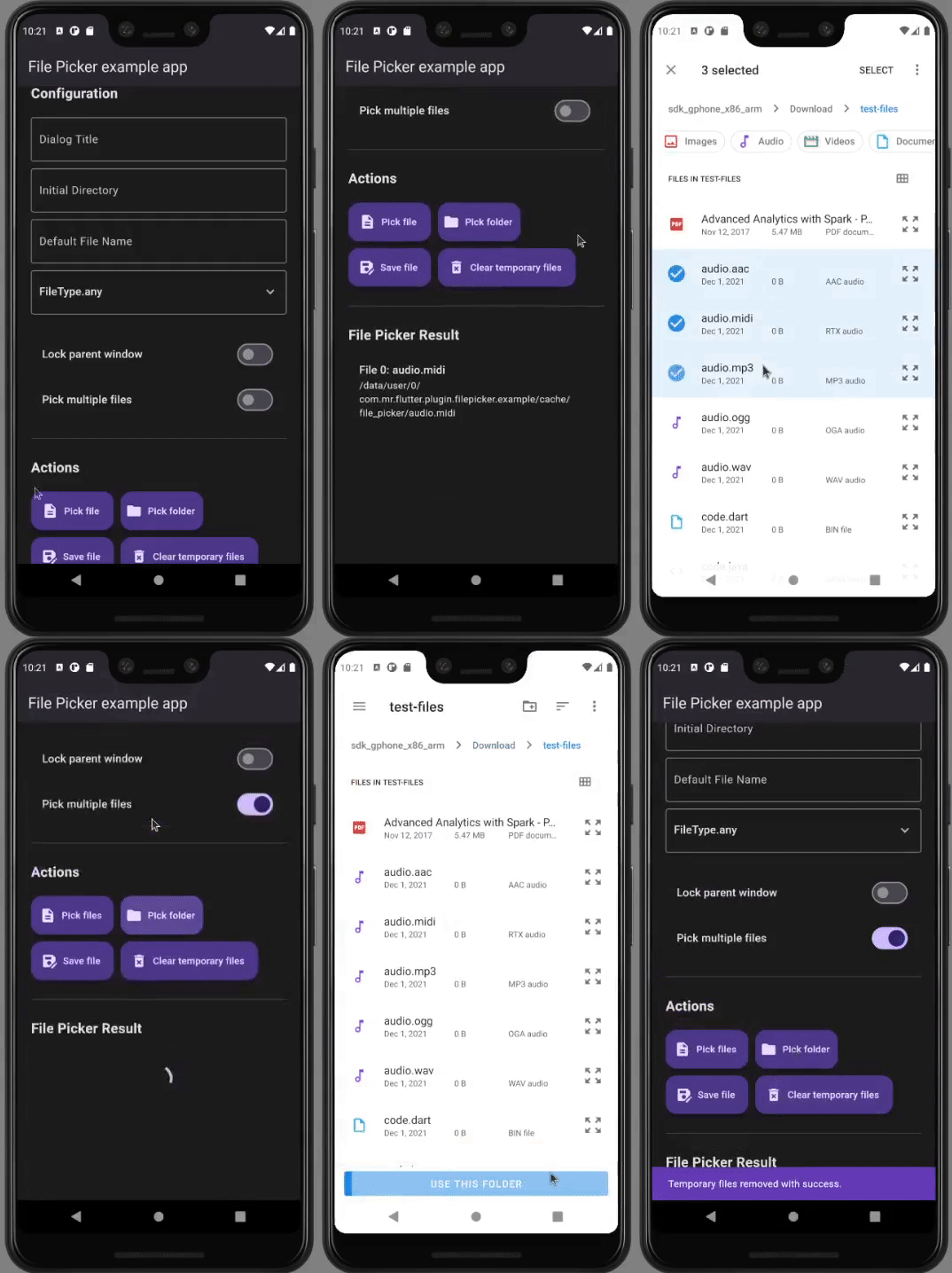
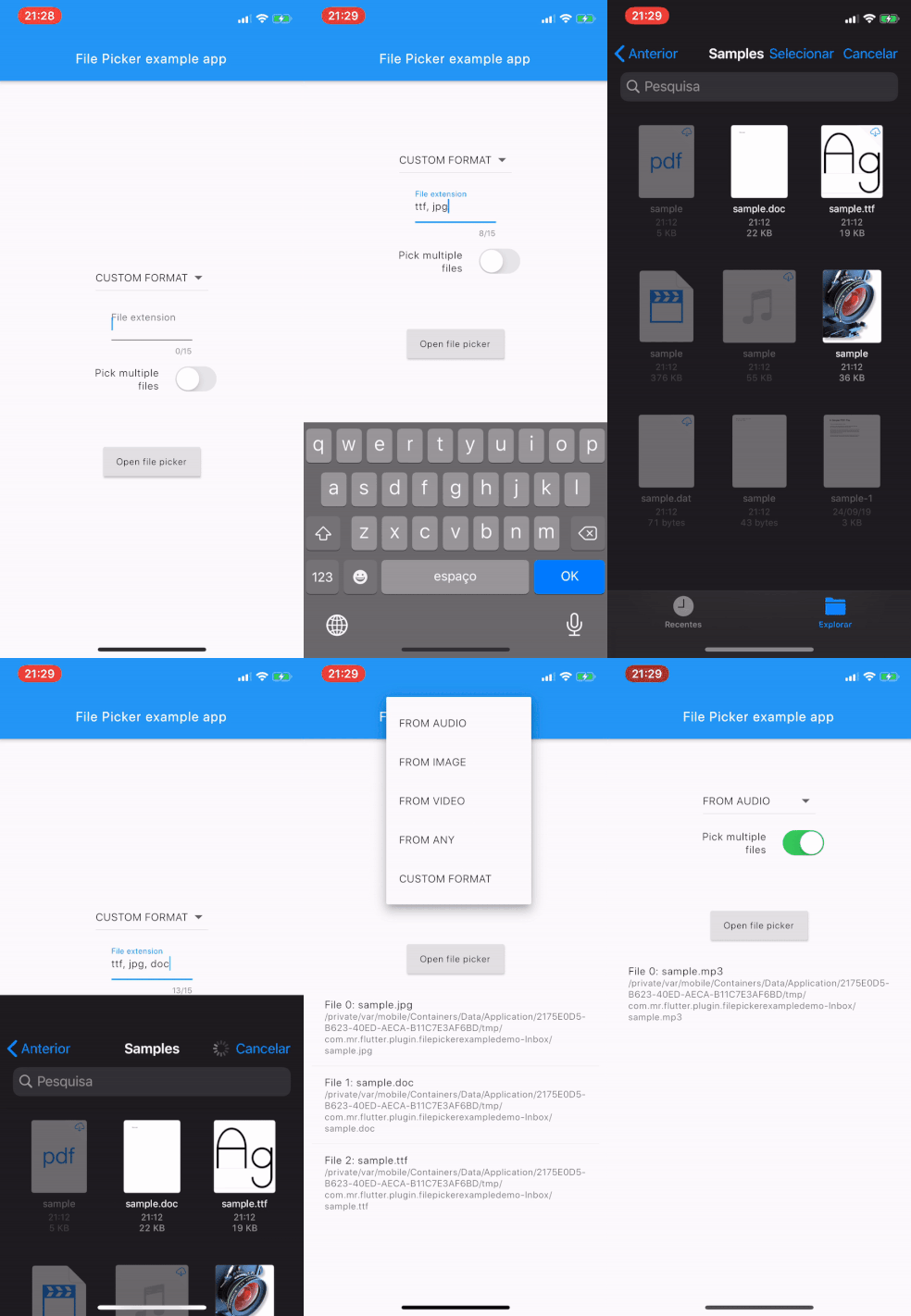
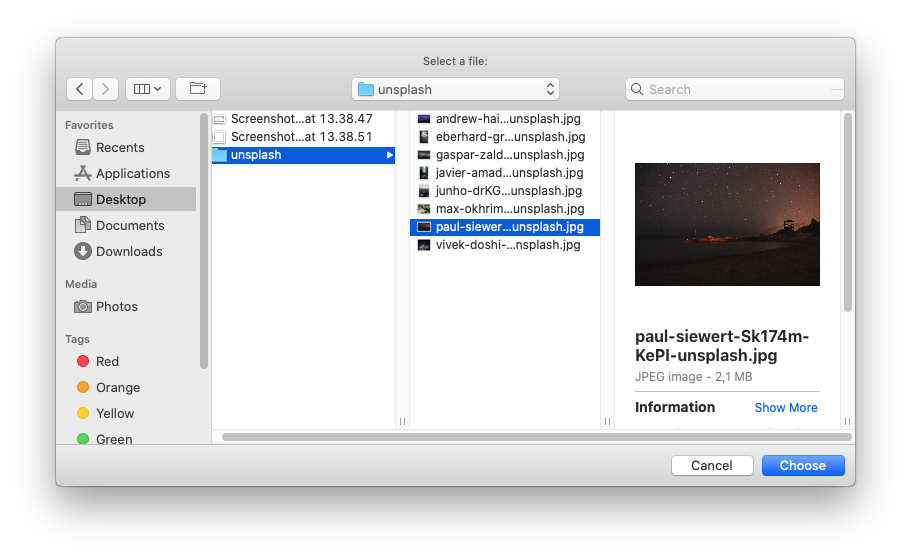
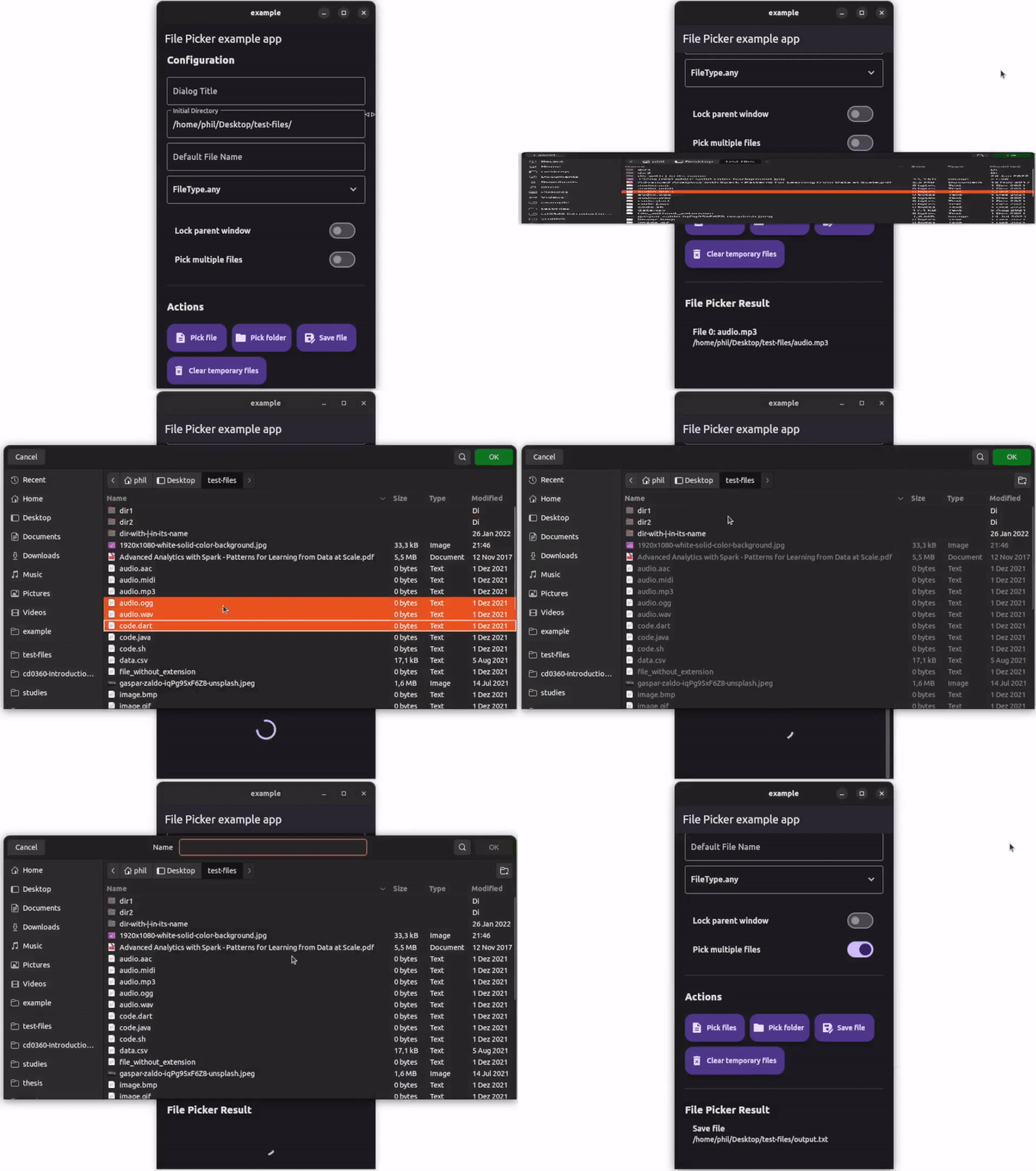
如需幫助開始進行撲朔迷離,請查看我們的在線文檔。
有關編輯插件代碼的幫助,請查看文檔。





