flutter_file_picker
8.0.6


ネイティブファイルエクスプローラーを使用して、拡張機能のフィルタリングサポートを備えた単一または複数のファイルを選択できるパッケージ。
Uint8List )に直ちにロードします。このパッケージに表示したい機能がある場合は、お気軽に提案してください。 ?
| API | アンドロイド | iOS | Linux | macos | Windows | ウェブ |
|---|---|---|---|---|---|---|
| cleartemporalyfiles() | ✔✔️ | ✔✔️ | ||||
| getDirectoryPath() | ✔✔️ | ✔✔️ | ✔✔️ | ✔✔️ | ✔✔️ | |
| pickfiles() | ✔✔️ | ✔✔️ | ✔✔️ | ✔✔️ | ✔✔️ | ✔✔️ |
| savefile() | ✔✔️ | ✔✔️ | ✔✔️ | ✔✔️ | ✔✔️ |
詳細については、ファイルピッカーwikiのAPIセクションまたはpub.devの公式APIリファレンスを参照してください。
インストール、セットアップ、使用方法についてのすべての詳細については、ファイルピッカーWikiを参照してください。
簡単な使用例:
 FilePickerResult ? result = await FilePicker .platform. pickFiles ();

if (result != null ) {
  File file = File (result.files.single.path ! );
} else {
  // User canceled the picker
} FilePickerResult ? result = await FilePicker .platform. pickFiles (allowMultiple : true );
if (result != null ) {
List < File > files = result.paths. map ((path) => File (path ! )). toList ();
} else {
// User canceled the picker
} FilePickerResult ? result = await FilePicker .platform. pickFiles (
allowMultiple : true ,
type : FileType .custom,
allowedExtensions : [ 'jpg' , 'pdf' , 'doc' ],
); String ? selectedDirectory = await FilePicker .platform. getDirectoryPath ();
if (selectedDirectory == null ) {
// User canceled the picker
} String ? outputFile = await FilePicker .platform. saveFile (
dialogTitle : 'Please select an output file:' ,
fileName : 'output-file.pdf' ,
);
if (outputFile == null ) {
// User canceled the picker
} FilePickerResult ? result = await FilePicker .platform. pickFiles ();
if (result != null ) {
PlatformFile file = result.files.first;
print (file.name);
print (file.bytes);
print (file.size);
print (file. extension );
print (file.path);
} else {
// User canceled the picker
} FilePickerResult ? result = await FilePicker .platform. pickFiles ();
if (result != null ) {
// All files
List < XFile > xFiles = result.xFiles;
// Individually
XFile xFile = result.files.first.xFile;
} else {
// User canceled the picker
} FilePickerResult ? result = await FilePicker .platform. pickFiles ();
if (result != null ) {
Uint8List fileBytes = result.files.first.bytes;
String fileName = result.files.first.name;
// Upload file
await FirebaseStorage .instance. ref ( 'uploads/$ fileName ' ). putData (fileBytes);
}完全な使用については、上記のWikiを参照してください。
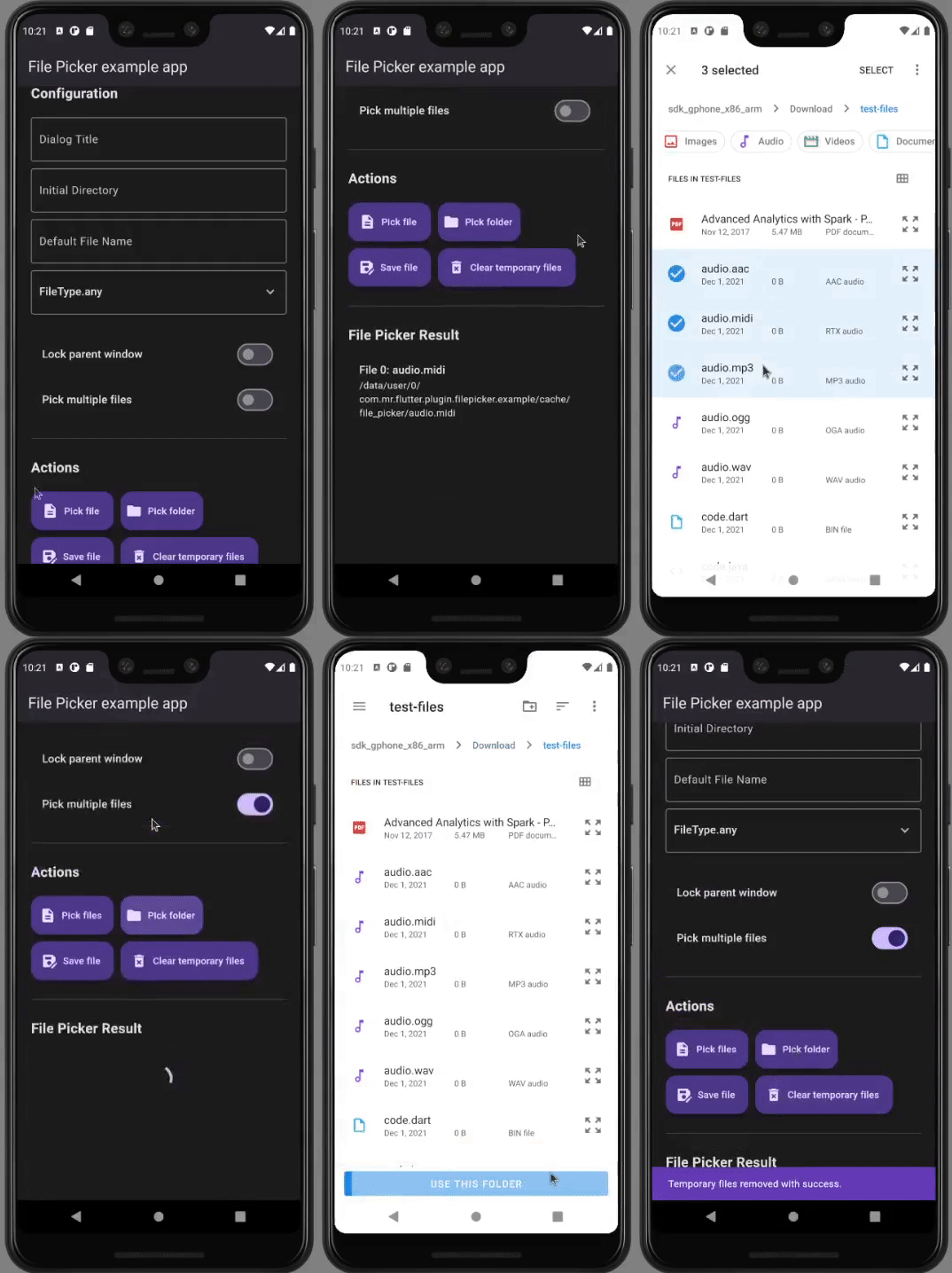
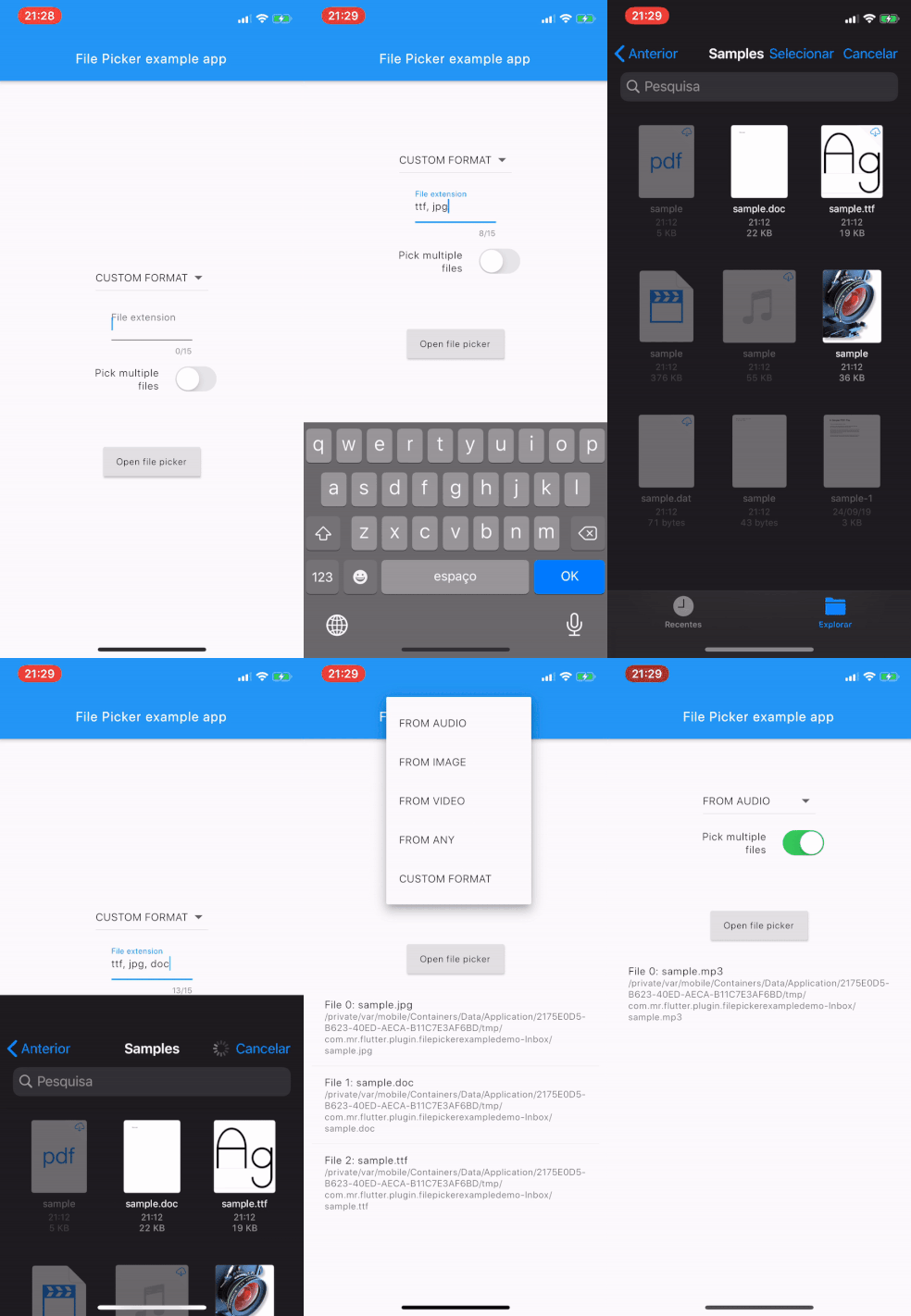
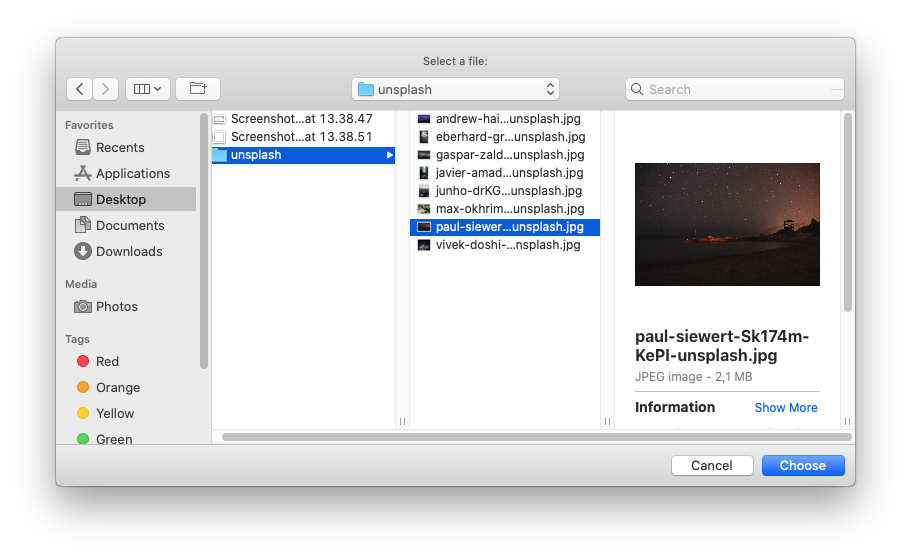
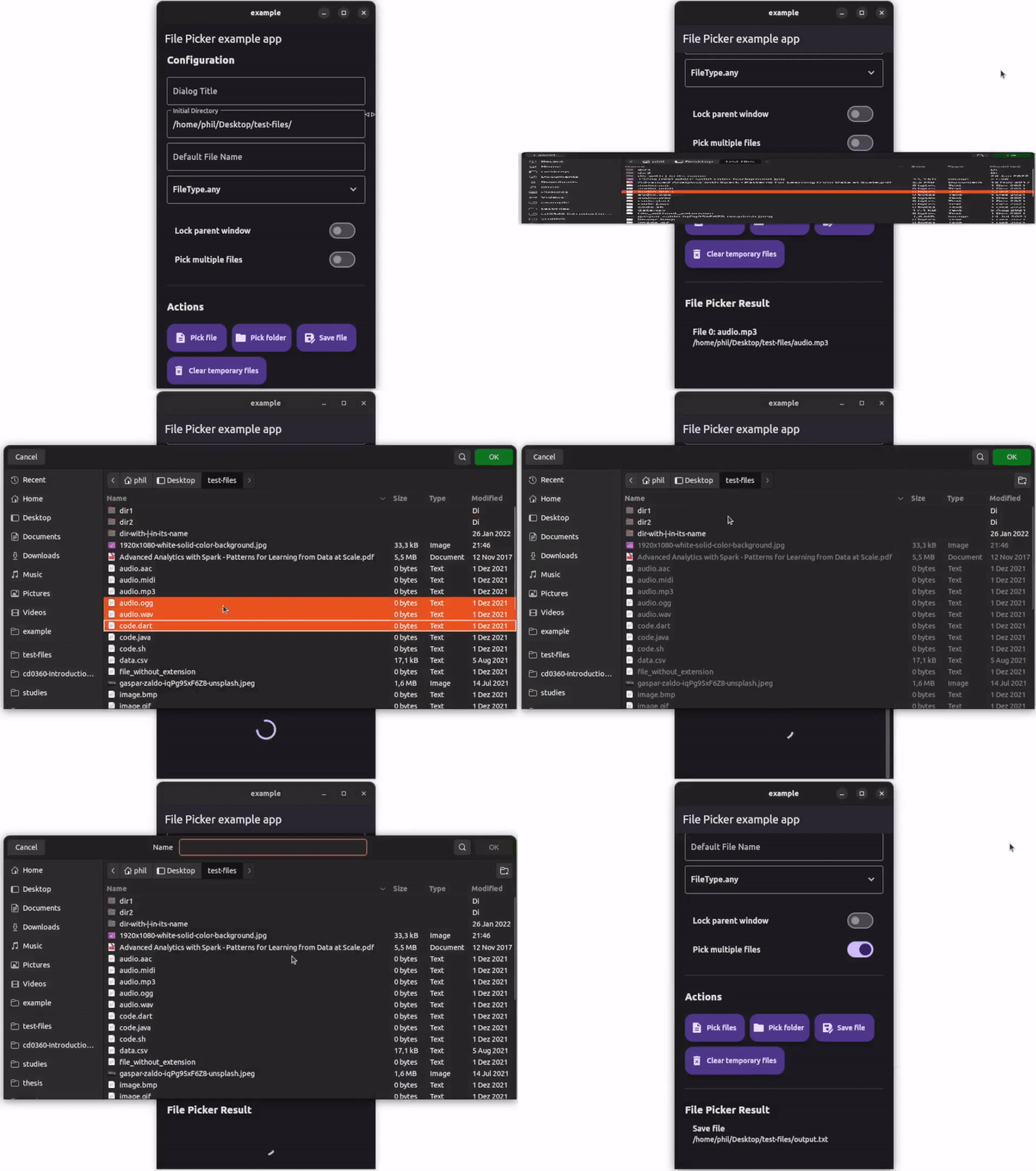
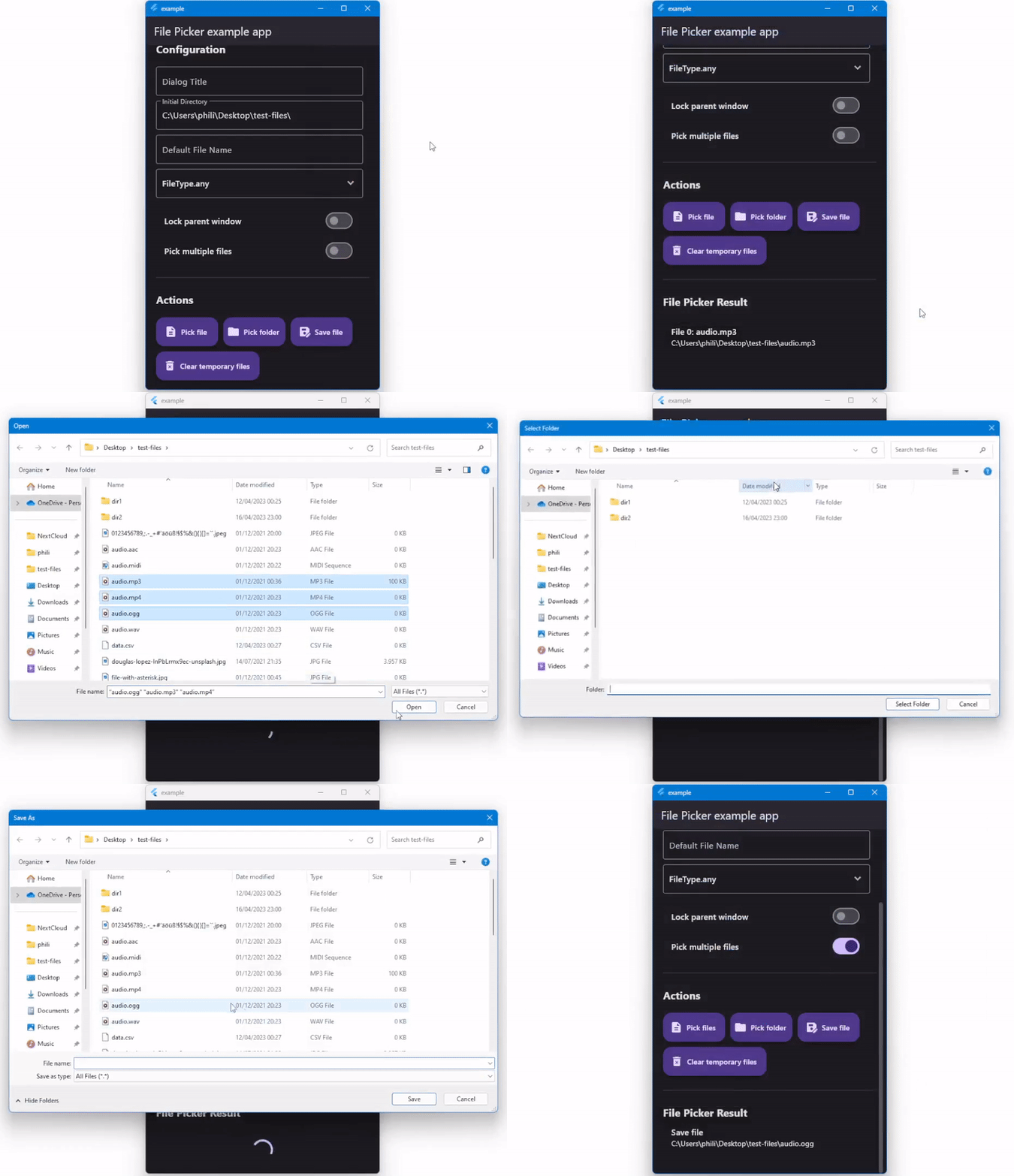
Flutterを始めるのに役立つように、オンラインドキュメントをご覧ください。
プラグインコードの編集のヘルプについては、ドキュメントを表示します。





