flutter_file_picker
8.0.6


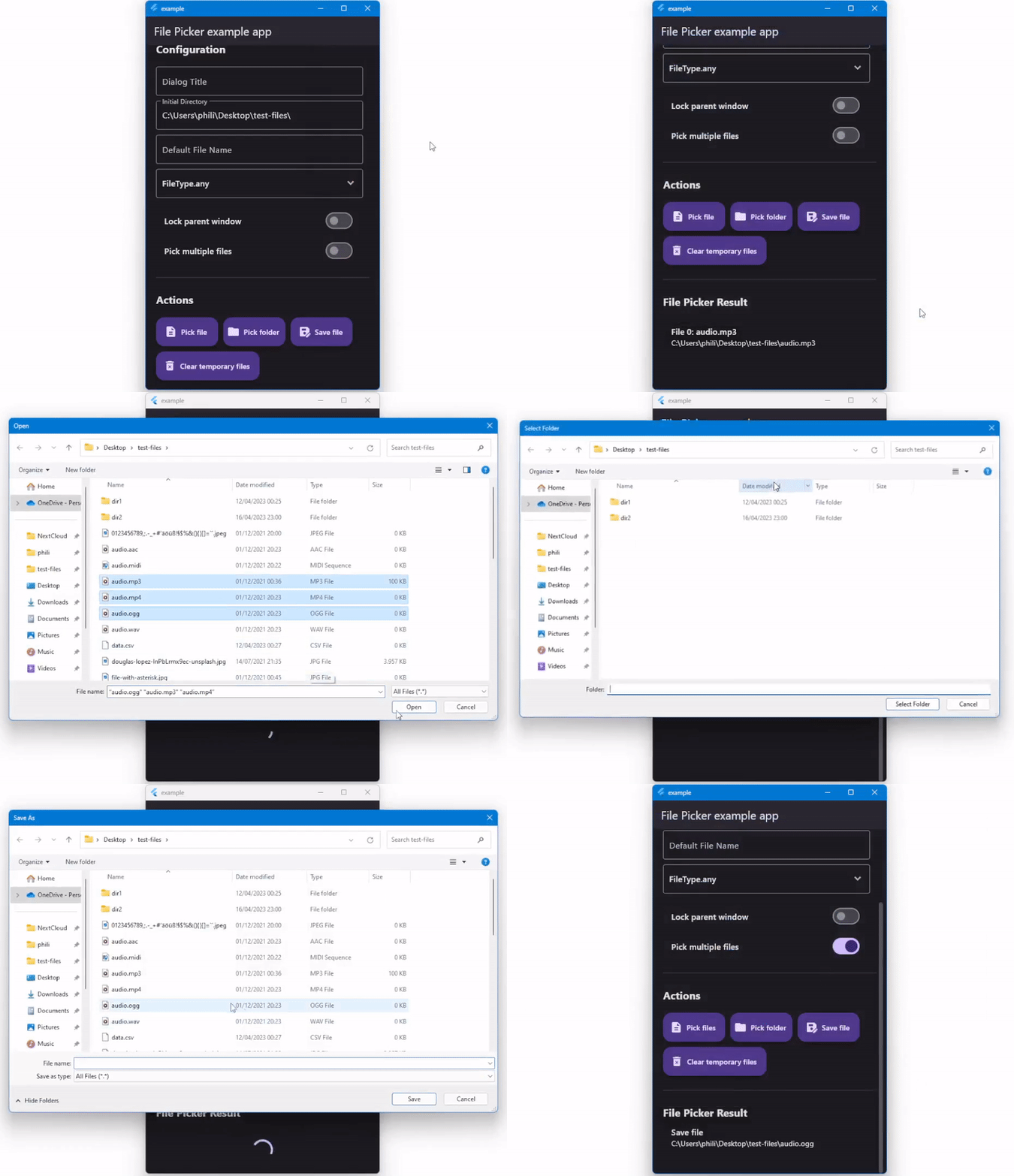
기본 파일 탐색기를 사용하여 확장자 필터링 지원으로 단일 또는 여러 파일을 선택할 수있는 패키지입니다.
Uint8List )에 즉시로드하십시오.이 패키지에서보고 싶은 기능이 있으시면 언제든지 제안하십시오. ?
| API | 기계적 인조 인간 | iOS | 리눅스 | 마코스 | 창 | 편물 |
|---|---|---|---|---|---|---|
| ClearTemporaryFiles () | ✔️ | ✔️ | ||||
| getDirectoryPath () | ✔️ | ✔️ | ✔️ | ✔️ | ✔️ | |
| pickfiles () | ✔️ | ✔️ | ✔️ | ✔️ | ✔️ | ✔️ |
| SaveFile () | ✔️ | ✔️ | ✔️ | ✔️ | ✔️ |
자세한 내용은 Pub.dev의 파일 피커 Wiki 파일의 API 섹션 또는 공식 API 참조를 참조하십시오.
설치, 설정 및 사용 방법에 대한 모든 세부 사항은 파일 선택기 위키를 참조하십시오.
빠른 간단한 사용 예 :
 FilePickerResult ? result = await FilePicker .platform. pickFiles ();

if (result != null ) {
  File file = File (result.files.single.path ! );
} else {
  // User canceled the picker
} FilePickerResult ? result = await FilePicker .platform. pickFiles (allowMultiple : true );
if (result != null ) {
List < File > files = result.paths. map ((path) => File (path ! )). toList ();
} else {
// User canceled the picker
} FilePickerResult ? result = await FilePicker .platform. pickFiles (
allowMultiple : true ,
type : FileType .custom,
allowedExtensions : [ 'jpg' , 'pdf' , 'doc' ],
); String ? selectedDirectory = await FilePicker .platform. getDirectoryPath ();
if (selectedDirectory == null ) {
// User canceled the picker
} String ? outputFile = await FilePicker .platform. saveFile (
dialogTitle : 'Please select an output file:' ,
fileName : 'output-file.pdf' ,
);
if (outputFile == null ) {
// User canceled the picker
} FilePickerResult ? result = await FilePicker .platform. pickFiles ();
if (result != null ) {
PlatformFile file = result.files.first;
print (file.name);
print (file.bytes);
print (file.size);
print (file. extension );
print (file.path);
} else {
// User canceled the picker
} FilePickerResult ? result = await FilePicker .platform. pickFiles ();
if (result != null ) {
// All files
List < XFile > xFiles = result.xFiles;
// Individually
XFile xFile = result.files.first.xFile;
} else {
// User canceled the picker
} FilePickerResult ? result = await FilePicker .platform. pickFiles ();
if (result != null ) {
Uint8List fileBytes = result.files.first.bytes;
String fileName = result.files.first.name;
// Upload file
await FirebaseStorage .instance. ref ( 'uploads/$ fileName ' ). putData (fileBytes);
}전체 사용법 세부 사항은 위의 위키를 참조하십시오.
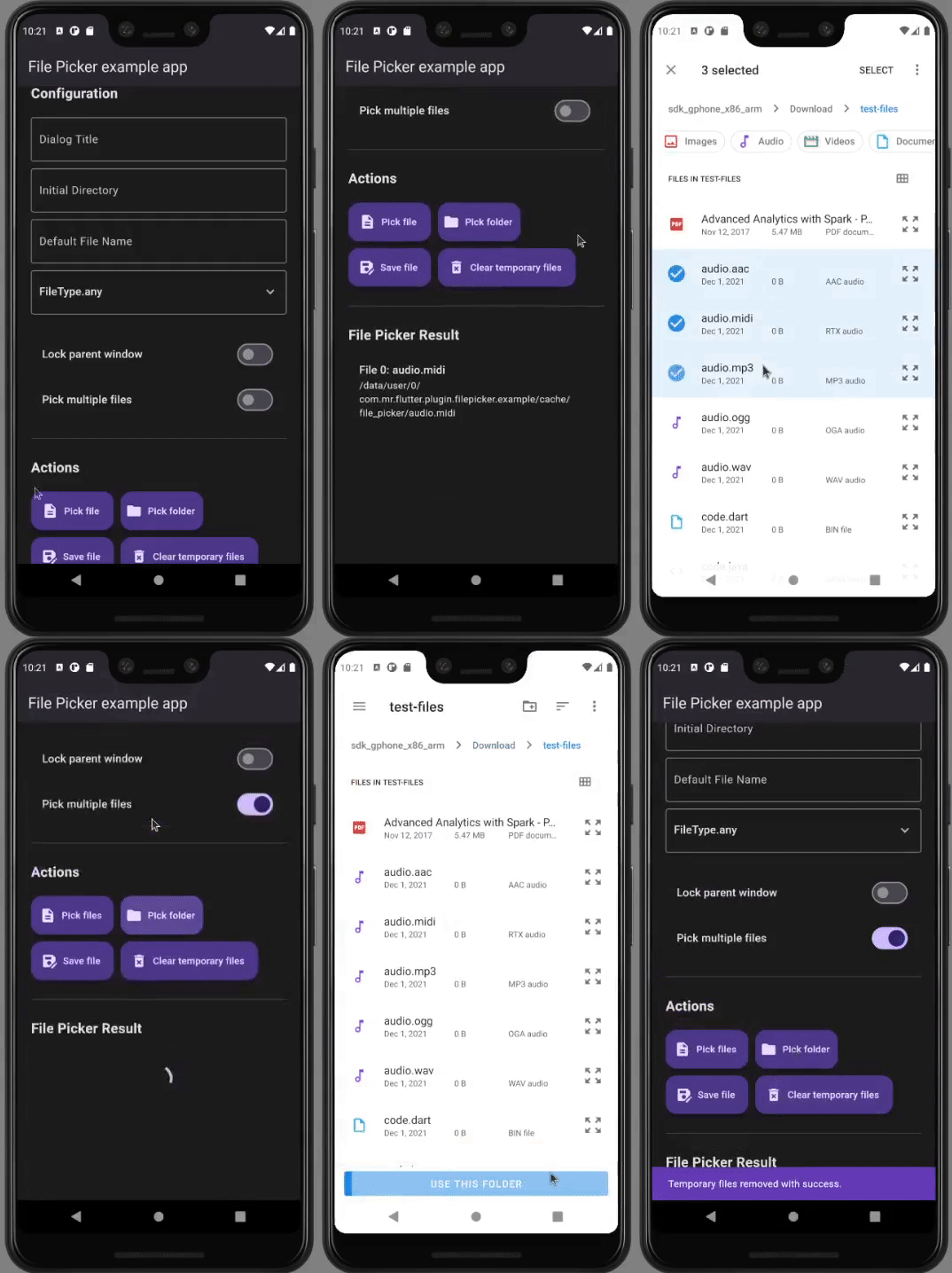
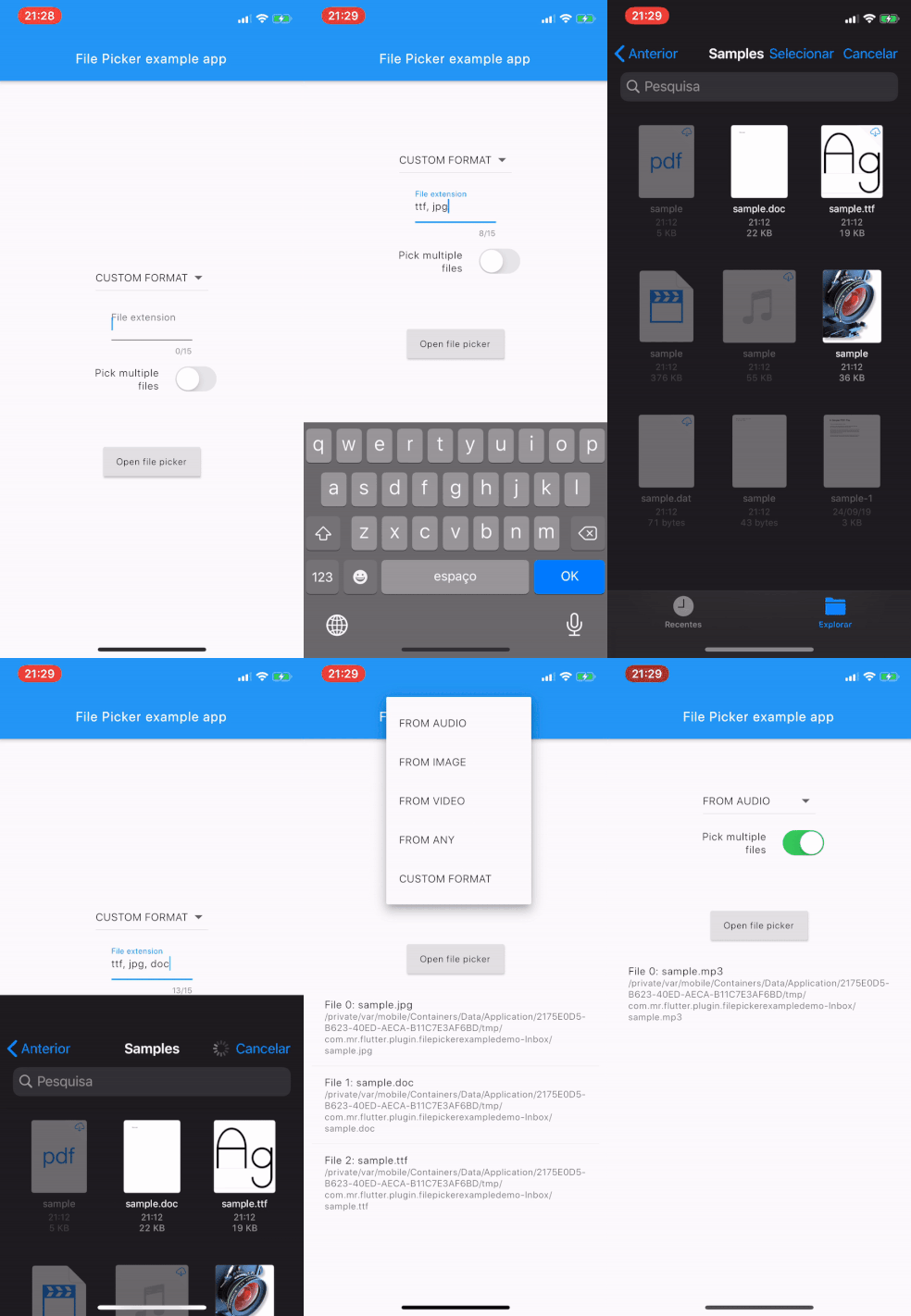
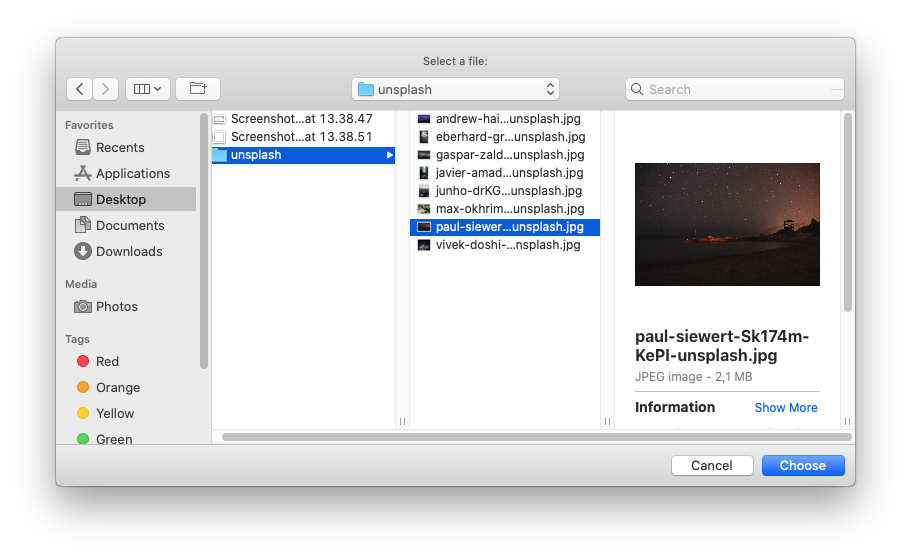
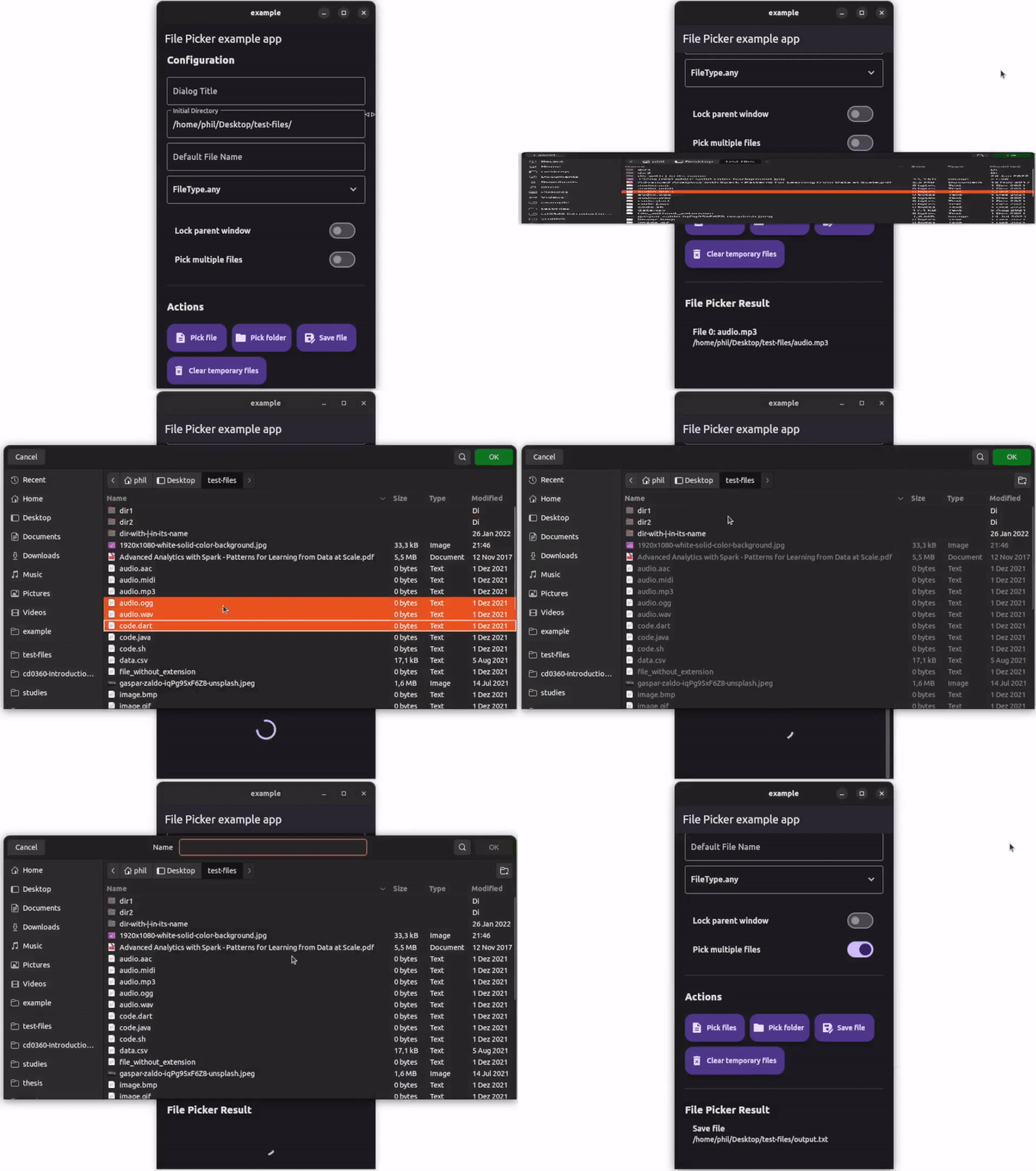
Flutter를 시작하는 데 도움이 되려면 온라인 문서를보십시오.
플러그인 코드 편집에 대한 도움은 문서를보십시오.





