flutter_file_picker
8.0.6


แพ็คเกจที่ช่วยให้คุณใช้ไฟล์ Native File เพื่อเลือกไฟล์เดียวหรือหลายไฟล์พร้อมการสนับสนุนการกรองส่วนขยาย
Uint8List ) ทันทีหากจำเป็นหากคุณมีคุณสมบัติใด ๆ ที่คุณต้องการเห็นในแพ็คเกจนี้โปรดอย่าลังเลที่จะออกข้อเสนอแนะ -
| API | Android | iOS | ลินเวกซ์ | แม็กอส | หน้าต่าง | เว็บ |
|---|---|---|---|---|---|---|
| ClearTemporaryfiles () | ||||||
| getDirectoryPath () | ||||||
| pickfiles () | ||||||
| SaveFile () |
ดูส่วน API ของตัวเลือกไฟล์ Wiki หรือการอ้างอิง API อย่างเป็นทางการบน Pub.Dev สำหรับรายละเอียดเพิ่มเติม
ดู Wiki ตัวเลือกไฟล์ สำหรับทุกรายละเอียดเกี่ยวกับวิธีการติดตั้งการตั้งค่าและใช้งาน
ตัวอย่างการใช้งานง่าย ๆ อย่างรวดเร็ว:
 FilePickerResult ? result = await FilePicker .platform. pickFiles ();

if (result != null ) {
  File file = File (result.files.single.path ! );
} else {
  // User canceled the picker
} FilePickerResult ? result = await FilePicker .platform. pickFiles (allowMultiple : true );
if (result != null ) {
List < File > files = result.paths. map ((path) => File (path ! )). toList ();
} else {
// User canceled the picker
} FilePickerResult ? result = await FilePicker .platform. pickFiles (
allowMultiple : true ,
type : FileType .custom,
allowedExtensions : [ 'jpg' , 'pdf' , 'doc' ],
); String ? selectedDirectory = await FilePicker .platform. getDirectoryPath ();
if (selectedDirectory == null ) {
// User canceled the picker
} String ? outputFile = await FilePicker .platform. saveFile (
dialogTitle : 'Please select an output file:' ,
fileName : 'output-file.pdf' ,
);
if (outputFile == null ) {
// User canceled the picker
} FilePickerResult ? result = await FilePicker .platform. pickFiles ();
if (result != null ) {
PlatformFile file = result.files.first;
print (file.name);
print (file.bytes);
print (file.size);
print (file. extension );
print (file.path);
} else {
// User canceled the picker
} FilePickerResult ? result = await FilePicker .platform. pickFiles ();
if (result != null ) {
// All files
List < XFile > xFiles = result.xFiles;
// Individually
XFile xFile = result.files.first.xFile;
} else {
// User canceled the picker
} FilePickerResult ? result = await FilePicker .platform. pickFiles ();
if (result != null ) {
Uint8List fileBytes = result.files.first.bytes;
String fileName = result.files.first.name;
// Upload file
await FirebaseStorage .instance. ref ( 'uploads/$ fileName ' ). putData (fileBytes);
}สำหรับรายละเอียดการใช้งานเต็มรูปแบบอ้างถึง วิกิ ด้านบน
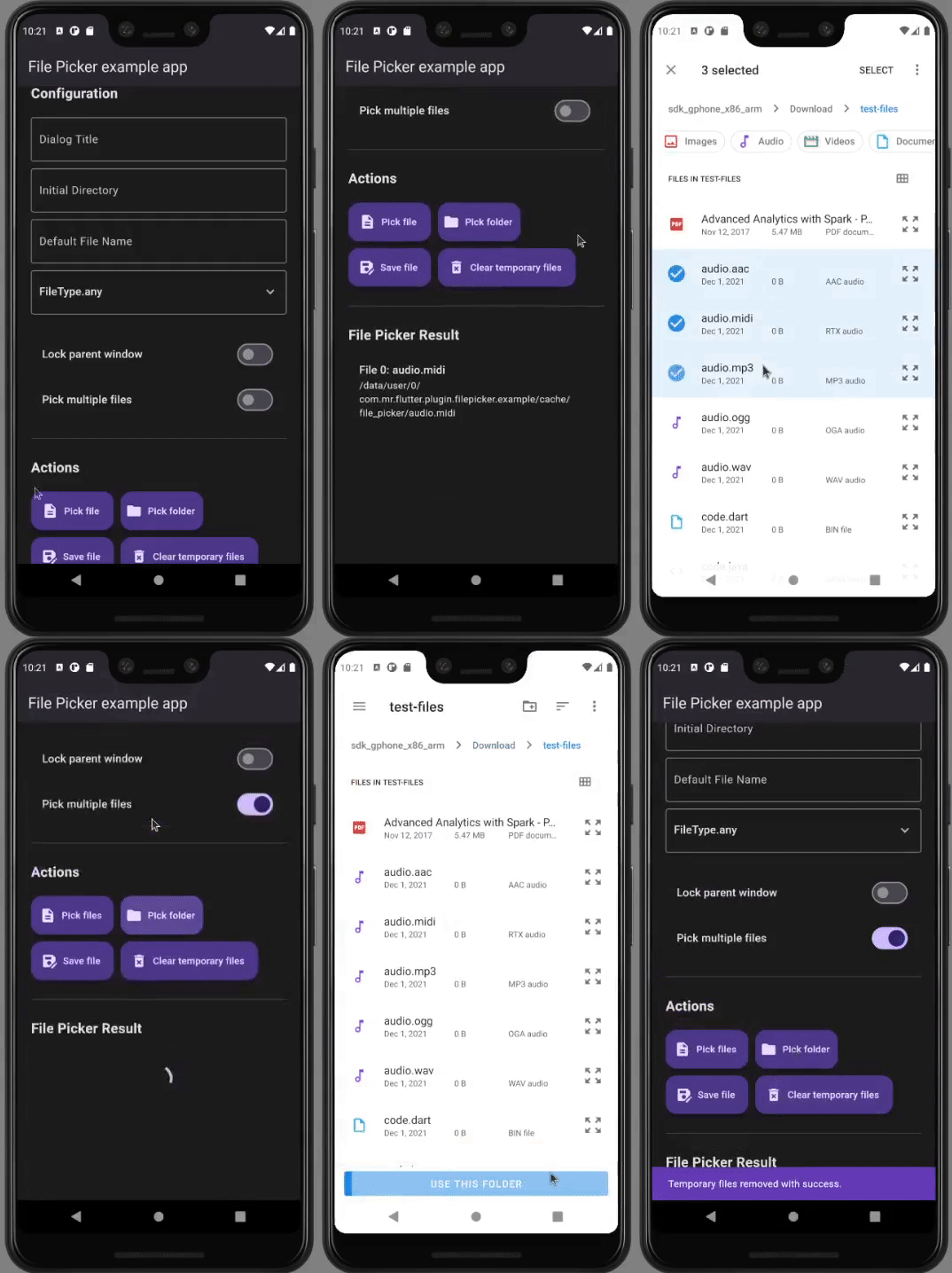
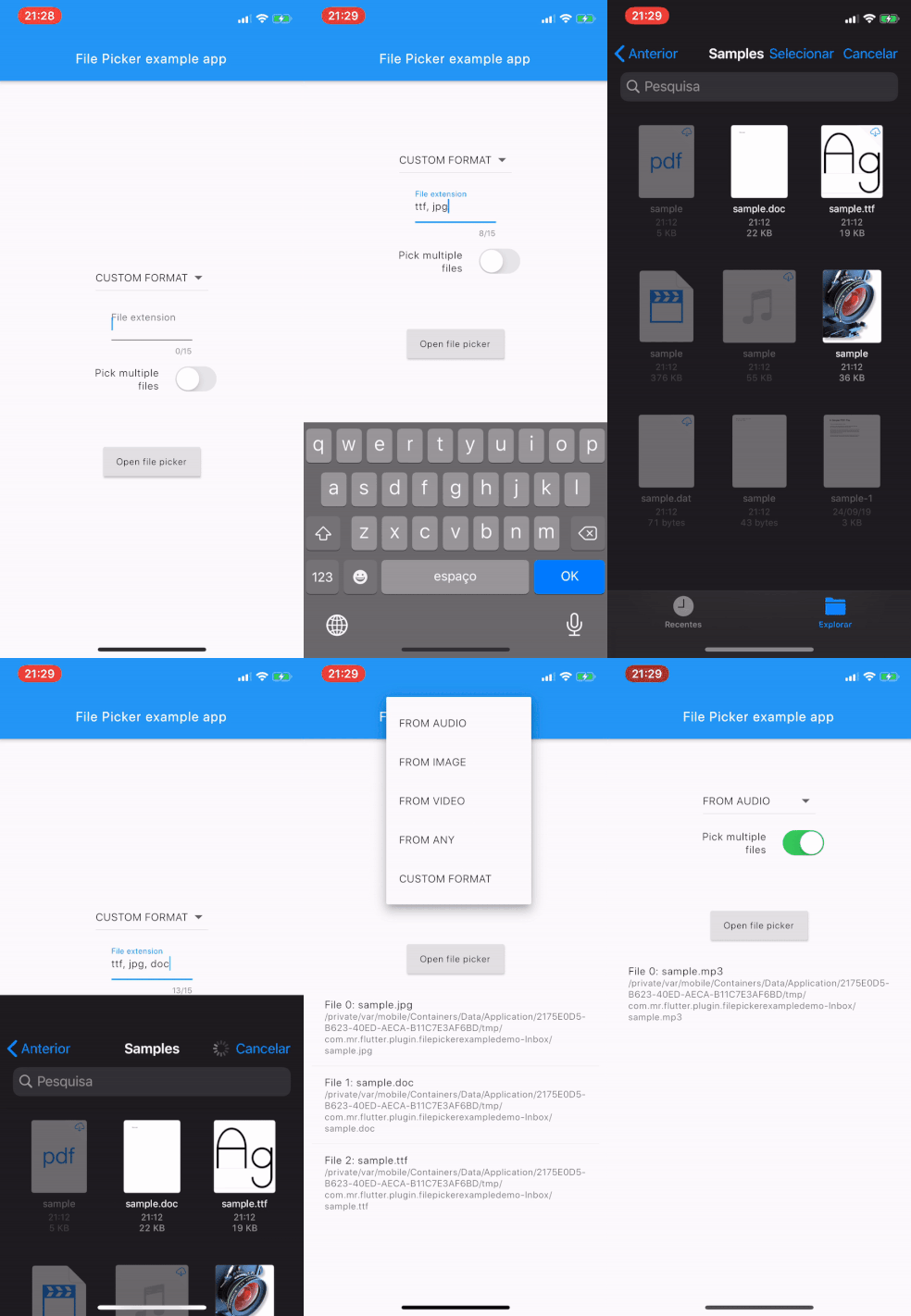
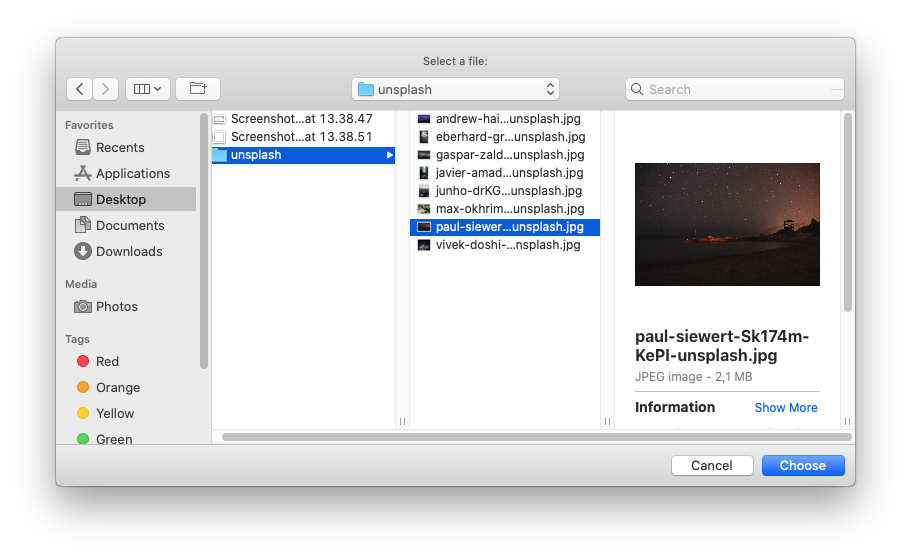
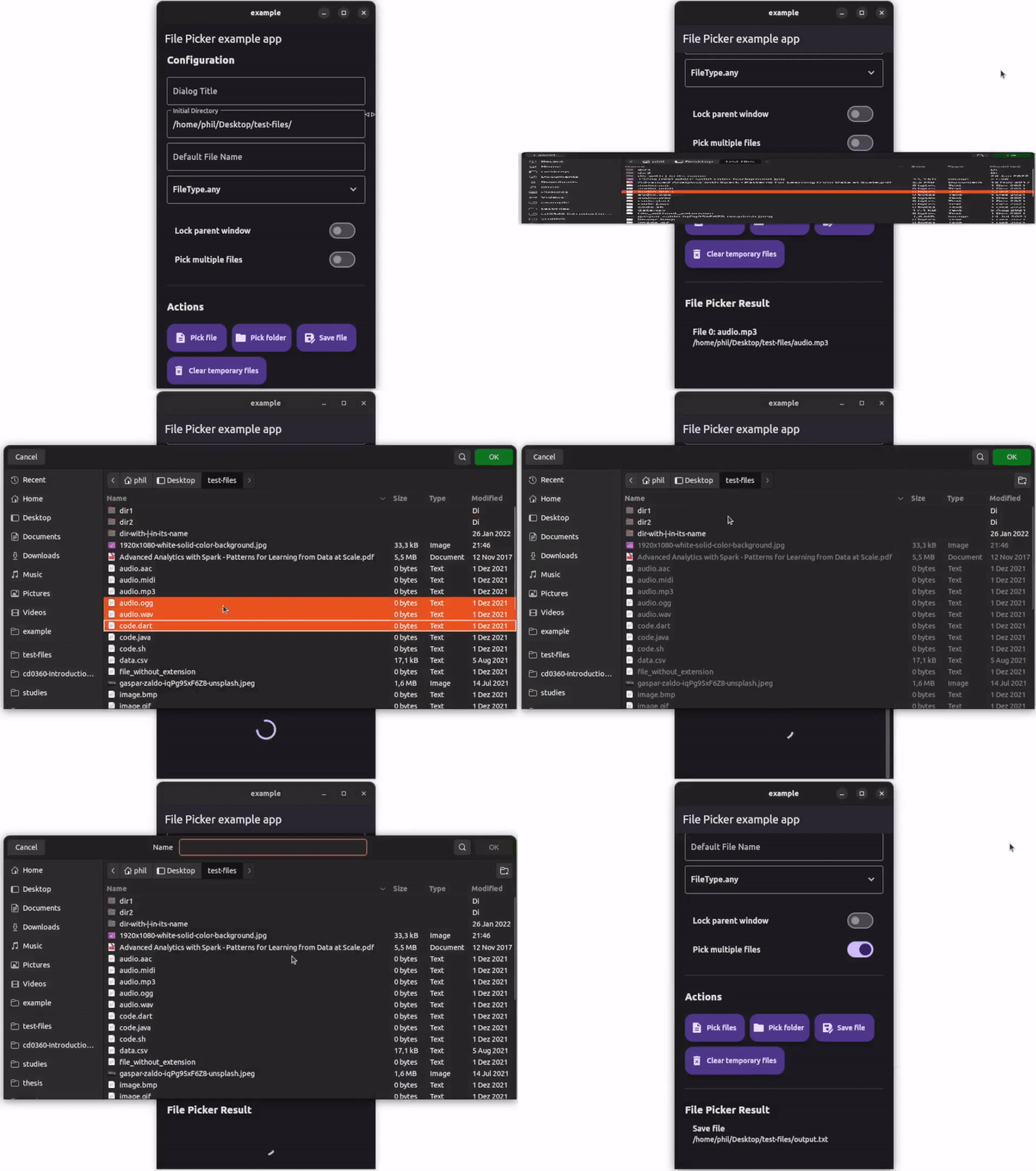
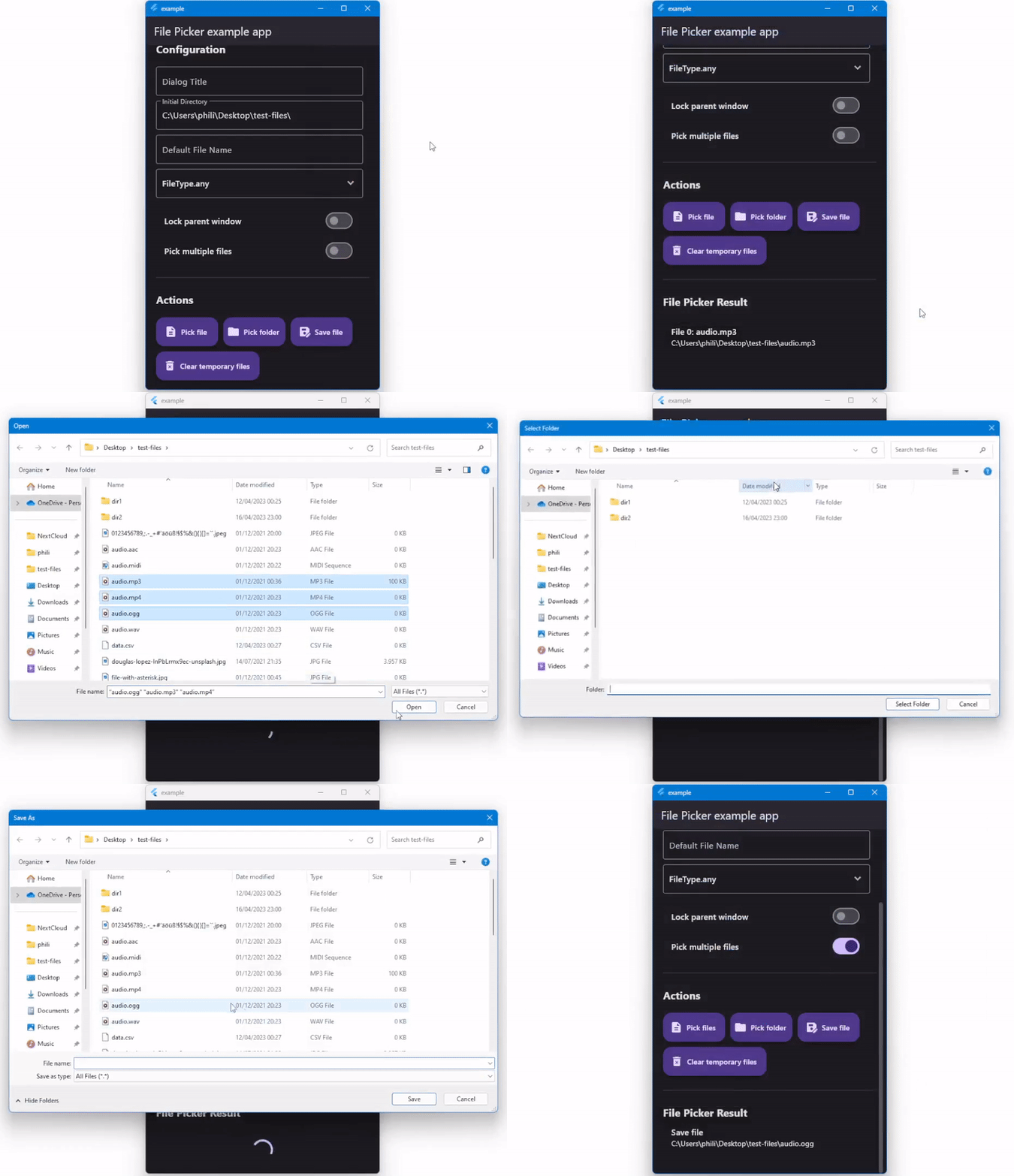
สำหรับความช่วยเหลือในการเริ่มต้นใช้งาน Flutter ให้ดูเอกสารออนไลน์ของเรา
สำหรับความช่วยเหลือในการแก้ไขรหัสปลั๊กอินให้ดูเอกสารประกอบ





