MaterialDayPicker
Version 0.7.4 - Better Configuration + Bug fixes

靈感來自內置的Android Clock應用程序中的一日選擇器。
注意:我沒有積極地研究此庫的新功能。我只是在解決關鍵錯誤。話雖如此,新功能的貢獻是非常歡迎的,我可以審查拉的請求。如果您有興趣貢獻,請參見貢獻。
| 正常使用 | 本地用法 | 暗模式使用 |
|---|---|---|
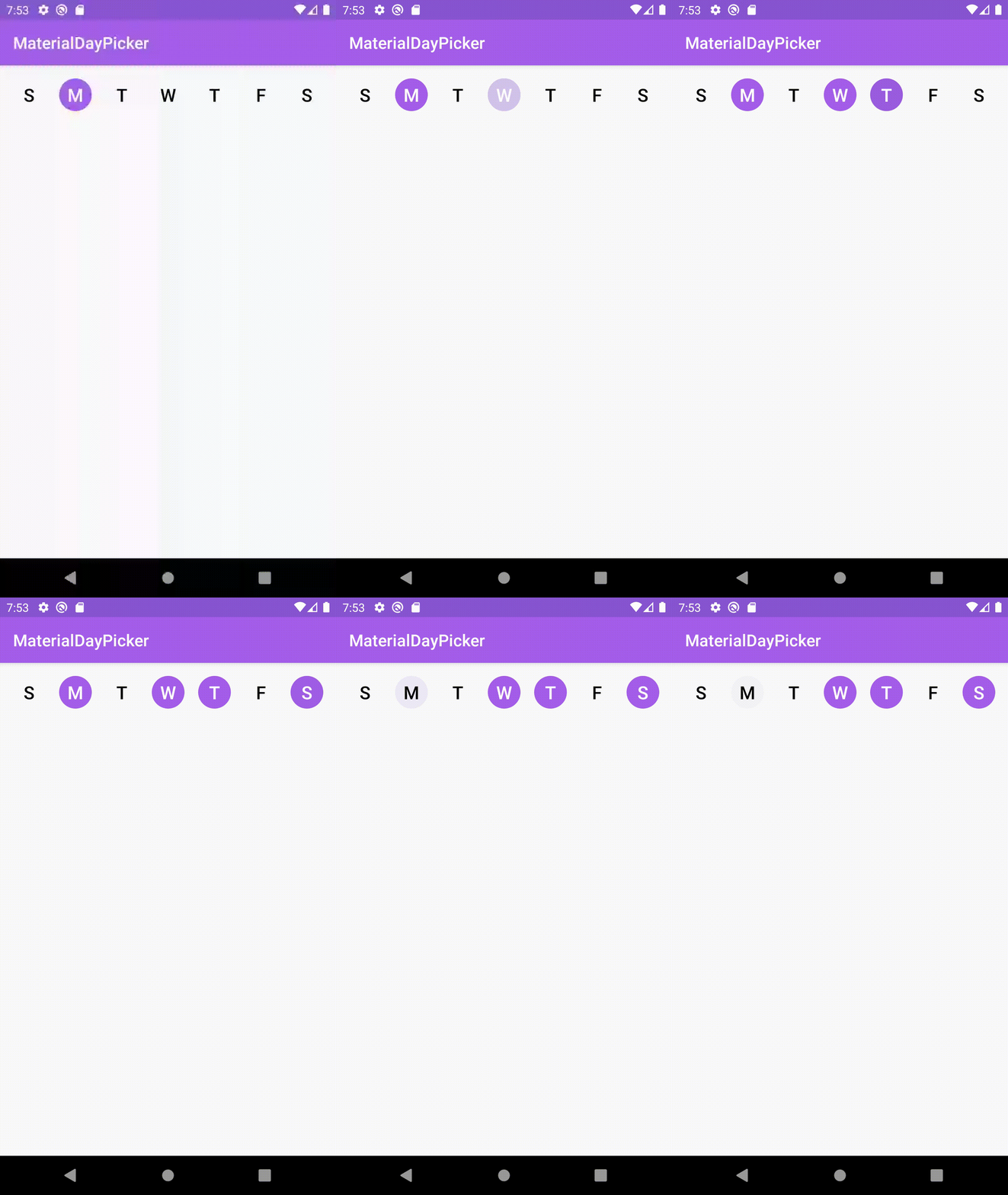 | 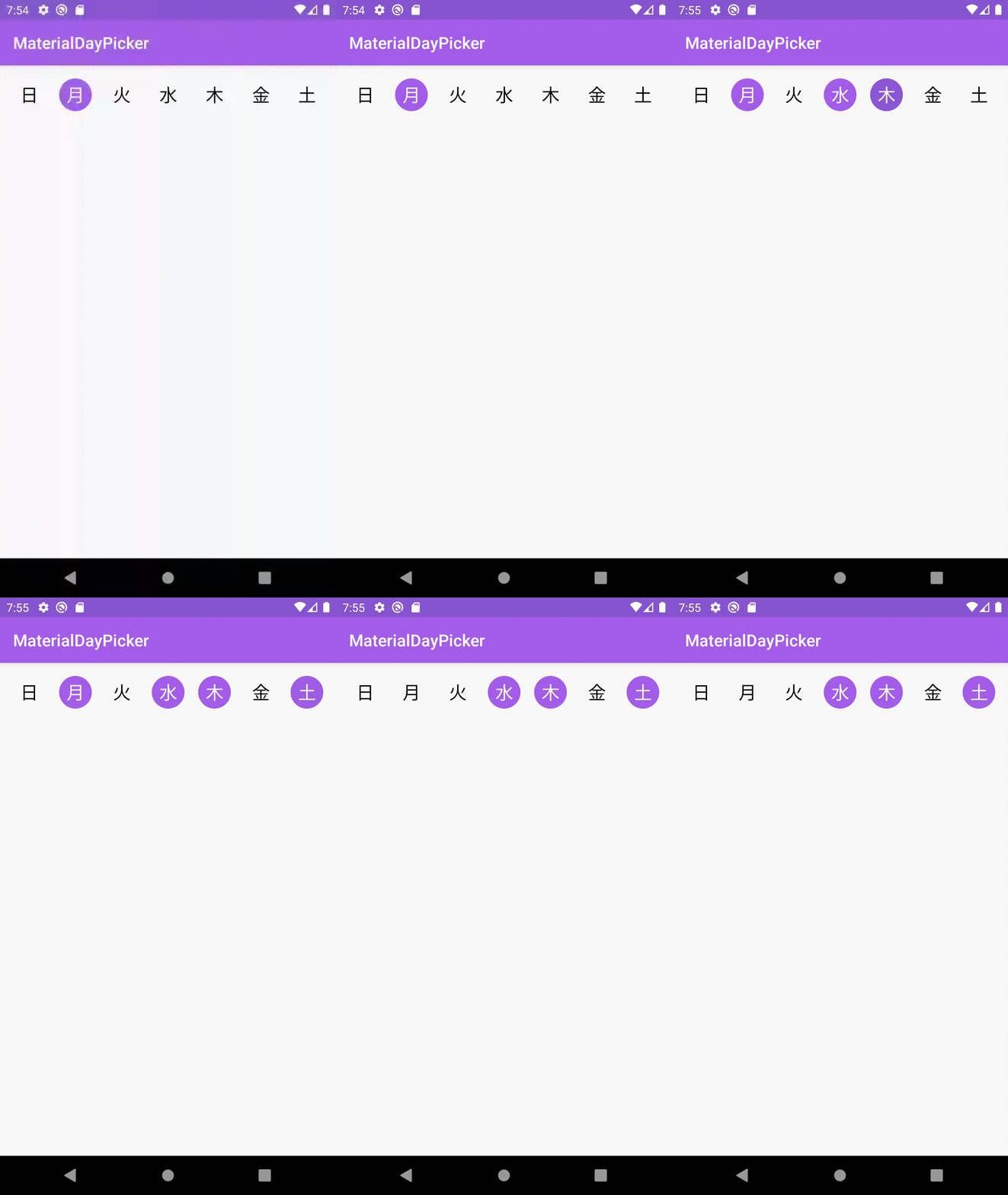 | 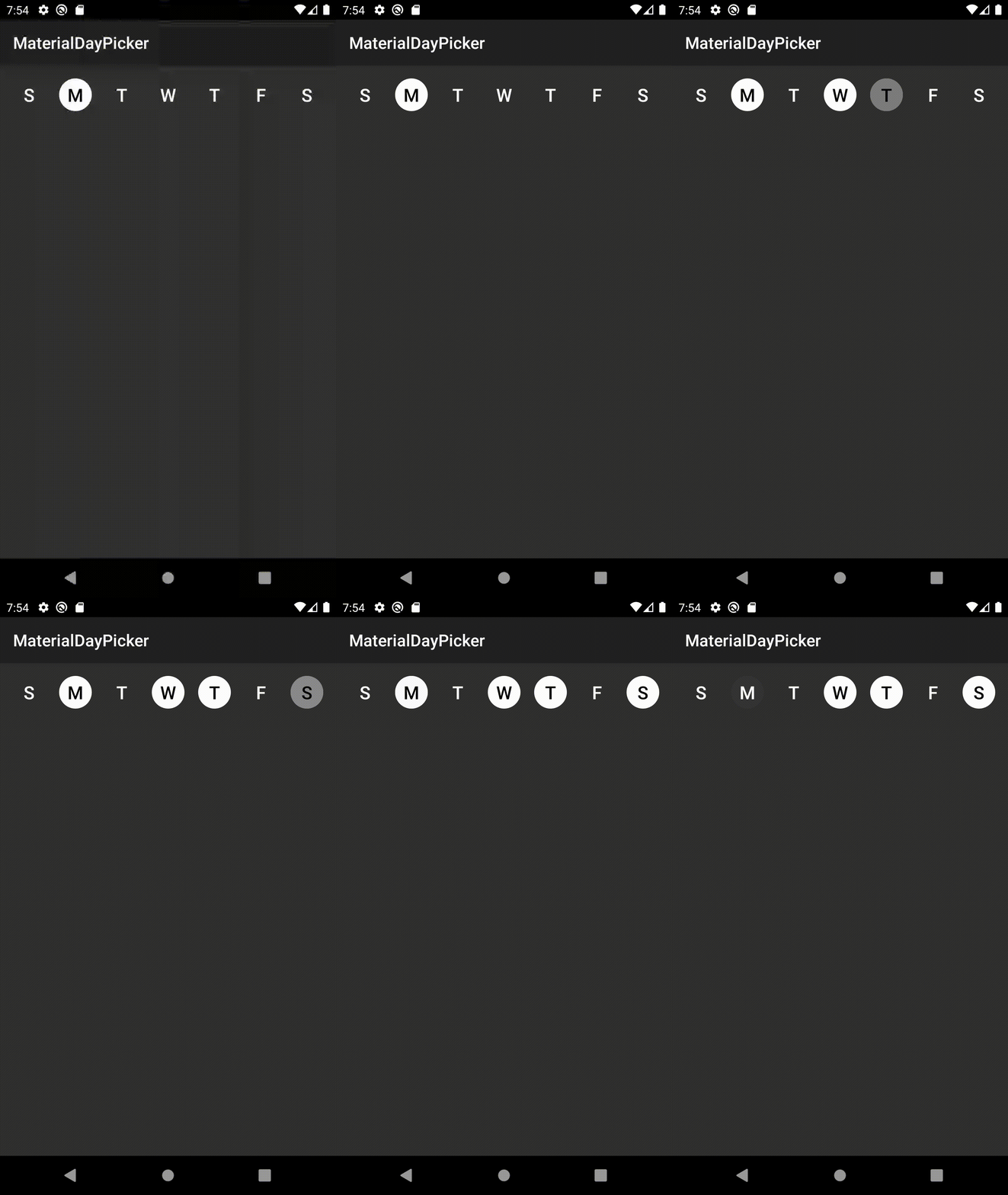 |
firstDayOfWeek屬性手動覆蓋在選擇器中顯示的一周的第一天錯誤修復
3.6.1時修復了錯誤,該插件將由於無法找到selectionMode屬性而導致建築物失敗。錯誤修復
setSelectedDays會導致選定的天數閃爍。配置改進
app:selectionMode屬性通過XML設置選擇模式。通過將以下內容添加到您的項目的build.gradle文件:下載最新版本:
dependencies {
    implementation ' ca.antonious:materialdaypicker:0.7.4 '
}您只需將視圖放入現有的XML中:
< ca .antonious.materialdaypicker.MaterialDayPicker
    android : id = " @+id/day_picker "
    android : layout_width = " match_parent "
    android : layout_height = " wrap_content " />
您可以通過使用以下方式獲得當前選擇的天數
 val selectedDays = materialDayPicker.selectedDays
// returns [MaterialDayPicker.Weekday.TUESDAY, MaterialDayPicker.Weekday.FRIDAY]
您可以通過以下方式設置選定的日子:
 val daysToSelect = listOf ( MaterialDayPicker . Weekday . TUESDAY , MaterialDayPicker . Weekday . FRIDAY )
materialDayPicker.setSelectedDays(daysToSelect)
如果您只想一次選擇一天,則可以這樣做:
materialDayPicker.selectionMode = SingleSelectionMode .create()也可以使用selectionMode屬性通過XML設置這一點:
< ca .antonious.materialdaypicker.MaterialDayPicker
    ...
    app : selectionMode = " ca.antonious.materialdaypicker.SingleSelectionMode " />
您可以使用以下方法啟用/禁用天數。請注意,如果您禁用選擇的一天,就無法取消選擇:
materialDayPicker.enableDay( MaterialDayPicker . Weekday . Monday )
materialDayPicker.disableDay( MaterialDayPicker . Weekday . Monday )
materialDayPicker.setDayEnable( MaterialDayPicker . Weekday . Monday , isEnabled = false )
如果您想在更改一天的選擇時都會收聽,則可以使用:
materialDayPicker.setDaySelectionChangedListener { selectedDays ->
    // handle selection change
}
如果您需要知道何時選擇/取消選擇特定的一天,則可以使用:
materialDayPicker.setDayPressedListener { weekday, isSelected ->
    // handle weekday selection
}您可以覆蓋這些顏色,以改變材料的外觀。您還可以在夜晚顏色資源目錄中更新這些值,以更新黑暗模式下的材料的外觀:
< color name = " dayPressed " >@color/colorPrimaryDark</ color >
< color name = " daySelected " >@color/colorPrimary</ color >
< color name = " daySelectedTextColor " >@android:color/white</ color >
< color name = " dayDeselected " >#FAFAFA</ color >
< color name = " dayDeselectedTextColor " >@android:color/black</ color >

<!-- Customizing colors for disabled days -->
< color name = " daySelectedAndDisabled " >#43444F</ color >
< color name = " daySelectedAndDisabledTextColor " >@color/daySelectedTextColor</ color >
< color name = " dayDeselectedAndDisabled " >@color/dayDeselected</ color >
< color name = " dayDeselectedAndDisabledTextColor " >@android:color/darker_gray</ color >
如果您不想使用該設備的當前語言環境,則可以通過執行以下操作來覆蓋它:
materialDayPicker.locale = Locale . ENGLISH // or any other locale如果您想明確指定一周的第一天:
materialDayPicker.firstDayOfWeek = MaterialDayPicker . Weekday . MONDAY // or any other day MIT License
Copyright (c) 2017 George Antonious
Permission is hereby granted, free of charge, to any person obtaining a copy
of this software and associated documentation files (the "Software"), to deal
in the Software without restriction, including without limitation the rights
to use, copy, modify, merge, publish, distribute, sublicense, and/or sell
copies of the Software, and to permit persons to whom the Software is
furnished to do so, subject to the following conditions:
The above copyright notice and this permission notice shall be included in all
copies or substantial portions of the Software.
THE SOFTWARE IS PROVIDED "AS IS", WITHOUT WARRANTY OF ANY KIND, EXPRESS OR
IMPLIED, INCLUDING BUT NOT LIMITED TO THE WARRANTIES OF MERCHANTABILITY,
FITNESS FOR A PARTICULAR PURPOSE AND NONINFRINGEMENT. IN NO EVENT SHALL THE
AUTHORS OR COPYRIGHT HOLDERS BE LIABLE FOR ANY CLAIM, DAMAGES OR OTHER
LIABILITY, WHETHER IN AN ACTION OF CONTRACT, TORT OR OTHERWISE, ARISING FROM,
OUT OF OR IN CONNECTION WITH THE SOFTWARE OR THE USE OR OTHER DEALINGS IN THE
SOFTWARE.





