IntelliNode
v1.8.8

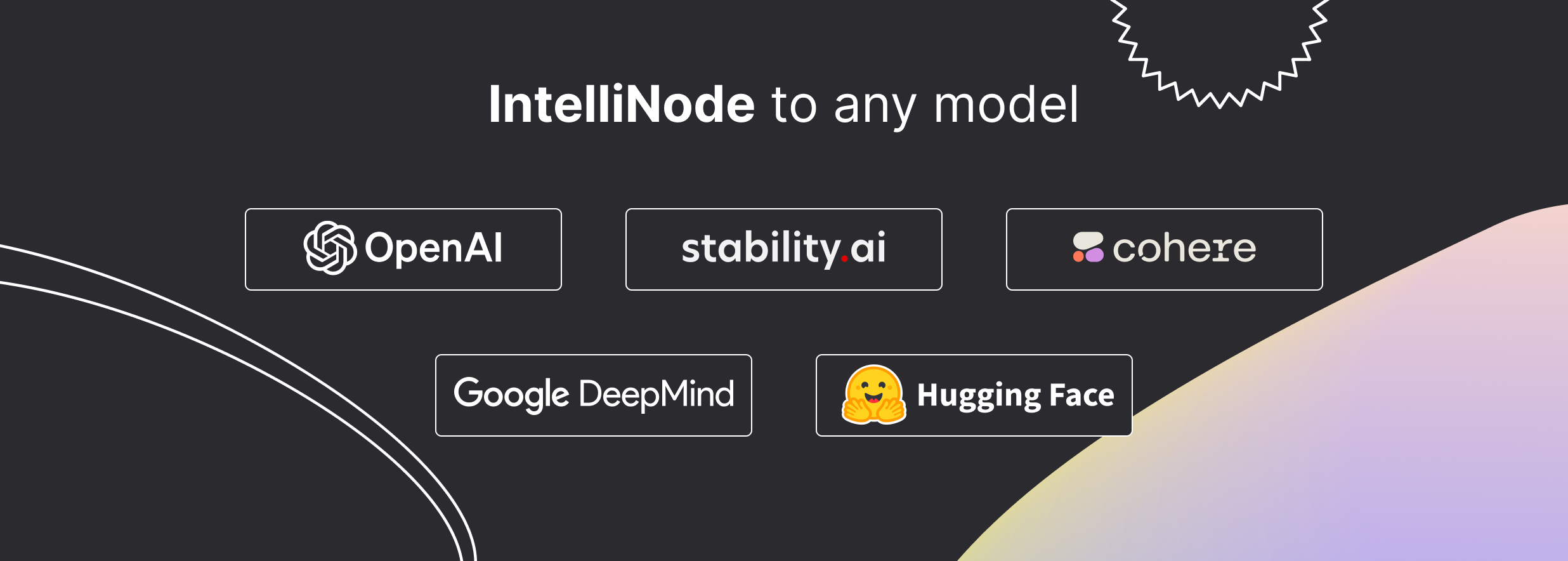
Intellinode是一個JavaScript模塊,將尖端AI集成到您的項目中。憑藉其直觀的功能,您可以輕鬆地將數據饋送到諸如Chatgpt , Llame , Wavenet , Gemini和穩定擴散之類的模型,並接收生成的文本,語音或圖像。它還提供了高級功能,例如語義搜索,多模型評估和聊天機器人功能。
一個命令並訪問最新型號:
npm i intellinode
有關詳細的用法說明,請參閱文檔。
Gen函數很快在一行中生成量身定制的內容。
進口:
const { Gen } = require ( 'intellinode' ) ;稱呼:
 // one line to generate html page code (openai gpt4 is default)
text = 'a registration page with flat modern theme.'
await Gen . save_html_page ( text , folder , file_name , openaiKey ) ;
// or generate blog post (using cohere)
const blogPost = await Gen . get_blog_post ( prompt , apiKey , provider = 'cohere' ) ;進口:
const { Chatbot , ChatGPTInput } = require ( 'intellinode' ) ;稱呼:
 // set chatGPT system mode and the user message.
const input = new ChatGPTInput ( 'You are a helpful assistant.' ) ;
input . addUserMessage ( 'What is the distance between the Earth and the Moon?' ) ;

// get chatGPT responses.
const chatbot = new Chatbot ( OPENAI_API_KEY , 'openai' ) ;
const responses = await chatbot . chat ( input ) ;Intellinode可以輕鬆地交換AI模型。
const { Chatbot , GeminiInput , SupportedChatModels } = require ( 'intellinode' ) ; const input = new GeminiInput ( ) ;
input . addUserMessage ( 'Who painted the Mona Lisa?' ) ;
const geminiBot = new Chatbot ( apiKey , SupportedChatModels . GEMINI ) ;
const responses = await geminiBot . chat ( input ) ;可以在Intellinode Wiki中找到Chatgpt,Llama,Cohere,Mistral等之間切換聊天機器人提供商的文檔。
進口:
const { SemanticSearch } = require ( 'intellinode' ) ;稱呼:
 const search = new SemanticSearch ( apiKey ) ;
// pivotItem is the item to search.
const results = await search . getTopMatches ( pivotItem , searchArray , numberOfMatches ) ;
const filteredArray = search . filterTopMatches ( results , searchArray )使用LLMS生成改進的提示:
 const promptTemp = await Prompt . fromChatGPT ( "fantasy image with ninja jumping across buildings" , openaiApiKey ) ;
console . log ( promptTemp . getInput ( ) ) ;進口:
const { RemoteLanguageModel , LanguageModelInput } = require ( 'intellinode' ) ;致電OpenAI型號:
 const langModel = new RemoteLanguageModel ( 'openai-key' , 'openai' ) ;
model_name = 'gpt-3.5-turbo-instruct'

const results = await langModel . generateText ( new LanguageModelInput ( {
  prompt : 'Write a product description for smart plug that works with voice assistant.' ,
  model : model_name ,
  temperature : 0.7
} ) ) ;

console . log ( 'Generated text:' , results [ 0 ] ) ;
更改以調用Cohere模型:
 const langModel = new RemoteLanguageModel ( 'cohere-key' , 'cohere' ) ;
model_name = 'command-xlarge-20221108'
// ... same code進口:
const { RemoteImageModel , SupportedImageModels , ImageModelInput } = require ( 'intellinode' ) ;致電dall·e:
 provider = SupportedImageModels . OPENAI ;

const imgModel = new RemoteImageModel ( apiKey , provider ) ;
const images = await imgModel . generateImages ( new ImageModelInput ( {
    prompt : 'teddy writing a blog in times square' ,
    numberOfImages : 1
} ) ) ;
更改以調用穩定擴散:
 provider = SupportedImageModels . STABILITY ;
// ... same code要從您的Azure帳戶訪問OpenAI Services,您必須在應用程序開始時調用以下功能:
 const { ProxyHelper } = require ( 'intellinode' ) ;
ProxyHelper . getInstance ( ) . setAzureOpenai ( resourceName ) ;
從限制區域的代理中訪問OpenAI:
ProxyHelper . getInstance ( ) . setOpenaiProxyValues ( openaiProxyJson ) ;有關更多詳細信息和深入代碼,請檢查樣本。
 cd IntelliNode
npm install
 OPENAI_API_KEY=<key_value>
COHERE_API_KEY=<key_value>
GOOGLE_API_KEY=<key_value>
STABILITY_API_KEY=<key_value>
HUGGING_API_KEY=<key_value>
運行遠程語言模型測試用例: node test/integration/RemoteLanguageModel.test.js
運行遠程映像模型測試用例: node test/integration/RemoteImageModel.test.js
運行遠程語音模型測試用例: node test/integration/RemoteSpeechModel.test.js
運行嵌入式測試用例: node test/integration/RemoteEmbedModel.test.js
運行聊天機器人測試用例: node test/integration/Chatbot.test.js
模塊基礎:
要求貢獻者:註冊表格。
Apache許可證
版權2023 github.com/barqawiz/intellinode
根據Apache許可證(版本2.0(“許可”)獲得許可;除了符合許可外,您不得使用此文件。您可以在
http://www.apache.org/licenses/LICENSE-2.0
除非適用法律要求或以書面形式同意,否則根據許可證分配的軟件是按照“原樣”分發的,沒有任何明示或暗示的任何形式的保證或條件。請參閱許可證,以獲取執行許可條款和限制的特定語言。





