IntelliNode
v1.8.8

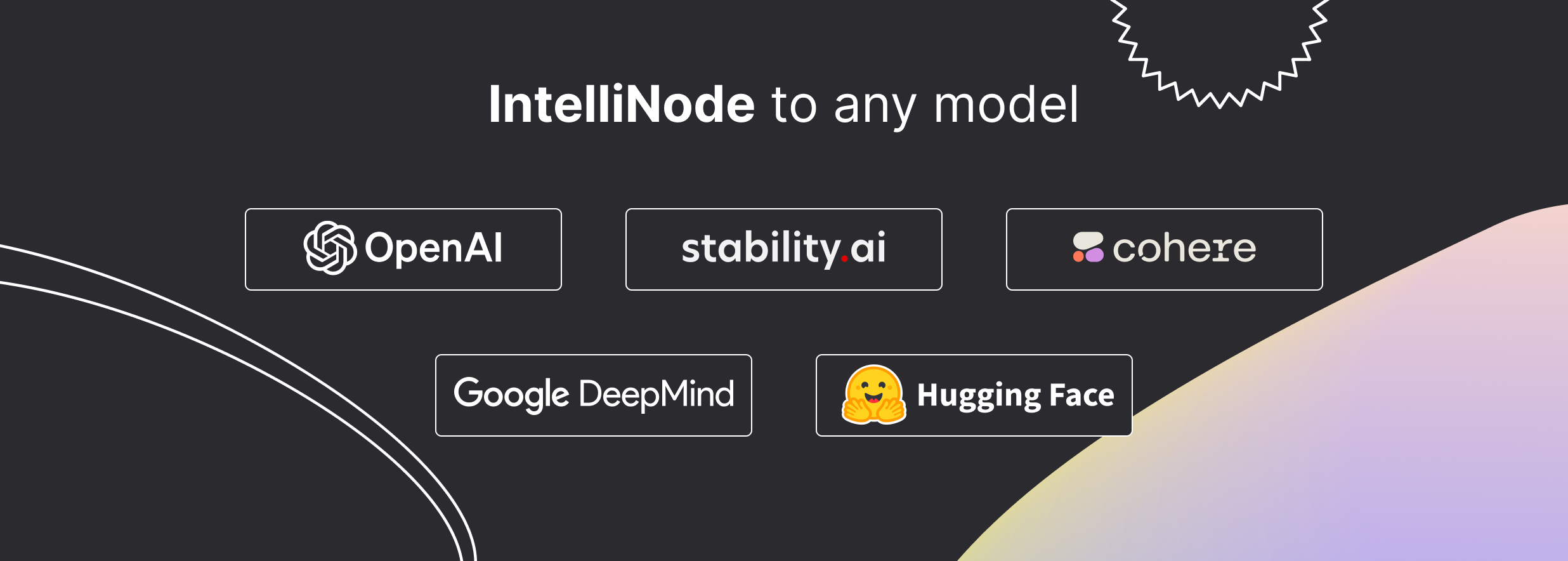
Intellinode는 최첨단 AI를 프로젝트에 통합하는 JavaScript 모듈입니다. 직관적 인 기능을 사용하면 Chatgpt , Llama , Wavenet , Gemini 및 안정적인 확산과 같은 모델에 데이터를 쉽게 공급하고 생성 된 텍스트, 음성 또는 이미지를받을 수 있습니다. 또한 시맨틱 검색, 멀티 모델 평가 및 챗봇 기능과 같은 높은 수준의 기능을 제공합니다.
하나의 명령과 최신 모델에 액세스하십시오.
npm i intellinode
자세한 사용 지침은 문서를 참조하십시오.
Gen 함수는 한 줄로 맞춤형 컨텐츠를 빠르게 생성합니다.
수입:
const { Gen } = require ( 'intellinode' ) ;부르다:
 // one line to generate html page code (openai gpt4 is default)
text = 'a registration page with flat modern theme.'
await Gen . save_html_page ( text , folder , file_name , openaiKey ) ;
// or generate blog post (using cohere)
const blogPost = await Gen . get_blog_post ( prompt , apiKey , provider = 'cohere' ) ;수입:
const { Chatbot , ChatGPTInput } = require ( 'intellinode' ) ;부르다:
 // set chatGPT system mode and the user message.
const input = new ChatGPTInput ( 'You are a helpful assistant.' ) ;
input . addUserMessage ( 'What is the distance between the Earth and the Moon?' ) ;

// get chatGPT responses.
const chatbot = new Chatbot ( OPENAI_API_KEY , 'openai' ) ;
const responses = await chatbot . chat ( input ) ;Intellinode는 AI 모델간에 쉽게 교환 할 수 있습니다.
const { Chatbot , GeminiInput , SupportedChatModels } = require ( 'intellinode' ) ; const input = new GeminiInput ( ) ;
input . addUserMessage ( 'Who painted the Mona Lisa?' ) ;
const geminiBot = new Chatbot ( apiKey , SupportedChatModels . GEMINI ) ;
const responses = await geminiBot . chat ( input ) ;chatgpt, llama, cohere, mistral 등의 챗봇 제공 업체를 전환하는 문서는 Intellinode Wiki에서 찾을 수 있습니다.
수입:
const { SemanticSearch } = require ( 'intellinode' ) ;부르다:
 const search = new SemanticSearch ( apiKey ) ;
// pivotItem is the item to search.
const results = await search . getTopMatches ( pivotItem , searchArray , numberOfMatches ) ;
const filteredArray = search . filterTopMatches ( results , searchArray )LLM을 사용하여 개선 된 프롬프트 생성 :
 const promptTemp = await Prompt . fromChatGPT ( "fantasy image with ninja jumping across buildings" , openaiApiKey ) ;
console . log ( promptTemp . getInput ( ) ) ;수입:
const { RemoteLanguageModel , LanguageModelInput } = require ( 'intellinode' ) ;OpenAI 모델 호출 :
 const langModel = new RemoteLanguageModel ( 'openai-key' , 'openai' ) ;
model_name = 'gpt-3.5-turbo-instruct'

const results = await langModel . generateText ( new LanguageModelInput ( {
  prompt : 'Write a product description for smart plug that works with voice assistant.' ,
  model : model_name ,
  temperature : 0.7
} ) ) ;

console . log ( 'Generated text:' , results [ 0 ] ) ;
Cohere 모델을 호출하도록 변경 :
 const langModel = new RemoteLanguageModel ( 'cohere-key' , 'cohere' ) ;
model_name = 'command-xlarge-20221108'
// ... same code수입:
const { RemoteImageModel , SupportedImageModels , ImageModelInput } = require ( 'intellinode' ) ;Dall · E를 호출하십시오 :
 provider = SupportedImageModels . OPENAI ;

const imgModel = new RemoteImageModel ( apiKey , provider ) ;
const images = await imgModel . generateImages ( new ImageModelInput ( {
    prompt : 'teddy writing a blog in times square' ,
    numberOfImages : 1
} ) ) ;
안정적인 확산을 호출하도록 변경 :
 provider = SupportedImageModels . STABILITY ;
// ... same codeAzure 계정에서 OpenAi 서비스에 액세스하려면 응용 프로그램 시작시 다음 기능을 호출해야합니다.
 const { ProxyHelper } = require ( 'intellinode' ) ;
ProxyHelper . getInstance ( ) . setAzureOpenai ( resourceName ) ;
제한된 지역의 프록시에서 OpenAi에 액세스하려면 :
ProxyHelper . getInstance ( ) . setOpenaiProxyValues ( openaiProxyJson ) ;자세한 내용과 심층 코드는 샘플을 확인하십시오.
 cd IntelliNode
npm install
 OPENAI_API_KEY=<key_value>
COHERE_API_KEY=<key_value>
GOOGLE_API_KEY=<key_value>
STABILITY_API_KEY=<key_value>
HUGGING_API_KEY=<key_value>
원격 언어 모델 테스트 사례 : node test/integration/RemoteLanguageModel.test.js
원격 이미지 모델 실행 테스트 케이스 : node test/integration/RemoteImageModel.test.js
원격 음성 모델 실행 테스트 케이스 : node test/integration/RemoteSpeechModel.test.js
임베딩 테스트 사례를 실행하십시오 : node test/integration/RemoteEmbedModel.test.js
챗봇 테스트 케이스 : node test/integration/Chatbot.test.js 실행하십시오
모듈 재단 :
기고자 요청 : 등록 양식.
아파치 라이센스
Copyright 2023 github.com/barqawiz/intellinode
Apache 라이센스, 버전 2.0 ( "라이센스")에 따라 라이센스가 부여되었습니다. 라이센스를 준수하는 것 외에는이 파일을 사용할 수 없습니다. 라이센스 사본을 얻을 수 있습니다
http://www.apache.org/licenses/LICENSE-2.0
해당 법률에 의해 요구되거나 서면에 동의하지 않는 한, 라이센스에 따라 배포 된 소프트웨어는 명시 적 또는 묵시적 보증 또는 조건없이 "그대로"기준으로 배포됩니다. 라이센스에 따른 특정 언어 통치 권한 및 제한 사항에 대한 라이센스를 참조하십시오.





