IntelliNode
v1.8.8

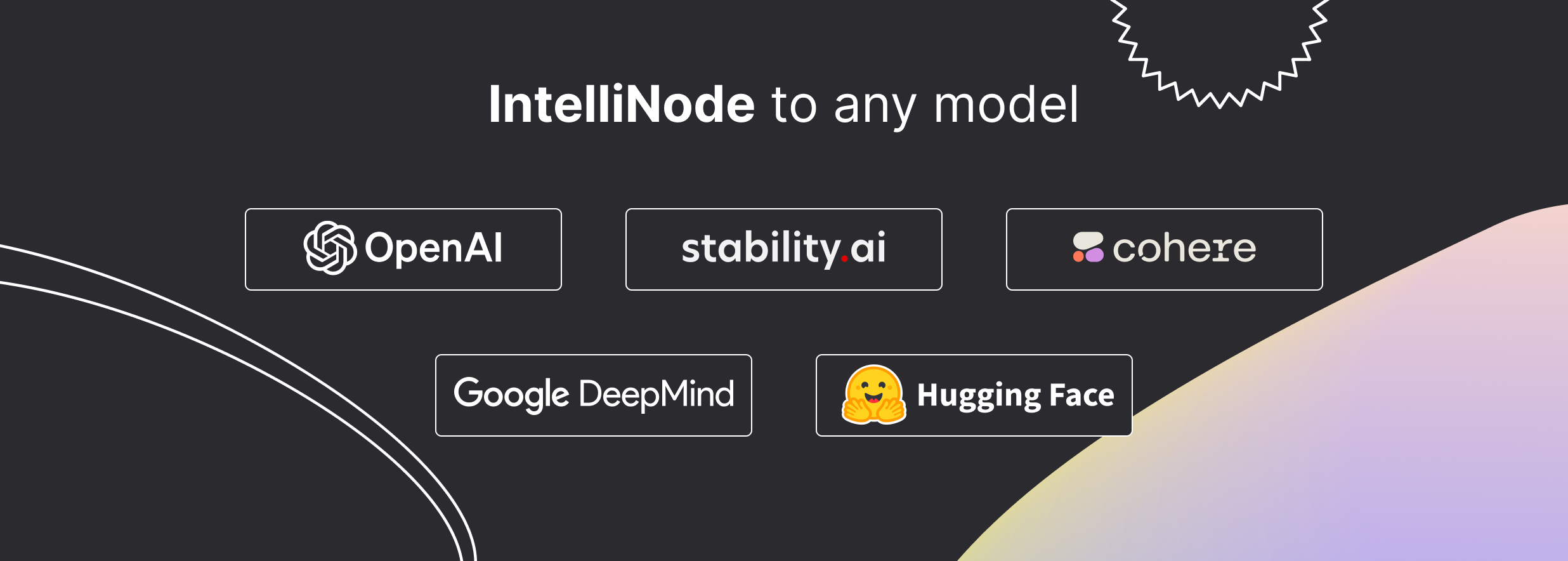
Intellinode เป็นโมดูล JavaScript ที่รวม AI ที่ทันสมัยเข้ากับโครงการของคุณ ด้วยฟังก์ชั่นที่ใช้งานง่ายคุณสามารถป้อนข้อมูลไปยังรุ่นเช่น chatgpt , llama , wavenet , gemini และ การแพร่กระจายที่เสถียร และรับข้อความคำพูดหรือรูปภาพที่สร้างขึ้น นอกจากนี้ยังมีฟังก์ชั่นระดับสูงเช่นการค้นหาความหมายการประเมินแบบหลายรูปแบบและความสามารถของ Chatbot
หนึ่งคำสั่งและเข้าถึงรุ่นล่าสุด:
npm i intellinode
สำหรับคำแนะนำการใช้งานโดยละเอียดโปรดดูเอกสารประกอบ
ฟังก์ชั่น Gen สร้างเนื้อหาที่ปรับแต่งได้อย่างรวดเร็วในบรรทัดเดียว
นำเข้า:
const { Gen } = require ( 'intellinode' ) ;เรียก:
 // one line to generate html page code (openai gpt4 is default)
text = 'a registration page with flat modern theme.'
await Gen . save_html_page ( text , folder , file_name , openaiKey ) ;
// or generate blog post (using cohere)
const blogPost = await Gen . get_blog_post ( prompt , apiKey , provider = 'cohere' ) ;นำเข้า:
const { Chatbot , ChatGPTInput } = require ( 'intellinode' ) ;เรียก:
 // set chatGPT system mode and the user message.
const input = new ChatGPTInput ( 'You are a helpful assistant.' ) ;
input . addUserMessage ( 'What is the distance between the Earth and the Moon?' ) ;

// get chatGPT responses.
const chatbot = new Chatbot ( OPENAI_API_KEY , 'openai' ) ;
const responses = await chatbot . chat ( input ) ;IntellInode เปิดใช้งานการสลับระหว่างโมเดล AI ได้อย่างง่ายดาย
const { Chatbot , GeminiInput , SupportedChatModels } = require ( 'intellinode' ) ; const input = new GeminiInput ( ) ;
input . addUserMessage ( 'Who painted the Mona Lisa?' ) ;
const geminiBot = new Chatbot ( apiKey , SupportedChatModels . GEMINI ) ;
const responses = await geminiBot . chat ( input ) ;เอกสารเพื่อสลับผู้ให้บริการ chatbot ระหว่าง chatgpt, llama, cohere, mistral และอื่น ๆ สามารถพบได้ใน wiki intellinode
นำเข้า:
const { SemanticSearch } = require ( 'intellinode' ) ;เรียก:
 const search = new SemanticSearch ( apiKey ) ;
// pivotItem is the item to search.
const results = await search . getTopMatches ( pivotItem , searchArray , numberOfMatches ) ;
const filteredArray = search . filterTopMatches ( results , searchArray )สร้างพรอมต์ที่ได้รับการปรับปรุงโดยใช้ LLMS:
 const promptTemp = await Prompt . fromChatGPT ( "fantasy image with ninja jumping across buildings" , openaiApiKey ) ;
console . log ( promptTemp . getInput ( ) ) ;นำเข้า:
const { RemoteLanguageModel , LanguageModelInput } = require ( 'intellinode' ) ;โทรหาโมเดล OpenAI:
 const langModel = new RemoteLanguageModel ( 'openai-key' , 'openai' ) ;
model_name = 'gpt-3.5-turbo-instruct'

const results = await langModel . generateText ( new LanguageModelInput ( {
  prompt : 'Write a product description for smart plug that works with voice assistant.' ,
  model : model_name ,
  temperature : 0.7
} ) ) ;

console . log ( 'Generated text:' , results [ 0 ] ) ;
เปลี่ยนเป็นโมเดล Cohere Cohere:
 const langModel = new RemoteLanguageModel ( 'cohere-key' , 'cohere' ) ;
model_name = 'command-xlarge-20221108'
// ... same codeนำเข้า:
const { RemoteImageModel , SupportedImageModels , ImageModelInput } = require ( 'intellinode' ) ;โทรหา Dall · E:
 provider = SupportedImageModels . OPENAI ;

const imgModel = new RemoteImageModel ( apiKey , provider ) ;
const images = await imgModel . generateImages ( new ImageModelInput ( {
    prompt : 'teddy writing a blog in times square' ,
    numberOfImages : 1
} ) ) ;
เปลี่ยนเป็นโทรหาการแพร่กระจายที่เสถียร:
 provider = SupportedImageModels . STABILITY ;
// ... same codeในการเข้าถึงบริการ OpenAI จากบัญชี Azure ของคุณคุณต้องโทรหาฟังก์ชั่นต่อไปนี้ที่จุดเริ่มต้นของแอปพลิเคชันของคุณ:
 const { ProxyHelper } = require ( 'intellinode' ) ;
ProxyHelper . getInstance ( ) . setAzureOpenai ( resourceName ) ;
ในการเข้าถึง OpenAI จากพร็อกซีสำหรับภูมิภาคที่ถูก จำกัด :
ProxyHelper . getInstance ( ) . setOpenaiProxyValues ( openaiProxyJson ) ;สำหรับรายละเอียดเพิ่มเติมและรหัสเชิงลึกให้ตรวจสอบตัวอย่าง
 cd IntelliNode
npm install
 OPENAI_API_KEY=<key_value>
COHERE_API_KEY=<key_value>
GOOGLE_API_KEY=<key_value>
STABILITY_API_KEY=<key_value>
HUGGING_API_KEY=<key_value>
เรียกใช้โมเดลการทดสอบแบบจำลองระยะไกล: node test/integration/RemoteLanguageModel.test.js
เรียกใช้เคสทดสอบโมเดลภาพระยะไกล: node test/integration/RemoteImageModel.test.js
เรียกใช้กรณีทดสอบแบบจำลองระยะไกล: node test/integration/RemoteSpeechModel.test.js
เรียกใช้กรณีทดสอบการฝัง: node test/integration/RemoteEmbedModel.test.js
เรียกใช้กรณีทดสอบ chatbot: node test/integration/Chatbot.test.js
รากฐานโมดูล:
โทรหาผู้มีส่วนร่วม: แบบฟอร์มการลงทะเบียน
ใบอนุญาต Apache
ลิขสิทธิ์ 2023 github.com/barqawiz/intellinode
ได้รับใบอนุญาตภายใต้ใบอนุญาต Apache เวอร์ชัน 2.0 ("ใบอนุญาต"); คุณไม่สามารถใช้ไฟล์นี้ยกเว้นตามใบอนุญาต คุณอาจได้รับสำเนาใบอนุญาตที่
http://www.apache.org/licenses/LICENSE-2.0
เว้นแต่ว่ากฎหมายที่บังคับใช้หรือตกลงเป็นลายลักษณ์อักษรซอฟต์แวร์ที่แจกจ่ายภายใต้ใบอนุญาตจะถูกแจกจ่ายตาม "ตามพื้นฐาน" โดยไม่มีการรับประกันหรือเงื่อนไขใด ๆ ไม่ว่าจะโดยชัดแจ้งหรือโดยนัย ดูใบอนุญาตสำหรับภาษาเฉพาะที่ควบคุมการอนุญาตและข้อ จำกัด ภายใต้ใบอนุญาต





