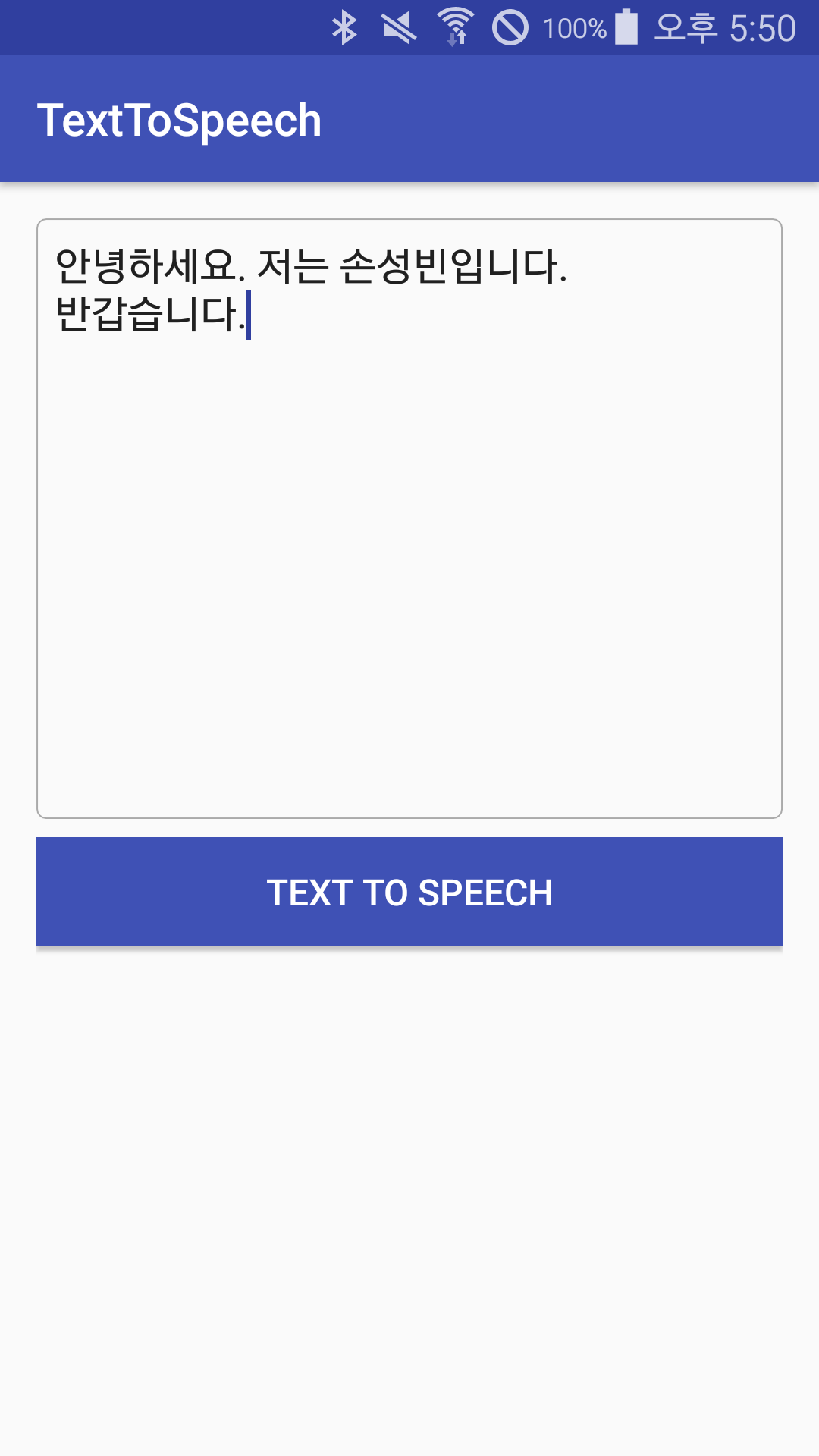
TextToSpeech Android
1.0.0

这是一个使用Google提供的TextTospeech类将文本转换为语音的项目。
它是最默认的TextToSpeech(Context context, TextToSpeech.OnInitListener listener)构造函数。有一个可以设置TTS引擎的构造函数,但我决定省略它。
Initlistener将在下面描述。
 private TextToSpeech textToSpeech;

@Override
protected void onCreate(Bundle savedInstanceState) {
    textToSpeech = new TextToSpeech(this, initListener);
}
 //음성 재생 상태에 대한 callback을 받을 수 있는 추상 클래스
private UtteranceProgressListener progressListener = new UtteranceProgressListener() {
    @Override
    public void onStart(String utteranceId) { // 음성이 재생되었을 때

    }

    @Override
    public void onDone(String utteranceId) { // 제공된 텍스트를 모두 음성으로 재생한 경우

    }

    @Override
    public void onError(String utteranceId) { // ERROR!

    }
};

textToSpeech.setOnUtteranceProgressListener(progressListener);
下面的setLanguage()方法可以设置语音语言。您可以根据情况选择所需的声音,例如Locale.English,Locale.Canada。
 //음성 관련 초기화 상태에 대한 callback을 받을 수 있는 인터페이스
private TextToSpeech.OnInitListener initListener = new TextToSpeech.OnInitListener() {
    @Override
    public void onInit(int status) {
        if(status != TextToSpeech.ERROR)
            textToSpeech.setLanguage(Locale.KOREAN); // 한글로 설정
    }
};
在解释之前,“ TusteranceId”表示当前正在播放的声音的ID值。在控制多个语音时,它似乎很有用。
现有的speak(String text, int queueMode, HashMap<String, String> params)方法已从API级别21中删除。因此,与API级别一致,请使用新的speak(CharSequence text, int queueMode, Bundle params, String utteranceId)方法,如下所示。
 String text = editText.getText.toString();

if(Build.VERSION.SDK_INT >= Build.VERSION_CODES.LOLLIPOP) {
    String myUtteranceID = "myUtteranceID";
    textToSpeech.speak(text, TextToSpeech.QUEUE_FLUSH, null, myUtteranceID);
}
else {
    HashMap<String, String> hashMap = new HashMap<>();
    hashMap.put(TextToSpeech.Engine.KEY_PARAM_UTTERANCE_ID, "myUtteranceID");
    textToSpeech.speak(text, TextToSpeech.QUEUE_FLUSH, hashMap);
}
只需将诸如textToSpeech.stop()之类的方法用于当前正在播放的语音中的停止即可。
必须通过textToSpeech.shutDown()完全终止通过语音引擎进行初始化的文本传播。或SeviceConnection ...我有例外。
前任。在活动的情况下,您可以调用shutDown()以匹配生命周期。
 @Override
protected void onDestroy() {
    if(textToSpeech != null)
        textToSpeech.shutDown();
    super.onDestroy();
}
该项目创建了TTS类,并使其更容易使用。之后,项目将添加到项目中。