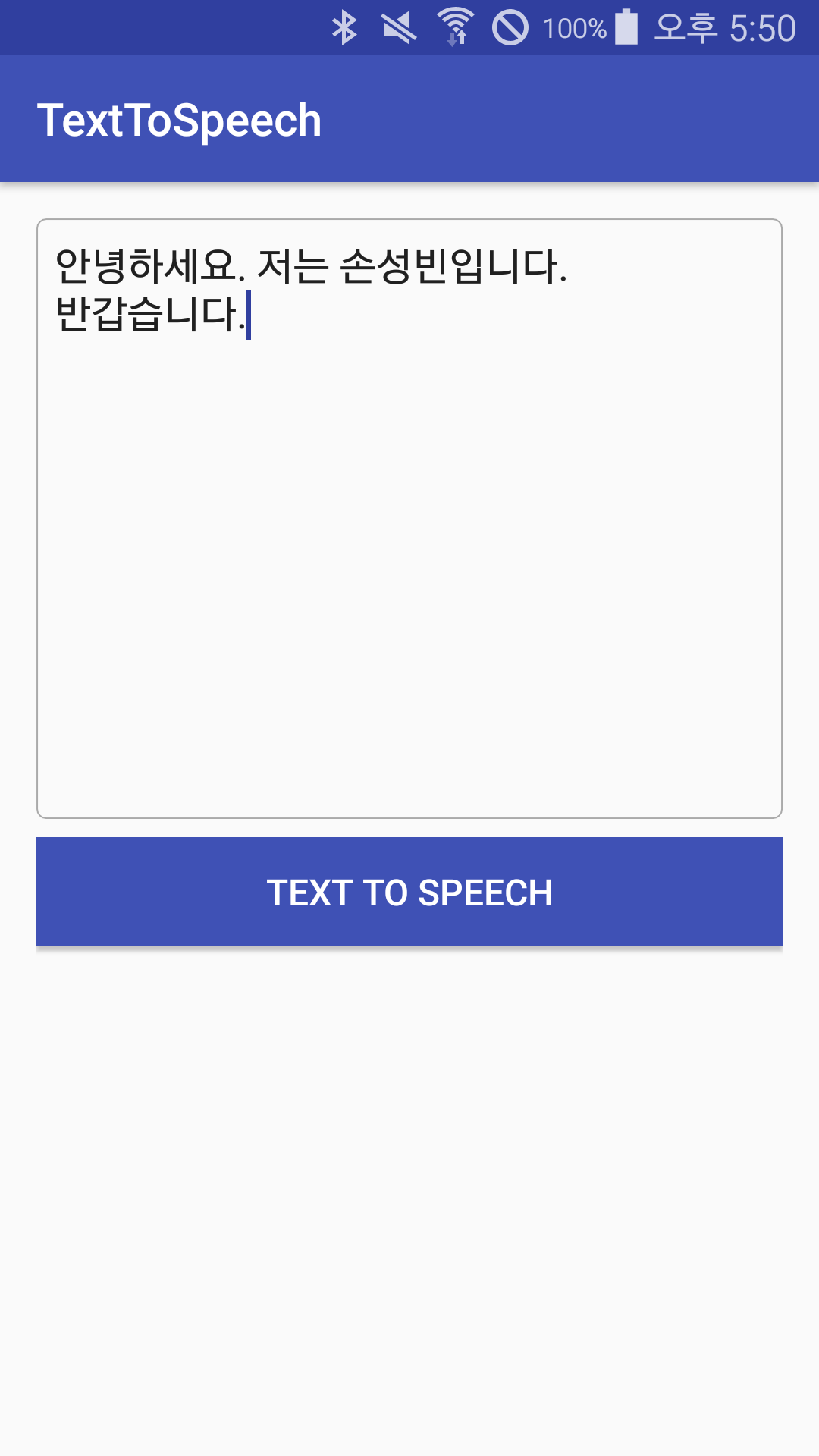
TextToSpeech Android
1.0.0

It is a project that converts text to voice using the TextTOSPEECH class provided by Google.
It is the most default TextToSpeech(Context context, TextToSpeech.OnInitListener listener) constructor. There is a constructor who can set TTS Engine, but I decided to omit it.
Initlistener will be described below.
 private TextToSpeech textToSpeech;

@Override
protected void onCreate(Bundle savedInstanceState) {
    textToSpeech = new TextToSpeech(this, initListener);
}
 //음성 재생 상태에 대한 callback을 받을 수 있는 추상 클래스
private UtteranceProgressListener progressListener = new UtteranceProgressListener() {
    @Override
    public void onStart(String utteranceId) { // 음성이 재생되었을 때

    }

    @Override
    public void onDone(String utteranceId) { // 제공된 텍스트를 모두 음성으로 재생한 경우

    }

    @Override
    public void onError(String utteranceId) { // ERROR!

    }
};

textToSpeech.setOnUtteranceProgressListener(progressListener);
setLanguage() method below can set the speech language. You can select the required voice according to the situation, such as locale.english, locale.canada.
 //음성 관련 초기화 상태에 대한 callback을 받을 수 있는 인터페이스
private TextToSpeech.OnInitListener initListener = new TextToSpeech.OnInitListener() {
    @Override
    public void onInit(int status) {
        if(status != TextToSpeech.ERROR)
            textToSpeech.setLanguage(Locale.KOREAN); // 한글로 설정
    }
};
Prior to explaining, 'UTTERANCEID' indicates an ID value for the voice currently being played. It seems to be useful when controling multiple voice.
The existing speak(String text, int queueMode, HashMap<String, String> params) method has been deprecated from API Level 21. So, in line with API Level, use the new speak(CharSequence text, int queueMode, Bundle params, String utteranceId) method as follows as follows.
 String text = editText.getText.toString();

if(Build.VERSION.SDK_INT >= Build.VERSION_CODES.LOLLIPOP) {
    String myUtteranceID = "myUtteranceID";
    textToSpeech.speak(text, TextToSpeech.QUEUE_FLUSH, null, myUtteranceID);
}
else {
    HashMap<String, String> hashMap = new HashMap<>();
    hashMap.put(TextToSpeech.Engine.KEY_PARAM_UTTERANCE_ID, "myUtteranceID");
    textToSpeech.speak(text, TextToSpeech.QUEUE_FLUSH, hashMap);
}
Simply use a method like textToSpeech.stop() for the stop on the voice currently being played.
Initialized TextTOSPEECH instant through Speech Engine must be completely terminated through textToSpeech.shutDown() . Or SEVICECONNECTION ... I have an exception.
ex. In the case of Activity as shown below, you can call shutDown() to match the life cycle.
 @Override
protected void onDestroy() {
    if(textToSpeech != null)
        textToSpeech.shutDown();
    super.onDestroy();
}
The project created a TTS class and made it easier to use. After that, the project will be added to the project.