prismarine web client
Release 1.6.0

| ?英语 | ?俄语 | ?葡萄牙语 |
|---|
在网页中运行的Minecraft客户端。 https://prismarinejs.github.io/prismarine-web-client/实时演示
Prismarine-web-client在浏览器中运行MineFlayer和Prismarine-ciewer,该浏览器将Websocket连接到代理,该代理将Websocket连接转换为TCP,以连接到普通的Minecraft服务器。 Prismarine-Web-Client基于:
检查这些模块,您是否想了解更多它的工作原理并做出贡献!
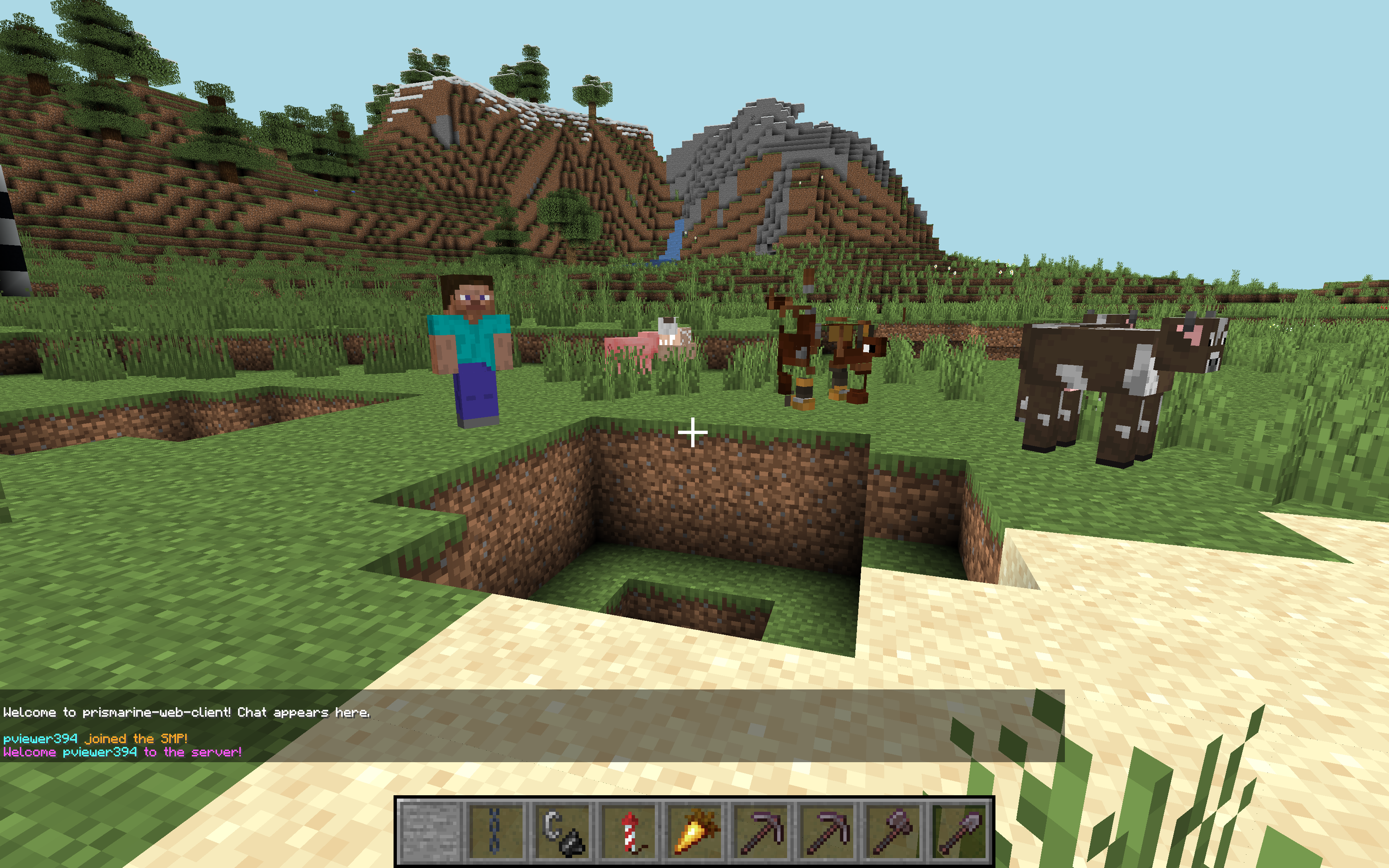
单击此链接以在您的浏览器中打开它,无需安装:https://prismarinejs.github.io/prismarine-web-client/
在Chrome&Firefox上测试台式机平台。
要自己托管,请在bash中运行这些命令:
$ npm install -g prismarine-web-client
$ prismarine-web-client最后,在浏览器中打开http://localhost:8080 。
如果您要进行贡献/进行更改,则需要以不同的方式安装它。
首先,克隆回购。
然后,将您的工作目录设置为存储库。例如:
$ cd ~ /prismarine-web-client/最后,运行
$ npm install
$ npm start
这将在开发模式下启动Express和WebPack;每当您保存文件时,构建将重做(需要5s),您可以刷新页面以获取新的结果。
连接到http:// localhost:8080在浏览器中。
您可能需要在IDE中禁用自动节省,以避免不断重建;请参阅https://webpack.js.org/guides/development/#adjusting-your-text-editor。
要检查生产构建(将需要一分钟的构建),您可以运行npm run build-start 。
如果您有兴趣贡献,可以在https://github.com/prismarinejs/prismarine-web-client/projects上查看项目。
一些变量在全局window对象中暴露以进行调试:
botviewermcDataworldViewVec3pathfinderdebugMenudebugmenu.customentries ['mykey'] ='myValue'删除debugmenu.customentries ['mykey']
在Chrome Devtools中:
bot.chat('test')允许您使用聊天bot.chat(JSON.stringify(Object.values(bot.players).map(({username, ping}) => ({username, ping}))))window.bot.entity.position.y += 5跳bot.chat(JSON.stringify(bot.findBlock({matching:(block) => block.name==='diamond_ore', maxDistance:256}).position))找到钻石块的位置bot.physics.stepHeight = 2允许您行走bot.physics.sprintSpeed = 5更快的步行=bot.loadPlugin(pathfinder.pathfinder)然后bot.pathfinder.goto(new pathfinder.goals.GoalXZ(100, 100))转到位置100,100有关更多调试想法,请阅读MineFlayer Doc。







