classifai
3.1.1

增压WordPress内容工作流程和与人工智能的互动。
您可以在classifaiplugin.com上了解有关Classifai功能的更多信息,并在Classifai文档网站上了解文档。
点击基于云的领先服务,例如OpenAI,Microsoft Azure AI,Google Gemini和IBM Watson,以增强您的WordPress供电网站。更快地发布内容的同时,提高了SEO性能并增加受众的参与度。 Classifai集成了人工智能和机器学习技术,以减轻您的工作量并消除繁琐的任务,从而使您有更多时间创建重要的原始内容。
| 标记 | 建议的内容 | 摘录一代 | 评论适度 |
|---|---|---|---|
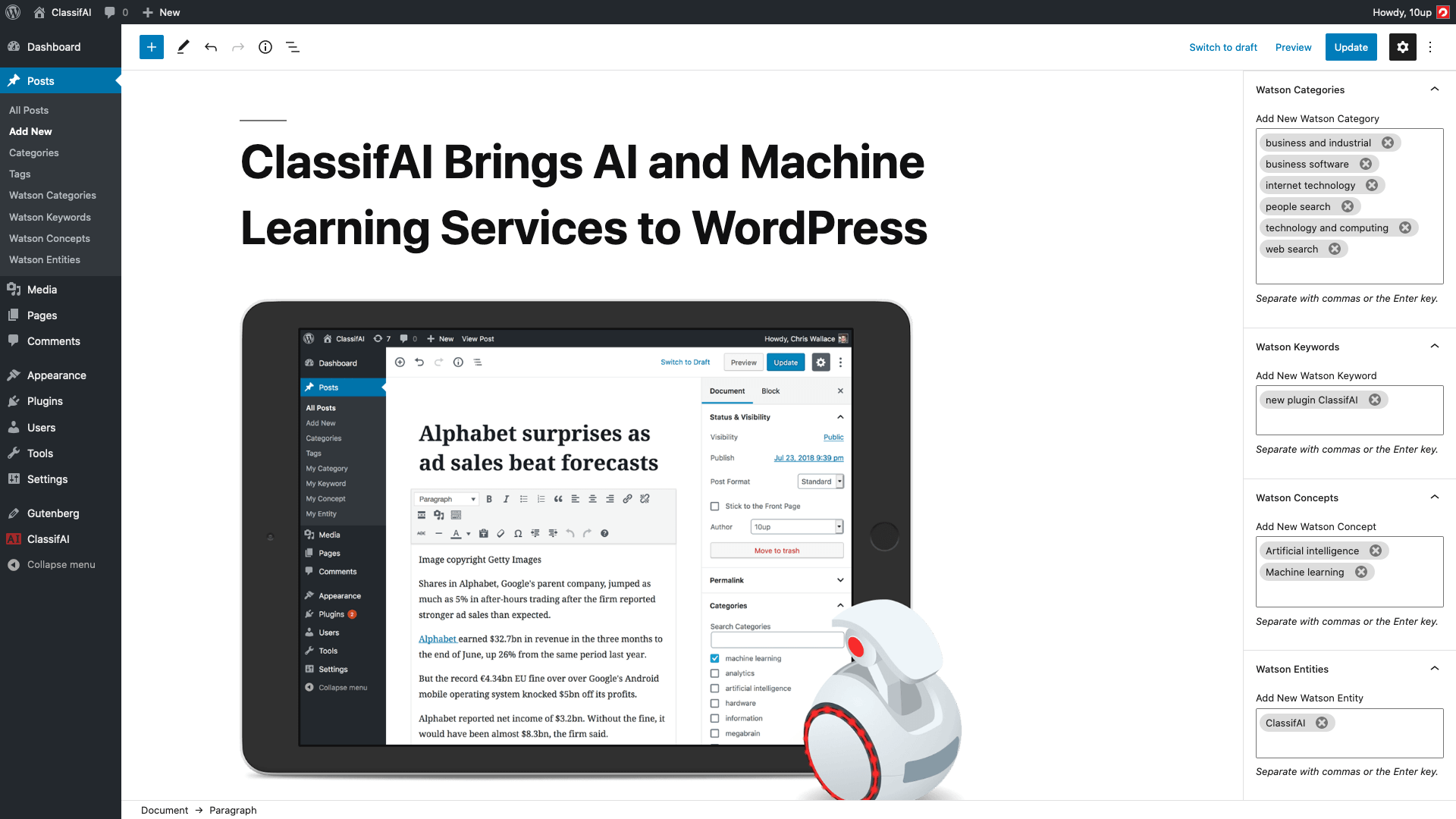 | 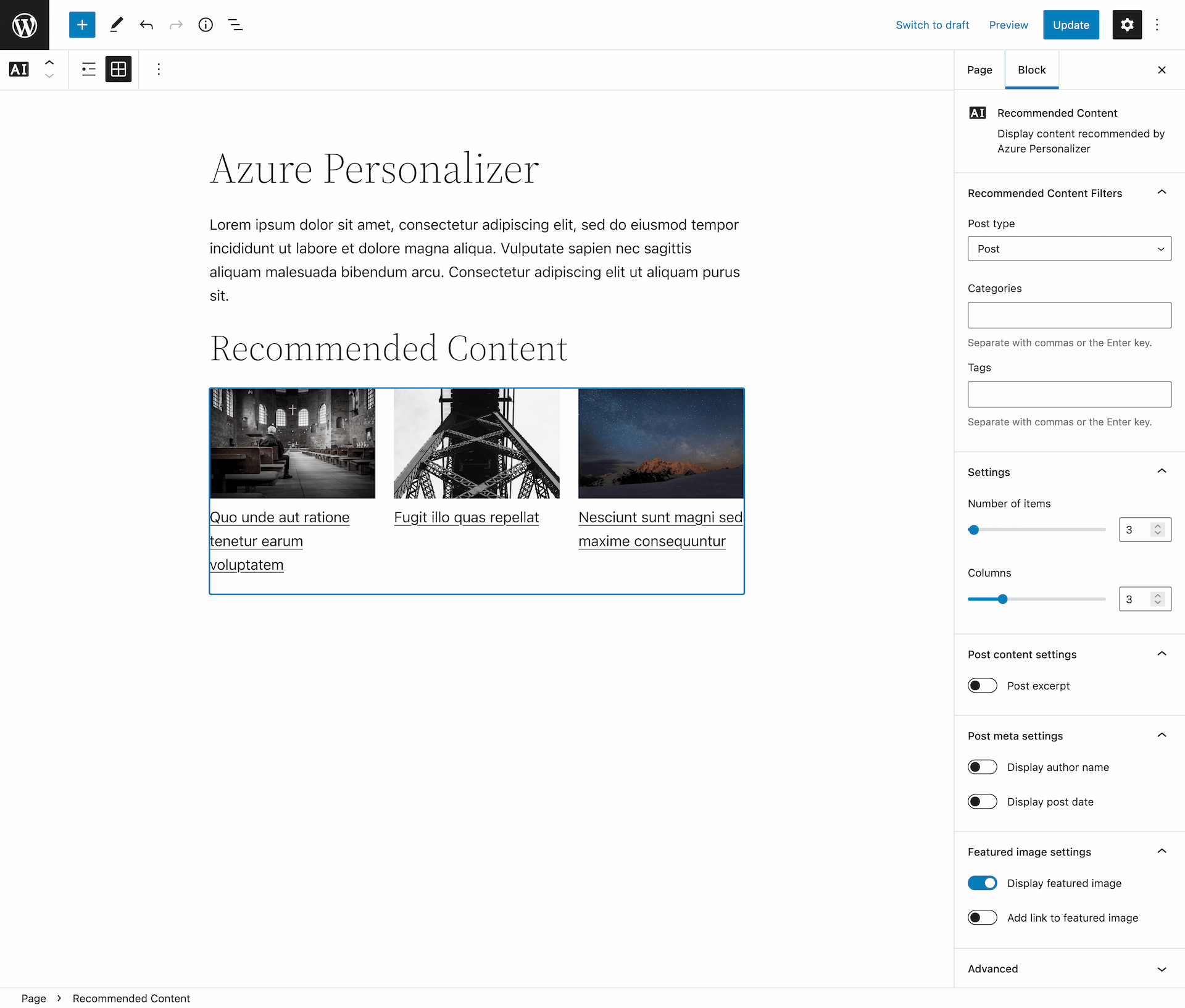 | 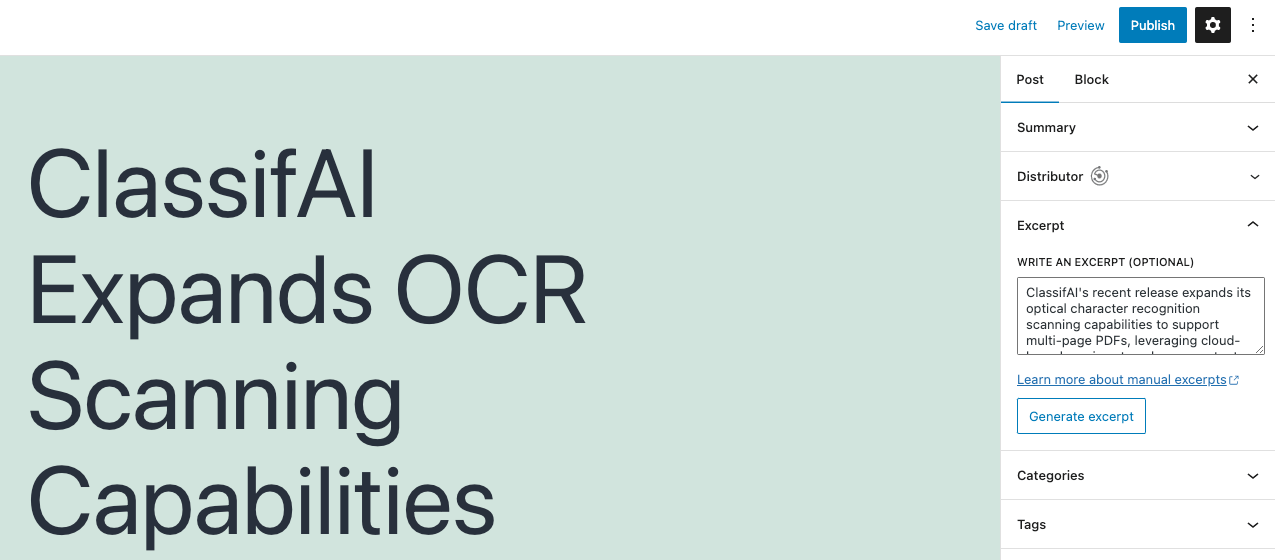 |  |
| 音频成绩单 | 标题生成 | 扩展或凝结文本 | 文字到语音 |
|---|---|---|---|
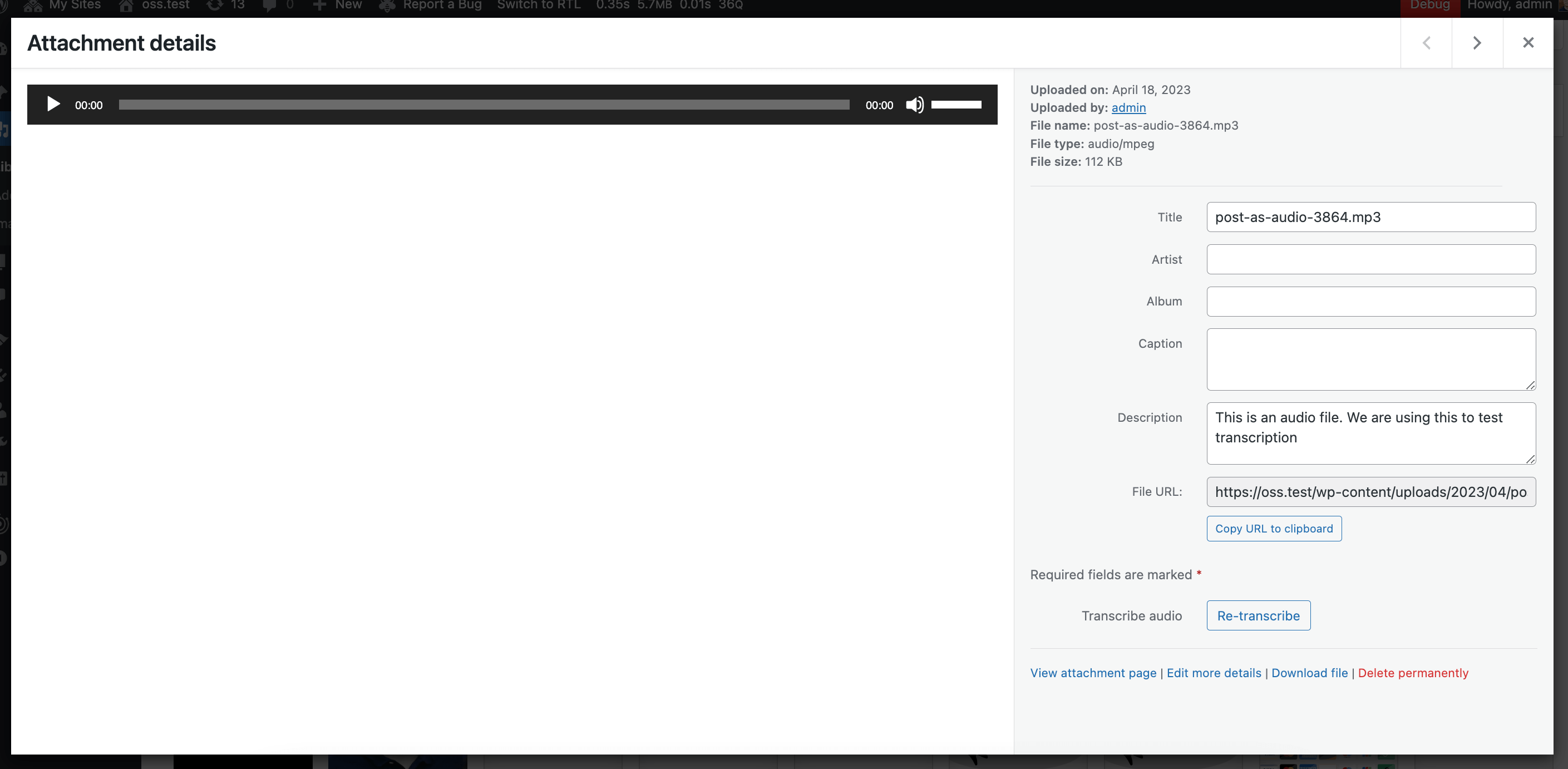 | 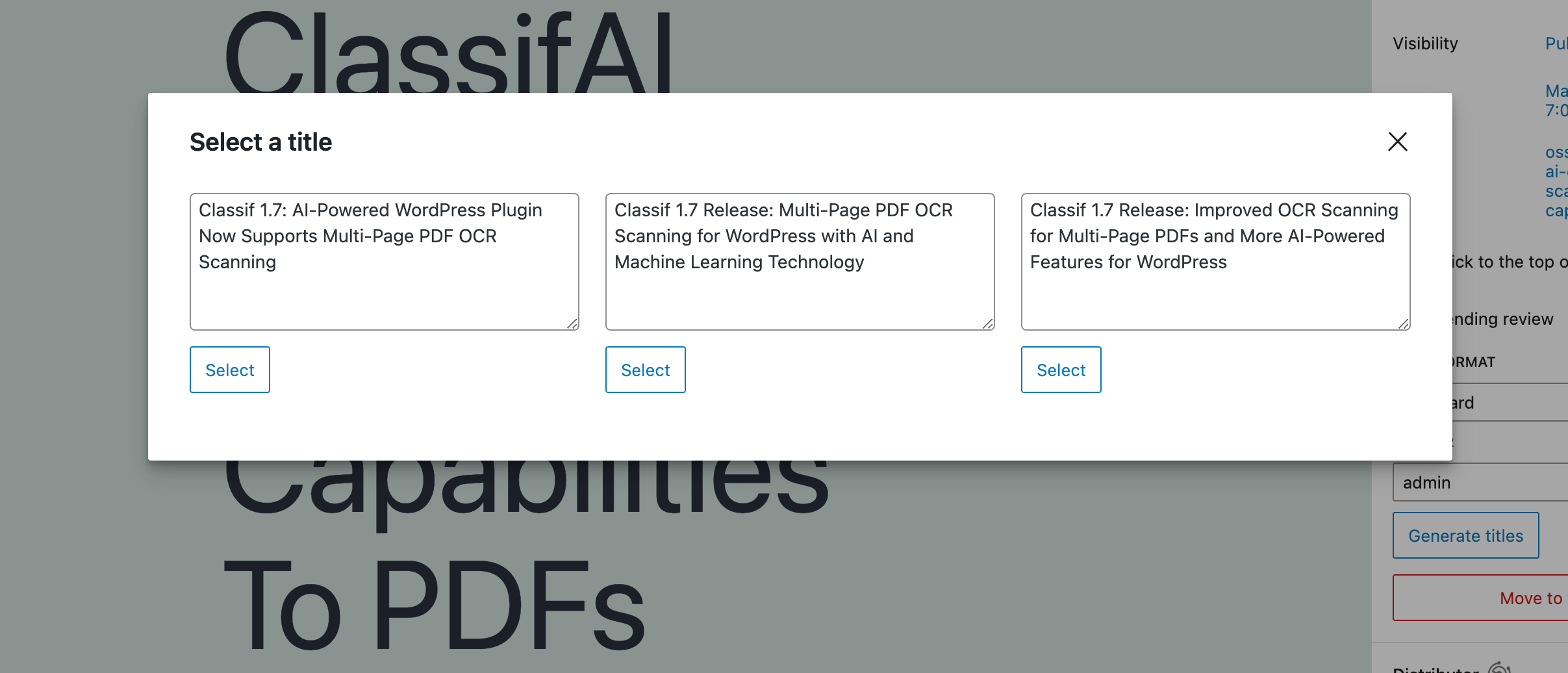 | 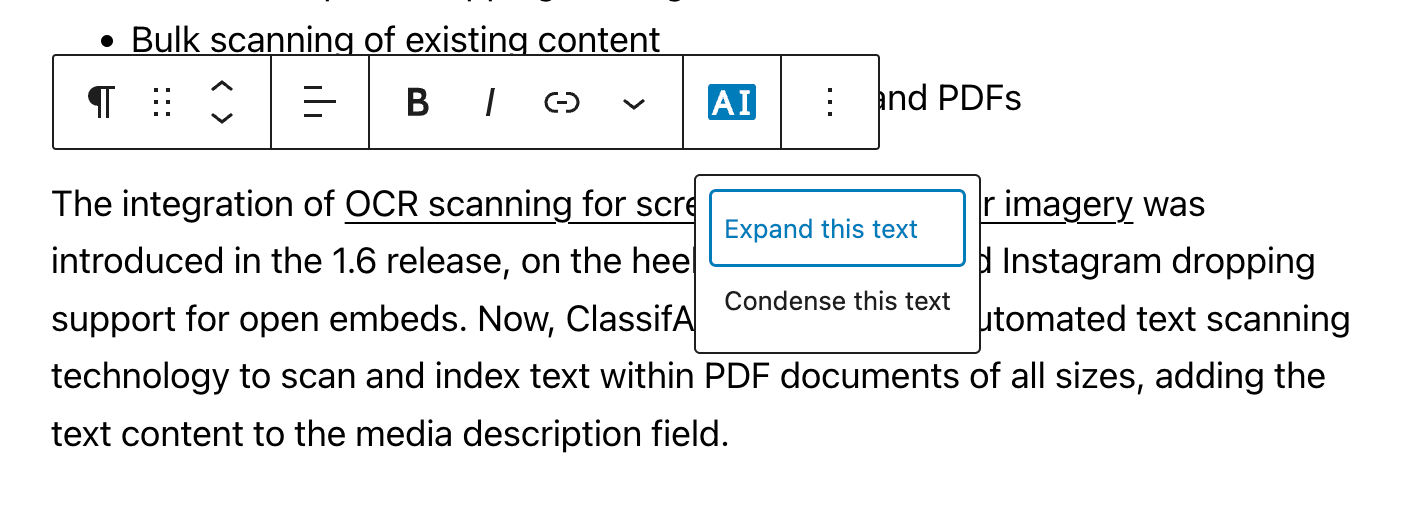 | 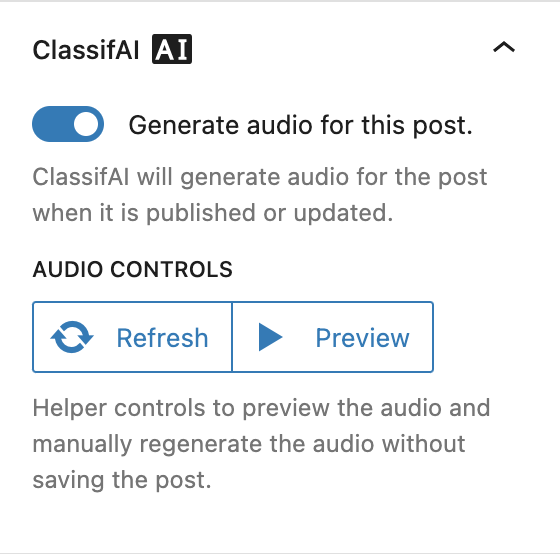 |
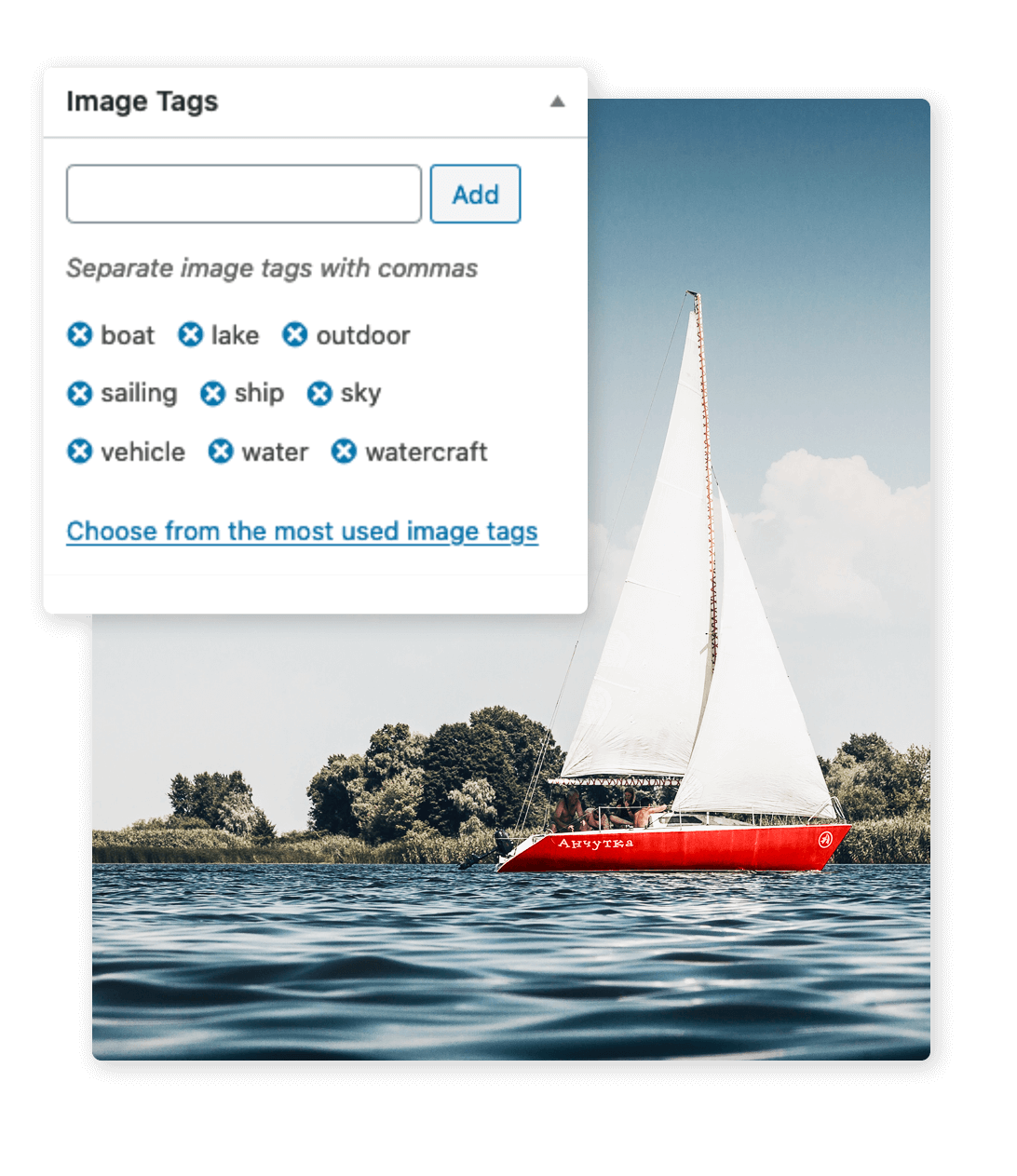
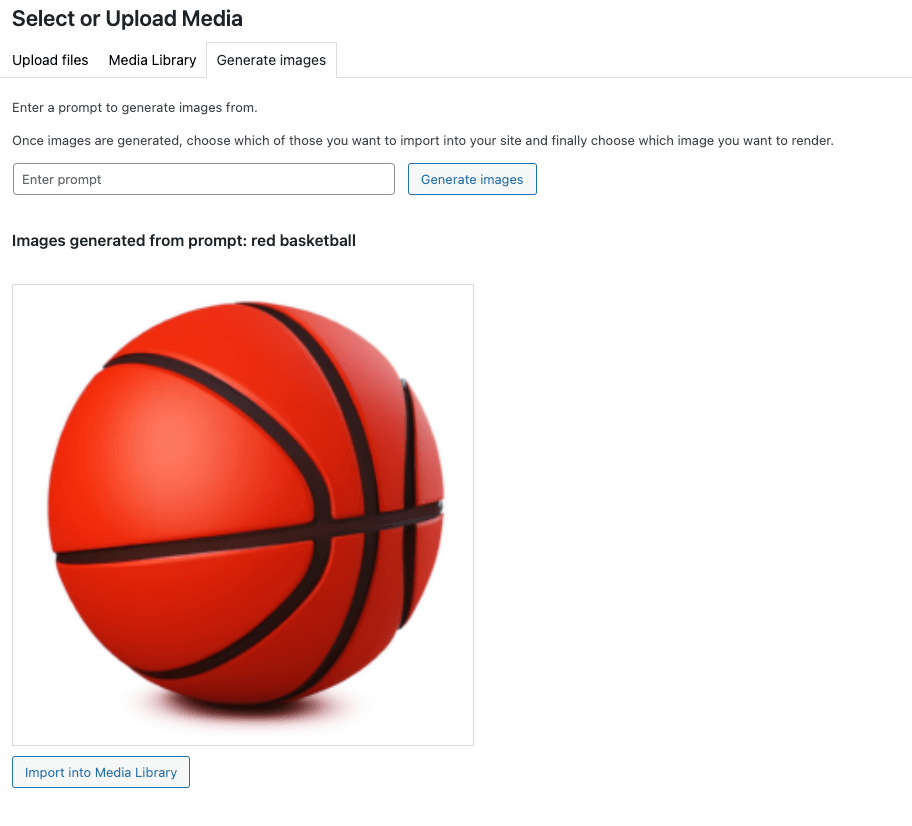
| Alt文字 | 聪明的种植 | 标记 | 生成图像 |
|---|---|---|---|
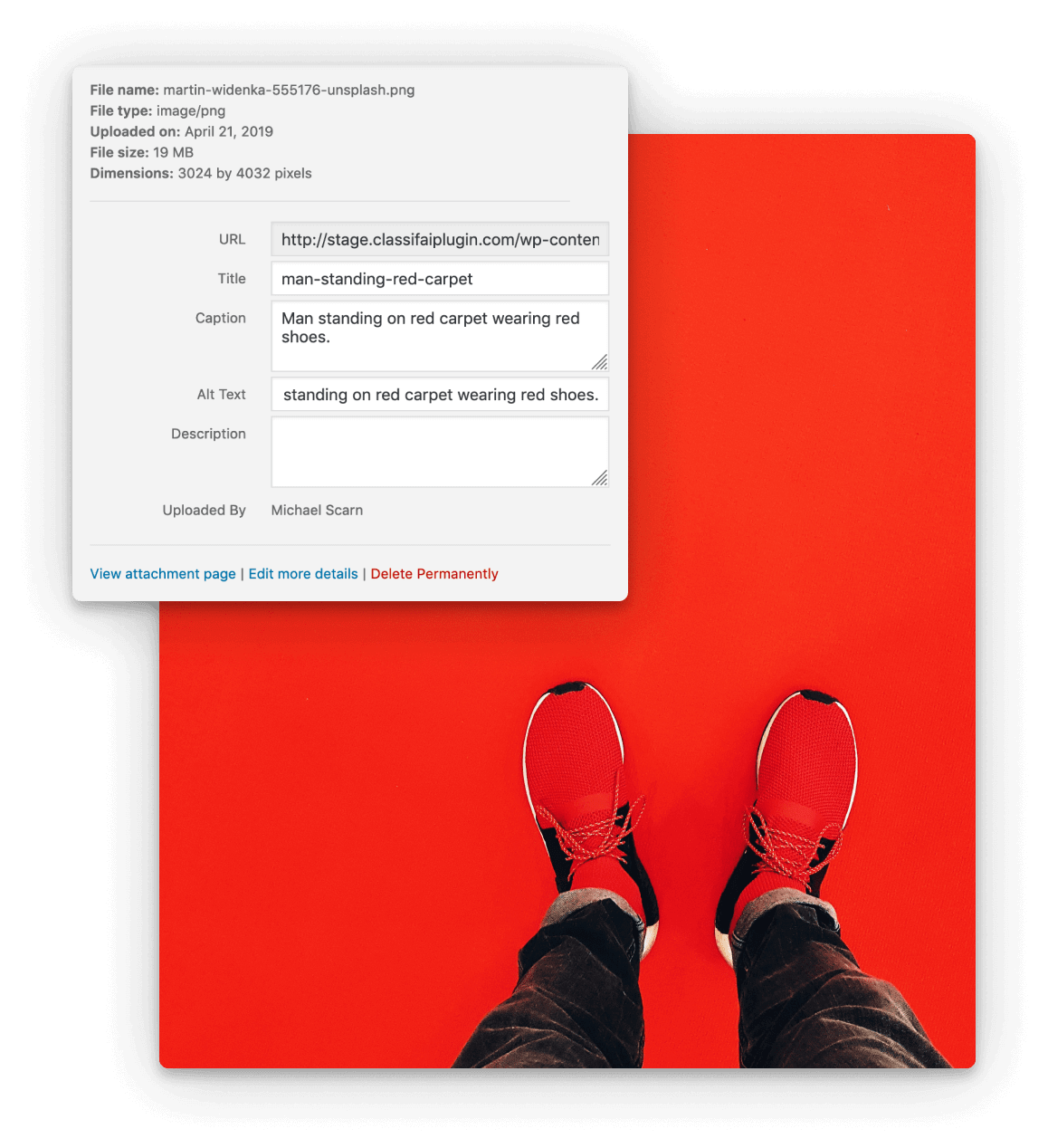 |  |  |  |
请注意,使用分类本身没有成本。 IBM Watson和Microsoft Azure都有免费计划的某些AI服务计划,但是在这些免费计划之上也有付费水平。因此,如果您期望处理大量内容,那么您将需要查看这些服务的定价计划,以了解是否会产生任何费用。在大多数情况下,这两种服务的免费计划都是相当慷慨的,至少应该允许测试Classifai更好地了解其功能,并且最多可以完全免费使用。 OpenAI的试用期限有限,可用于测试,但此后将需要有效的付费计划。
IBM Watson的自然语言理解(“ NLU”)是为分类功能提供动力的提供者之一,它具有“ Lite”定价层,每月提供30,000个免费的NLU项目。
Openai是为分类,产生生成,摘录生成,内容调整,音频成绩单生成,文本到语音,节奏和图像生成功能提供动力的提供商之一,其免费试用版有限,然后需要根据使用计划付费。
Microsoft Azure AI Vision是为描述性文本生成器,图像发电机,图像裁剪,图像文本提取和PDF文本提取功能提供动力的提供商之一,具有“免费”定价层,每分钟可提供20件交易量每月。
Microsoft Azure AI演讲是将文本为语音功能提供动力的提供商之一,其“免费”定价层每月提供50万个字符。
Microsoft Azure AI个性化机构是为推荐内容功能提供动力的提供商之一,它具有“免费”定价层,每月提供50,000件交易。
Microsoft Azure Openai是为产权生成的动力,摘录生成和内容调整功能的提供商之一,它具有按使用计划的付费。
Google Gemini是为标题生成提供动力的提供商之一,摘录生成和内容调整功能,具有“免费”定价层,每分钟提供60个查询。
git clone https://github.com/10up/classifai.git && cd classifaicomposer install && npm install && npm run buildClassifai发行版可以通过作曲家安装。
通过添加或修改项目的Composer.json文件的“额外”部分以匹配以下几点:
 "extra" : {
    "installer-paths" : {
        "plugins/{$name}" : [
            " type:wordpress-plugin "
        ]
    }
}
将此存储库添加到Composer.json,指定发行版本,如下所示:
 "repositories" : [
    {
        "type" : " package " ,
        "package" : {
            "name" : " 10up/classifai " ,
            "version" : " 3.1.1 " ,
            "type" : " wordpress-plugin " ,
            "dist" : {
                "url" : " https://github.com/10up/classifai/archive/refs/tags/3.1.1.zip " ,
                "type" : " zip "
            }
        }
    }
]
最后,使用您在上一步中指定的版本编号要求插件:
 "require" : {
    "10up/classifai" : " 3.1.1 "
}运行composer update后,Classifai将安装在插件目录中,而无需构建步骤。
Classifai是一种复杂的解决方案,我们希望各种形状和大小的组织都依靠。为了使采用者了解重大更新和Beta测试机会,收集反馈,支持自动更新和优先使用常见用例,我们要求提供一些信息以换取免费密钥。您的信息将保密。
ClassifAI Team的电子邮件。[email protected]发送,因此,如果需要,请白名单此电子邮件地址。Registered Email字段中,输入您用于注册的电子邮件。Registration Key字段中,从上面步骤1中的电子邮件中输入注册键。 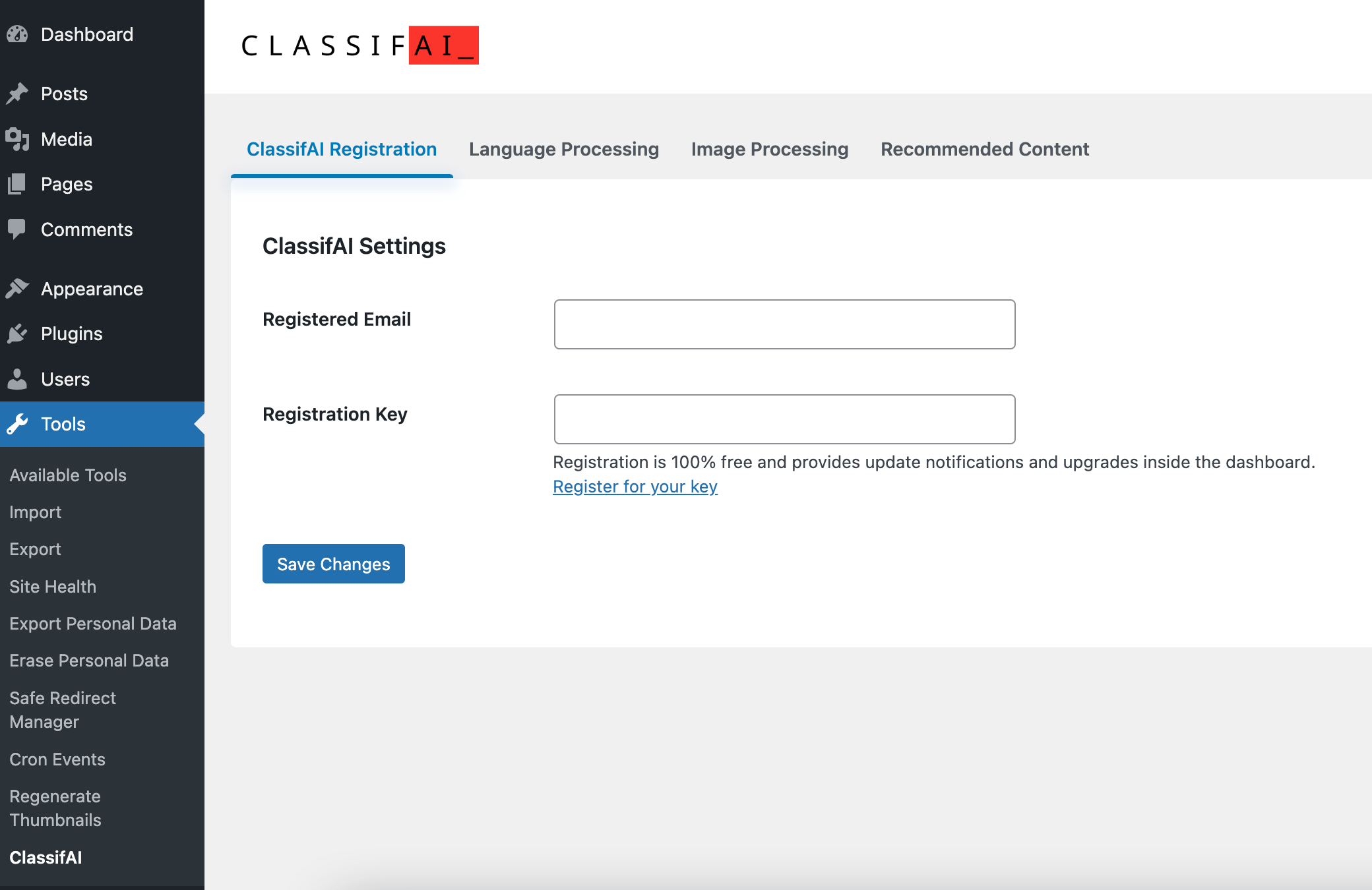
IBM Cloud的电子邮件,然后单击Confirm Account链接。Manage ,然后在管理页面上Show credentials以查看此资源的凭据。凭据屏幕将显示API键或用户名/密码组合。
API URL字段中输入URLAPI Key键。 API URL字段中输入URLAPI Username中输入username值。password输入API Key字段。 watsonplatform.net IBM Watson端点URL带有watsonplatform.net于2021年5月26日被弃用。新端点URL的模式为api.{location}.{offering}.watson.cloud.ibm.com例如,Watson的NLU服务提供端点就像: api.{location}.natural-language-understanding.watson.cloud.ibm.com
有关更多信息,请参见https://cloud.ibm.com/docs/watson?topic=watson-Endpoint-change。
IBM Watson的类别,关键字,概念和实体可以分别存储在现有的WordPress分类法或自定义Watson分类法中。
Create new secret key ,然后复制所显示的键。API Key字段的API键。Generate Excerpt 。Generate titles 。Keys and Endpoint ,以获取此资源的端点。KEY 1旁边的复制图标以复制此资源的API键凭据。Endpoint URL字段的端点。API key字段的API键。Deployment name字段的部署名称。Generate Excerpt 。Generate titles 。Create API key ,然后复制所显示的键。API Key字段的API键。Generate Excerpt 。Generate titles 。Create new secret key ,然后复制所显示的键。API Key字段的API键。请注意,OpenAI可以为满足以下要求的音频文件创建成绩单:
Create new secret key ,然后复制所显示的键。API Key字段的API键。Keys and Endpoint以查看此资源的Location/Region 。KEY 1旁边的复制图标以复制此资源的API键凭据。Endpoint URL字段中,输入以下URL,用上面找到的Location/Region代替LOCATION : https://LOCATION.tts.speech.microsoft.com/ 。API Key字段中,输入从上方复制的KEY 1 。Create new secret key ,然后复制所显示的键。API Key字段的API键。.csv文件。AWS access key字段中,输入从上方复制的Access key 。AWS secret access key字段中,输入从上方复制的Secret access key 。AWS Region字段中,输入您的AWS区域值,例如: us-east-1text-embedding-3-small或text-embedding-3-large型号。该功能将无法与其他型号一起使用。一旦配置了Smart 404功能,您就可以继续设置ElasticPress以索引数据。
如果在标准的WordPress安装上:
ElasticPress > Settings )中设置您的Elasticsearch URL。ElasticPress > Sync设置页面并触发同步,以确保将其设置为从头开始运行同步。这将向Elasticsearch和索引所有内容发送新的模式,包括为每个帖子创建向量嵌入。如果在WordPress VIP托管环境上:
index命令。这将新的架构发送给Elasticsearch并索引所有内容,包括为每个帖子创建向量嵌入。请注意,您可能需要使用--setup标志来确保正确创建架构。在这一点上,您的所有内容均应以及嵌入式数据索引。然后,您需要更新404模板以显示建议的结果。
Smart 404功能带有一些辅助功能,可用于在404页上显示推荐结果:
Classifairender_smart_404_results()函数直接显示结果。Classifaiget_smart_404_results()函数以自己的方式显示。您需要在需要的情况下将这些功能直接集成到404模板中。该插件不会为您自动在404页面上显示结果。
这两个功能都支持以下参数。如果未提供任何参数,则将使用“设置”页面上设置的默认值:
$index (字符串) - 要搜索的弹性索引索引。默认值是post 。$num (int) - 显示的最大结果数。默认值为5 。$num_candidates (int) - 要搜索的最大结果数。默认值为5000 。$rescore (BOOL) - 是否运行Rescore查询。可以给出更好的结果,但通常较慢。默认值为false 。$score_function (String) - 要使用的向量评分函数。默认是cosine 。选项是cosine , dot_product , l1_norm和l2_norm 。 Classifairender_smart_404_results()函数还支持以下其他参数:
$fallback (Bool) - 如果在Elasticsearch中找不到结果,是否要运行后备WordPress查询。这些结果将被渲染。默认是true 。示例:
 // Render the results.
Classifai render_smart_404_results (
  [
    ' index '          => ' post ' ,
    ' num '            => 3 ,
    ' num_candidates ' => 1000 ,
    ' rescore '        => true ,
    ' fallback '       => true ,
    ' score_function ' => ' dot_product ' ,
  ]
);
// Get the results.
$ results = Classifai get_smart_404_results (
[
' index ' => ' post ' ,
' num ' => 10 ,
' num_candidates ' => 8000 ,
' rescore ' => false ,
' score_function ' => ' cosine ' ,
]
);
ob_start ();
// Render the results.
foreach ( $ results as $ result ) {
?>
<div>
<?php if ( has_post_thumbnail ( $ result -> ID ) ) : ?>
<figure>
<a href=" <?php echo esc_url ( get_permalink ( $ result -> ID ) ); ?> ">
<?php echo wp_kses_post ( get_the_post_thumbnail ( $ result -> ID ) ); ?>
</a>
</figure>
<?php endif ; ?>
<a href=" <?php echo esc_url ( get_permalink ( $ result -> ID ) ); ?> ">
<?php echo esc_html ( $ result -> post_title ); ?>
</a>
</div>
<?php
}
$ output = ob_get_clean ();
echo $ output ;如果您想快速在本地测试内容,请确保已安装Docker(建议使用Docker桌面),然后运行以下命令:
docker run -p 9200:9200 -d --name elasticsearch
  -e " discovery.type=single-node "
  -e " xpack.security.enabled=false "
  -e " xpack.security.http.ssl.enabled=false "
  -e " xpack.license.self_generated.type=basic "
  docker.elastic.co/elasticsearch/elasticsearch:7.9.0
这将下载,安装并启动Elasticsearch v7.9.0到您的本地计算机。然后,您可以通过http://localhost:9200访问Elasticsearch,这与可以使用相同的URL配置ElasticPress。建议您将ElasticPress中的Content Items per Index Cycle设置更改为20 ,以确保索引不会超时。还要注意OpenAI嵌入API上的API速率限制。
请注意,Azure AI愿景可以分析满足以下要求的分析和裁剪图像:
Keys and Endpoint ,以查看此资源的Endpoint URL。KEY 1旁边的复制图标以复制此资源的API键凭据。Endpoint URL字段中,输入您的API endpoint 。API Key字段中,输入您的KEY 1 。Create new secret key ,然后复制所显示的键。API Key字段的API键。Generate image选项卡Create new secret key ,然后复制所显示的键。API Key字段的API键。截至2023年9月,Microsoft已退休Azure AI个性化器。该服务将继续运行到2026年,但无法创建个性化资源。因此,请考虑该提供商不弃用,并注意我们将在不久的将来删除这一点。我们希望用新的提供商替换以维持相同的功能(请参阅第392期)。
请注意,个性化器需要足够的数据量才能使个性化器学习。通常,我们建议每天至少举行约1,000个活动,以确保个性化员工有效地学习。如果个性化器没有收到足够的数据,则该服务需要更长的时间来确定最佳操作。
Keys and Endpoint ,以查看此资源的Endpoint URL。KEY 1旁边的复制图标以复制此资源的API键凭据。有关更多信息,请参见https://docs.microsoft.com/en-us/azure/cognitive-services/personalizer/how-to-to-to-create-resource
Endpoint URL字段中,从上面的步骤1输入Endpoint URL。API Key字段中,从上面的步骤1输入您的KEY 1 。Classifai将您的WordPress网站直接连接到您的帐户,并使用特定的服务提供商(例如Microsoft Azure AI,IBM Watson,OpenAI),因此10UP不会收集数据。以我们的注册形式收集的数据仅用于与用户保持联系,因此我们可以提供产品更新和新闻。更多信息可以在Classifaiplugin.com上的隐私政策中找到。
Categories are five levels of hierarchies that IBM Watson can identify from your text. Keywords are specific terms from your text that IBM Watson is able to identify. Concepts are high-level concepts that are not necessarily directly referenced in your text. Entities are people, companies, locations, and classifications that are made by IBM Watson from your text.
Whatever options you have selected in the Category, Keyword, Entity, and Concept taxonomy dropdowns in the NLU classification settings can be viewed within Classic Editor metaboxes and the Block Editor side panel. They can also be viewed in the All Posts and All Pages table list views by utilizing the Screen Options to enable those columns if they're not already appearing in your table list view.
We recommend that you are transparent with your users that AI tools are being used. This can be done by adding a notice to your site's Privacy Policy or similar page. Sample copy is provided below:
This site makes use of Artificial Intelligence tools to help with tasks like language processing, image processing, and content recommendations.
According to OpenAI, they do not train their models on any data that is sent via API requests (see https://openai.com/enterprise-privacy). OpenAI may keep the data for up to 30 days to identify abuse, though you can request zero data retention (ZDR) with a qualifying use-case.
Active: 10up is actively working on this, and we expect to continue work for the foreseeable future including keeping tested up to the most recent version of WordPress. Bug reports, feature requests, questions, and pull requests are welcome.
A complete listing of all notable changes to ClassifAI are documented in CHANGELOG.md.
Please read CODE_OF_CONDUCT.md for details on our code of conduct, CONTRIBUTING.md for details on the process for submitting pull requests to us, and CREDITS.md for a listing of maintainers, contributors, and libraries for ClassifAI.





