ai cli
v1.3.0

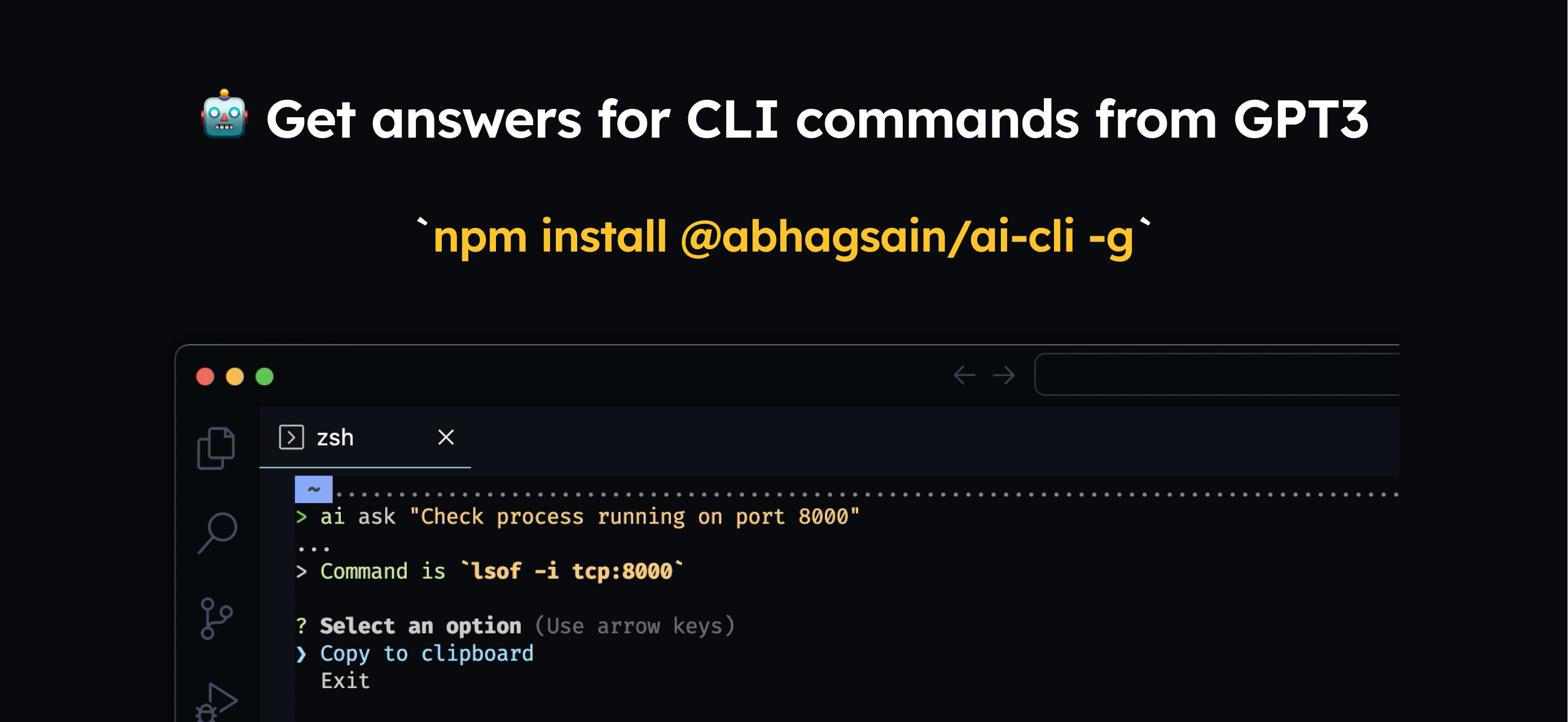
您需要在全球安装
npm i @abhagsain/ai-cli -g
用法
$ ai ask "Check process running on port"
您需要输入自己的OpenAI API密钥,这是您可以获得一个键
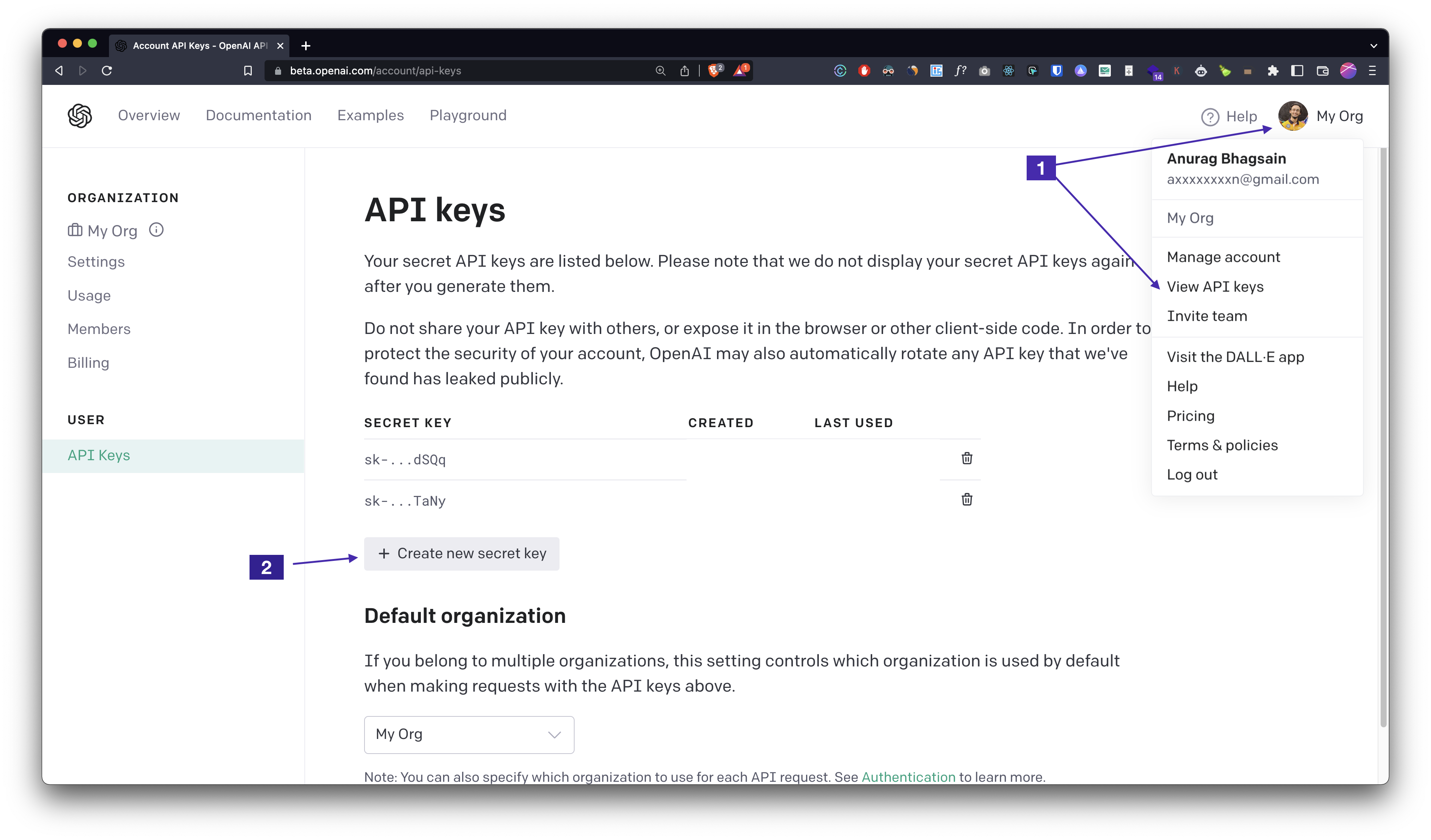
ai auth ,输入您的API键,您就可以了!定价
当前的及时长度~800令牌,平均响应长度~40令牌。 gpt-3.5-turbo的定价为每1K输入令牌$0.001 ,每1K输出令牌$0.002 ,每$0.0009/command 。我们将看看是否可以改善响应,并通过微调减少人均成本。
通过运行ai autocomplete并按照说明添加自动完成。这非常容易。 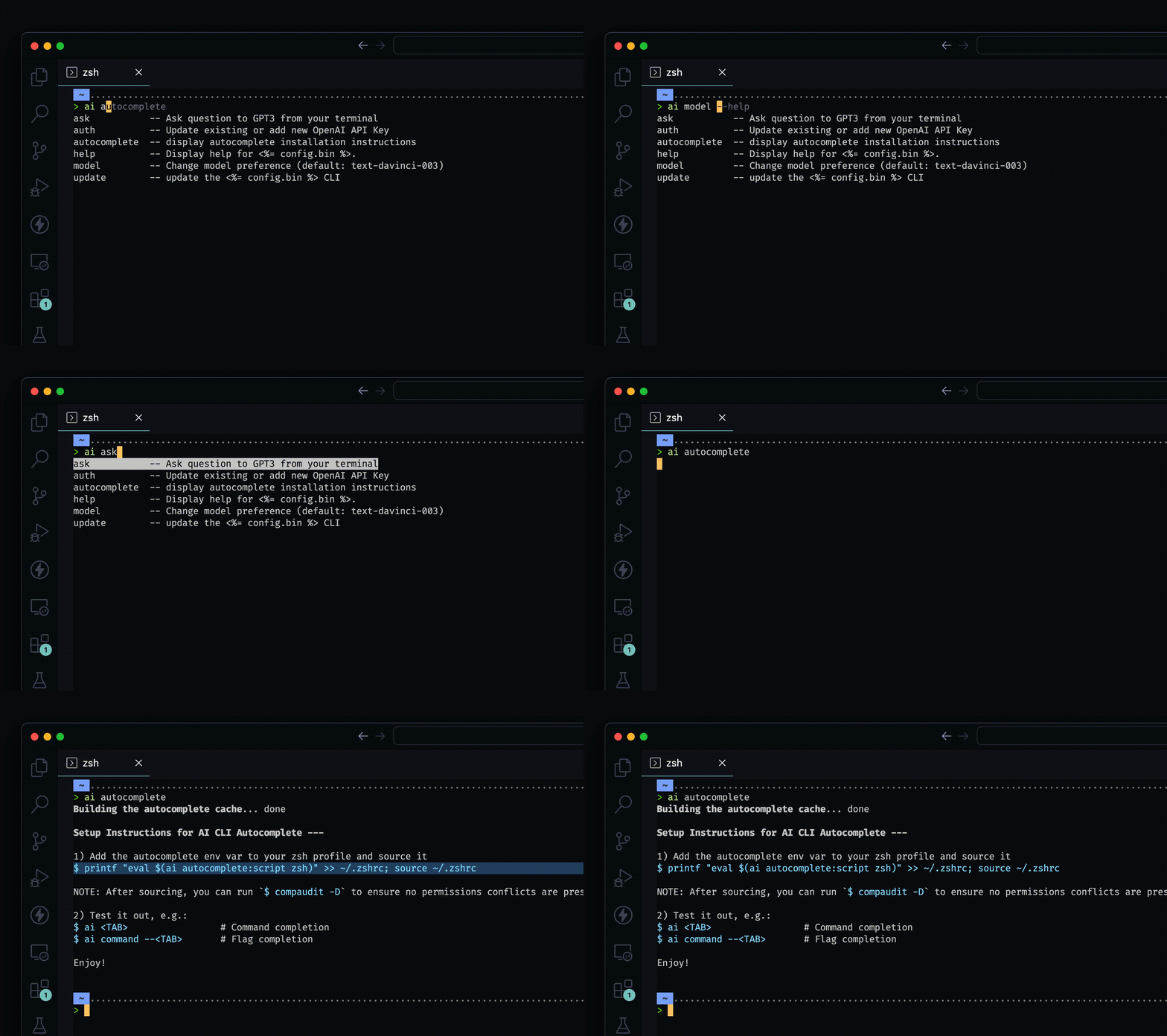
__
__
自动生成的文档
$ npm install -g @abhagsain/ai-cli
$ ai COMMAND
running command...
$ ai (--version)
@abhagsain/ai-cli/1.3.0 darwin-arm64 node-v18.0.0
$ ai --help [COMMAND]
USAGE
  $ ai COMMAND
...ai ask [question]ai authai autocomplete [SHELL]ai help [COMMAND]ai modelai update [CHANNEL]ai ask [question]向您的终端向GPT3提出问题
 USAGE
  $ ai ask [question]

ARGUMENTS
  QUESTION  Your question

DESCRIPTION
  Ask question to GPT3 from your terminal

EXAMPLES
  $ ai ask "Check running process on port 3000"
请参阅代码:dist/命令/ask.ts
ai auth更新现有或添加新的OpenAI API密钥
 USAGE
  $ ai auth

DESCRIPTION
  Update existing or add new OpenAI API Key

EXAMPLES
  $ ai auth (Follow the prompt)
请参阅代码:dist/commands/auth.ts
ai autocomplete [SHELL]显示自动完成的安装说明
 USAGE
  $ ai autocomplete [SHELL] [-r]

ARGUMENTS
  SHELL  shell type

FLAGS
  -r, --refresh-cache  Refresh cache (ignores displaying instructions)

DESCRIPTION
  display autocomplete installation instructions

EXAMPLES
  $ ai autocomplete

  $ ai autocomplete bash

  $ ai autocomplete zsh

  $ ai autocomplete --refresh-cache
请参阅代码: @oclif/plugin-autocomplete
ai help [COMMAND]显示AI的帮助。
 USAGE
  $ ai help [COMMAND] [-n]

ARGUMENTS
  COMMAND  Command to show help for.

FLAGS
  -n, --nested-commands  Include all nested commands in the output.

DESCRIPTION
  Display help for ai.
请参阅代码: @oclif/插件螺旋
ai model更改模型偏好(默认:GPT-3.5-Turbo)
 USAGE
  $ ai model

DESCRIPTION
  Change model preference (default: gpt-3.5-turbo)

EXAMPLES
  $ ai model (Follow the prompt)
请参阅代码:DIST/命令/型号
ai update [CHANNEL]更新AI CLI
 USAGE
  $ ai update [CHANNEL] [-a] [-v <value> | -i] [--force]

FLAGS
  -a, --available        Install a specific version.
  -i, --interactive      Interactively select version to install. This is ignored if a channel is provided.
  -v, --version=<value>  Install a specific version.
  --force                Force a re-download of the requested version.

DESCRIPTION
  update the ai CLI

EXAMPLES
  Update to the stable channel:

    $ ai update stable

  Update to a specific version:

    $ ai update --version 1.0.0

  Interactively select version:

    $ ai update --interactive

  See available versions:

    $ ai update --available
请参阅代码: @oclif/plugin-update





