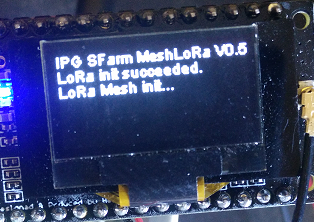
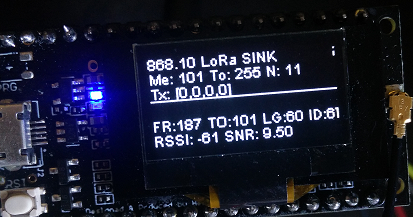
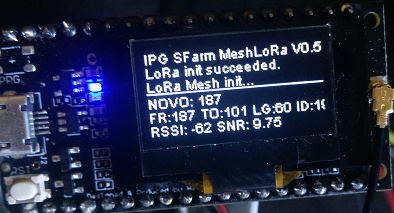
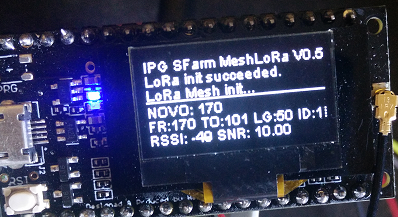
LoRa Mesh
1.0.0

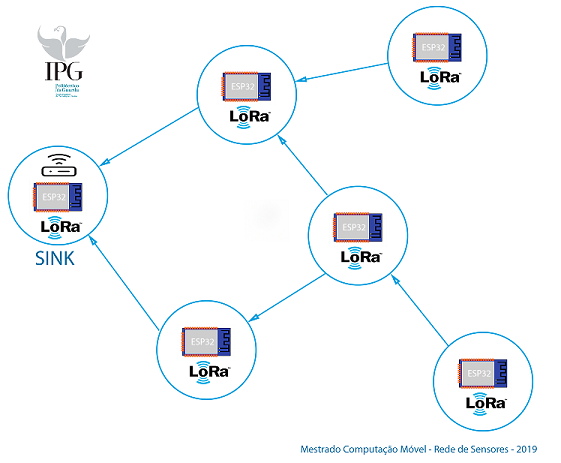
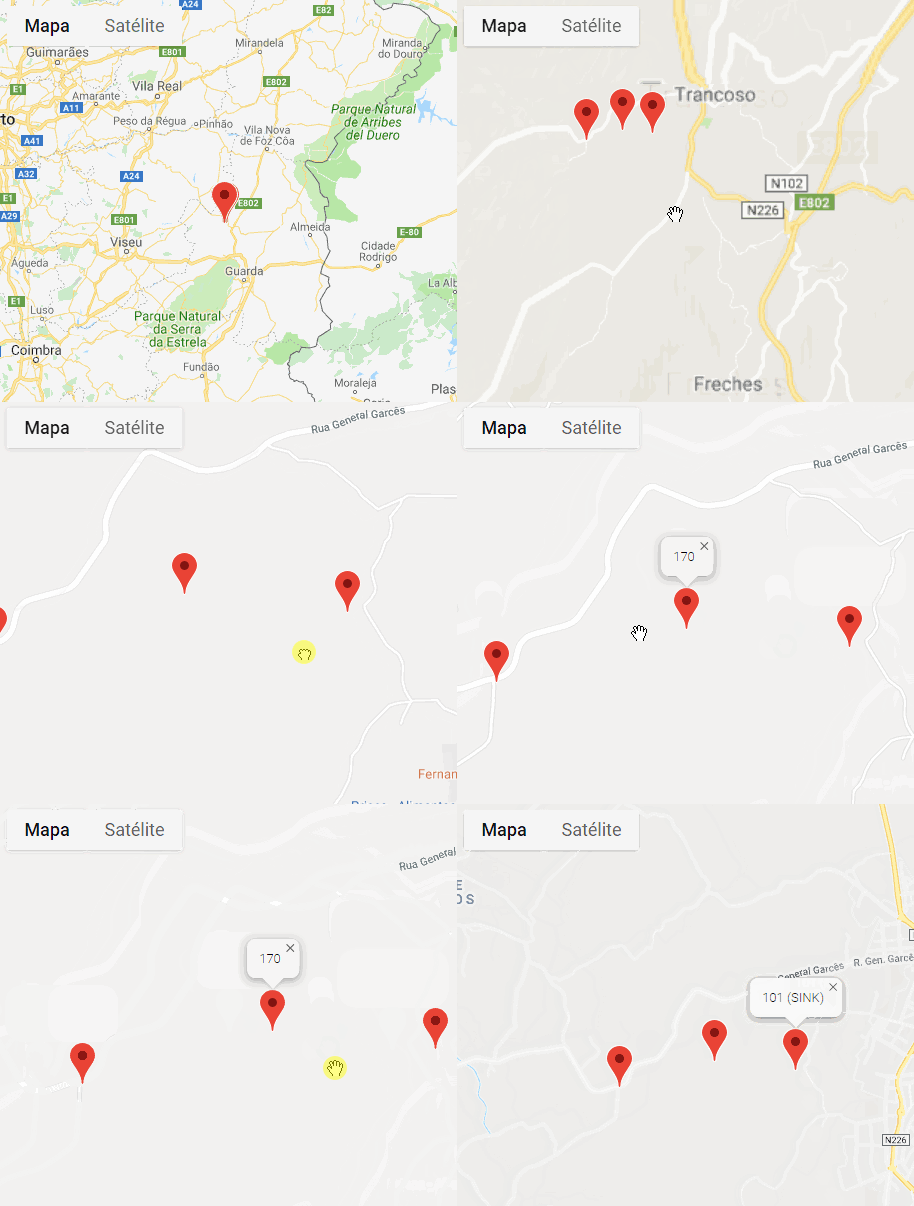
เครือข่ายตาข่ายนั้นมีลักษณะเป็นหลักโดยการจำแนกประเภทที่โหนดทั้งหมดในโครงสร้างพื้นฐานเครือข่ายสื่อสารโดยตรงระหว่างพวกเขาแบบไดนามิกโดยไม่คำนึงถึงลำดับชั้นใด ๆ ดังนั้นโหนดจึงร่วมมือกันเพื่อให้ข้อมูลมีประสิทธิภาพ การขาดการพึ่งพาระหว่างเรานี้ช่วยให้แต่ละคนมีส่วนร่วมในการส่งและการรับข้อมูลระหว่างพวกเขา เครือข่ายตาข่ายสามารถจัดระเบียบแบบไดนามิกผ่านความสามารถในการกำหนดค่าตนเองช่วยให้การกระจายข้อมูลของข้อมูลแบบไดนามิกโดยเฉพาะอย่างยิ่งในสถานการณ์ที่เกิดความล้มเหลวในหนึ่งในปมเหล่านี้

โคลนที่เก็บนี้: $ git clone https://github.com/daeynasvistas/LoRa-Mesh/
การใช้รหัส VisualStudio (Platformio):
2.1. คุณสามารถเปิด esp32 วางและ arduino วางในโครงการแยกต่างหาก
 // Este node e servidor
// 0 = Servidor internet
// 1 = Vizinho de servidor internet
// 2 = Vizinho com um Vizinho de um servidor internet
byte isServer = getIsServer();
String nodeFunction[ 4 ] = { " SINK " , " ESTRADA " , " CAMINHO " , " SOLTEIRO " }; if (msgCount> 10 )
{
message = sendTable ();
sendMessage (message, 255 ); if (msgCount> 10 )
{
message = sendTable ();
sendMessage (message, 255 );String nodeFunction[ 4 ] = { " SINK " , " ESTRADA " , " CAMINHO " , " SOLTEIRO " }; // Posicionamento dos servidores na mesh
switch (incomingMsgHand) {
case 0 :
// statements
if (! arrayIncludeElement (myServers,sender,maxTableArrayServers)){
Serial. println ( " Encontrei um SINK! " +sender);
arrayAddElement (myServers,sender,maxTableArrayServers);
display. drawString ( 0 , 32 , " NOVO: " + String (sender));
}
destination = sender;
break ;
case 1 :
// statements
if (! arrayIncludeElement (myNeighbours,sender,maxTableArrayVizinhos)){
Serial. println ( " Encontrei AUTOESTRADA para SINK! " +sender);
arrayAddElement (myNeighbours,sender,maxTableArrayVizinhos);
display. drawString ( 0 , 32 , " NOVO: " + String (sender));
}
if (isServer!= 0 ){
destination = sender;
}
break ;
case 2 :
// statements
Serial. println ( " Encontrei CAMINHO para SINK! " );
break ;
default :
// statements
break ;
} } else {
// enviar para mais próximo do SINK
destination = myNeighbours[ 0 ];
sendMessage (message, destination);
}ในการกำหนดค่าคุณต้องเปลี่ยน main.cpp และรวมเซ็นเซอร์ที่คุณคาดการณ์ไว้ ESP32 รวมปอนด์สำหรับ BME และ Arduino สำหรับ DHT11
โครงการใช้ #include pound <arduinojson.h> เพื่อสร้าง JSON ที่ส่งในแต่ละโหนดรวมหรือเปลี่ยนสิ่งที่คุณต้องการ
 void makeData (){
// add some values
array. add (MAC); // <- Lora MAC
array. add ( 1556969160 ); // <-- Timestamp
array. add (bme. readTemperature ());
array. add (bme. readHumidity ());
array. add (bme. readPressure () / 100 . 0F );
array. add ( 0 );
array. add ( 0 );
array. add ( 0 );
array. add ( 0 );
array. add ( 0 );
array. add ( 0 );

 // serialize the array and send the result to Serial
// serialize the array and send the result to Serial
 serializeJson (doc, Values);
 serializeJson (doc, Serial);
 Serial. println ( " " );
}32 สูงสุดในตารางเพื่อนบ้าน .. หรือเพียงแค่เปลี่ยนอาร์เรย์ dinamic
byte const maxTableArrayVizinhos = 32 ; // quantidade de vizinhos pode ser aumentada conform memoria dispo
byte myNeighbours[maxTableArrayVizinhos] = {}; // address of vizinhos directos

byte const maxTableArrayServers = 4 ; // quantidade de servidores ao qual tenho acesso pode ser aumentada
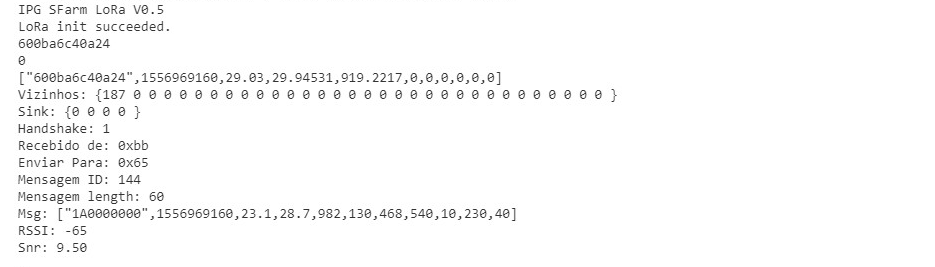
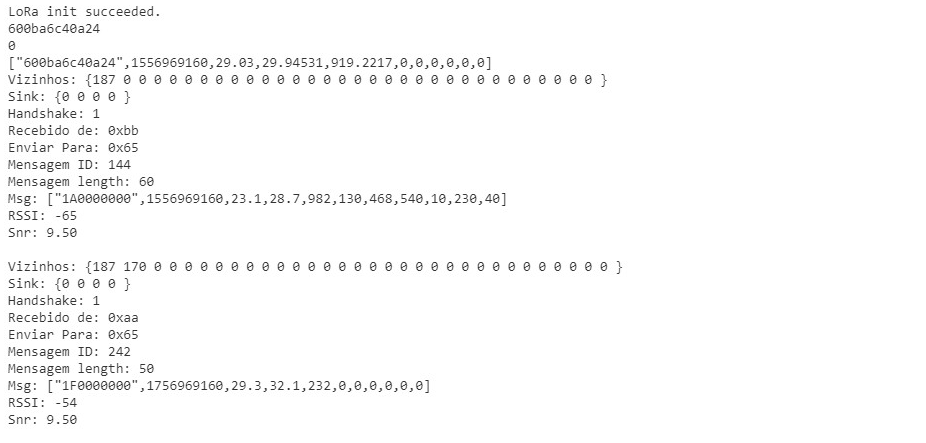
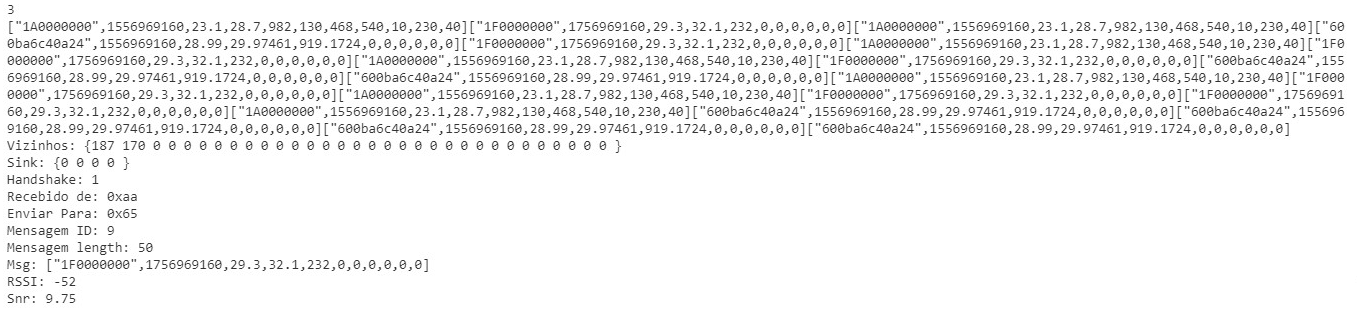
byte myServers[maxTableArrayServers] = {}; // address dos servidores que encontrei นี่คือผลลัพธ์ของ serial.print ใน Node Sink ที่เซ็นเซอร์ทั้งหมดของโหนดทั้งหมดมา Node Sink รับผิดชอบการส่ง JSON ... โดย Lora (Gateway) โดย MQTT หรือวิธีที่คุณต้องการ