ipatool
v2.1.4

ipatool เป็นเครื่องมือบรรทัดคำสั่งที่อนุญาตให้คุณค้นหาแอพ iOS บนแอพสโตร์และดาวน์โหลดสำเนาของแพ็คเกจแอพหรือที่เรียกว่าไฟล์ IPA
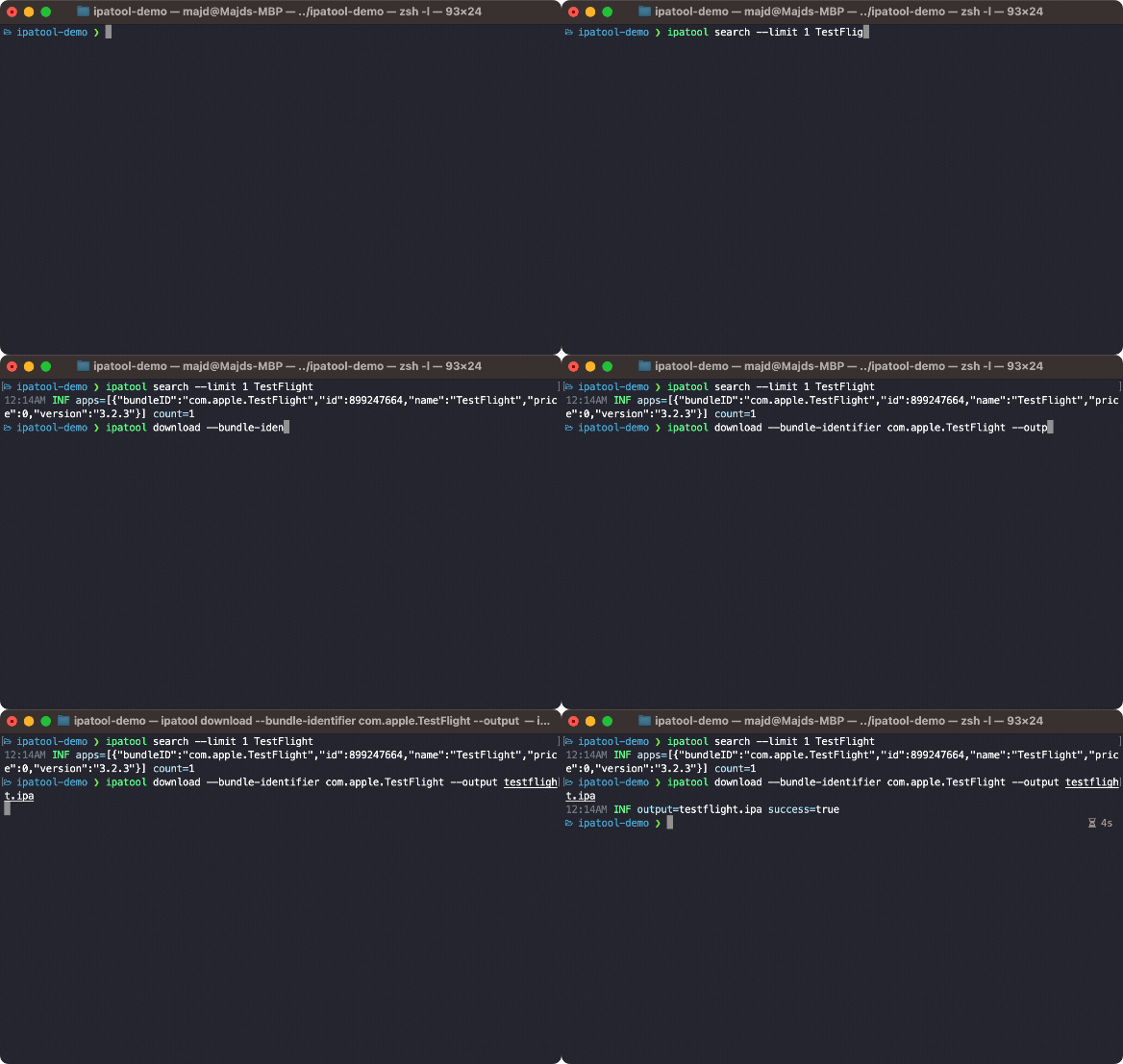
คุณสามารถคว้า ipatool เวอร์ชันล่าสุดจาก GitHub รุ่น
คุณสามารถติดตั้ง ipatool โดยใช้ Homebrew
$ brew tap majd/repo
$ brew install ipatool หากต้องการตรวจสอบสิทธิ์กับ App Store ให้ใช้คำสั่ง auth
 Authenticate with the App Store

Usage:
  ipatool auth [command]

Available Commands:
  info        Show current account info
  login       Login to the App Store
  revoke      Revoke your App Store credentials

Flags:
  -h, --help   help for auth

Global Flags:
      --format format     sets output format for command; can be 'text', 'json' (default text)
      --non-interactive   run in non-interactive session
      --verbose           enables verbose logs

Use "ipatool auth [command] --help" for more information about a command.
ในการค้นหาแอพใน App Store ให้ใช้คำสั่ง search
 Search for iOS apps available on the App Store

Usage:
  ipatool search <term> [flags]

Flags:
  -h, --help        help for search
  -l, --limit int   maximum amount of search results to retrieve (default 5)

Global Flags:
      --format format     sets output format for command; can be 'text', 'json' (default text)
      --non-interactive   run in non-interactive session
      --verbose           enables verbose logs
หากต้องการรับใบอนุญาตสำหรับแอพให้ใช้คำสั่ง purchase
 Obtain a license for the app from the App Store

Usage:
  ipatool purchase [flags]

Flags:
  -b, --bundle-identifier string   Bundle identifier of the target iOS app (required)
  -h, --help                       help for purchase

Global Flags:
      --format format     sets output format for command; can be 'text', 'json' (default text)
      --non-interactive   run in non-interactive session
      --verbose           enables verbose logs
ในการดาวน์โหลดสำเนาของไฟล์ IPA ให้ใช้คำสั่ง download
 Download (encrypted) iOS app packages from the App Store

Usage:
  ipatool download [flags]

Flags:
  -i, --app-id int                 ID of the target iOS app (required)
  -b, --bundle-identifier string   The bundle identifier of the target iOS app (overrides the app ID)
  -h, --help                       help for download
  -o, --output string              The destination path of the downloaded app package
      --purchase                   Obtain a license for the app if needed

Global Flags:
      --format format                sets output format for command; can be 'text', 'json' (default text)
      --keychain-passphrase string   passphrase for unlocking keychain
      --non-interactive              run in non-interactive session
      --verbose                      enables verbose logs
หมายเหตุ: เครื่องมือทำงานในโหมดอินเทอร์แอคทีฟโดยค่าเริ่มต้น ใช้ธง --non-interactive ถ้าทำงานในสภาพแวดล้อมอัตโนมัติ
เครื่องมือสามารถรวบรวมได้โดยใช้เครื่องมือ GO
$ go build -o ipatoolการทดสอบหน่วยสามารถดำเนินการด้วยคำสั่งต่อไปนี้
$ go generate github.com/majd/ipatool/...
$ go test -v github.com/majd/ipatool/...iPatool เปิดตัวภายใต้ใบอนุญาต MIT







