litegraph.js
LiteGraph 1.0

JavaScriptのライブラリで、Unreal Blueprintsと同様のブラウザにグラフを作成します。ノードは簡単にプログラムでき、グラフを構築およびテストするエディターが含まれています。
既存のWebアプリケーションに簡単に統合でき、グラフはエディターを必要とせずに実行できます。
デモサイトで試してみてください。
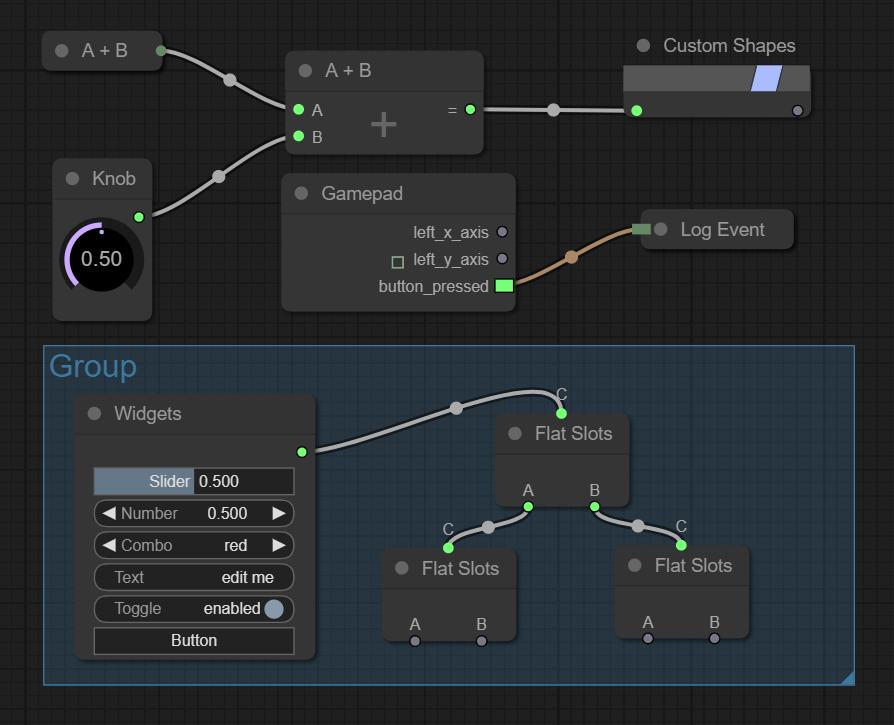
新しいノードタイプを作成するのは簡単ですが、LiteGraphには多くの場合に役立つデフォルトノードがいくつかあります。
NPMを使用してインストールできます
npm install litegraph.js
または、このリポジトリからbuild/litegraph.jsおよびcss/litegraph.cssバージョンをダウンロードします。
 < html >
< head >
	< link rel =" stylesheet " type =" text/css " href =" litegraph.css " >
	< script type =" text/javascript " src =" litegraph.js " > </ script >
</ head >
< body style =' width:100%; height:100% ' >
< canvas id =' mycanvas ' width =' 1024 ' height =' 720 ' style =' border: 1px solid ' > </ canvas >
< script >
var graph = new LGraph ( ) ;

var canvas = new LGraphCanvas ( "#mycanvas" , graph ) ;

var node_const = LiteGraph . createNode ( "basic/const" ) ;
node_const . pos = [ 200 , 200 ] ;
graph . add ( node_const ) ;
node_const . setValue ( 4.5 ) ;

var node_watch = LiteGraph . createNode ( "basic/watch" ) ;
node_watch . pos = [ 700 , 200 ] ;
graph . add ( node_watch ) ;

node_const . connect ( 0 , node_watch , 0 ) ;

graph . start ( )
</ script >
</ body >
</ html > 次に、2つの入力を合計するノードを構築する方法の例です。
 //node constructor class
function MyAddNode ( )
{
  this . addInput ( "A" , "number" ) ;
  this . addInput ( "B" , "number" ) ;
  this . addOutput ( "A+B" , "number" ) ;
  this . properties = { precision : 1 } ;
}

//name to show
MyAddNode . title = "Sum" ;

//function to call when the node is executed
MyAddNode . prototype . onExecute = function ( )
{
  var A = this . getInputData ( 0 ) ;
  if ( A === undefined )
    A = 0 ;
  var B = this . getInputData ( 1 ) ;
  if ( B === undefined )
    B = 0 ;
  this . setOutputData ( 0 , A + B ) ;
}

//register in the system
LiteGraph . registerNodeType ( "basic/sum" , MyAddNode ) ;
または、既存の関数をラップすることができます。
 function sum ( a , b )
{
   return a + b ;
}

LiteGraph . wrapFunctionAsNode ( "math/sum" , sum , [ "Number" , "Number" ] , "Number" ) ; また、一部のノードはサーバー(オーディオ、グラフィックス、入力など)で動作しませんが、ノードJを使用してサーバー側に動作します。
 var LiteGraph = require ( "./litegraph.js" ) . LiteGraph ;

var graph = new LiteGraph . LGraph ( ) ;

var node_time = LiteGraph . createNode ( "basic/time" ) ;
graph . add ( node_time ) ;

var node_console = LiteGraph . createNode ( "basic/console" ) ;
node_console . mode = LiteGraph . ALWAYS ;
graph . add ( node_console ) ;

node_time . connect ( 0 , node_console , 1 ) ;

graph . start ( ) 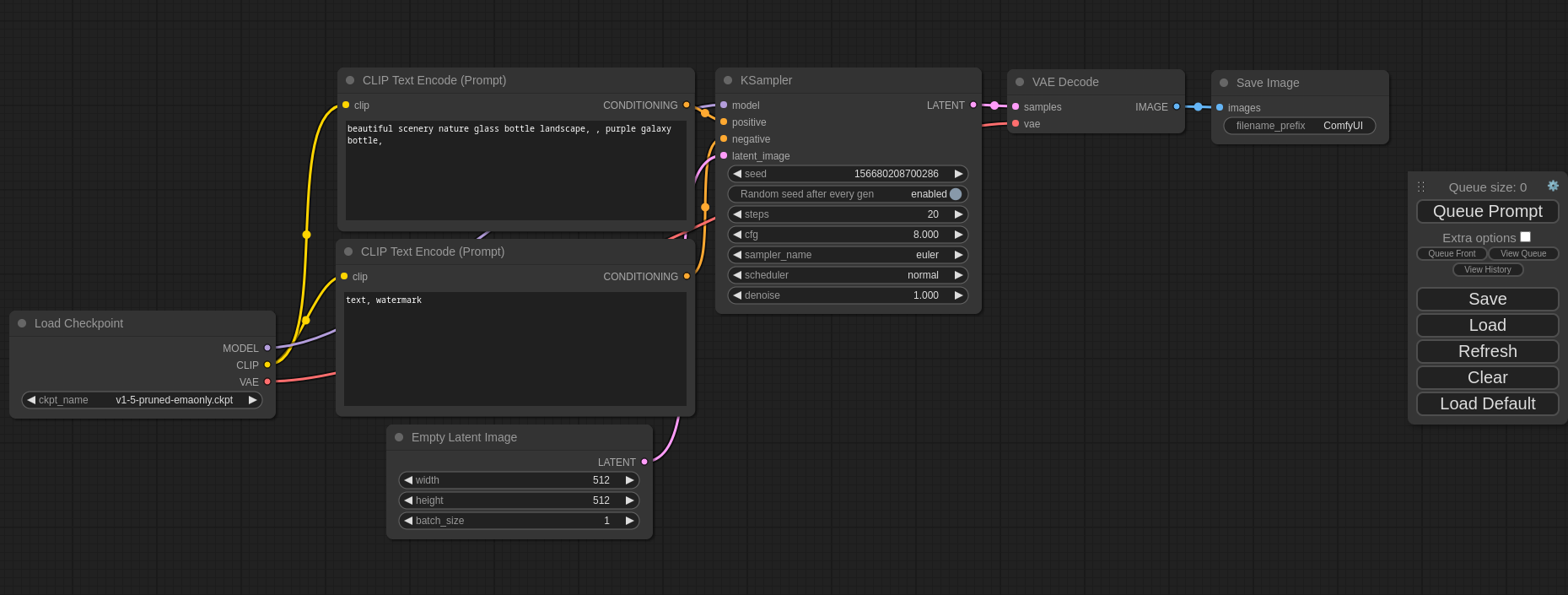
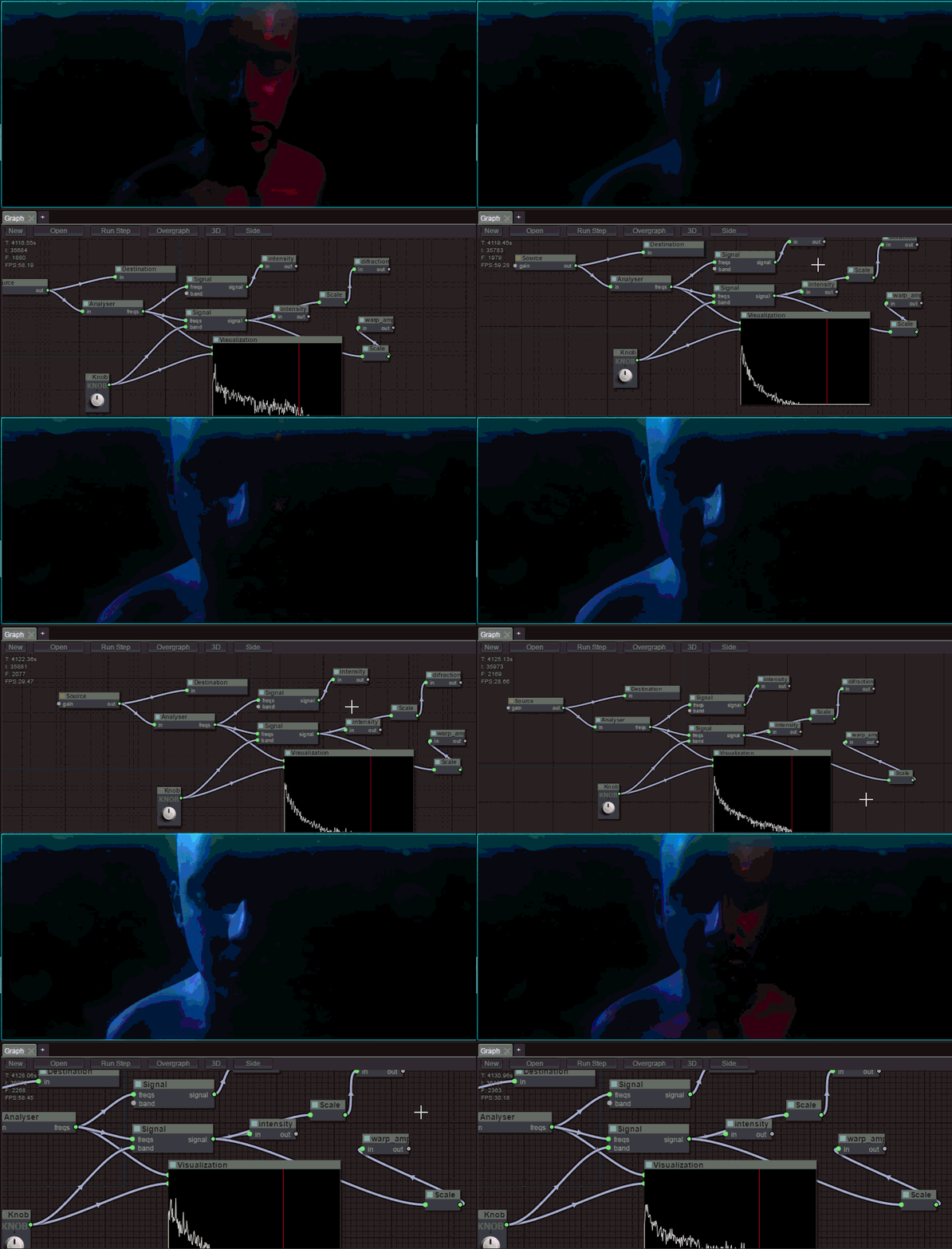
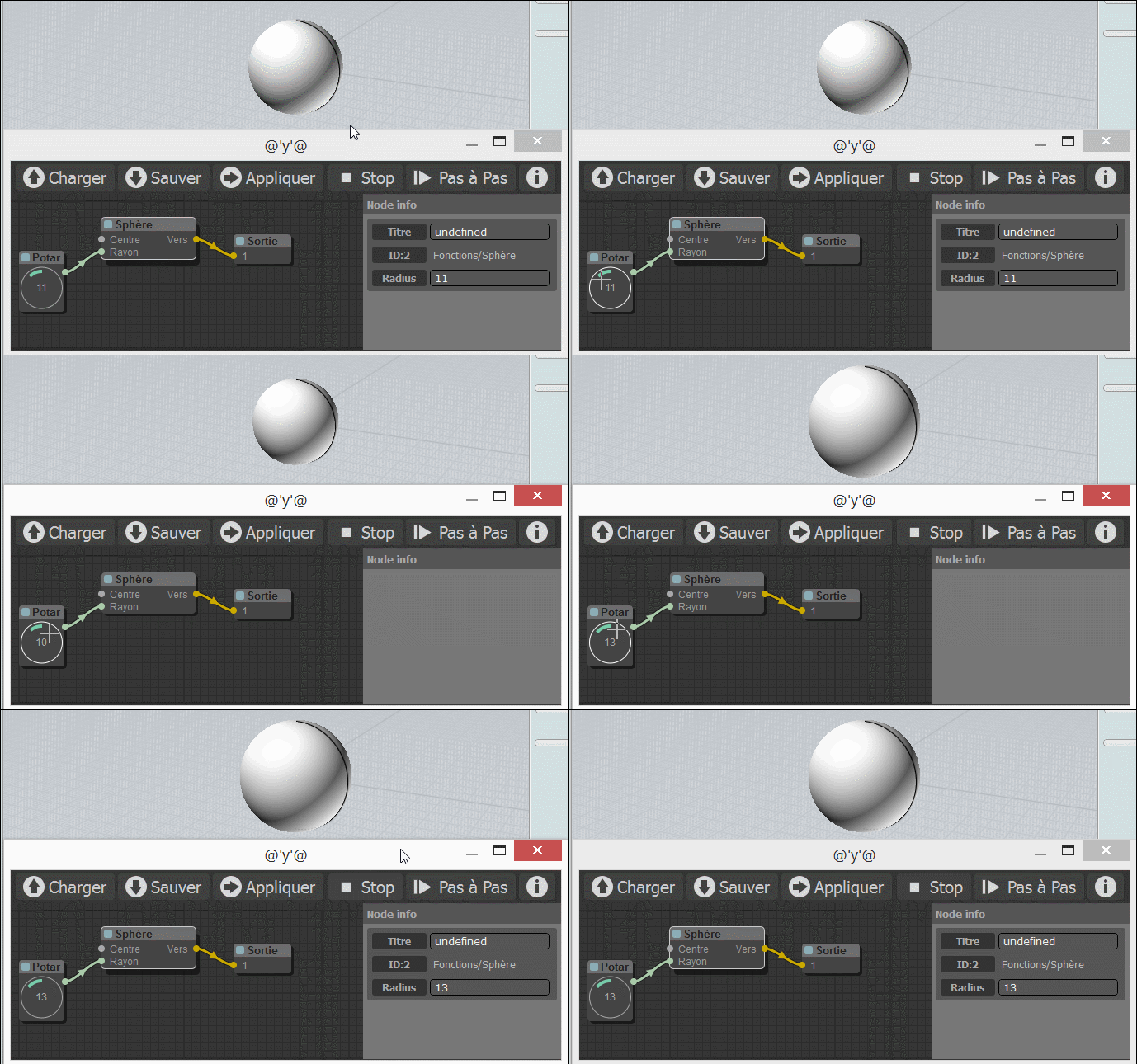
utilsフォルダーにいくつかのコマンドが含まれて、ドキュメントを生成し、エラーをチェックし、縮小バージョンを構築します。
デモには、グラフの例がいくつか含まれています。それらを試すには、デモサイトにアクセスするか、ローカルコンピューターにインストールすることができます。GIT、 node 、 npm gitです。これらの依存関係がインストールされていることを考えると、次のコマンドを実行して試してみてください。
$ git clone https://github.com/jagenjo/litegraph.js.git
$ cd litegraph.js
$ npm install
$ node utils/server.js
Example app listening on port 80 !
ブラウザを開き、http:// localhost:8000/に向けます。ページの上部にあるドロップダウンからデモを選択できます。
[email protected]にフィードバックを書くことができます






