litegraph.js
LiteGraph 1.0

JavaScript中的一個庫在瀏覽器中創建圖形,類似於虛幻藍圖。節點可以輕鬆編程,其中包括一個編輯器來構建和測試圖形。
它可以輕鬆地集成到任何現有的Web應用程序中,並且可以在無需編輯器的情況下運行圖形。
在演示網站上嘗試。
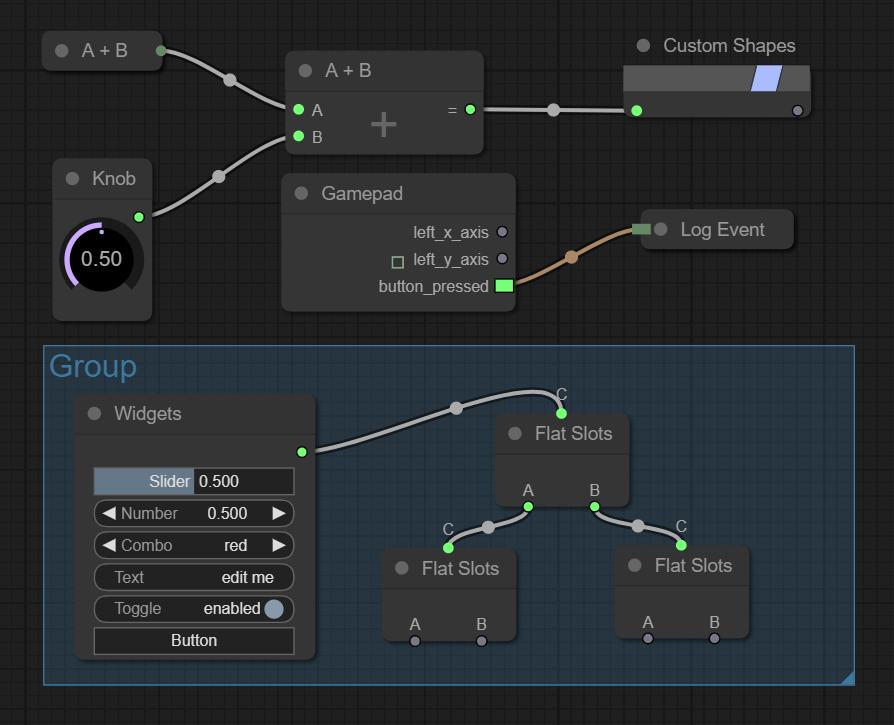
儘管很容易創建新的節點類型,但LiteGraph帶有一些默認節點,這些節點在許多情況下可能很有用:
您可以使用NPM安裝它
npm install litegraph.js
或從此存儲庫下載build/litegraph.js和css/litegraph.css版本。
 < html >
< head >
	< link rel =" stylesheet " type =" text/css " href =" litegraph.css " >
	< script type =" text/javascript " src =" litegraph.js " > </ script >
</ head >
< body style =' width:100%; height:100% ' >
< canvas id =' mycanvas ' width =' 1024 ' height =' 720 ' style =' border: 1px solid ' > </ canvas >
< script >
var graph = new LGraph ( ) ;

var canvas = new LGraphCanvas ( "#mycanvas" , graph ) ;

var node_const = LiteGraph . createNode ( "basic/const" ) ;
node_const . pos = [ 200 , 200 ] ;
graph . add ( node_const ) ;
node_const . setValue ( 4.5 ) ;

var node_watch = LiteGraph . createNode ( "basic/watch" ) ;
node_watch . pos = [ 700 , 200 ] ;
graph . add ( node_watch ) ;

node_const . connect ( 0 , node_watch , 0 ) ;

graph . start ( )
</ script >
</ body >
</ html > 這是如何構建一個總和兩個輸入的節點的示例:
 //node constructor class
function MyAddNode ( )
{
  this . addInput ( "A" , "number" ) ;
  this . addInput ( "B" , "number" ) ;
  this . addOutput ( "A+B" , "number" ) ;
  this . properties = { precision : 1 } ;
}

//name to show
MyAddNode . title = "Sum" ;

//function to call when the node is executed
MyAddNode . prototype . onExecute = function ( )
{
  var A = this . getInputData ( 0 ) ;
  if ( A === undefined )
    A = 0 ;
  var B = this . getInputData ( 1 ) ;
  if ( B === undefined )
    B = 0 ;
  this . setOutputData ( 0 , A + B ) ;
}

//register in the system
LiteGraph . registerNodeType ( "basic/sum" , MyAddNode ) ;
或者您可以包裝現有功能:
 function sum ( a , b )
{
   return a + b ;
}

LiteGraph . wrapFunctionAsNode ( "math/sum" , sum , [ "Number" , "Number" ] , "Number" ) ; 儘管某些節點在服務器(音頻,圖形,輸入等)中不起作用,但它還使用nodejs工作服務器端。
 var LiteGraph = require ( "./litegraph.js" ) . LiteGraph ;

var graph = new LiteGraph . LGraph ( ) ;

var node_time = LiteGraph . createNode ( "basic/time" ) ;
graph . add ( node_time ) ;

var node_console = LiteGraph . createNode ( "basic/console" ) ;
node_console . mode = LiteGraph . ALWAYS ;
graph . add ( node_console ) ;

node_time . connect ( 0 , node_console , 1 ) ;

graph . start ( ) 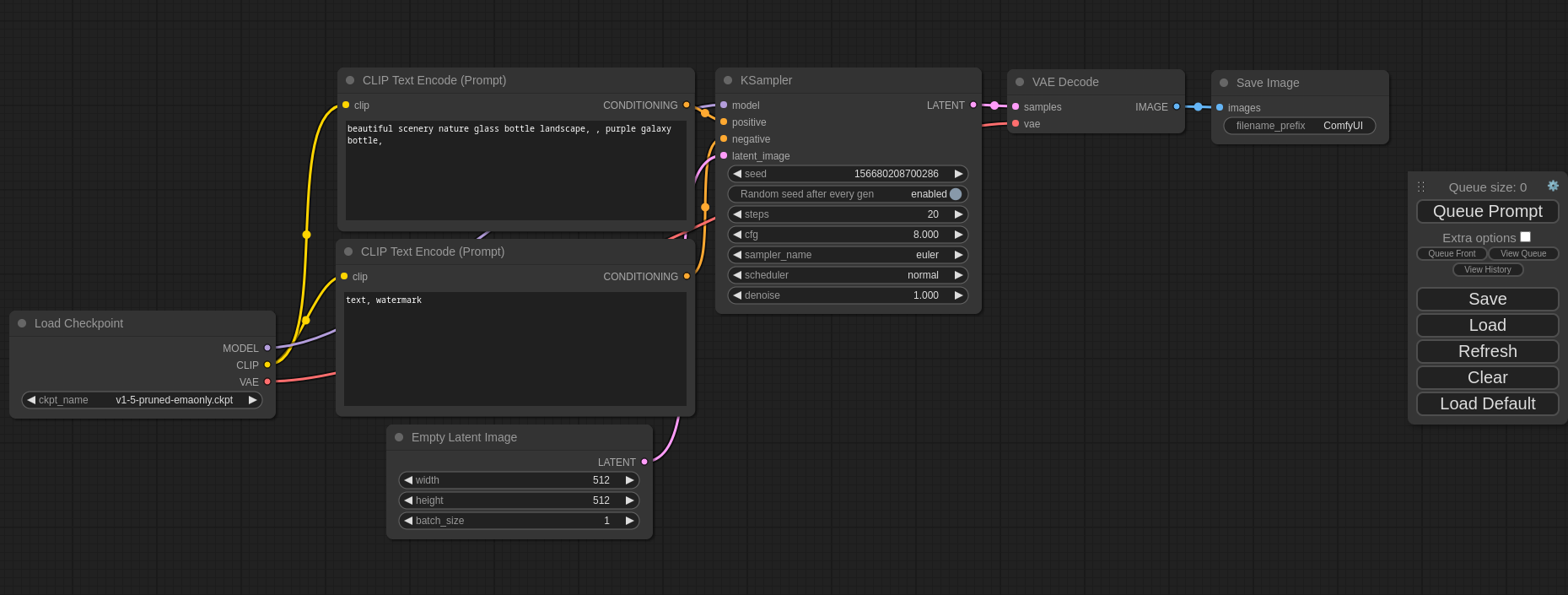
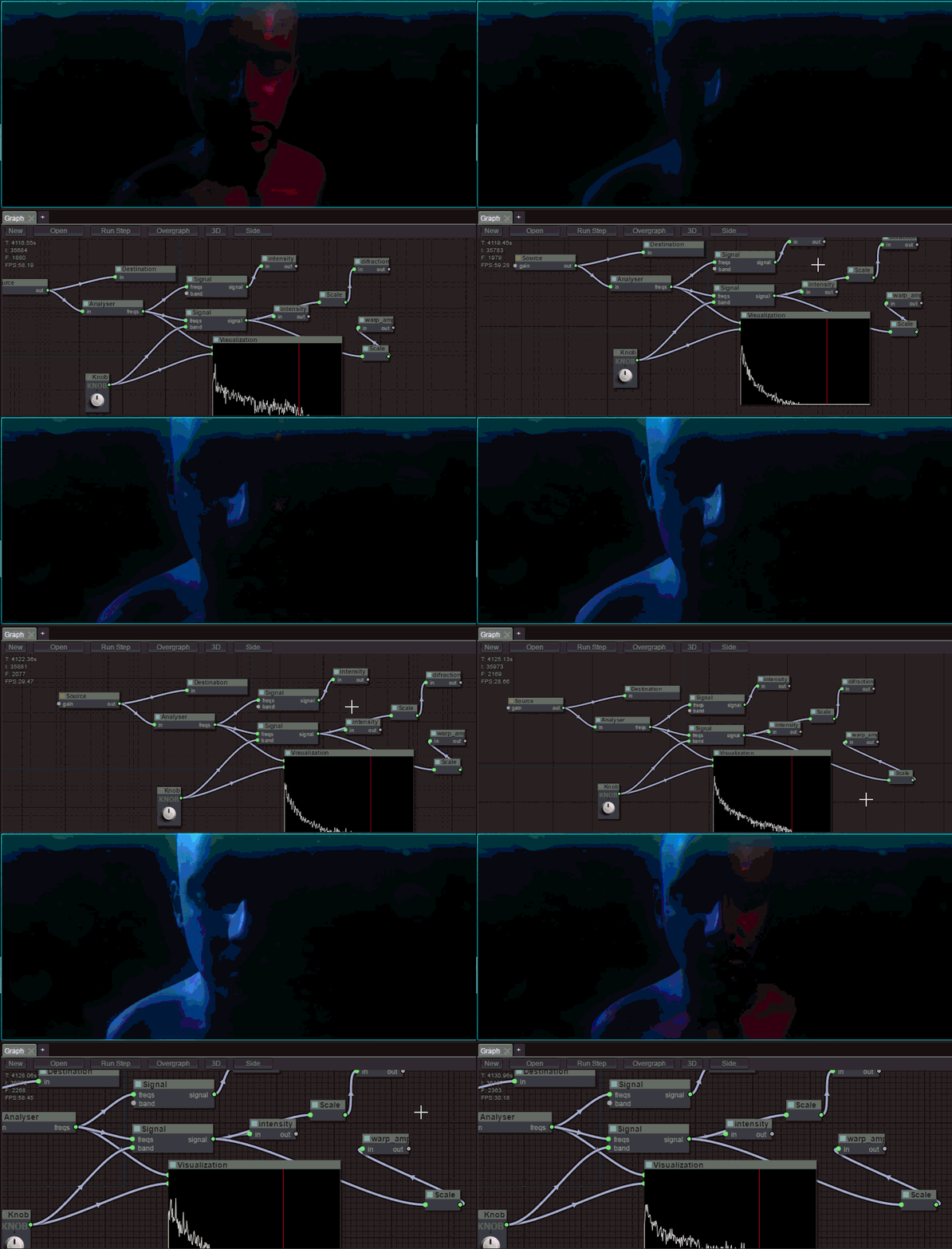
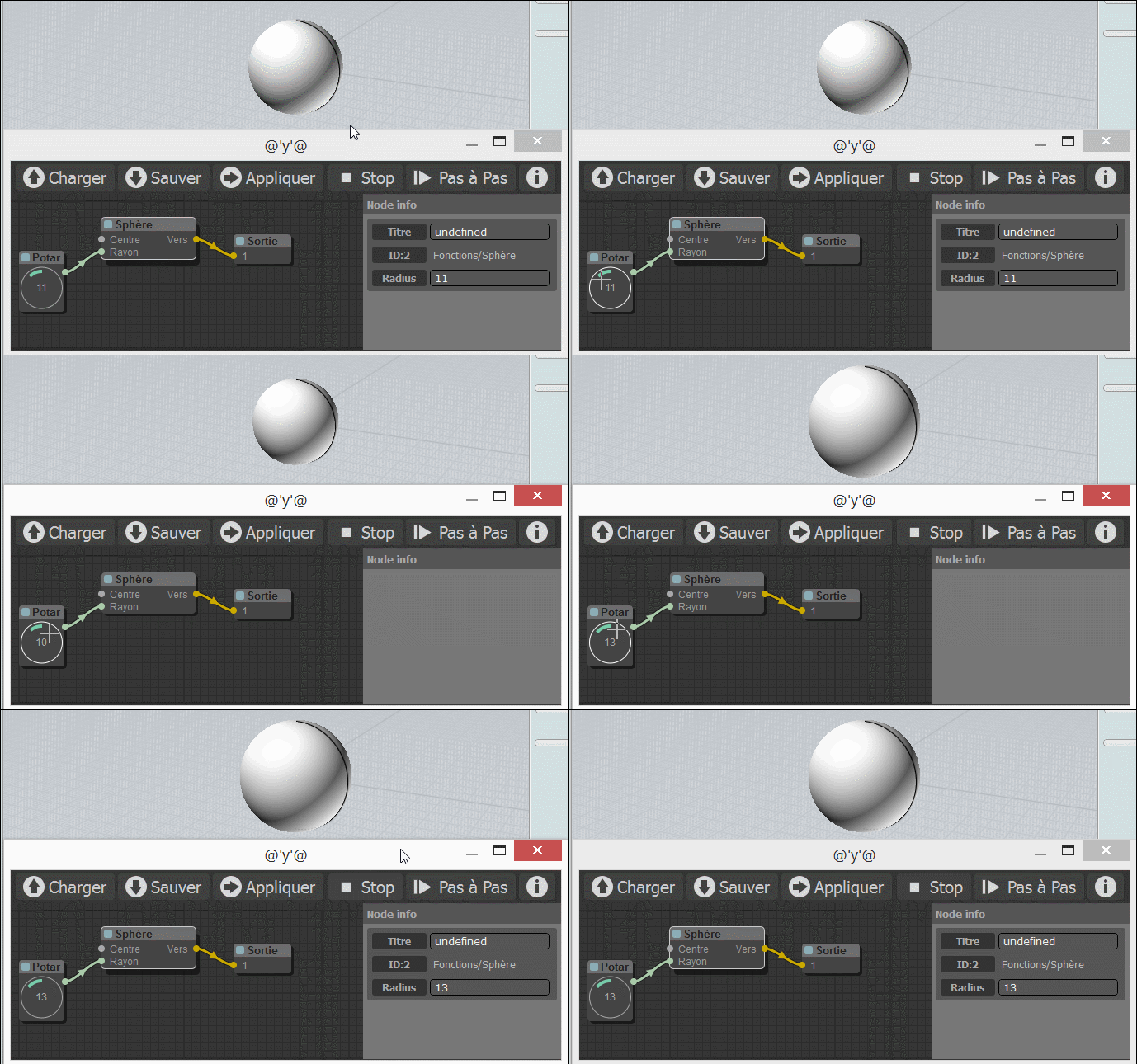
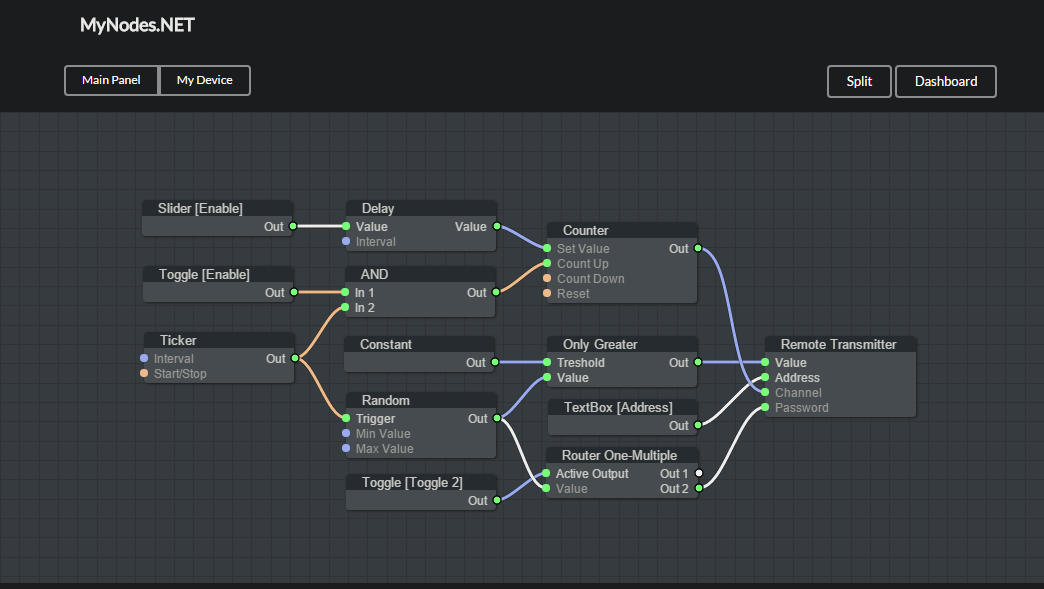
它在UTILS文件夾中包含幾個命令,以生成DOC,檢查錯誤並構建縮小版本。
該演示包括一些圖形示例。為了嘗試它們,您可以訪問演示站點或在本地計算機上安裝它,以便您需要git , node和npm 。考慮到這些依賴項已安裝,請運行以下命令以嘗試:
$ git clone https://github.com/jagenjo/litegraph.js.git
$ cd litegraph.js
$ npm install
$ node utils/server.js
Example app listening on port 80 !
打開瀏覽器,並將其指向http:// localhost:8000/。您可以從頁面頂部的下拉列表中選擇一個演示。
您可以將任何反饋寫給[email protected]






