react native dynamic search bar
New tsconfig file is here ?



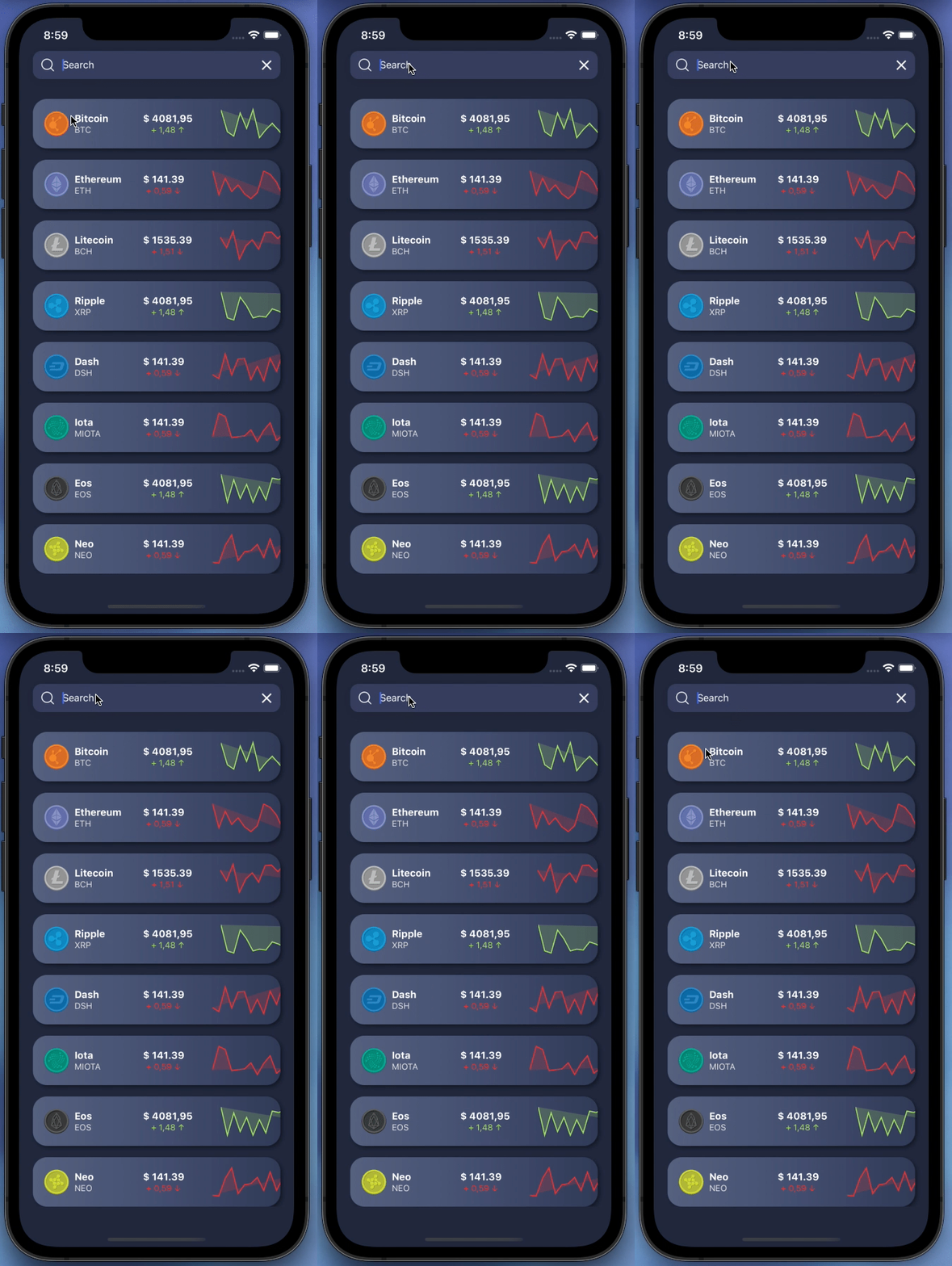 | 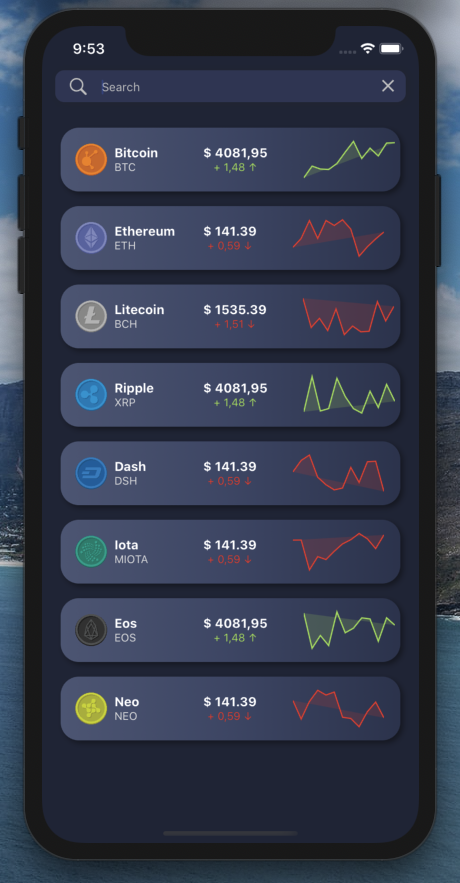 |
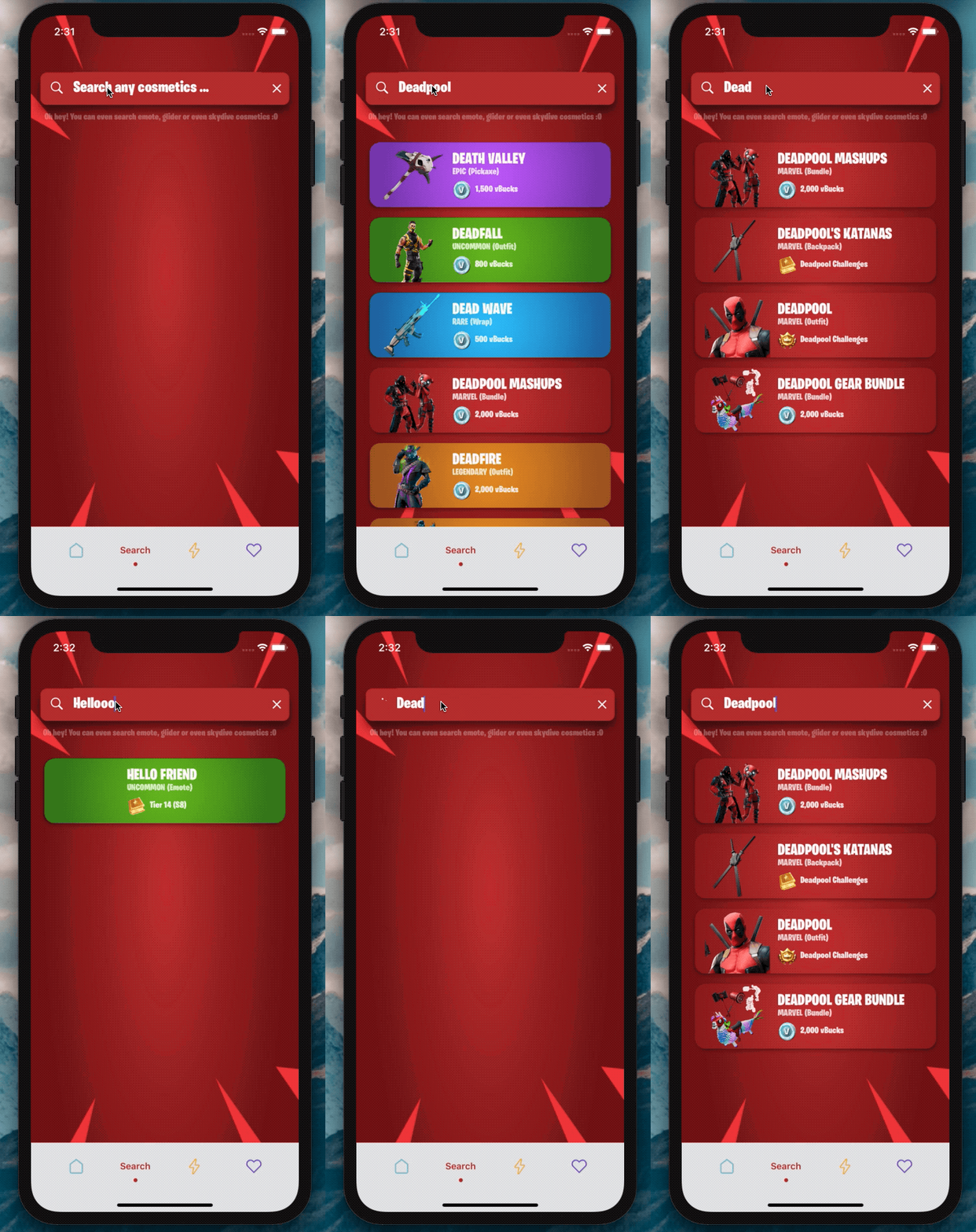
バージョン2.0はここにありますか?
このSearchBarであなたが何を作ろうとしているのかを見るのが待ちきれませんか?
依存関係を追加します:
npm i react-native-dynamic-search-barnpm i react-native-spinkitnpm i @freakycoder/react-native-bounceablenpm i WrathChaos/react-native-dynamic-search-bar#exponpm i react-native-animated-spinkitnpm i @freakycoder/react-native-bounceable "react-native-spinkit" : ">= 1.5.0" ,
"@freakycoder/react-native-bounceable" : ">= 0.2.2" , "react-native-animated-spinkit" : ">= 1.5.0" ,
"@freakycoder/react-native-bounceable" : ">= 0.2.2" , import SearchBar from "react-native-dynamic-search-bar" ; < SearchBar
placeholder = "Search here"
onPress = { ( ) => alert ( "onPress" ) }
onChangeText = { ( text ) => console . log ( text ) }
/> 高度な使用法の例を確認できます
 < SearchBar
  fontColor = "#c6c6c6"
  iconColor = "#c6c6c6"
  shadowColor = "#282828"
  cancelIconColor = "#c6c6c6"
  backgroundColor = "#353d5e"
  placeholder = "Search here"
  onChangeText = { ( text ) => this . filterList ( text ) }
  onSearchPress = { ( ) => console . log ( "Search Icon is pressed" ) }
  onClearPress = { ( ) => this . filterList ( "" ) }
  onPress = { ( ) => alert ( "onPress" ) }
/> 高度な内蔵スピナーの使用の例を確認できます
 import React , { Component } from "react" ;
import { View } from "react-native" ;
import SearchBar from "react-native-dynamic-search-bar" ;

export default class Test extends Component {
  handleOnChangeText = ( text ) => {
    // ? Visible the spinner
    this . setState ( {
      searchText : text ,
      spinnerVisibility : true ,
    } ) ;

    // ? After you've done to implement your use-case
    // ? Do not forget to set false to spinner's visibility
    this . setState ( {
      spinnerVisibility : false ,
    } ) ;
  } ;

  render ( ) {
    const { spinnerVisibility } = this . state ;
    return (
      < View >
        < SearchBar
          height = { 50 }
          fontSize = { 24 }
          fontColor = "#fdfdfd"
          iconColor = "#fdfdfd"
          shadowColor = "#282828"
          cancelIconColor = "#fdfdfd"
          backgroundColor = "#ba312f"
          spinnerVisibility = { spinnerVisibility }
          placeholder = "Search any cosmetics ..."
          fontFamily = "BurbankBigCondensed-Black"
          shadowStyle = { styles . searchBarShadowStyle }
          onChangeText = { this . handleOnChangeText }
        />
      </ View >
    ) ;
  }
}| 財産 | タイプ | デフォルト | 説明 |
|---|---|---|---|
| スタイル | viewstyle | デフォルト | メインの検索ビューのスタイルオブジェクトを設定またはオーバーライドする |
| ダークモード | ブール | 間違い | ダークモードを有効にします |
| onchangeText | 関数 | 関数 | onchangeTextロジックに独自の関数を設定します |
| オンプレス | 関数 | 関数 | OnPress機能に独自の関数を設定します |
| OnSearchPress | 関数 | 関数 | 検索ボタンのOnPress機能に独自の関数を設定します |
| OnClearPress | 関数 | 関数 | Clear ButtonのOnPress機能に独自の関数を設定します |
| onblur | 関数 | 関数 | テキスト入力のonblur機能に独自の関数を設定する |
| onfocus | 関数 | 関数 | テキスト入力のonblur機能に独自の関数を設定する |
| TextInputStyle | TextStyle | デフォルト | テキスト入力のスタイルオブジェクトを設定またはオーバーライドする |
| searchiconimageStyle | イメージスタイル | デフォルト | 検索アイコンのイメージスタイルのスタイルオブジェクトを設定またはオーバーライドする |
| ClearIconimageStyle | イメージスタイル | デフォルト | クリアアイコンのイメージスタイルのスタイルオブジェクトを設定またはオーバーライドする |
| 画像コンポーネント | 成分 | 画像 | React-Nativeのデフォルト画像の代わりに独自の画像コンポーネントを設定する |
| SearchIconComponent | 成分 | デフォルト | 検索コンポーネントのアイコンの代わりに独自のコンポーネントを設定します |
| ClearIconComponent | 成分 | デフォルト | クリアコンポーネントのアイコンの代わりに独自のコンポーネントを設定します |
| searchiconimagesource | iSource | デフォルト | 検索アイコンの画像ソースを変更します |
| ClearIconimageSource | iSource | デフォルト | クリアアイコン画像ソースを変更します |
| ClearIconimageSource | iSource | デフォルト | クリアアイコン画像ソースを変更します |
| プレースホルダー | 弦 | 「ここで検索...」 | 独自のプレースホルダー文字列を設定します |
| PlaceholderTextColor | 色 | 未定義 | プレースホルダーのテキストカラーを設定します |
| Spinnercolor | 色 | #FDFDFD | スピナーの色を変更します |
| スピナーサイズ | 番号 | デフォルト | スピナーサイズを変更します |
| spinnertype | 成分 | 丸 | スピナータイプを変更します |
| スピンナーバイ性 | ブール | 間違い | スピナーの可視性を変更します |
Dynamic Search BarはExpoで使用できます。ピア依存関係を追加するだけです:
"react-native-dynamic-vector-icons" : "WrathChaos/react-native-dynamic-vector-icons#expo" - >このコードをapp/gradleに追加する必要があります
apply from : "../../node_modules/react-native-vector-icons/fonts.gradle" - > Androidで実験的なレイアウトアニメーションを有効にする必要があります。これがそれを行う方法です:
 import { UIManager } from 'react-native' ;

constructor ( ) {
    super ( ) ;
    if ( Platform . OS === 'android' ) {
      UIManager . setLayoutAnimationEnabledExperimental && UIManager . setLayoutAnimationEnabledExperimental ( true ) ;
    }
}Freakycoder、[email protected]
MITライセンスの下で、ネイティブネイティブダイナミック検索バーライブラリが利用できます。詳細については、ライセンスファイルを参照してください。





