xmake
v2.9.6

LUAに基づくクロスプラットフォームビルドユーティリティ
最新のC/C ++ビルドツール:シンプル、高速、強力な依存関係パッケージ統合
スポンサーになることにより、このプロジェクトをサポートします。あなたのロゴは、あなたのウェブサイトへのリンクでここに表示されます。
また、GitHubスポンサープログラムを介して追加のテクニカルサポートサービスを受けるために私たちをスポンサーすることを検討することもできます。そうした場合、Xmake-IO/Technical-Supportリポジトリにアクセスできます。これには、次の利点があります。
Xmakeとは何ですか?
xmake.luaファイルを使用して、シンプルで読み取り可能な構文でプロジェクトビルドを維持します。Xmakeを使用して、ソースコード(MakeやNinjaなど)を直接構築するか、CMakeやMesonなどのプロジェクトソースファイルを生成できます。また、ユーザーがC/C ++依存関係を統合するのに役立つパッケージ管理システムも組み込まれています。
Xmake = Build backend + Project Generator + Package Manager + [Remote|Distributed] Build + Cache
正確ではありませんが、次の方法でXmakeを理解することができます。
Xmake ≈ Make/Ninja + CMake/Meson + Vcpkg/Conan + distcc + ccache/sccache
詳細を知りたい場合は、ドキュメント、github、またはgiteeを参照してください。また、コミュニティに参加できます。
公式のXmakeリポジトリは、Xmake-Io/Xmake-Repoで見つけることができます。
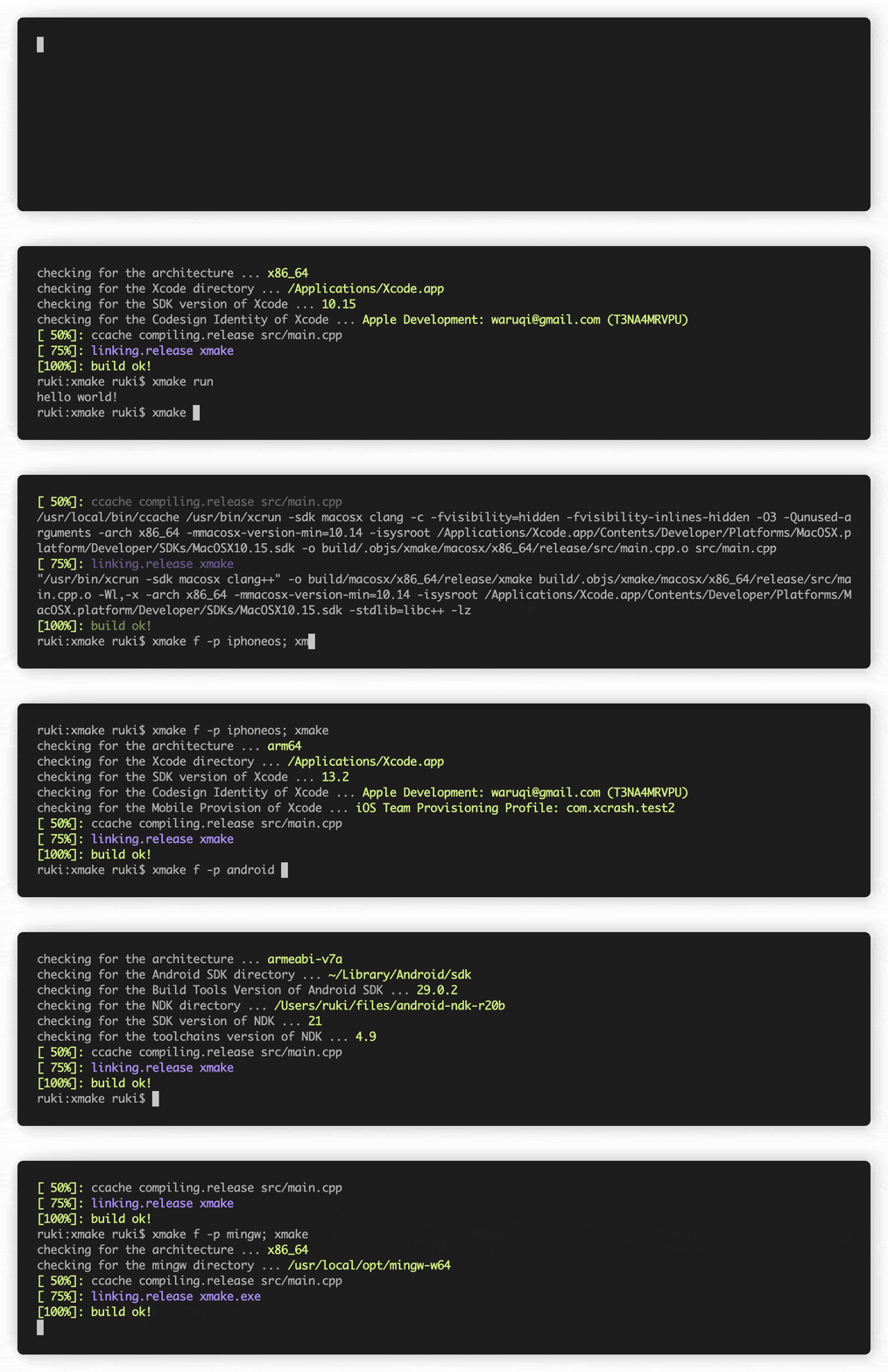
curl -fsSL https://xmake.io/shget.text | bashwget https://xmake.io/shget.text -O - | bashInvoke-Expression (Invoke-Webrequest ' https://xmake.io/psget.text ' -UseBasicParsing).Content上記のスクリプトを使用してXmakeをインストールしたくない場合は、その他のインストール方法(ソース、パッケージマネージャーなどからの構築)については、インストールガイドにアクセスしてください。
 target ( " console " )
    set_kind ( " binary " )
add_files ( " src/*.c " )種類のbinaryの新しいターゲットconsoleを作成し、 srcディレクトリの.cで終了するすべてのファイルを追加します。
add_requires ( " tbox 1.6.* " , " zlib " , " libpng ~1.6 " )Tbox v1.6、zlib(任意のバージョン)、およびlibpng v1.6の要件を追加します。
公式のXmakeパッケージリポジトリは、Xmake-Repoに存在します
以下は、あなたが現在プロジェクトのルートディレクトリにあることを前提としています。
$ xmake$ xmake run console$ xmake run -d console$ xmake test$ xmake f -p [windows | linux | macosx | android | iphoneos ..] -a [x86 | arm64 ..] -m [debug | release]
$ xmake$ xmake f --menu$ xmake show -l toolchains
xcode Xcode IDE
msvc Microsoft Visual C/C++ Compiler
clang-cl LLVM Clang C/C++ Compiler compatible with msvc
yasm The Yasm Modular Assembler
clang A C language family frontend for LLVM
go Go Programming Language Compiler
dlang D Programming Language Compiler (Auto)
dmd D Programming Language Compiler
ldc The LLVM-based D Compiler
gdc The GNU D Compiler (GDC)
gfortran GNU Fortran Programming Language Compiler
zig Zig Programming Language Compiler
sdcc Small Device C Compiler
cuda CUDA Toolkit (nvcc, nvc, nvc++, nvfortran)
ndk Android NDK
rust Rust Programming Language Compiler
swift Swift Programming Language Compiler
llvm A collection of modular and reusable compiler and toolchain technologies
cross Common cross compilation toolchain
nasm NASM Assembler
gcc GNU Compiler Collection
mingw Minimalist GNU for Windows
gnu-rm GNU Arm Embedded Toolchain
envs Environment variables toolchain
fasm Flat Assembler
tinycc Tiny C Compiler
emcc A toolchain for compiling to asm.js and WebAssembly
icc Intel C/C++ Compiler
ifort Intel Fortran Compiler
ifx Intel LLVM Fortran Compiler
muslcc The musl-based cross-compilation toolchain
fpc Free Pascal Programming Language Compiler
wasi WASI-enabled WebAssembly C/C++ toolchain
nim Nim Programming Language Compiler
circle A new C++20 compiler
armcc ARM Compiler Version 5 of Keil MDK
armclang ARM Compiler Version 6 of Keil MDK
c51 Keil development tools for the 8051 Microcontroller Architecture
icx Intel LLVM C/C++ Compiler
dpcpp Intel LLVM C++ Compiler for data parallel programming model based on Khronos SYCL
masm32 The MASM32 SDK
iverilog Icarus Verilog
verilator Verilator open-source SystemVerilog simulator and lint system
cosmocc build-once run-anywhere
hdk Harmony SDKXmake展示:
compile_commands.json )Xmakeは、以下の種類のプロジェクトをサポートしています。
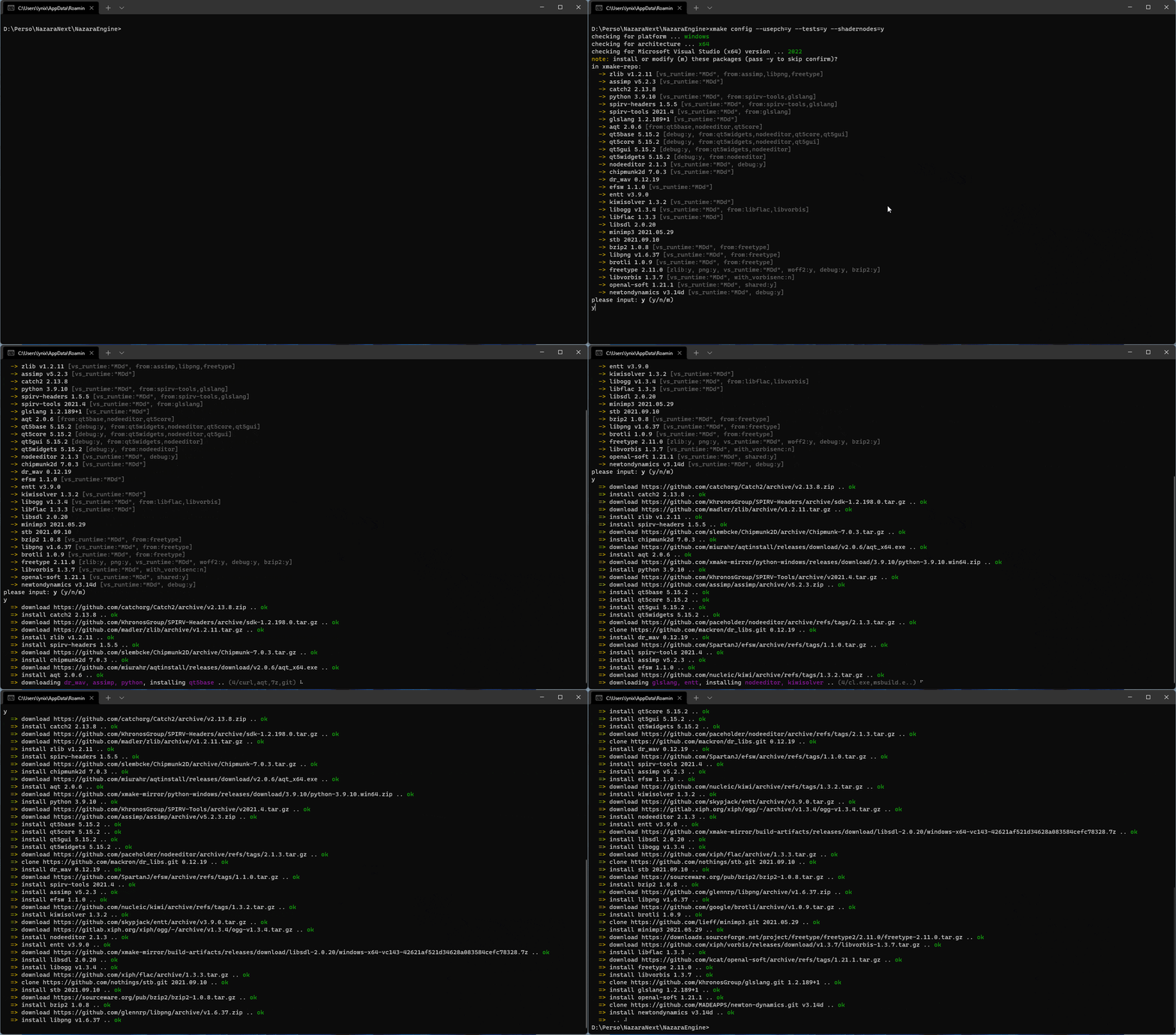
Xmakeは自動的に依存関係を取得してインストールできます!
xrepo env shellを使用したパッケージ仮想環境をサポートします以下は、Xmakeのアーキテクチャ、したがってそれがどのように機能するかを示す図です。
詳細については、#274を参照してください
詳細については、#622を参照してください
詳細については、#622を参照してください
Xmakeのスピードオンは忍者と同等です!テストプロジェクト:Xmake-Core
| ビルドシステム | Termux(8core/-j12) | ビルドシステム | macos(8core/-j12) |
|---|---|---|---|
| xmake | 24.890S | xmake | 12.264S |
| 忍者 | 25.682S | 忍者 | 11.327S |
| cmake(gen+make) | 5.416S+28.473S | cmake(gen+make) | 1.203S+14.030S |
| cmake(gen+ninja) | 4.458s+24.842s | cmake(gen+ninja) | 0.988S+11.644S |
| ビルドシステム | Termux(-j1) | ビルドシステム | macos(-j1) |
|---|---|---|---|
| xmake | 1M57.707S | xmake | 39.937S |
| 忍者 | 1M52.845S | 忍者 | 38.995S |
| cmake(gen+make) | 5.416S+2M10.539S | cmake(gen+make) | 1.203S+41.737S |
| cmake(gen+ninja) | 4.458S+1M54.868S | cmake(gen+ninja) | 0.988S+38.022S |
 add_rules ( " mode.debug " , " mode.release " )

target ( " console " )
    set_kind ( " binary " )
    add_files ( " src/*.c " )
    if is_mode ( " debug " ) then
        add_defines ( " DEBUG " )
end target ( " test " )
set_kind ( " binary " )
add_files ( " src/*.c " )
after_build ( function ( target )
print ( " hello: %s " , target : name ())
os . exec ( " echo %s " , target : targetfile ())
end )Xmake-Repoまたはサードパーティのリポジトリでパッケージをダウンロードして使用します。
 add_requires ( " tbox >1.6.1 " , " libuv master " , " vcpkg::ffmpeg " , " brew::pcre2/libpcre2-8 " )
add_requires ( " conan::openssl/1.1.1g " , { alias = " openssl " , optional = true , debug = true })
target ( " test " )
    set_kind ( " binary " )
    add_files ( " src/*.c " )
    add_packages ( " tbox " , " libuv " , " vcpkg::ffmpeg " , " brew::pcre2/libpcre2-8 " , " openssl " )
さらに、Xrepoコマンドを使用して依存関係をすばやくインストールすることもできます。
 target ( " test " )
    add_rules ( " qt.quickapp " )
    add_files ( " src/*.cpp " )
add_files ( " src/qml.qrc " ) target ( " test " )
set_kind ( " binary " )
add_files ( " src/*.cu " )
add_cugencodes ( " native " )
add_cugencodes ( " compute_35 " ) target ( " echo " )
add_rules ( " wdk.driver " , " wdk.env.umdf " )
add_files ( " driver/*.c " )
add_files ( " driver/*.inx " )
add_includedirs ( " exe " )
target ( " app " )
add_rules ( " wdk.binary " , " wdk.env.umdf " )
add_files ( " exe/*.cpp " )その他のWDKドライバーの例(UMDF/KMDF/WDM)については、WDKプログラムの例をご覧ください
 target ( " test " )
    add_rules ( " xcode.application " )
    add_files ( " src/*.m " , " src/**.storyboard " , " src/*.xcassets " )
add_files ( " src/Info.plist " ) target ( " test " )
add_rules ( " xcode.framework " ) -- or xcode.bundle
add_files ( " src/*.m " )
add_files ( " src/Info.plist " ) add_requires ( " libomp " , { optional = true })
target ( " loop " )
set_kind ( " binary " )
add_files ( " src/*.cpp " )
add_rules ( " c++.openmp " )
add_packages ( " libomp " ) target ( " test " )
set_kind ( " binary " )
add_files ( " src/main.zig " )プロジェクトをコンパイルするには、LLM-10でパッケージ化されたClangバージョンが必要です。
 add_requires ( " llvm 10.x " , { alias = " llvm-10 " })
target ( " test " )
    set_kind ( " binary " )
    add_files ( " src/*.c " )
set_toolchains ( " llvm@llvm-10 " )指定されたクロスコンパイルツールチェーンを取り付けて、プロジェクトをコンパイルすることもできます。
 add_requires ( " muslcc " )
target ( " test " )
    set_kind ( " binary " )
    add_files ( " src/*.c " )
set_toolchains ( " @muslcc " )指定されたmuslccクロスコンパイルツールチェーンを使用して、すべての従属パッケージをコンパイルおよび統合することもできます。
 add_requires ( " muslcc " )
add_requires ( " zlib " , " libogg " , { system = false })

set_toolchains ( " @muslcc " )

target ( " test " )
    set_kind ( " binary " )
    add_files ( " src/*.c " )
add_packages ( " zlib " , " libogg " )$ xmake project -k vsxmake -m " debug,release " # New vsproj generator (Recommended)
$ xmake project -k vs -m " debug,release "
$ xmake project -k cmake
$ xmake project -k ninja
$ xmake project -k compile_commands$ xmake l ./test.lua
$ xmake l -c " print('hello xmake!') "
$ xmake l lib.detect.find_tool gcc
$ xmake l
> print( " hello xmake! " )
> {1, 2, 3}
< {
1,
2,
3
}Bultinプラグのリストを表示するには、Builtinプラグインをご覧ください。
プラグインリポジトリxmake-pluginsから他のプラグインをダウンロードしてインストールしてください。
Xmake-Gradleプラグインを使用して、Gradleを介してJNIライブラリをコンパイルできます。
 plugins {
  id 'org.tboox.gradle-xmake-plugin' version '1.1.5'
}

android {
    externalNativeBuild {
        xmake {
            path "jni/xmake.lua"
        }
    }
}
xmakeBuildタスクは、 gradle-xmake-pluginが適用されている場合、 assembleタスクに自動的に注入されます。
$ ./gradlew app:assembleDebug
> Task :nativelib:xmakeConfigureForArm64
> Task :nativelib:xmakeBuildForArm64
>> xmake build
[ 50%]: cache compiling.debug nativelib.cc
[ 75%]: linking.debug libnativelib.so
[100%]: build ok!
>> install artifacts to /Users/ruki/projects/personal/xmake-gradle/nativelib/libs/arm64-v8a
> Task :nativelib:xmakeConfigureForArmv7
> Task :nativelib:xmakeBuildForArmv7
>> xmake build
[ 50%]: cache compiling.debug nativelib.cc
[ 75%]: linking.debug libnativelib.so
[100%]: build ok!
>> install artifacts to /Users/ruki/projects/personal/xmake-gradle/nativelib/libs/armeabi-v7a
> Task :nativelib:preBuild
> Task :nativelib:assemble
> Task :app:assembleDebug github-action-action-setup-xmakeプラグインGithubアクション用のプラグインを使用すると、CIパイプラインにGitHubアクションを使用する場合、Xmakeを最小限の努力で使用できます。
 uses : xmake-io/github-action-setup-xmake@v1
with :
xmake-version : latest Xmakeを使用している人々とプロジェクトのリストはこちらから入手できます。
Xmakeを使用している場合は、PRを介して上記のリストに情報を送信して、他のユーザーや開発者が関心を測ることができます。 IHISは、ユーザーがより自信を持ってXmakeを使用するようにし、それを維持し続ける動機を与えてくれます。
これはXmakeプロジェクトに役立ち、コミュニティは強くなり、拡大します!
このプロジェクトは、貢献したすべての人々のおかげで存在します。
xrepo env shellを改善し、Xmake-Repoリポジトリに多くのパッケージを提供します。enderger :readmeの英語翻訳のエッジを滑らかにするのを助けました




