Django_Student_Management_System
1.0.0

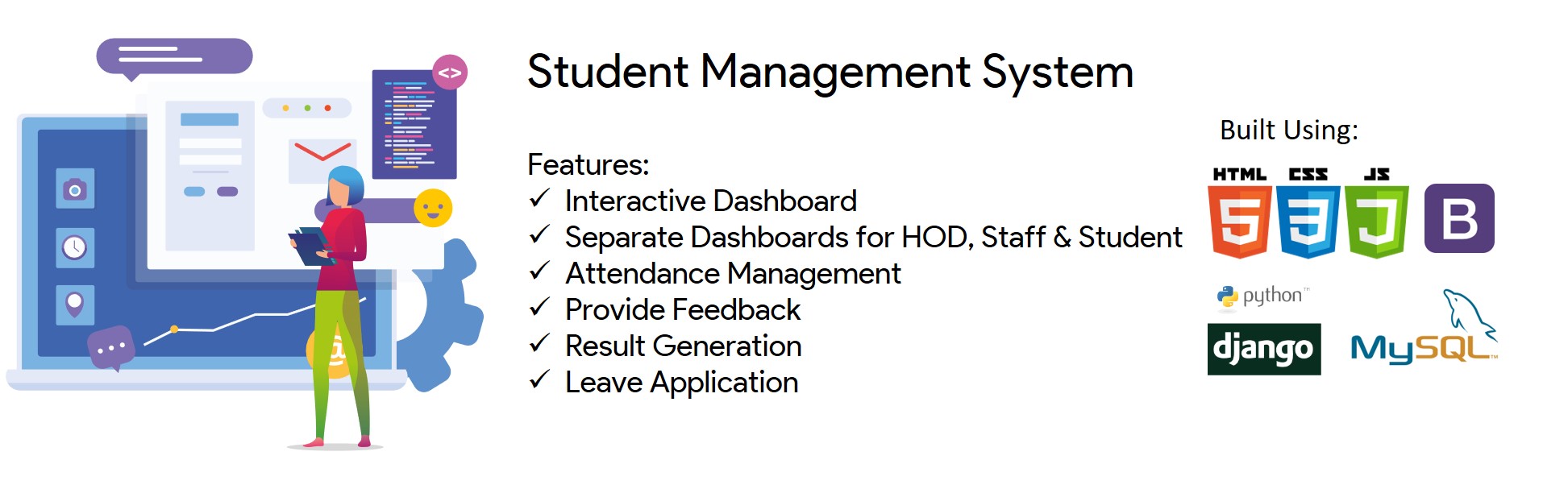
A modern Student Management System ?? with features like Interactive Dashboard ? Attendance Management ?Provide Feedback ✍ Result Generation Leave Application ?
Checkout the live Website here!
Find the detailed project report here!
Akash Shrivastava ??♂️? |
Akanksha Tamboli ? |
Shreejit Nair ?? | Samiksha Naik ?? |
Note : Make sure you have Python version 3.8+
Environment Setup
$ git clone https://github.com/Akash1362000/Django_Student_Management_System.git
$ cd Django_Student_Management_System/
Create .env file (refer .env.example file)
Generate SECRET_KEY from here
Generate your CAPTCHA_SECRET from here
Copy your SITE KEY after generating CAPTCHA_SECRET and paste it in data-sitekey in student_management_app/templates/login_page.html (replace the current key with your key)
Install Postgres Latest version from here
Install pgAdmin from here
Create a Database using pgAdmin by following the steps mentioned here
Update your DATABASE_URL in .env with your DB details like USER, PASSWORD and DB_NAME
If virtualenv is not installed (What is virtualenv?):
$ pip install virtualenv
Create a virtual environment
$ virtualenv venv
Activate the environment everytime you open the project
$ source venv/Scripts/activate
Install requirements ?
$ pip install -r requirements.txt
$ pre-commit install
Run migrations for Database
$ python manage.py migrate
Create superuser for Admin Login ?
$ python manage.py createsuperuser
Enter your desired username, email and password. Make sure you remember them as you'll need them in future.
eg.
Username: admin

Email: [email protected]

Password: HighlyConfidentialPassword
All Set! ?
Now you can run the server to see your application up & running
$ python manage.py runserver
To exit the environment ❎
$ deactivate
Every time you want to open the application in browser, make sure you run:
$ source venv/Scripts/activate
$ python manage.py runserver
If you want to use Docker to run this project, you need to do the following steps:
docker --version and docker compose --version [In Windows, you need to run docker-compose --version to check the version]docker-compose.yml file and update the value of CAPTCHA_SECRET with your generated key. You can generate it from heredocker compose up -ddocker exec -it student_management_system sh -c "python manage.py createsuperuser" to create a new superuserdocker compose stop from the project rootdocker compose start from the project rootdocker compose down from the project rootLiked our work? ? Do star this repository It'll motivate us more ?
MIT License

Copyright (c) 2020 Akash Shrivastava

Permission is hereby granted, free of charge, to any person obtaining a copy
of this software and associated documentation files (the "Software"), to deal
in the Software without restriction, including without limitation the rights
to use, copy, modify, merge, publish, distribute, sublicense, and/or sell
copies of the Software, and to permit persons to whom the Software is
furnished to do so, subject to the following conditions:

The above copyright notice and this permission notice shall be included in all
copies or substantial portions of the Software.

THE SOFTWARE IS PROVIDED "AS IS", WITHOUT WARRANTY OF ANY KIND, EXPRESS OR
IMPLIED, INCLUDING BUT NOT LIMITED TO THE WARRANTIES OF MERCHANTABILITY,
FITNESS FOR A PARTICULAR PURPOSE AND NONINFRINGEMENT. IN NO EVENT SHALL THE
AUTHORS OR COPYRIGHT HOLDERS BE LIABLE FOR ANY CLAIM, DAMAGES OR OTHER
LIABILITY, WHETHER IN AN ACTION OF CONTRACT, TORT OR OTHERWISE, ARISING FROM,
OUT OF OR IN CONNECTION WITH THE SOFTWARE OR THE USE OR OTHER DEALINGS IN THE
SOFTWARE.







