Edge TTS
v1.0.0

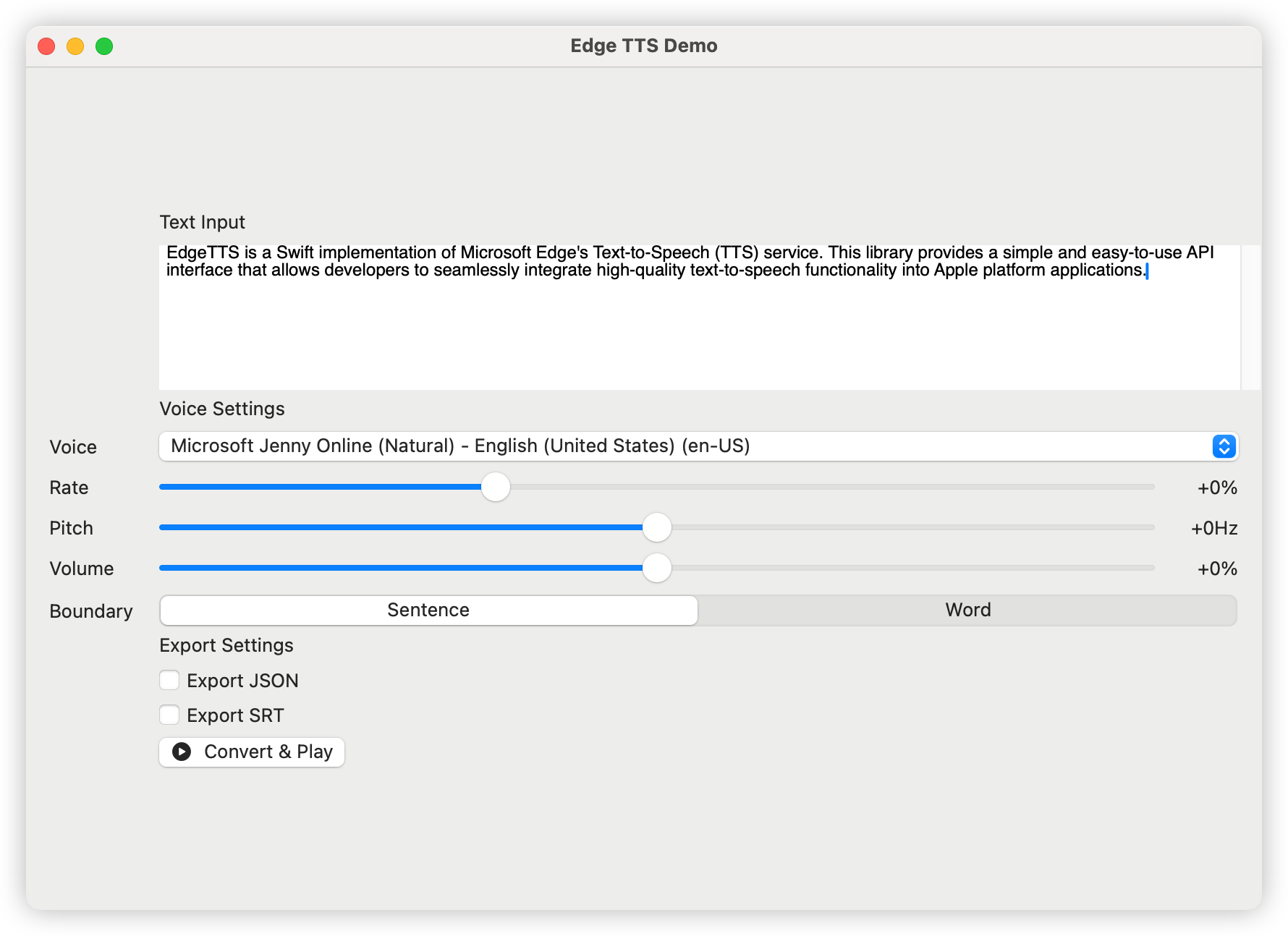
Edge-TTS ist eine schnelle Implementierung des TTS-Dienstes (Text-to-Speech) von Microsoft Edge. Diese Bibliothek bietet eine einfache und benutzerfreundliche API-Schnittstelle, mit der Entwickler qualitativ hochwertige Text-zu-Sprache-Funktionen nahtlos in Apple-Plattformanwendungen integrieren können.
日本語ドキュメント | 中文文档 | 한국어 문서
Fügen Sie der folgenden Abhängigkeit zu Ihrem Paket hinzu.
dependencies: [
    . package ( url : " https://github.com/brewusinc/edge-tts.git " , from : " 1.0.0 " )
] import EdgeTTS
// Create TTS instance
let tts = EdgeTTS ( config : Configure (
voice : " en-US-JennyNeural " ,
rate : " +0% " ,
pitch : " +0Hz " ,
volume : " +0% " ,
saveJSON : true , // Enable JSON metadata export
saveSRT : true , // Enable SRT subtitle export
boundaryType : . sentence // Use sentence boundary (.word for word boundary)
) )
// Async conversion
Task {
do {
try await tts . ttsPromise ( text : " Hello, World! " , audioPath : " output.mp3 " )
print ( " Conversion completed " )
} catch {
print ( " Conversion failed: ( error ) " )
}
} Das CLI -Tool enthält zwei Hauptbefehle: list und speak .
 # List all available voices
edge-tts-cli list

# List voices with proxy
edge-tts-cli list --proxy http://host:port # Basic usage with text
edge-tts-cli speak --text " Hello, World! " --output hello.mp3
# Read text from file
edge-tts-cli speak --file input.txt --output hello.mp3
# Specify voice and language
edge-tts-cli speak --text " Hello, World! " --voice en-US-JennyNeural --lang en-US --output hello.mp3
# Adjust speech parameters
edge-tts-cli speak --text " Hello, World! " --rate +50% --pitch +10Hz --volume +20% --output hello.mp3
# Enable JSON and SRT export
edge-tts-cli speak --text " Hello, World! " --save-json --save-srt --output hello.mp3
# Set boundary type
edge-tts-cli speak --text " Hello, World! " --boundary word --output hello.mp3
# Use proxy
edge-tts-cli speak --text " Hello, World! " --proxy http://host:port --output hello.mp3 Verfügbare Optionen für den Befehl speak :
--text : Text zum Sprechen--file : Eingabe des Textdateipfads--voice : Voice zu verwenden (Standard: en-us-jennyneural)--lang : Sprache zu verwenden (Standard: en-us)--rate : Sprachrate (z. B. +0%, -10%)--pitch : Sprachgech (zB +0Hz, -10 Hz)--volume : Sprachvolumen (zB +0%, -10%)--boundary (Satz oder Wort, Standard: Satz)--save-json : Sparen Sie Timing-Informationen als JSON--save-srt : Zeitinformationen als SRT speichern--proxy : Proxy-URL (z. B. http: // Host: Port)--output : Ausgabedatei Name (Standard: Ausgabe.mp3)Sie können die Liste der unterstützten Stimmen mit:
let voices = try await tts . fetchVoices ( )Beliebte englische Stimmen umfassen:
Wir begrüßen alle Formen von Beiträgen, einschließlich, aber nicht beschränkt auf:
Dieses Projekt ist unter der MIT -Lizenz lizenziert - Einzelheiten finden Sie in der lizenz.txtdatei.







