python reddit youtube bot
1.0.0

REDDIT的刮擦帖子,並自動生成YouTube視頻和縮略圖
請查看我的YouTube頻道,例如此存儲庫製作的視頻:
您對犯罪的人有什麼犯罪? 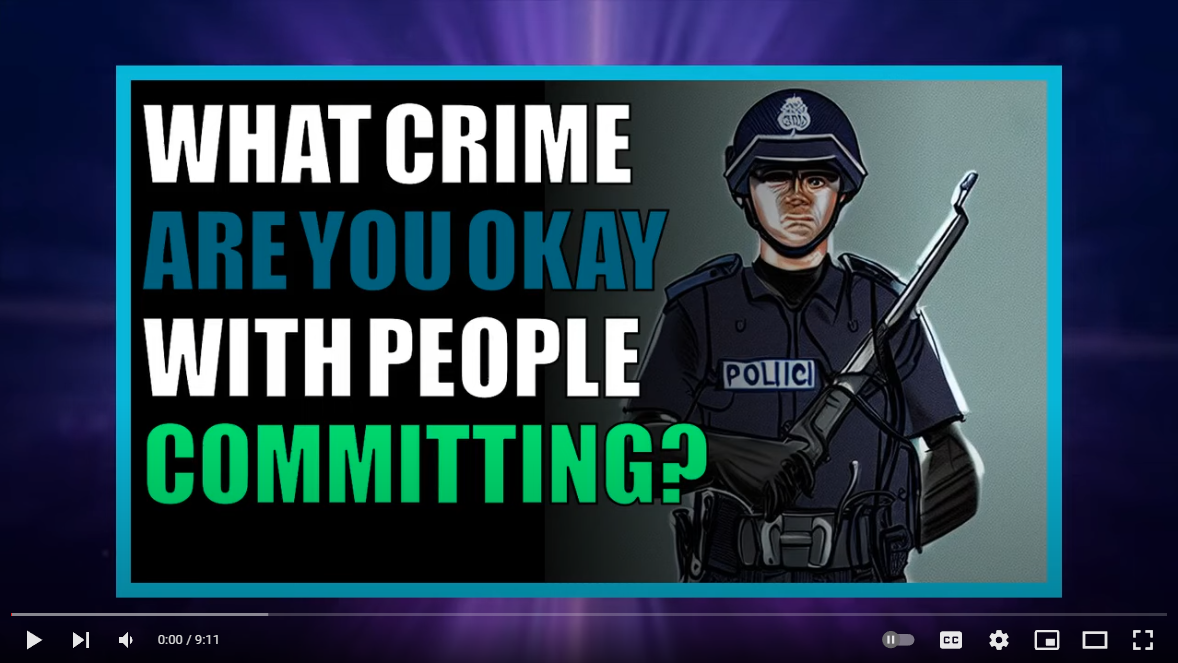
什麼節目沒有討人喜歡的角色? 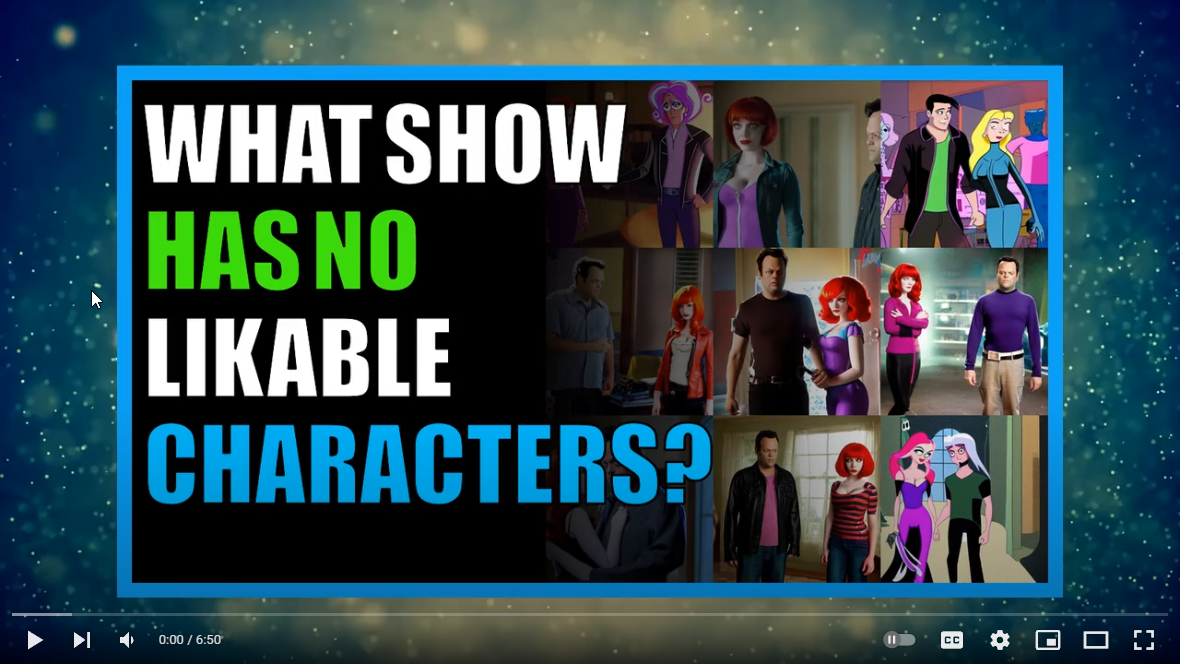
使用此存儲庫生成的YouTube頻道:
如果您的YouTube頻道是使用此存儲庫生成的,並且您希望上面列出,請用YouTube頻道URL和頻道名稱在此問題上進行評論,並提及您希望在主讀數文件中列出的。
觀看Python Reddit YouTube機器人教程視頻: 
首先安裝這些先決條件組件:
git -https://git-scm.com/download/win
Python 3.10-https://www.python.org/ftp/python/3.10.0.0/python-3.10.0.0-amd64.exe
Microsoft C ++構建工具-https://visualstudio.microsoft.com/visual-cpp-build-tools/
ImageMagick -https://imagemagick.org/script/download.php#windows
 git clone [email protected]:alexlaverty/python-reddit-youtube-bot.git
cd python-reddit-youtube-bot
生成reddit praw tokens -https://www.reddit.com/prefs/apps/
創建一個auth-example.py文件的副本,並將其命名為Auth.py:
copy config/auth-example.py config/auth.py
更新auth.py文件以包含您在上一步中生成的Reddit Auth令牌。
pip install -r requirements.txt
通過運行:安裝和配置劇作家:
playwright install
運行Python腳本:
python app.py
完成後,視頻將生成videos文件夾,並將命名為final.mp4
如果要添加視頻背景,請安裝YT-DLP:
YT-DLP
然後創建一個backgrounds文件夾並運行以下命令:
 mkdir -p assets/backgrounds
cd assets/backgrounds
yt-dlp --playlist-items 1:10 -f 22 --output "%(uploader)s_%(id)s.%(ext)s" https://www.youtube.com/playlist?list=PLGmxyVGSCDKvmLInHxJ9VdiwEb82Lxd2E
您可以通過傳遞--help來查看可用參數:
 python app.py --help

##### YOUTUBE REDDIT BOT #####
usage: app.py [-h] [-l VIDEO_LENGTH] [-o] [-s] [-t] [-u URL]

options:
  -h, --help            show this help message and exit
  -l VIDEO_LENGTH, --video-length VIDEO_LENGTH
                        Set how long you want the video to be
  -o, --disable-overlay
                        Disable video overlay
  -s, --story-mode      Generate video for post title and selftext only, disables user comments
  -t, --thumbnail-only  Generate thumbnail image only
  -u URL, --url URL     Specify Reddit post url, seperate with a comma for multiple posts.
或者,如果要為特定的reddit帖子生成視頻,則可以通過--url param:
python app.py --url https://www.reddit.com/r/AskReddit/comments/hvsxty/which_legendary_reddit_post_comment_can_you_still/
或者,您可以通過分離逗號來完成多個URL,即:
python app.py --url https://www.reddit.com/r/post1,https://www.reddit.com/r/post2,https://www.reddit.com/r/post3
如果您只想生成縮略圖,則可以指定--thumbnail-only模式,這將跳過視頻彙編過程:
python app.py --thumbnail-only
如果要啟用新聞播音員,請編輯settings.py並設置:
enable_newscaster = True
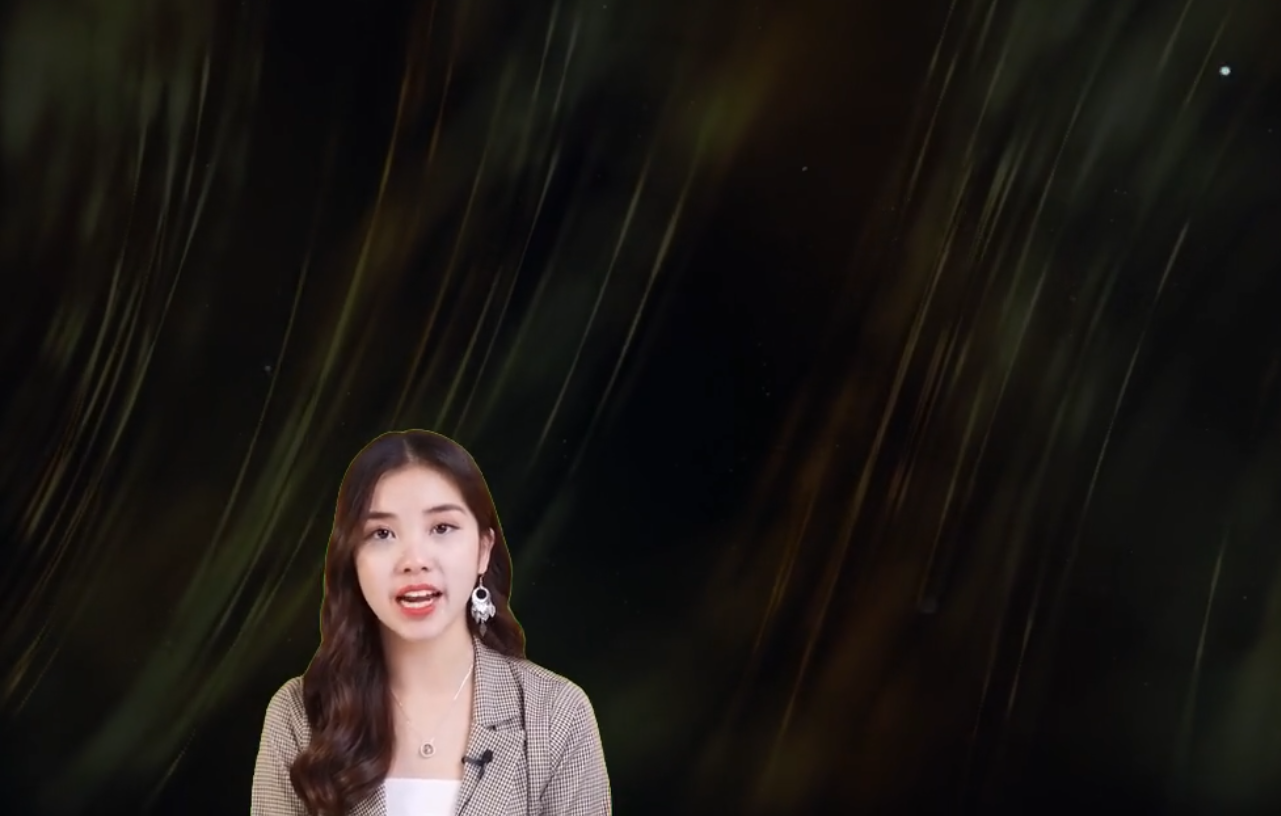
如果NewCaster視頻具有綠色屏幕,則可以使用以下設置將其刪除,請使用眼滴來獲取Greenscreen的RGB顏色,並將其設置為將其刪除:
 newscaster_remove_greenscreen = True
newscaster_greenscreen_color = [1, 255, 17] # Enter the Green Screen RGB Colour
newscaster_greenscreen_remove_threshold = 100
您可以在settings.py文件中自定義很多選項:
指定您要刮擦哪些子列表:
 subreddits = [
    "AmItheAsshole",
    "antiwork",
    "AskMen",
    "ChoosingBeggars",
    "hatemyjob",
    "NoStupidQuestions",
    "pettyrevenge",
    "Showerthoughts",
    "TooAfraidToAsk",
    "TwoXChromosomes",
    "unpopularopinion",
    "confessions",
    "confession"
    ]
排除的子列表:
 subreddits_excluded = [
    "r/CFB",
]
通過指定的關鍵字過濾reddit帖子
banned_keywords =["my", "nasty", "keywords"]
將文本更改為您要使用的語音引擎,請注意AWS Polly所需和AWS帳戶和授權令牌,並且可以產生成本:
支持語音引擎:
 # choices "polly","balcon","gtts"
voice_engine = "polly"
生成的Reddit視頻總數
total_posts_to_process = 5
接下來的設置將自動過濾帖子
跳過reddit帖子少於此更新
minimum_submission_score = 5000
根據Reddit帖子標題長度過濾Reddit帖子
 title_length_minimum = 20
title_length_maximum = 100
濾除超過最大自我文字長度的帖子
maximum_length_self_text = 5000
濾除沒有足夠評論的reddit帖子
minimum_num_comments = 200
僅嘗試處理最大數量的Reddit帖子
submission_limit = 1000
指定要生成多少個縮略圖圖像
number_of_thumbnails = 3
指定最大視頻長度
max_video_length = 600 # Seconds
指定視頻中要生成的最大評論
comment_limit = 600
指定各種文件夾路徑
 assets_directory = "assets"
temp_directory = "temp"
audio_directory = str(Path("temp"))
fonts_directory = str(Path(assets_directory,"fonts"))
image_backgrounds_directory = str(Path(assets_directory,"image_backgrounds"))
images_directory = str(Path(assets_directory,"images"))
thumbnails_directory = str(Path(assets_directory,"images"))
background_directory = str(Path(assets_directory,"backgrounds"))
video_overlay_filepath = str(Path(assets_directory,"particles.mp4"))
videos_directory = "videos"
指定視頻高度和寬度
 video_height = 720
video_width = 1280
clip_size = (video_width, video_height)
跳過編譯視頻,然後退出
enable_compilation = True
跳過上傳到YouTube
enable_upload = False
在視頻中添加視頻覆蓋層,例如降雪效果
enable_overlay = True
在視頻中添加新聞媒體讀取器
enable_newscaster = True
如果NewCaster視頻是綠色屏幕,請嘗試刪除綠屏
newscaster_remove_greenscreen = True
在RGB中指定綠屏的顏色
newscaster_greenscreen_color = [1, 255, 17] # Enter the Green Screen RGB Colour
綠屏閾值越高,它將嘗試刪除越多
newscaster_greenscreen_remove_threshold = 100
通往紐卡斯特文件的路徑
newscaster_filepath = str(Path(assets_directory,"newscaster.mp4").resolve())
在新聞播音員的屏幕上位置
newscaster_position = ("left","bottom")
新聞報導的大小
newcaster_size = (video_width * 0.5, video_height * 0.5)
在每個文本後添加一個暫停到語音音頻文件
pause = 1 # Pause after speech
文本樣式設置
 text_bg_color = "#1A1A1B"
text_bg_opacity = 1
text_color = "white"
text_font = "Verdana-Bold"
text_fontsize = 32
從Lexica下載圖像或跳過嘗試下載的圖像
lexica_download_enabled = True







