python reddit youtube bot
1.0.0

Reddit에서 게시물을 긁어 내고 자동으로 YouTube 동영상 및 썸네일을 생성합니다.
내 YouTube 채널을 확인하십시오. 예를 들어이 repo에서 만든 비디오 :
사람들이 커밋하는 것은 어떤 범죄입니까? 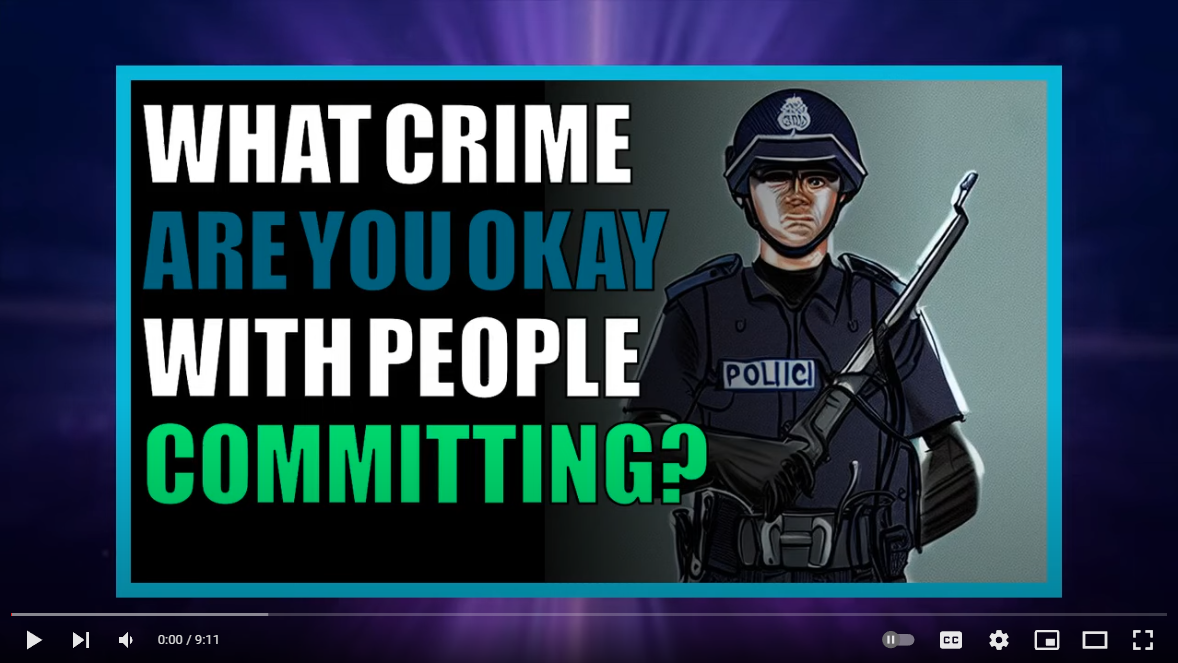
좋아하는 캐릭터가없는 쇼는 무엇입니까? 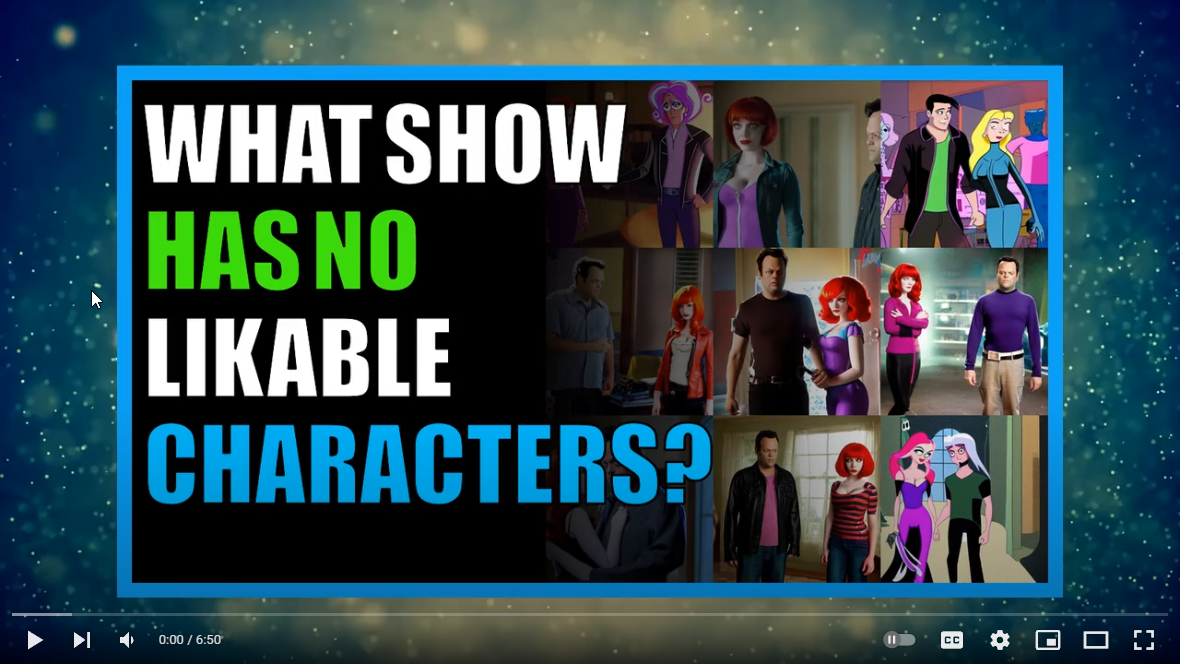
이 repo를 사용하여 생성 된 YouTube 채널 :
이 저장소를 사용하여 YouTube 채널이 생성되고 위에 나열된 경우 YouTube 채널 URL 및 채널 이름 으로이 문제 #91에 대해 주석을 주시면 기본 readme 파일에 나열된 것을 언급하십시오.
Python Reddit YouTube 봇 튜토리얼 비디오보기 : 
이 전제 조건 구성 요소를 먼저 설치하십시오.
git -https://git-scm.com/download/win
Python 3.10-https://www.python.org/ftp/python/3.10.0/python-3.10.0-amd64.exe
Microsoft C ++ 빌드 도구 -https://visualstudio.microsoft.com/visual-cpp-build-tools/
imagemagick -https://imagemagick.org/script/download.php#windows
 git clone [email protected]:alexlaverty/python-reddit-youtube-bot.git
cd python-reddit-youtube-bot
Reddit Praw 토큰 생성 -https://www.reddit.com/prefs/apps/
auth-example.py 파일의 사본을 만들고 이름 it auth.py :
copy config/auth-example.py config/auth.py
auth.py 파일을 업데이트하여 이전 단계에서 생성 한 Reddit Auth 토큰이 포함되어 있습니다.
pip install -r requirements.txt
실행하여 극작가를 설치하고 구성하십시오.
playwright install
파이썬 스크립트 실행 :
python app.py
완료되면 비디오가 videos 폴더로 생성되고 final.mp4 로 지정됩니다.
비디오 배경을 추가하려면 yt-dlp를 설치하십시오.
yt-dlp
그런 다음 backgrounds 폴더를 작성하고 다음 명령을 실행하십시오.
 mkdir -p assets/backgrounds
cd assets/backgrounds
yt-dlp --playlist-items 1:10 -f 22 --output "%(uploader)s_%(id)s.%(ext)s" https://www.youtube.com/playlist?list=PLGmxyVGSCDKvmLInHxJ9VdiwEb82Lxd2E
--help 전달하여 사용 가능한 매개 변수를 볼 수 있습니다.
 python app.py --help

##### YOUTUBE REDDIT BOT #####
usage: app.py [-h] [-l VIDEO_LENGTH] [-o] [-s] [-t] [-u URL]

options:
  -h, --help            show this help message and exit
  -l VIDEO_LENGTH, --video-length VIDEO_LENGTH
                        Set how long you want the video to be
  -o, --disable-overlay
                        Disable video overlay
  -s, --story-mode      Generate video for post title and selftext only, disables user comments
  -t, --thumbnail-only  Generate thumbnail image only
  -u URL, --url URL     Specify Reddit post url, seperate with a comma for multiple posts.
또는 특정 Reddit 게시물에 대한 비디오를 생성하려면 --url param을 통해 지정할 수 있습니다.
python app.py --url https://www.reddit.com/r/AskReddit/comments/hvsxty/which_legendary_reddit_post_comment_can_you_still/
또는 쉼표로 분리하여 여러 URL을 수행 할 수 있습니다.
python app.py --url https://www.reddit.com/r/post1,https://www.reddit.com/r/post2,https://www.reddit.com/r/post3
썸네일 만 생성하려면 --thumbnail-only 모드를 지정할 수 있으므로 비디오 컴파일 프로세스를 건너 뛸 수 있습니다.
python app.py --thumbnail-only
뉴스 캐스터를 활성화하려면 settings.py를 편집하고 설정하십시오.
enable_newscaster = True
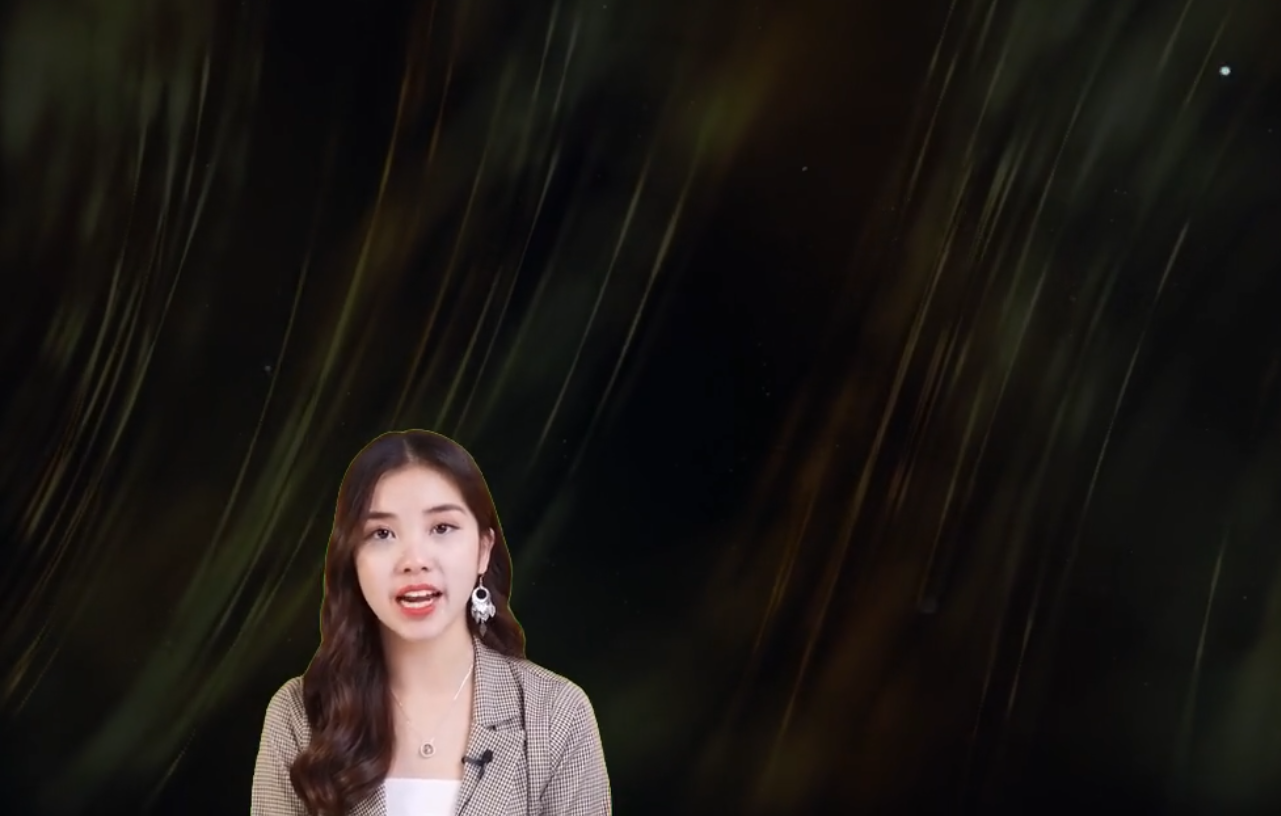
Newcaster 비디오에 녹색 화면이있는 경우 다음 설정으로 제거 할 수 있습니다. 아이 드롭퍼를 사용하여 Greenscreen의 RGB 색상을 가져 와서 제거하도록 설정하십시오.
 newscaster_remove_greenscreen = True
newscaster_greenscreen_color = [1, 255, 17] # Enter the Green Screen RGB Colour
newscaster_greenscreen_remove_threshold = 100
settings.py 파일에서 사용자 정의 할 수있는 몇 가지 옵션이 있습니다.
스크랩하려는 하위 레딧을 지정하십시오.
 subreddits = [
    "AmItheAsshole",
    "antiwork",
    "AskMen",
    "ChoosingBeggars",
    "hatemyjob",
    "NoStupidQuestions",
    "pettyrevenge",
    "Showerthoughts",
    "TooAfraidToAsk",
    "TwoXChromosomes",
    "unpopularopinion",
    "confessions",
    "confession"
    ]
배제 할 하위 구역 :
 subreddits_excluded = [
    "r/CFB",
]
지정된 키워드를 통해 Reddit 게시물을 필터링하십시오
banned_keywords =["my", "nasty", "keywords"]
사용하려는 음성 엔진으로 텍스트를 변경하고 AWS Polly Empleder 및 AWS 계정 및 인증 토큰을 기록하면 비용이 발생할 수 있습니다.
음성 엔진을 지원합니다.
 # choices "polly","balcon","gtts"
voice_engine = "polly"
생성 할 총 레딧 비디오 수
total_posts_to_process = 5
다음 설정은 게시물을 자동으로 필터링하는 것입니다
이 금액보다 적은 Reddit 게시물을 건너 뛰기
minimum_submission_score = 5000
Reddit Post 제목 길이를 기반으로 Reddit 게시물 필터링
 title_length_minimum = 20
title_length_maximum = 100
최대 셀프 텍스트 길이를 초과하는 게시물을 필터링합니다.
maximum_length_self_text = 5000
주석이 충분하지 않은 레딧 게시물을 필터링하십시오
minimum_num_comments = 200
최대량의 Reddit 게시물 만 처리하려고 시도합니다.
submission_limit = 1000
생성하려는 썸네일 이미지의 수를 지정하십시오
number_of_thumbnails = 3
최대 비디오 길이를 지정하십시오
max_video_length = 600 # Seconds
비디오에서 생성 할 최대 주석 양을 지정합니다.
comment_limit = 600
다양한 폴더 경로 지정
 assets_directory = "assets"
temp_directory = "temp"
audio_directory = str(Path("temp"))
fonts_directory = str(Path(assets_directory,"fonts"))
image_backgrounds_directory = str(Path(assets_directory,"image_backgrounds"))
images_directory = str(Path(assets_directory,"images"))
thumbnails_directory = str(Path(assets_directory,"images"))
background_directory = str(Path(assets_directory,"backgrounds"))
video_overlay_filepath = str(Path(assets_directory,"particles.mp4"))
videos_directory = "videos"
비디오 높이와 너비를 지정하십시오
 video_height = 720
video_width = 1280
clip_size = (video_width, video_height)
비디오 컴파일을 건너 뛰고 대신 종료하십시오
enable_compilation = True
YouTube에 업로드를 건너 뜁니다
enable_upload = False
비디오에 비디오 오버레이 추가 (예 : 눈 낙하 효과)
enable_overlay = True
뉴스 캐스터 리더를 비디오에 추가하십시오
enable_newscaster = True
Newcaster Video가 녹색 화면이 녹색 화면을 제거하려는 시도 인 경우
newscaster_remove_greenscreen = True
RGB에서 녹색 화면의 색상을 지정하십시오
newscaster_greenscreen_color = [1, 255, 17] # Enter the Green Screen RGB Colour
Greenscreen 임계 번호가 높을수록 제거하려고 시도합니다.
newscaster_greenscreen_remove_threshold = 100
뉴 캐스터 파일로가는 길
newscaster_filepath = str(Path(assets_directory,"newscaster.mp4").resolve())
뉴스 캐스터의 화면에 위치합니다
newscaster_position = ("left","bottom")
뉴스 캐스터의 크기
newcaster_size = (video_width * 0.5, video_height * 0.5)
각 텍스트 후 음성 오디오 파일에 일시 정지 추가
pause = 1 # Pause after speech
텍스트 스타일 설정
 text_bg_color = "#1A1A1B"
text_bg_opacity = 1
text_color = "white"
text_font = "Verdana-Bold"
text_fontsize = 32
Lexica에서 이미지를 다운로드하거나 다운로드하려고 노력하십시오
lexica_download_enabled = True







