sleek_typography
1.0.0


自定義文本的靈活方式。
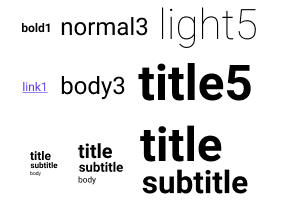
將依賴性添加到您的pubspec.yaml :
 dependencies :
sleek_typography : <version> Column (
children : < Widget > [
SleekText ( "Basic" , style : SleekTextStyle . bold5 ()),
SleekText ( "Style" , style : SleekTextStyle . subtitle4 ()),
SleekContent . small (
child : Column (
children : < Widget > [
SleekText ( "Title" , style : SleekTextStyle . title ()),
SleekText ( "Body" , style : SleekTextStyle . body ()),
SleekText ( "Link" , style : SleekTextStyle . link ()),
],
),
),
],
)您可以定義四種預設:
1至10 ):字體大小light , normal , medium , bold ):字體重量primary , secondary , monospace , code ):字體家庭none , caption , code , blockquote , body , link , button , subtitle , title ):一組常見的樣式選項組合。 SleekTypography (
data : SleekTypographyData (
sizes : < see example >
weights : < see example >
families : < see example >
styles : < see example >
),
child : < your app > ,
)有關完整的定義示例,請參見默認定義。
可以從樹上的任何地方更新版式。這可能很有用:例如,當MediaQuery.size更改時,調整內容大小。
 SleekTypography . update (context, SleekTypographyData (
        sizes : < see example >
        weights : < see example >
        families : < see example >
        styles : < see example >
    ),
); SleekText ( "hello" style : SleekStyle . normal ())基本類型讓您選擇重量和大小的組合。
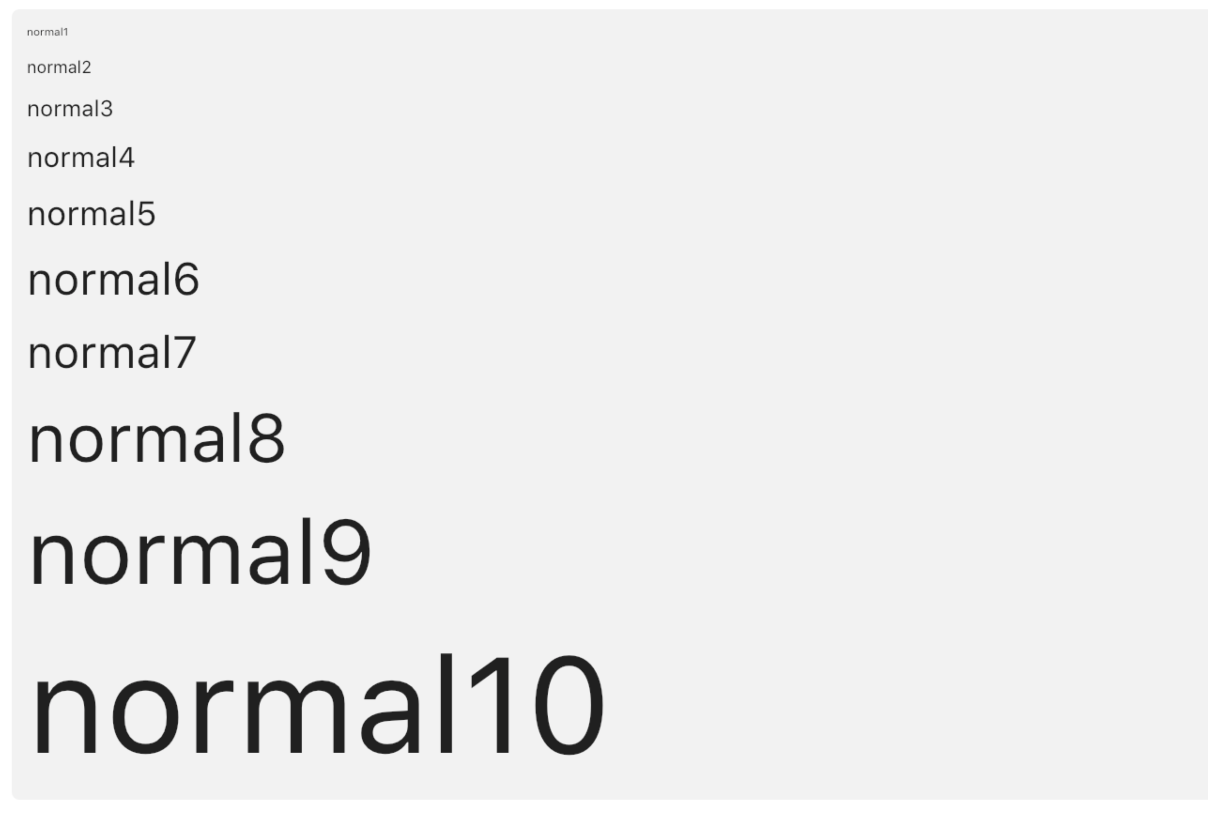
SleekText ( "hello" style : SleekStyle . normal3 ())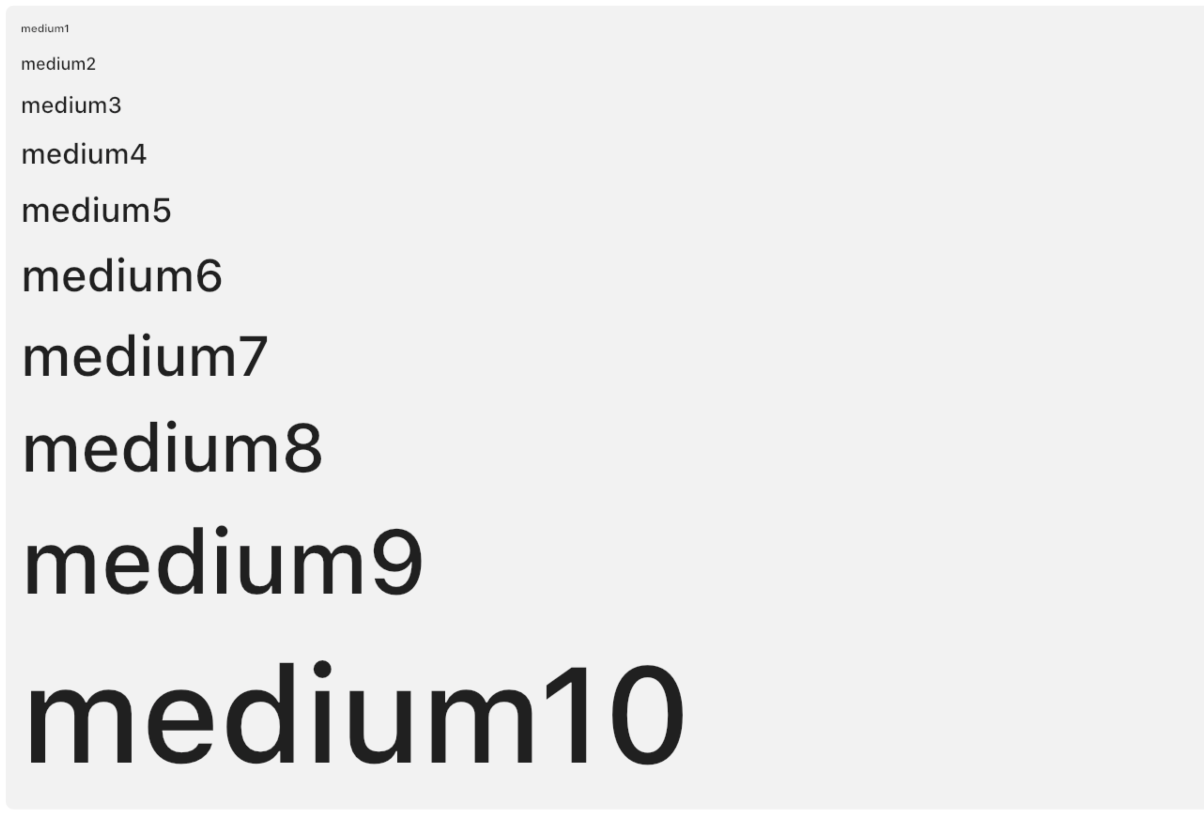
SleekText ( "hello" style : SleekStyle . medium3 ())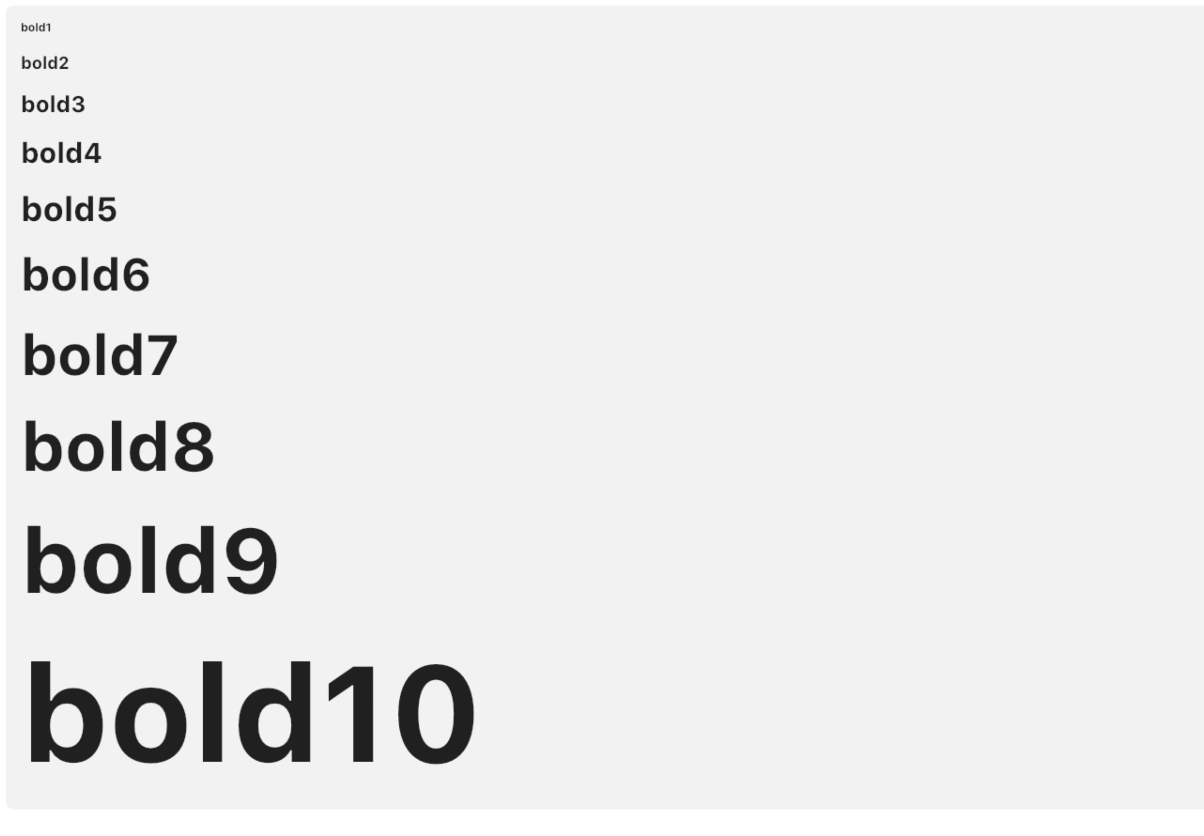
SleekText ( "hello" style : SleekStyle . bold3 ())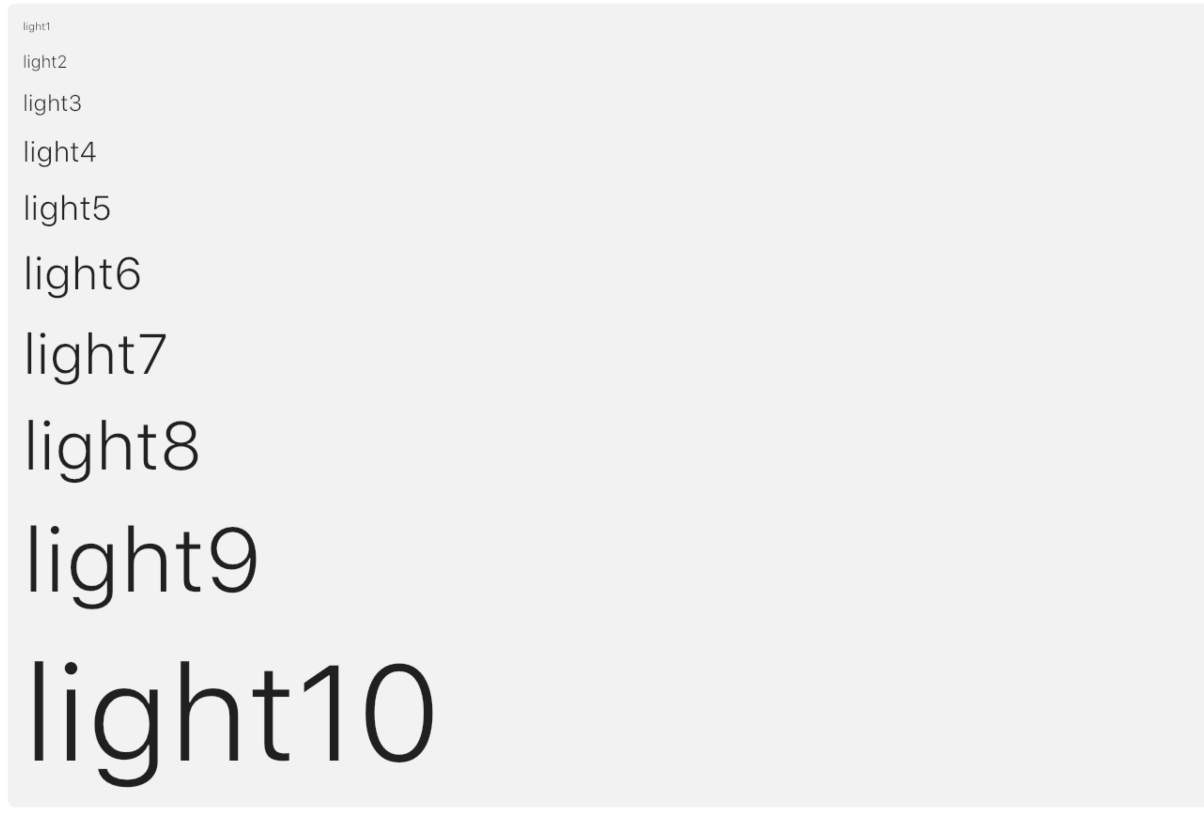
SleekText ( "hello" style : SleekStyle . light3 ())每種預定義的樣式都有6個級別,並通過大小,重量甚至小部件建造者的組合來定義。它們的構建是與相應的級別相干的(例如,標題在相應的級別上總是比主體更大的字體)。
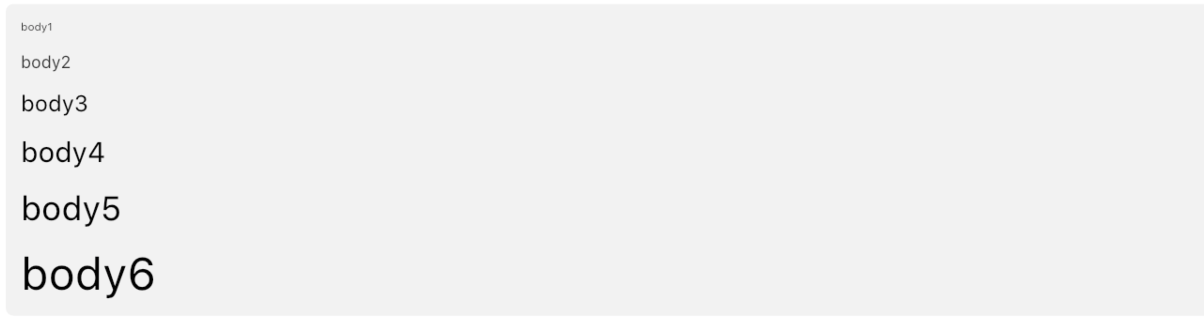
SleekText ( "hello" style : SleekStyle . body3 ())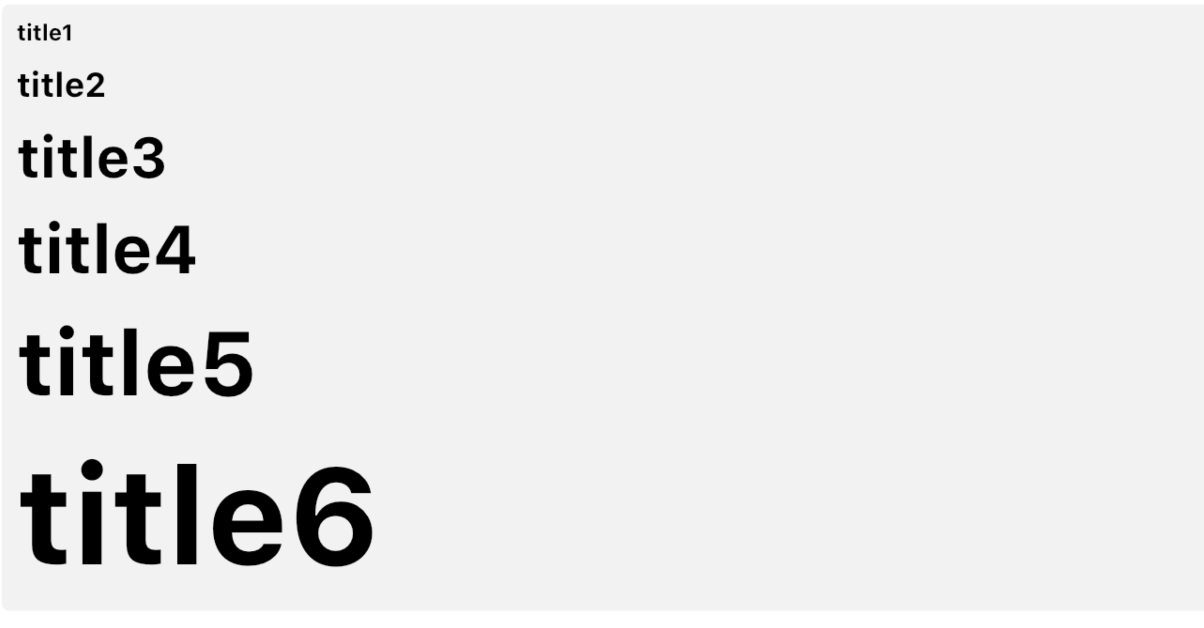
SleekText ( "hello" style : SleekStyle . title3 ())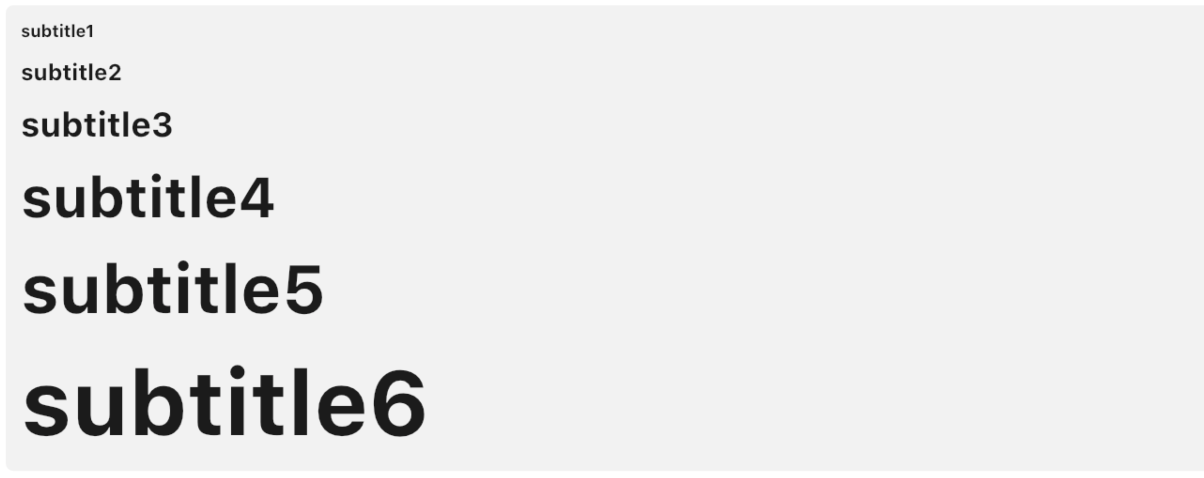
SleekText ( "hello" style : SleekStyle . subtitle3 ())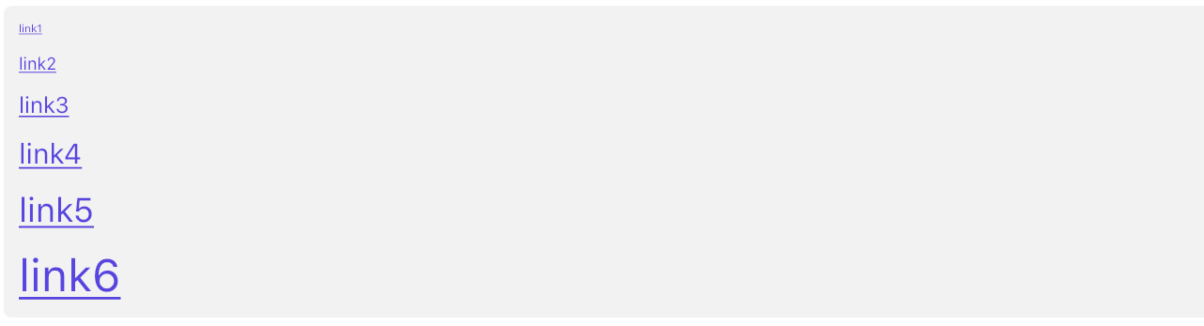
SleekText ( "hello" style : SleekStyle . link3 ())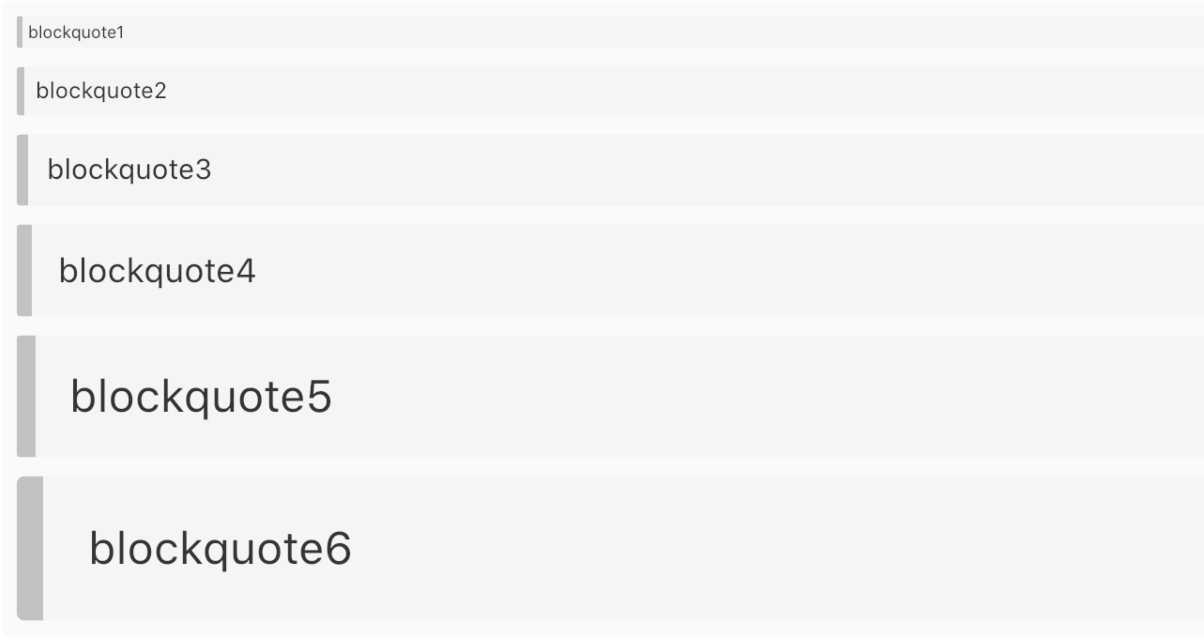
SleekText ( "hello" style : SleekStyle . blockquote3 ())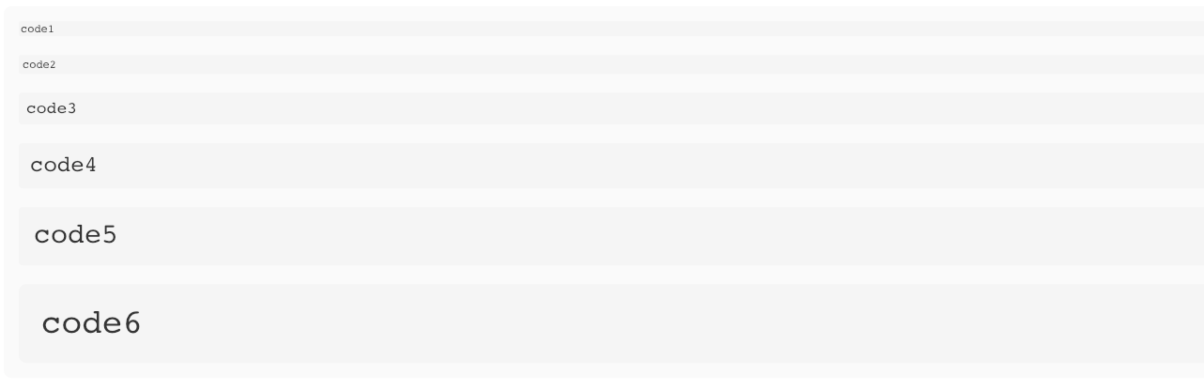
SleekText ( "hello" style : SleekStyle . code3 ())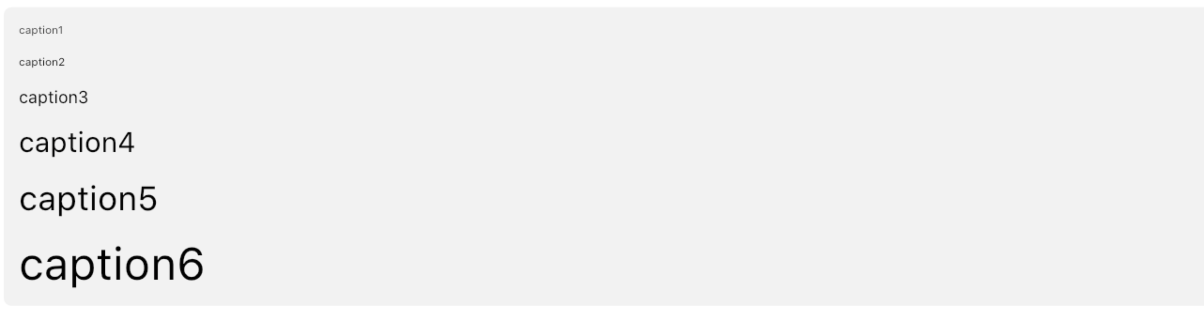
SleekText ( "hello" style : SleekStyle . caption3 ())內容讓您為其所有後代定義一個默認的預定級級別。
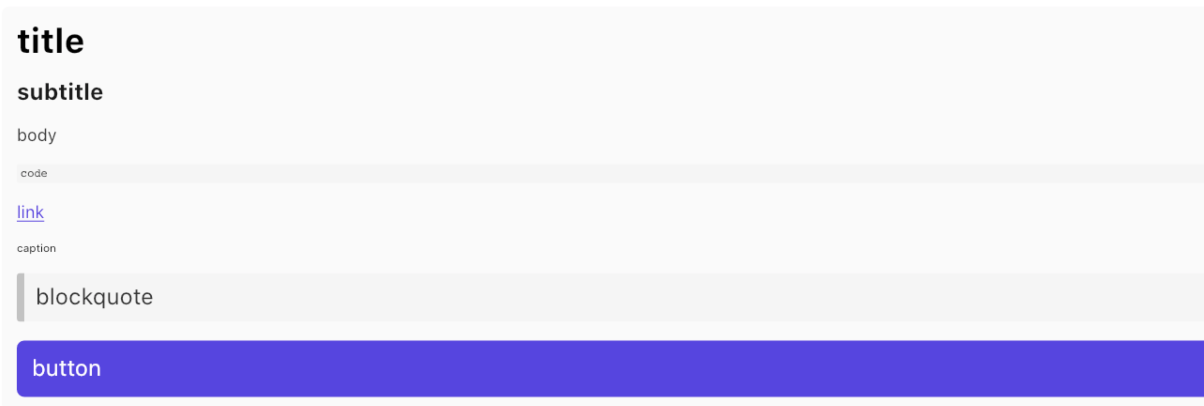
 SleekContent . small (
    child : Column (
        children : < Widget > [
            SleekText ( "title" style : SleekStyle . title ()),
            SleekText ( "body" style : SleekStyle . body ()),
            SleekText ( "caption" style : SleekStyle . caption ()),
        ]
    )
)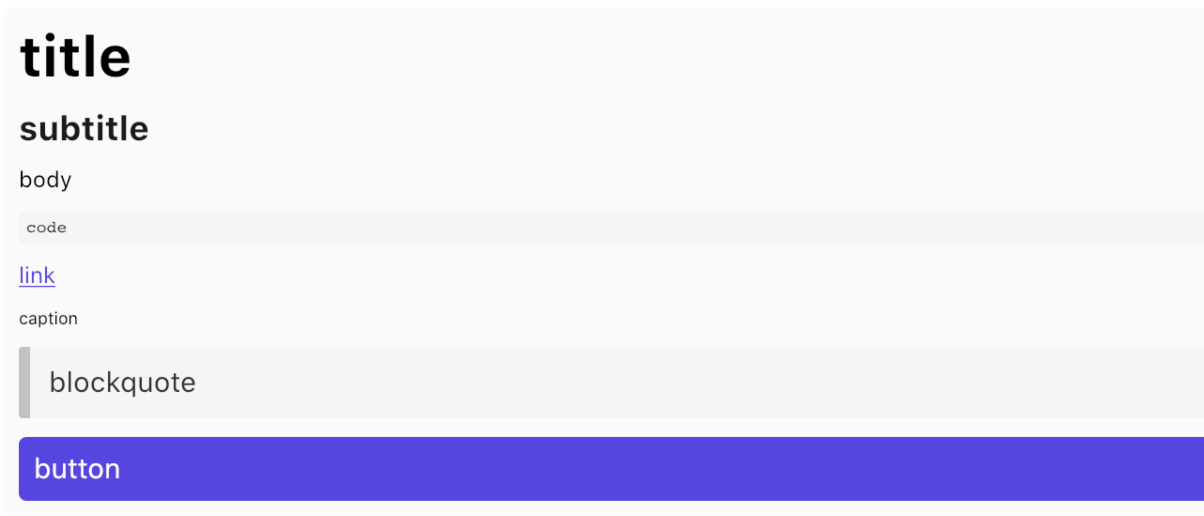
 SleekContent . normal (
    child : Column (
        children : < Widget > [
            SleekText ( "title" style : SleekStyle . title ()),
            SleekText ( "body" style : SleekStyle . body ()),
            SleekText ( "caption" style : SleekStyle . caption ()),
        ]
    )
)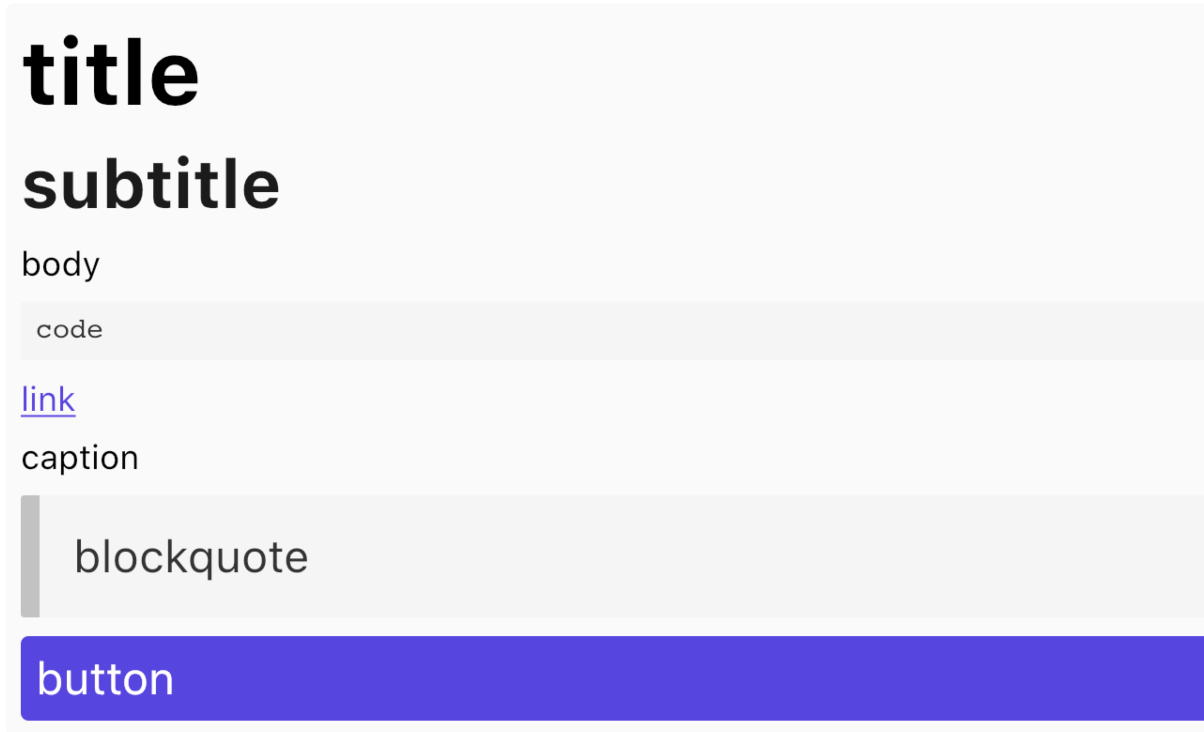
 SleekContent . big (
    child : Column (
        children : < Widget > [
            SleekText ( "title" style : SleekStyle . title ()),
            SleekText ( "body" style : SleekStyle . body ()),
            SleekText ( "caption" style : SleekStyle . caption ()),
        ]
    )
)感謝Bulma Framework團隊的靈感。








