sleek_typography
1.0.0


Forma flexible de personalizar el texto.
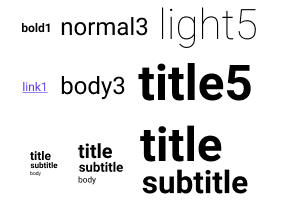
Agregue la dependencia a su pubspec.yaml :
 dependencies :
sleek_typography : <version> Column (
children : < Widget > [
SleekText ( "Basic" , style : SleekTextStyle . bold5 ()),
SleekText ( "Style" , style : SleekTextStyle . subtitle4 ()),
SleekContent . small (
child : Column (
children : < Widget > [
SleekText ( "Title" , style : SleekTextStyle . title ()),
SleekText ( "Body" , style : SleekTextStyle . body ()),
SleekText ( "Link" , style : SleekTextStyle . link ()),
],
),
),
],
)Puedes definir cuatro tipos de preajustes:
1 a 10 ): Tamaños de fuentelight , normal , medium , bold ): pesas de fuentesprimary , secondary , monospace , code ): familias de fuentesnone , caption , code , blockquote , body , link , button , subtitle , title ): un conjunto de combina de opción de estilo común. SleekTypography (
data : SleekTypographyData (
sizes : < see example >
weights : < see example >
families : < see example >
styles : < see example >
),
child : < your app > ,
)Para un ejemplo de definición completa, consulte la definición predeterminada.
La tipografía se puede actualizar desde donde sea del árbol. Esto puede ser útil para responder: adaptar el tamaño del contenido cuando MediaQuery.size cambia, por ejemplo.
 SleekTypography . update (context, SleekTypographyData (
        sizes : < see example >
        weights : < see example >
        families : < see example >
        styles : < see example >
    ),
); SleekText ( "hello" style : SleekStyle . normal ())Los tipos básicos le permiten elegir una combinación de peso y tamaño.
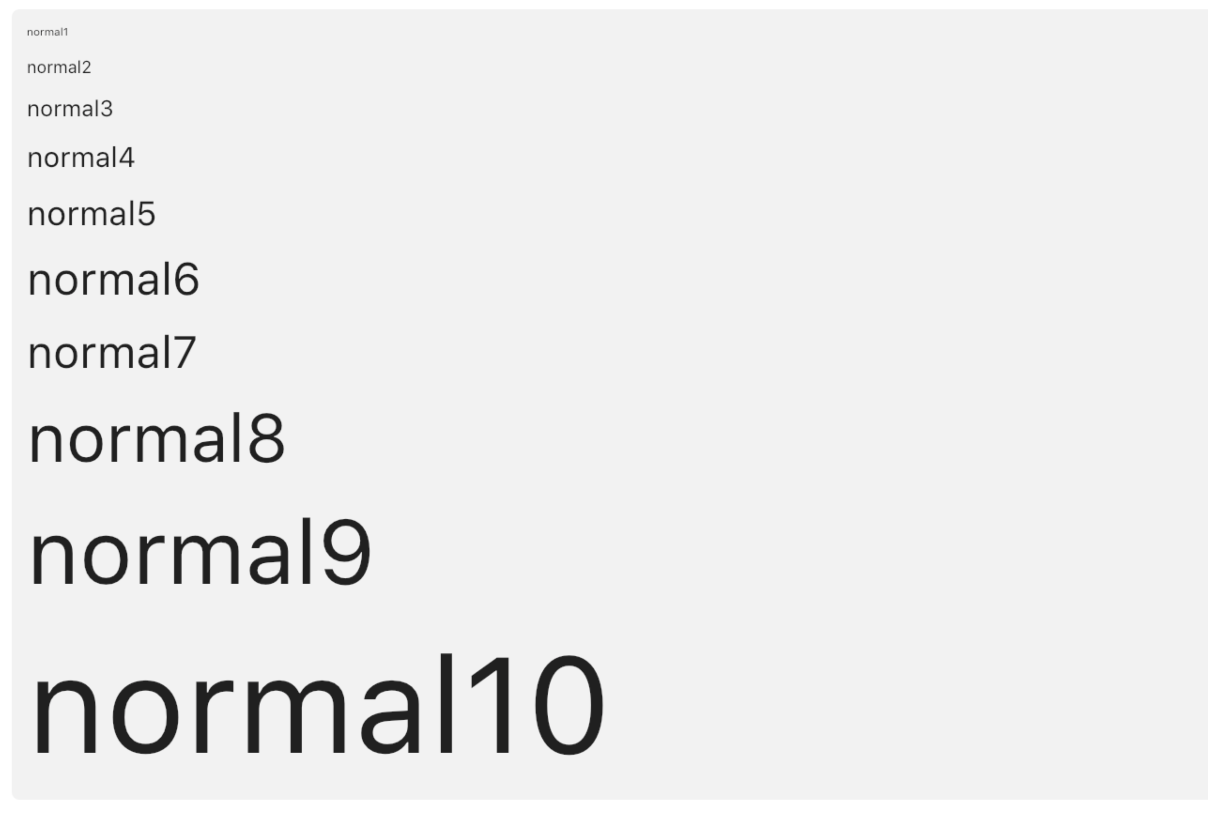
SleekText ( "hello" style : SleekStyle . normal3 ())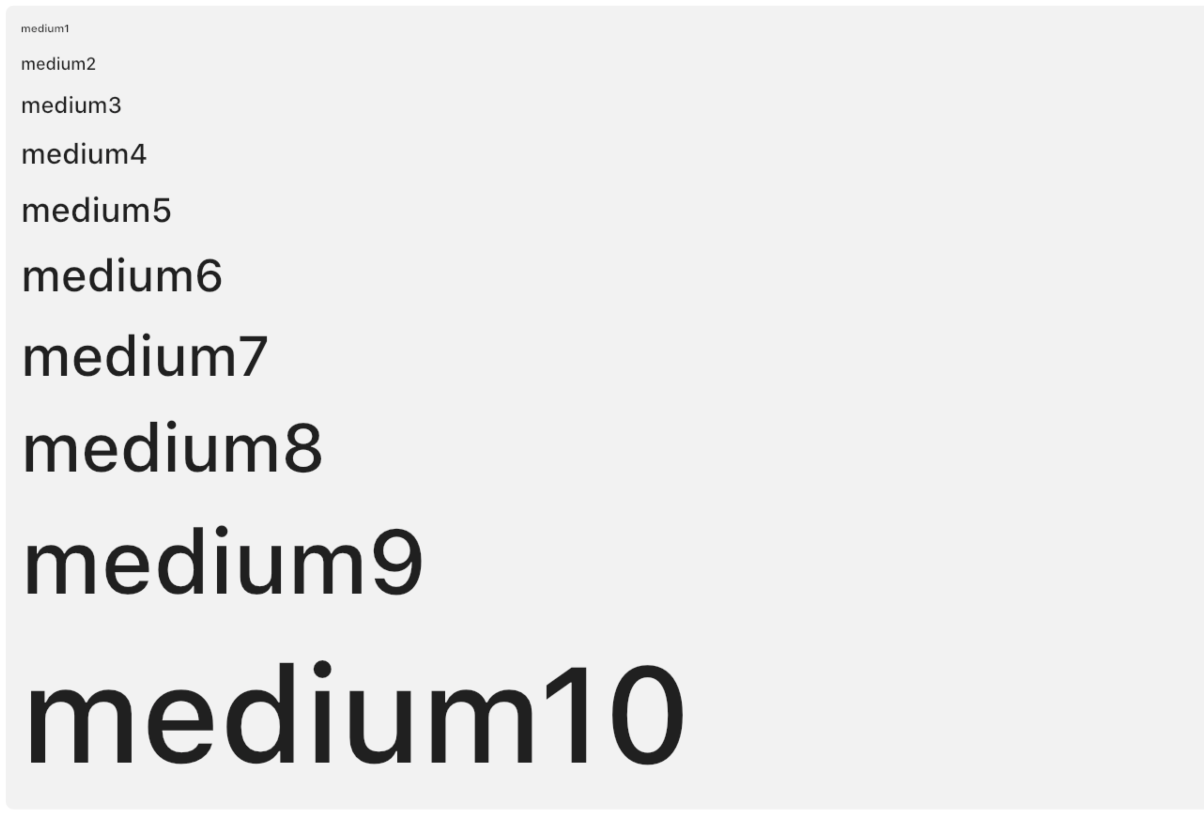
SleekText ( "hello" style : SleekStyle . medium3 ())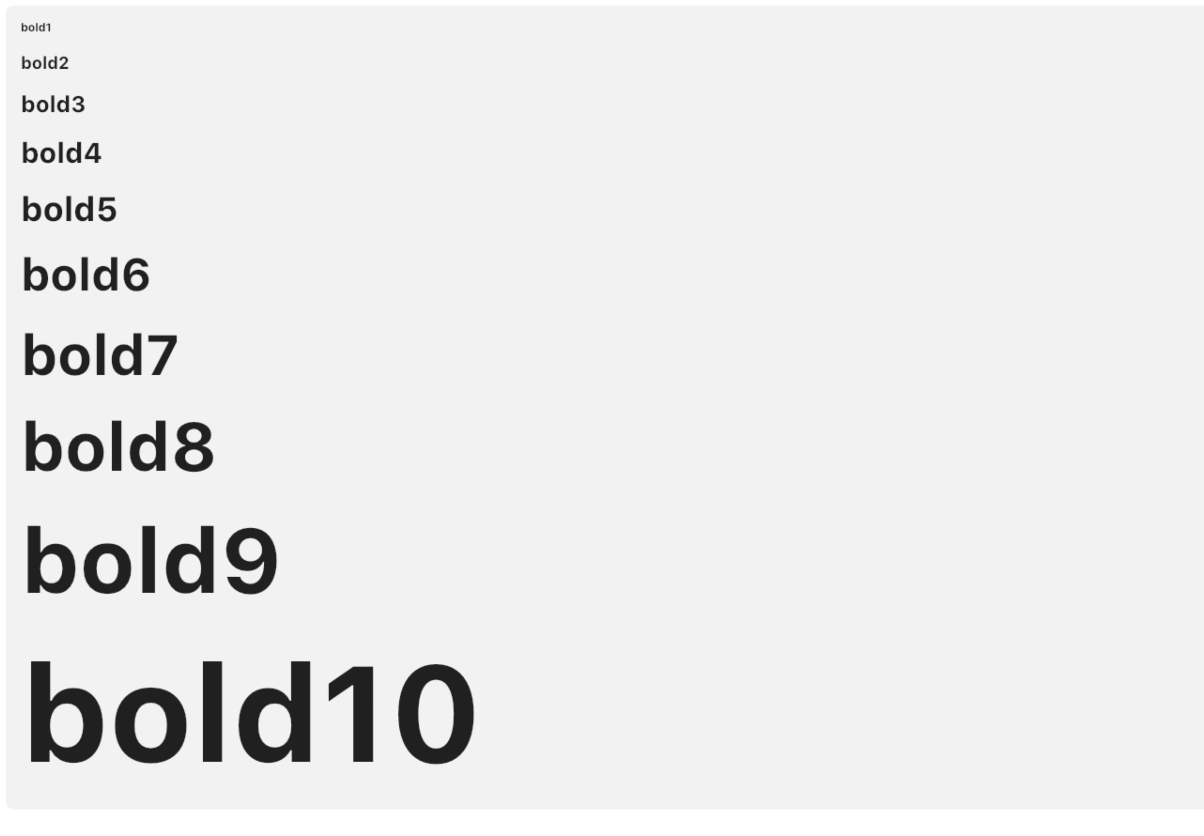
SleekText ( "hello" style : SleekStyle . bold3 ())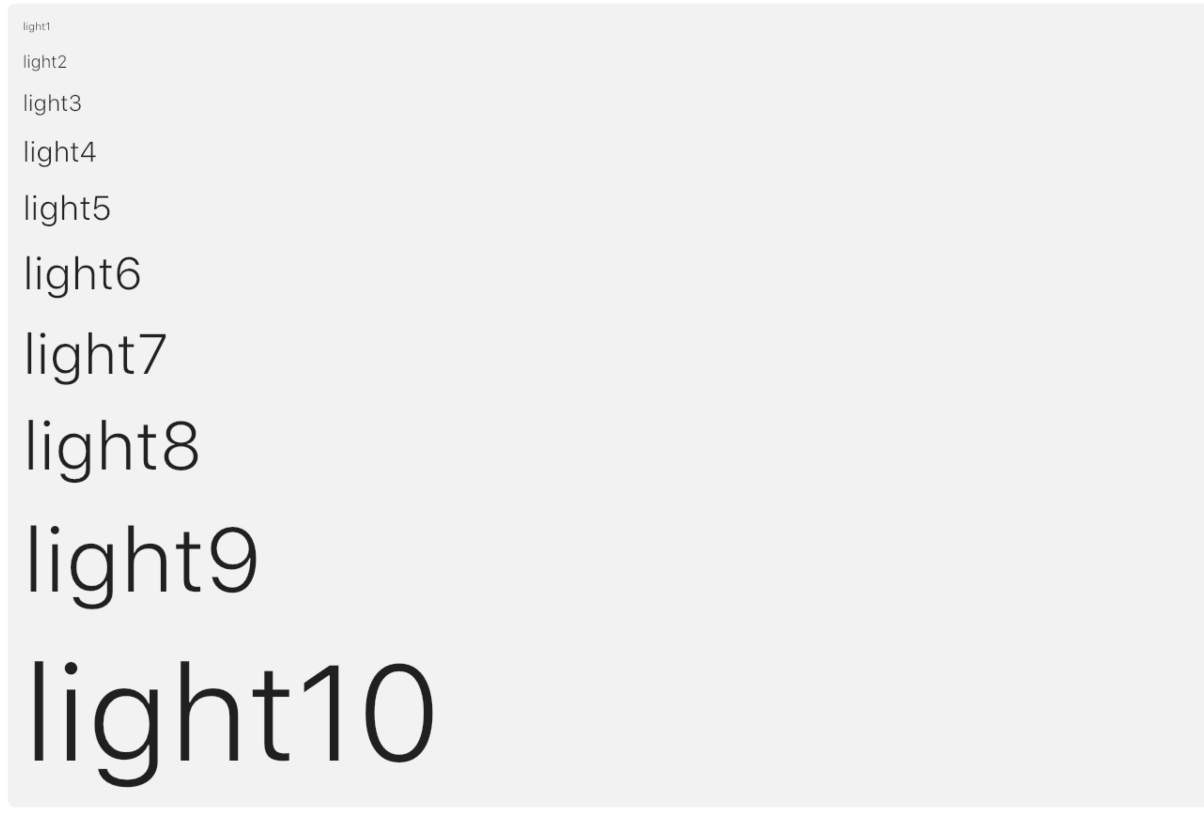
SleekText ( "hello" style : SleekStyle . light3 ())Cada estilo predefinido tiene 6 niveles y se definen mediante una combinación de tamaño, peso o incluso un constructor de widgets alrededor. Están construidos para ser coherentes con los niveles correspondientes (por ejemplo, un título siempre tendrá una fuente más grande que un cuerpo para un nivel correspondiente).
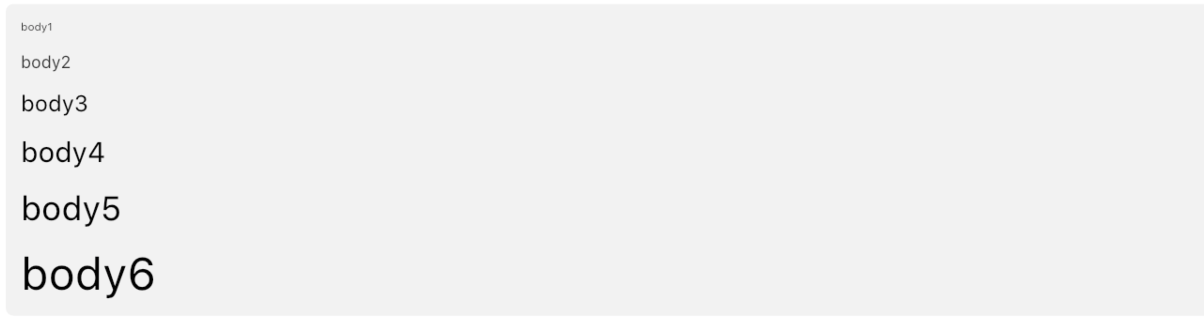
SleekText ( "hello" style : SleekStyle . body3 ())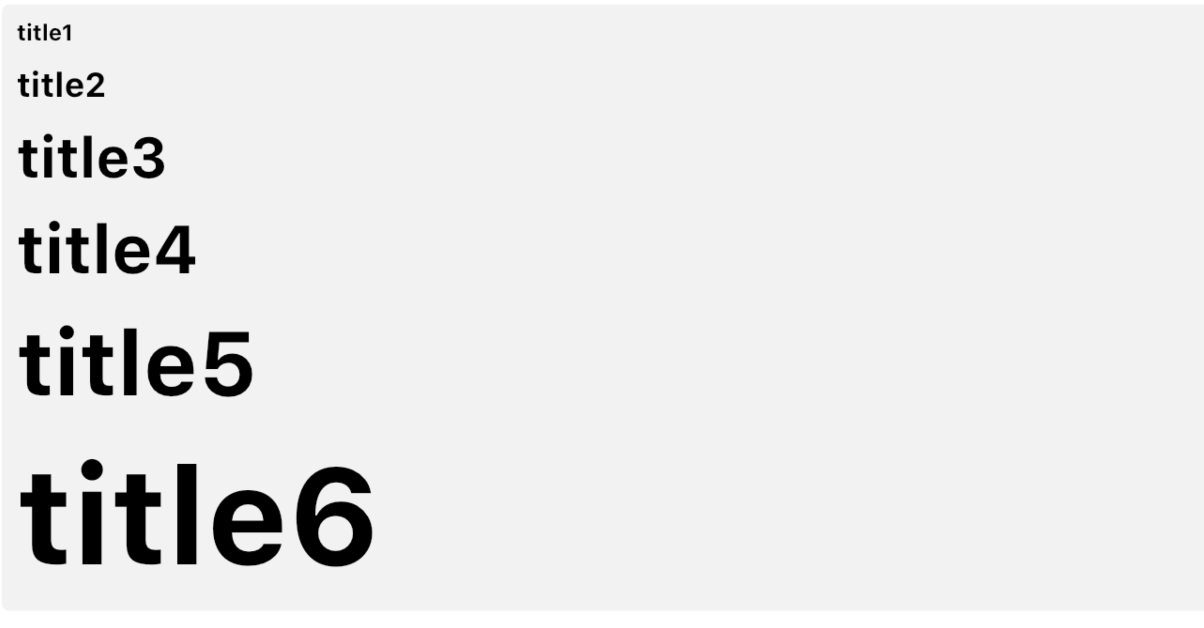
SleekText ( "hello" style : SleekStyle . title3 ())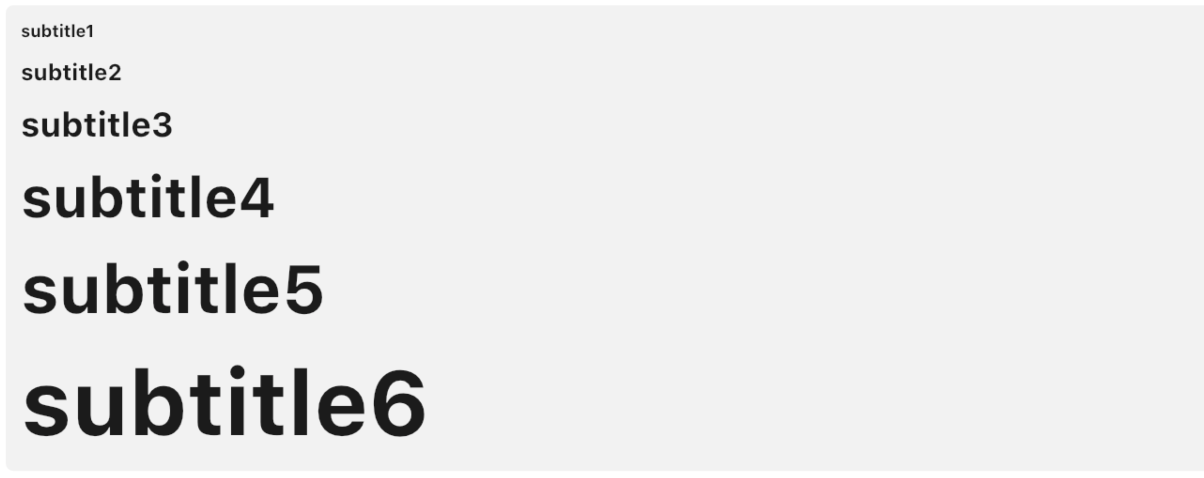
SleekText ( "hello" style : SleekStyle . subtitle3 ())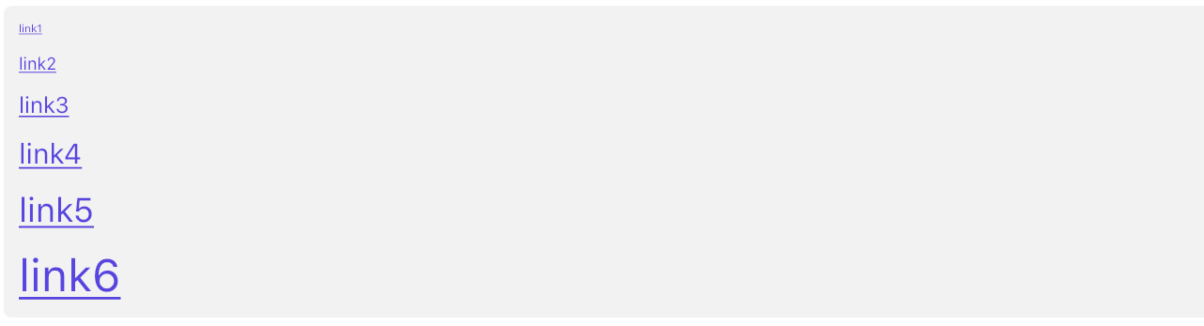
SleekText ( "hello" style : SleekStyle . link3 ())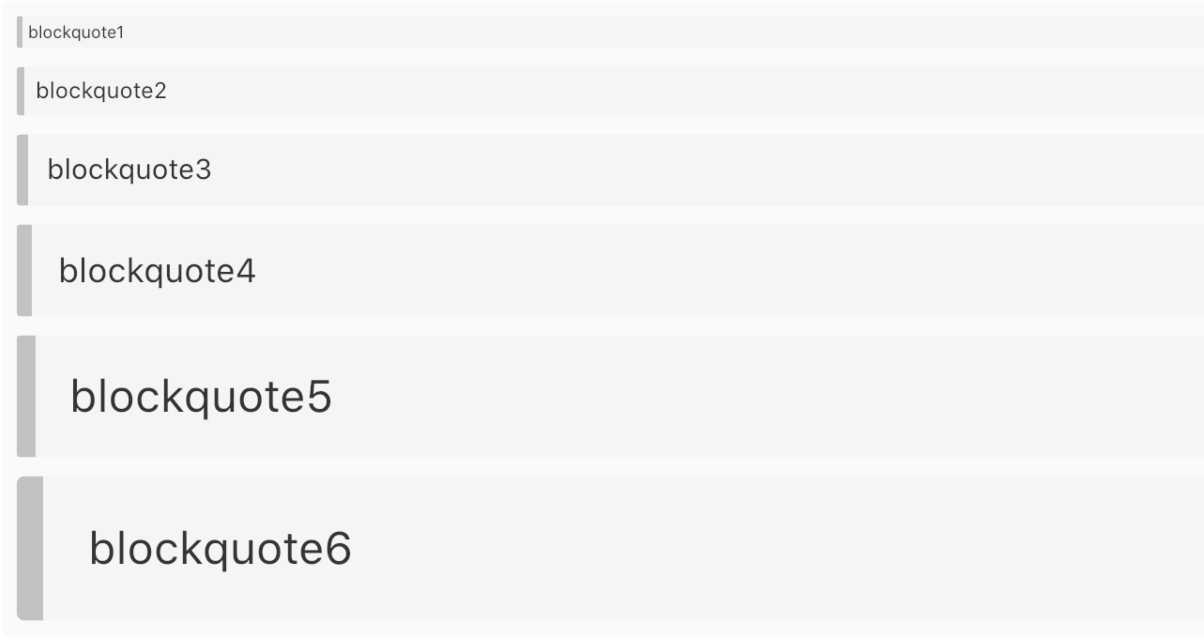
SleekText ( "hello" style : SleekStyle . blockquote3 ())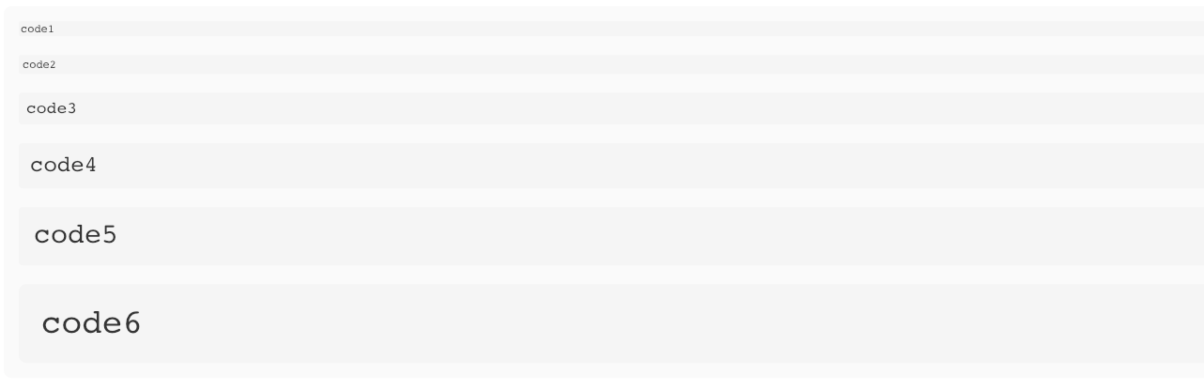
SleekText ( "hello" style : SleekStyle . code3 ())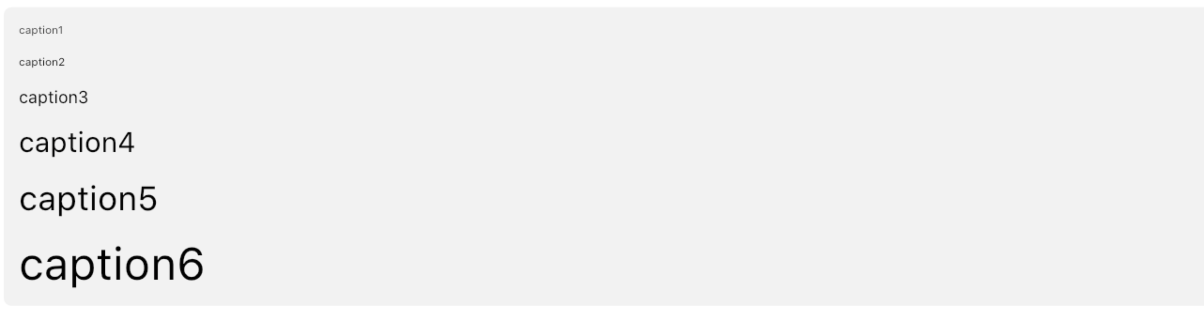
SleekText ( "hello" style : SleekStyle . caption3 ())El contenido le permite definir un nivel predefinido predeterminado para todos sus descendientes.
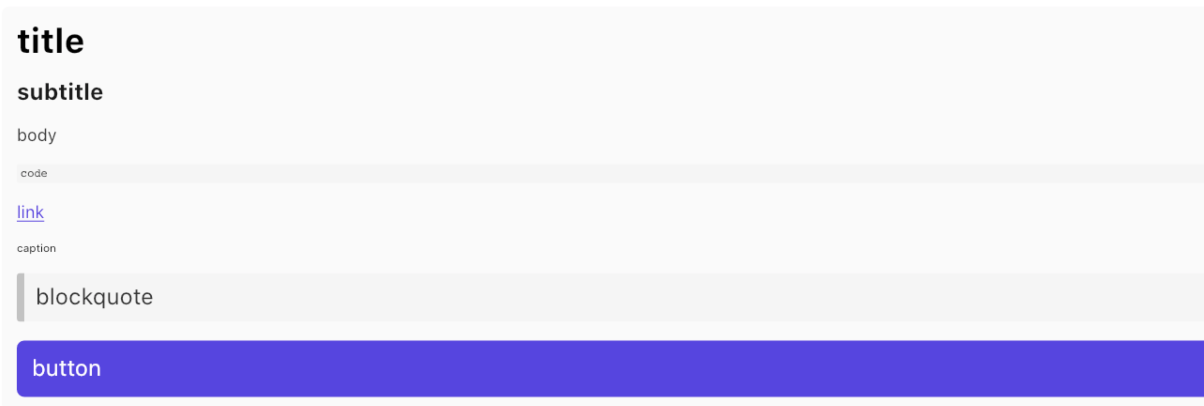
 SleekContent . small (
    child : Column (
        children : < Widget > [
            SleekText ( "title" style : SleekStyle . title ()),
            SleekText ( "body" style : SleekStyle . body ()),
            SleekText ( "caption" style : SleekStyle . caption ()),
        ]
    )
)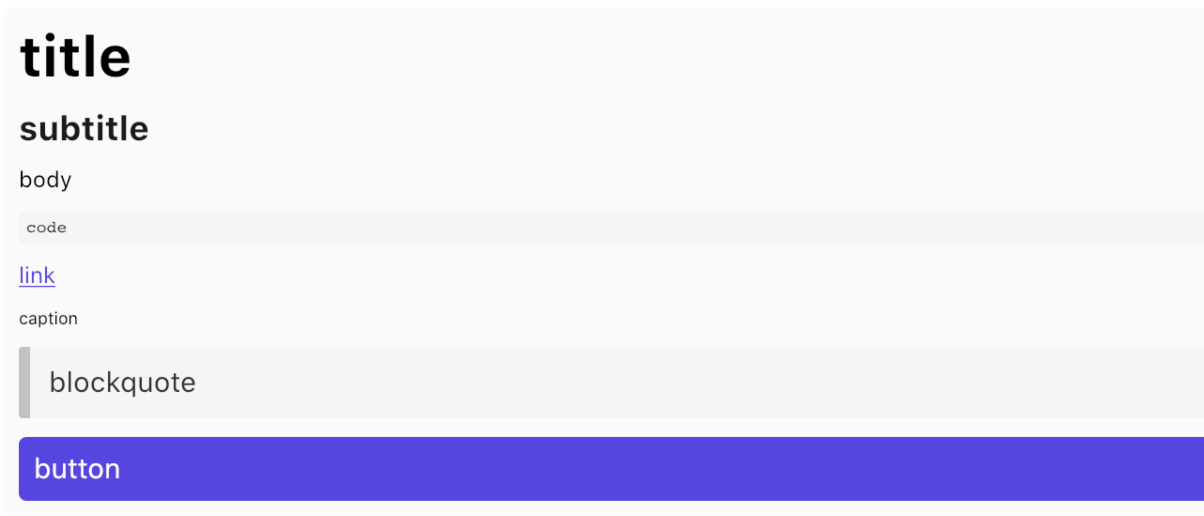
 SleekContent . normal (
    child : Column (
        children : < Widget > [
            SleekText ( "title" style : SleekStyle . title ()),
            SleekText ( "body" style : SleekStyle . body ()),
            SleekText ( "caption" style : SleekStyle . caption ()),
        ]
    )
)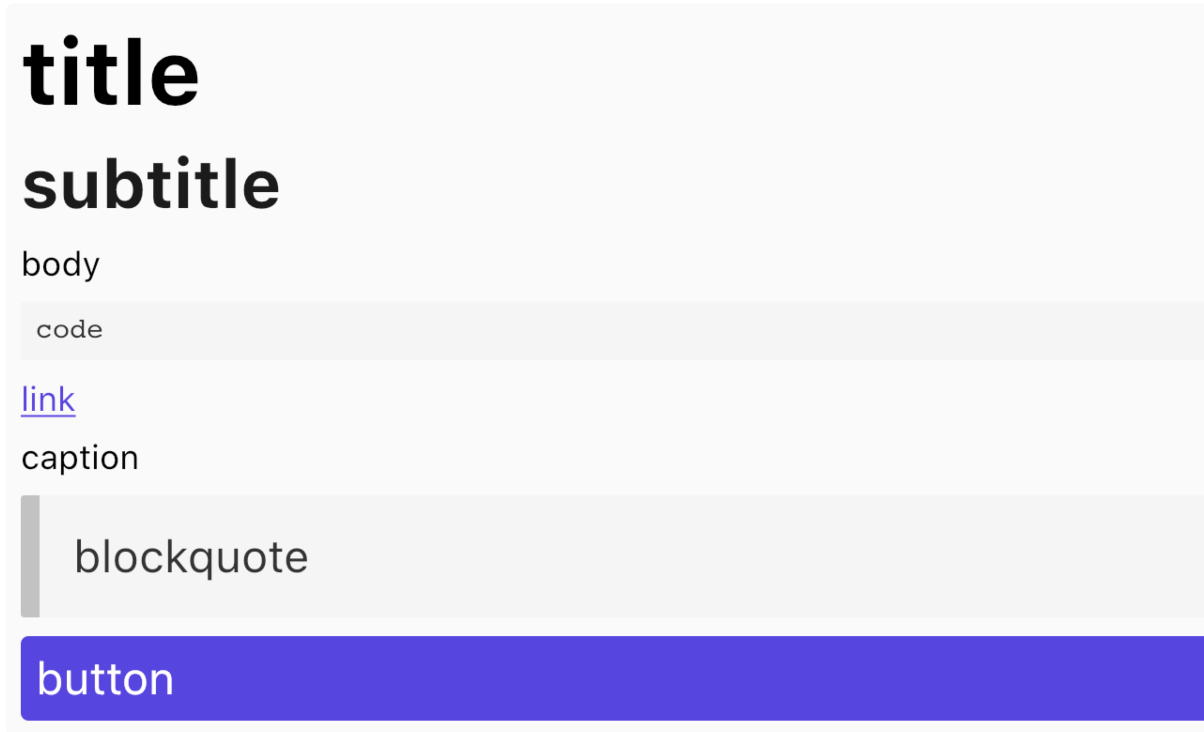
 SleekContent . big (
    child : Column (
        children : < Widget > [
            SleekText ( "title" style : SleekStyle . title ()),
            SleekText ( "body" style : SleekStyle . body ()),
            SleekText ( "caption" style : SleekStyle . caption ()),
        ]
    )
)
Gracias al equipo de Bulma Framework por la inspiración.








