sleek_typography
1.0.0


テキストをカスタマイズする柔軟な方法。
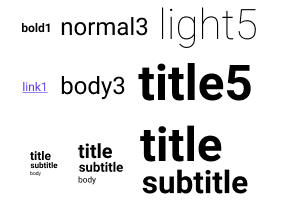
pubspec.yamlに依存関係を追加します。
 dependencies :
sleek_typography : <version> Column (
children : < Widget > [
SleekText ( "Basic" , style : SleekTextStyle . bold5 ()),
SleekText ( "Style" , style : SleekTextStyle . subtitle4 ()),
SleekContent . small (
child : Column (
children : < Widget > [
SleekText ( "Title" , style : SleekTextStyle . title ()),
SleekText ( "Body" , style : SleekTextStyle . body ()),
SleekText ( "Link" , style : SleekTextStyle . link ()),
],
),
),
],
)4つの種類のプリセットを定義できます。
1 ):フォント10light 、 normal 、 medium 、 bold ):フォントウェイトprimary 、 secondary 、 monospace 、 code ):フォントファミリnone 、 caption 、 code 、 blockquote 、 body 、 link 、 button 、 subtitle 、 title ):共通のスタイリングオプションの組み合わせセット。 SleekTypography (
data : SleekTypographyData (
sizes : < see example >
weights : < see example >
families : < see example >
styles : < see example >
),
child : < your app > ,
)完全な定義の例については、デフォルトの定義を参照してください。
タイポグラフィは、ツリーのどこからでも更新できます。これは、応答性が高い場合が役立つ場合があります。たとえば、 MediaQuery.sizeが変更すると、コンテンツサイズを適応させます。
 SleekTypography . update (context, SleekTypographyData (
        sizes : < see example >
        weights : < see example >
        families : < see example >
        styles : < see example >
    ),
); SleekText ( "hello" style : SleekStyle . normal ())基本的なタイプでは、重量とサイズの組み合わせを選択できます。
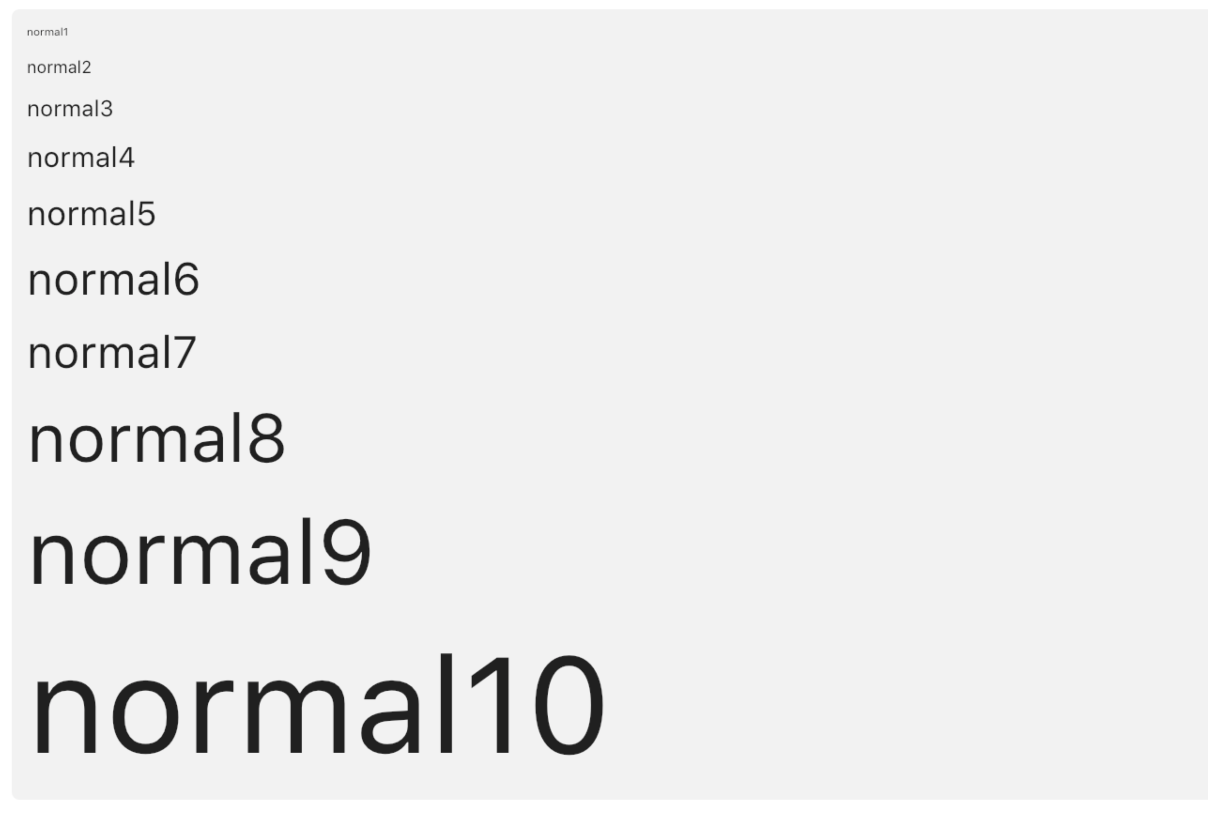
SleekText ( "hello" style : SleekStyle . normal3 ())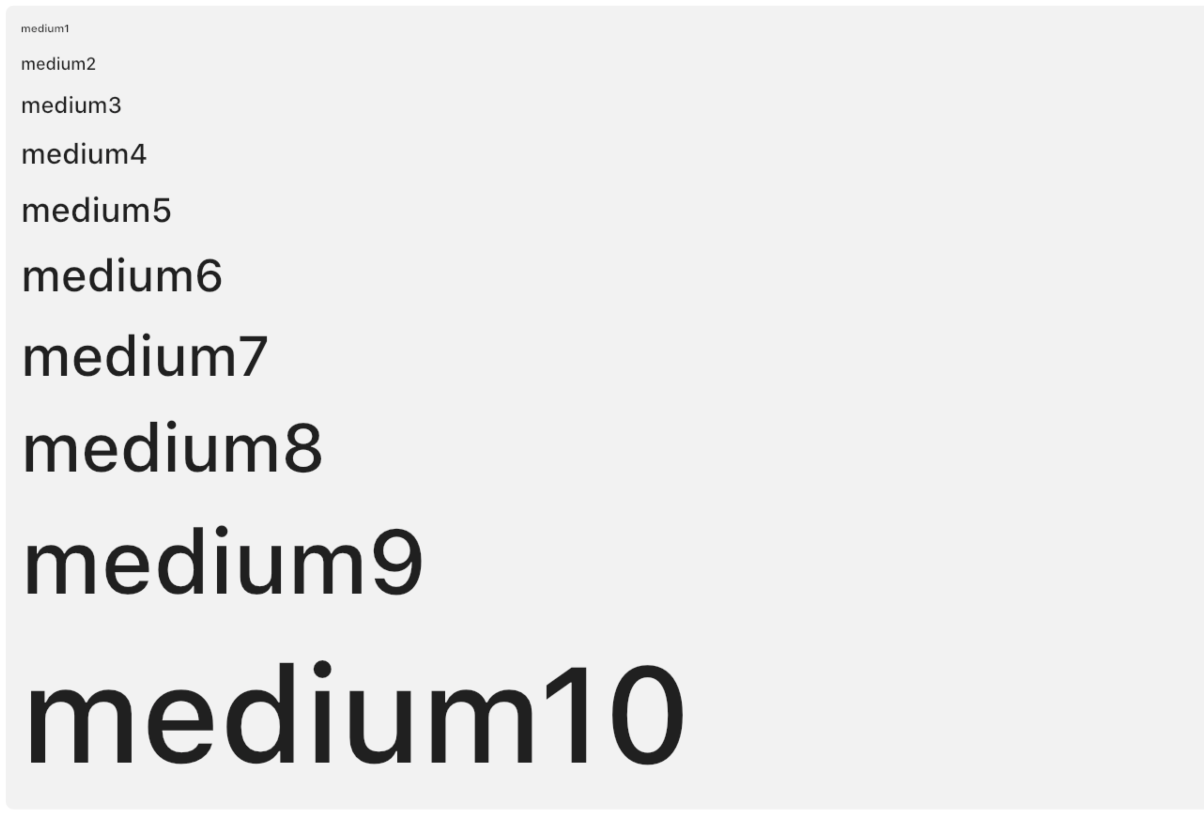
SleekText ( "hello" style : SleekStyle . medium3 ())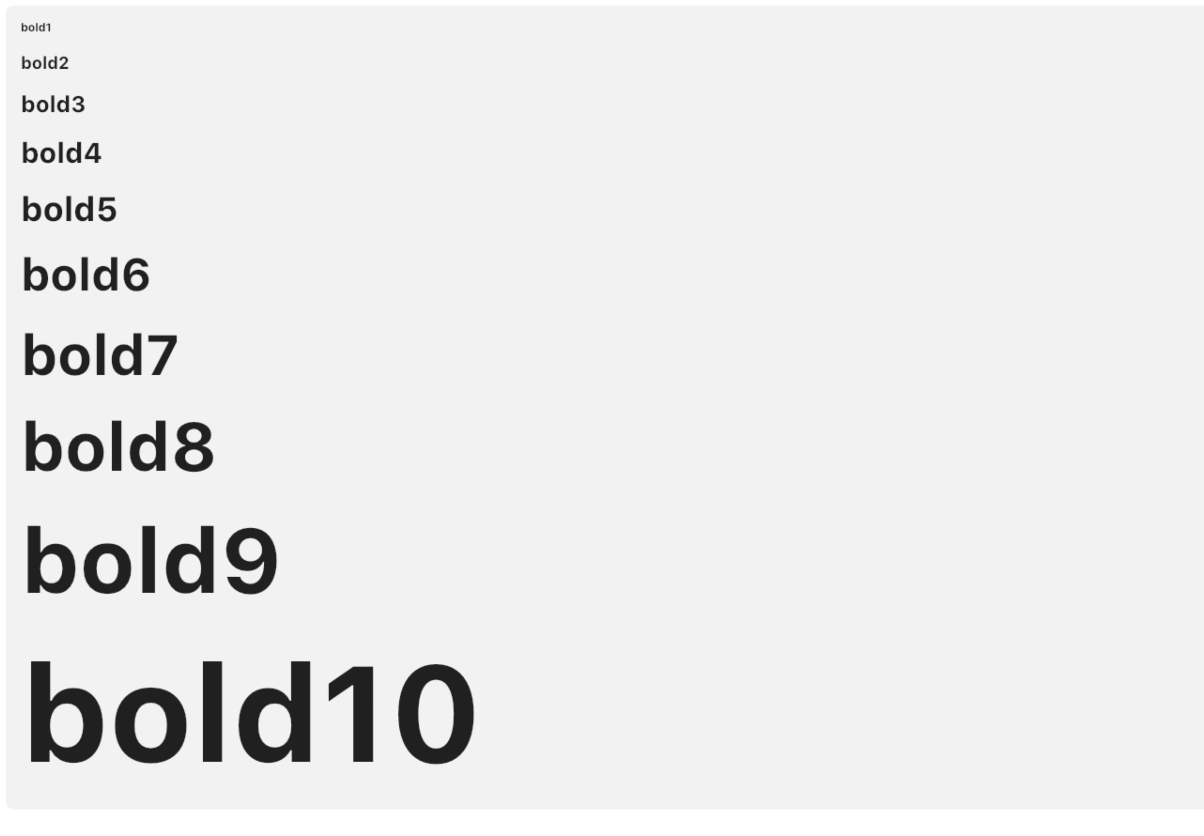
SleekText ( "hello" style : SleekStyle . bold3 ())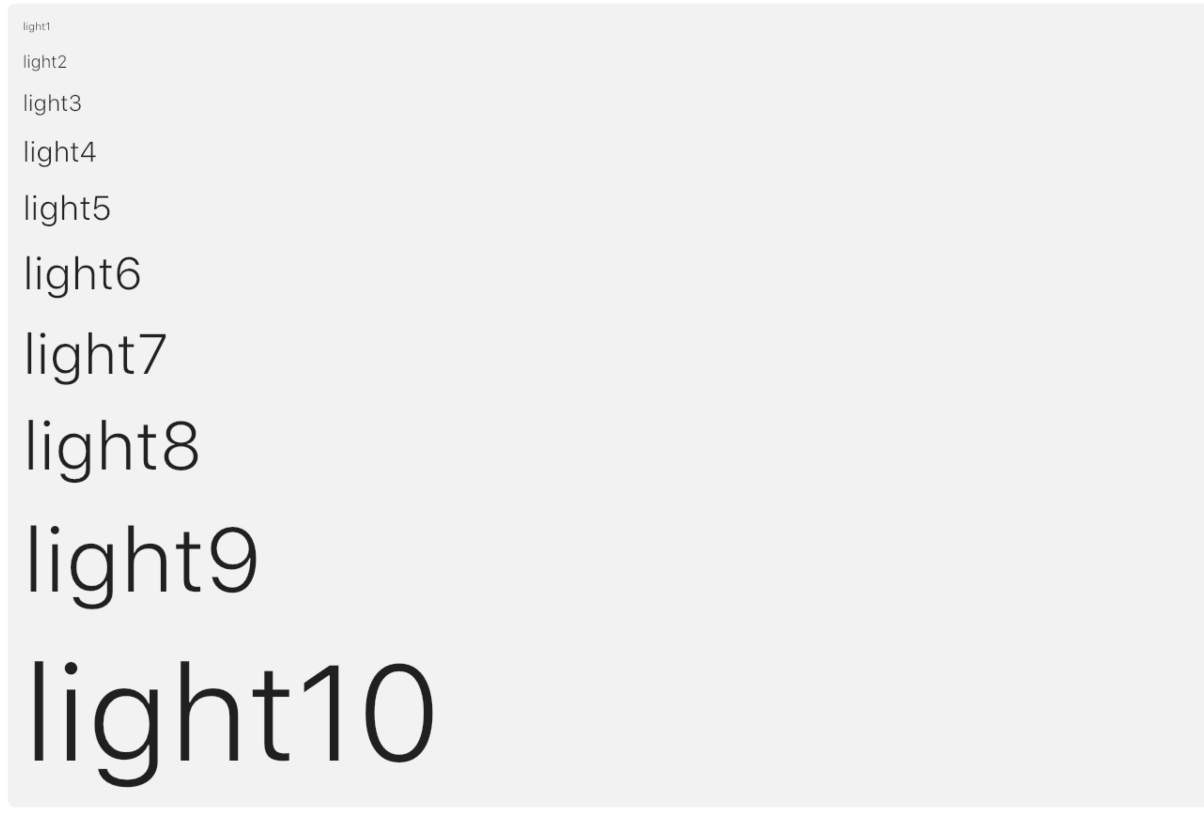
SleekText ( "hello" style : SleekStyle . light3 ())各事前定義されたスタイルには6つのレベルがあり、サイズ、重量、さらにはウィジェットビルダーの組み合わせによって定義されます。それらは、対応するレベルと一貫性があるように構築されています(たとえば、タイトルには、対応するレベルのボディよりも常に大きなフォントがあります)。
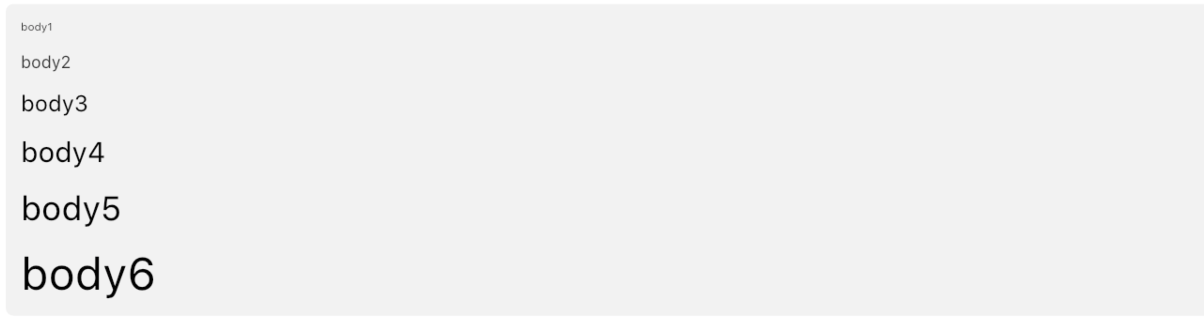
SleekText ( "hello" style : SleekStyle . body3 ())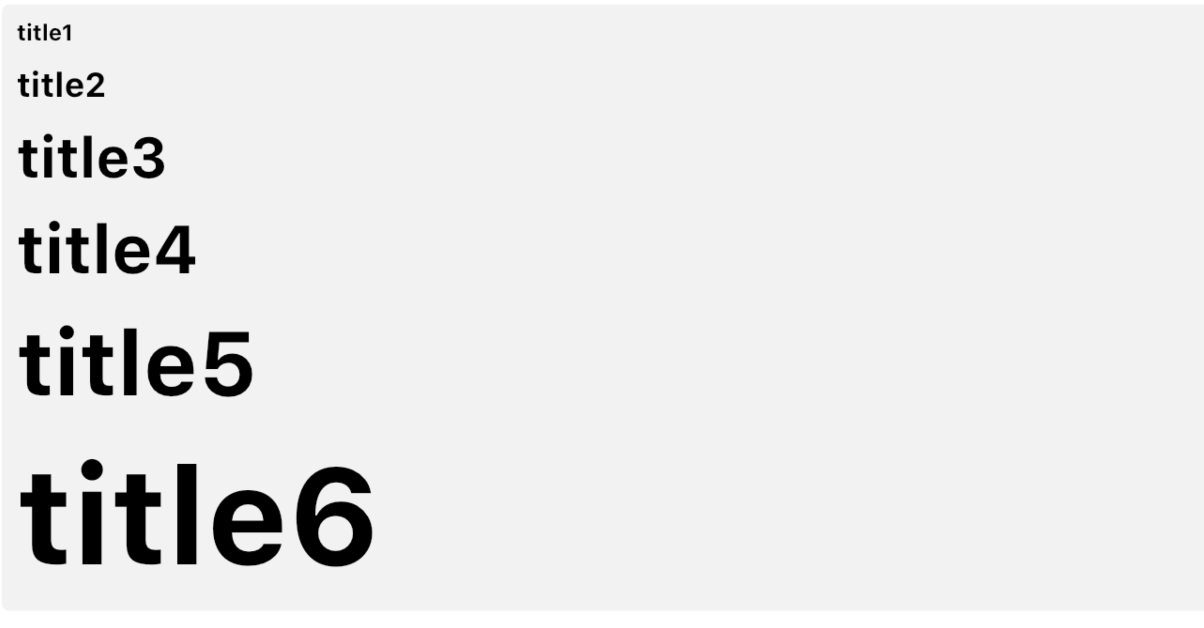
SleekText ( "hello" style : SleekStyle . title3 ())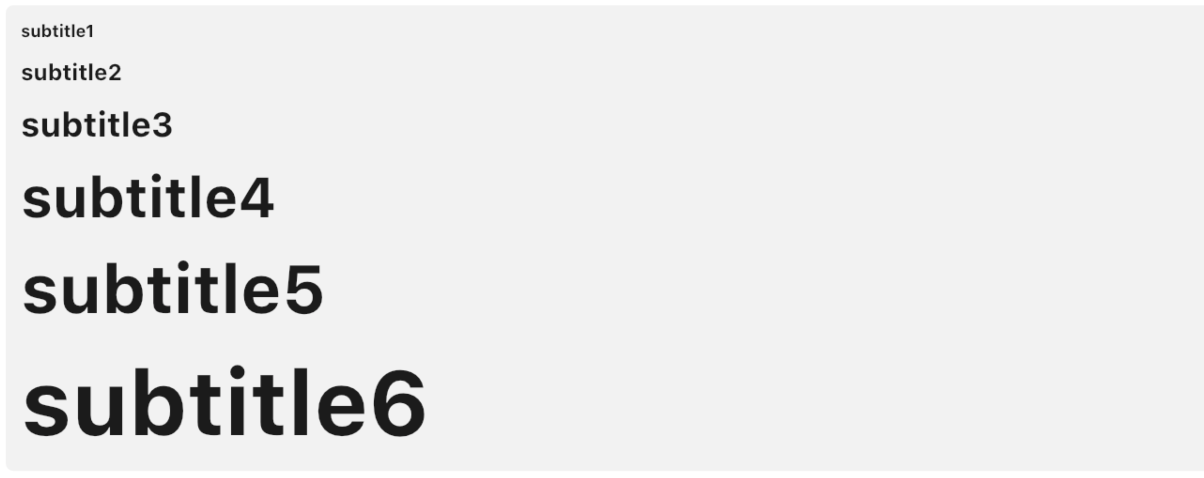
SleekText ( "hello" style : SleekStyle . subtitle3 ())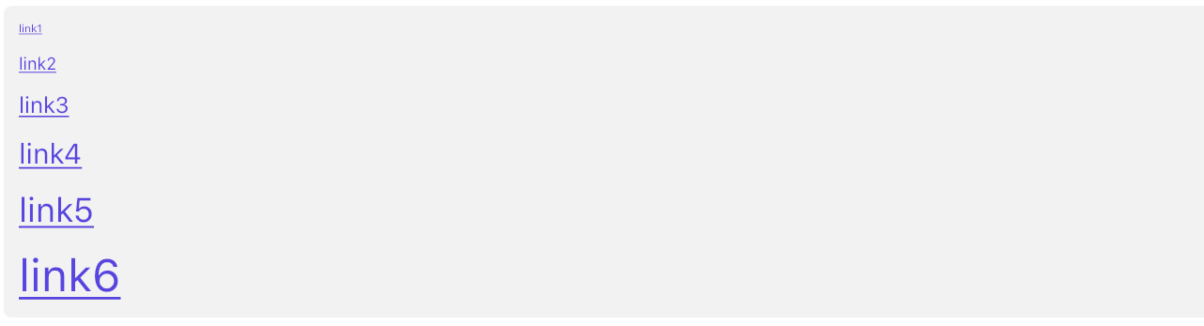
SleekText ( "hello" style : SleekStyle . link3 ())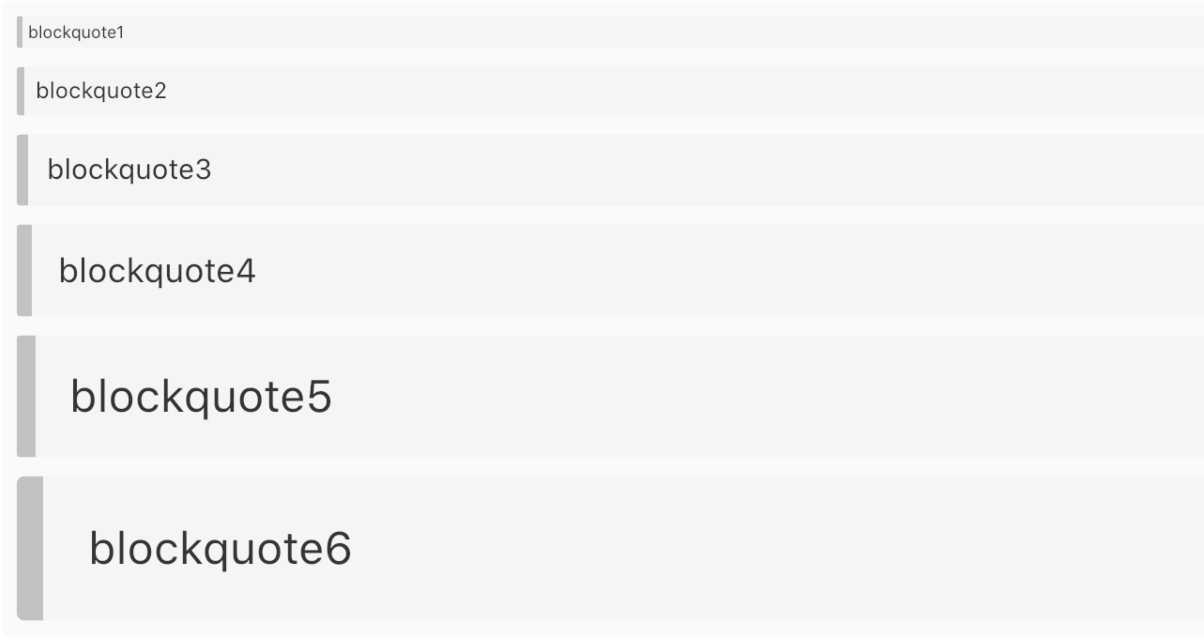
SleekText ( "hello" style : SleekStyle . blockquote3 ())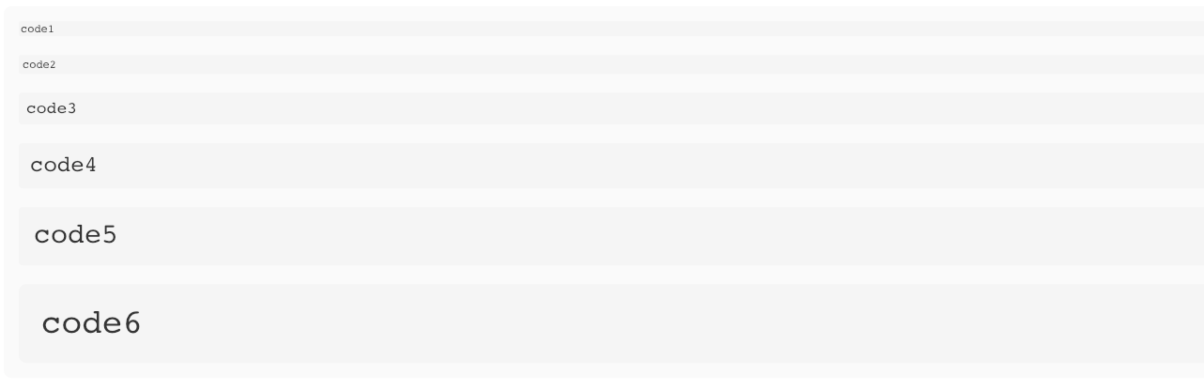
SleekText ( "hello" style : SleekStyle . code3 ())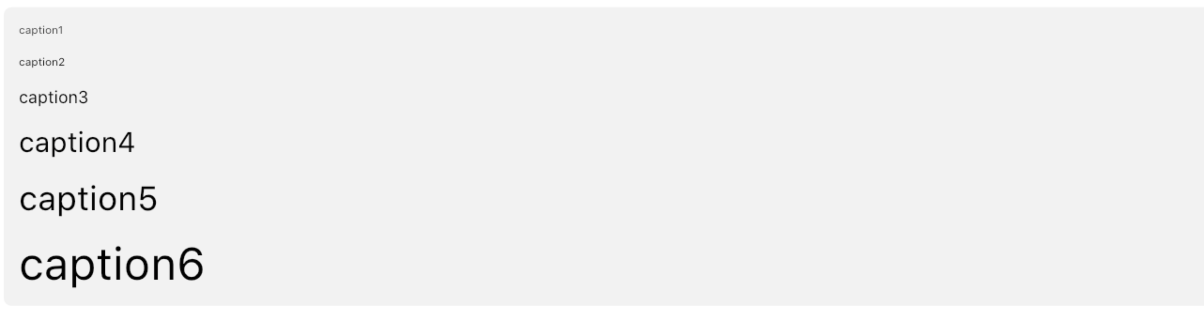
SleekText ( "hello" style : SleekStyle . caption3 ())コンテンツでは、すべての子孫に対してデフォルトの事前定義レベルを定義できます。
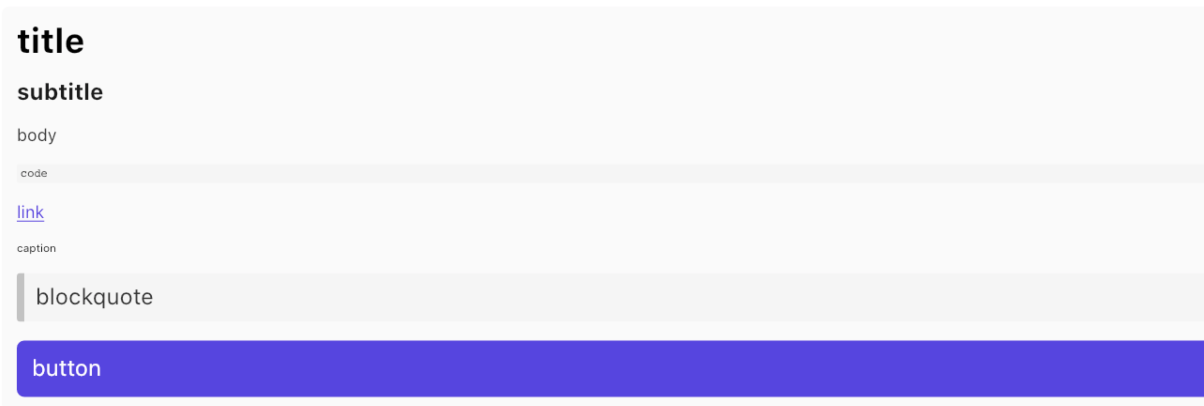
 SleekContent . small (
    child : Column (
        children : < Widget > [
            SleekText ( "title" style : SleekStyle . title ()),
            SleekText ( "body" style : SleekStyle . body ()),
            SleekText ( "caption" style : SleekStyle . caption ()),
        ]
    )
)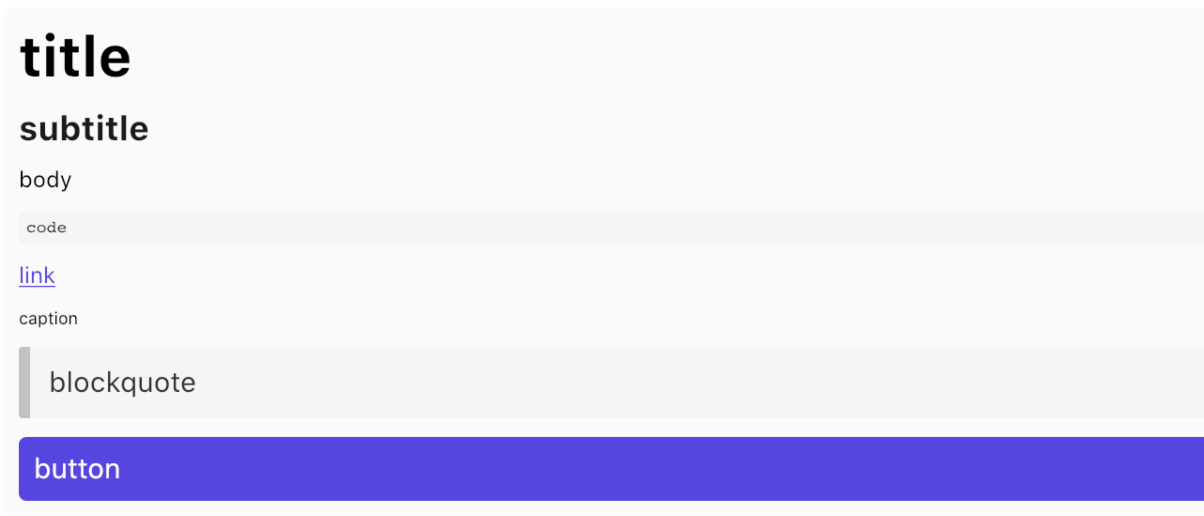
 SleekContent . normal (
    child : Column (
        children : < Widget > [
            SleekText ( "title" style : SleekStyle . title ()),
            SleekText ( "body" style : SleekStyle . body ()),
            SleekText ( "caption" style : SleekStyle . caption ()),
        ]
    )
)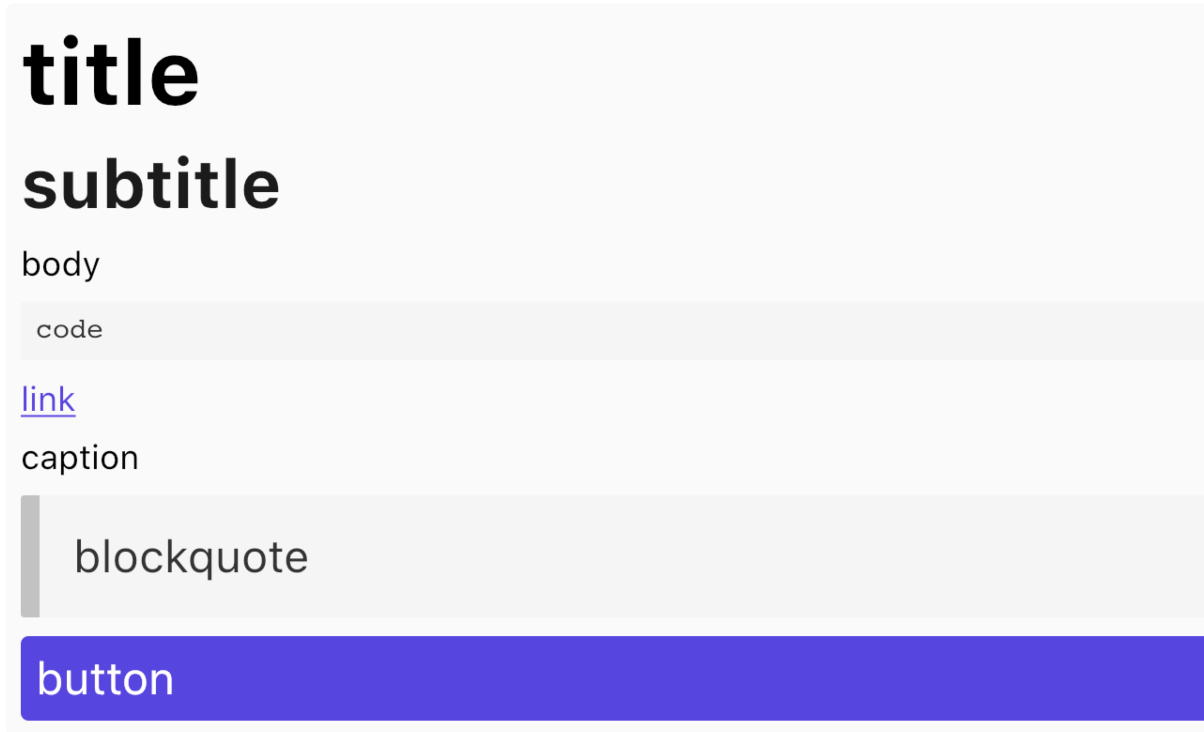
 SleekContent . big (
    child : Column (
        children : < Widget > [
            SleekText ( "title" style : SleekStyle . title ()),
            SleekText ( "body" style : SleekStyle . body ()),
            SleekText ( "caption" style : SleekStyle . caption ()),
        ]
    )
)インスピレーションをしてくれたBulma Frameworkチームに感謝します。








