Linux Distro Post Install Scripts
1.0.0

要求·用法·功能·項目文檔
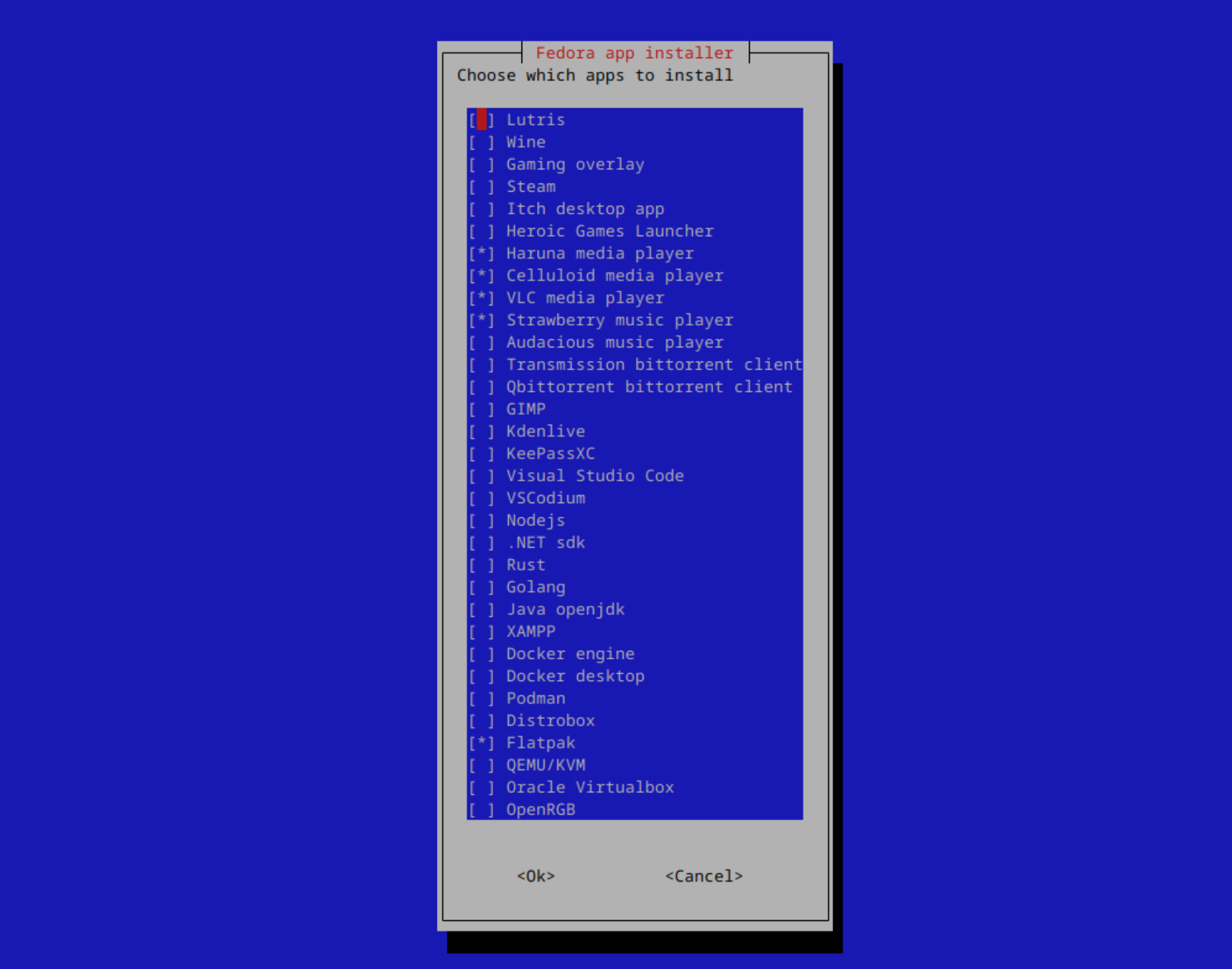
一個腳本集,用於使新系統啟動和運行
筆記
單擊發行版以獲取特定功能和信息
經過測試的發行版:
用狂歡和鞭子寫
>
筆記
最初是為Opensuse Tumbleweed KDE設計的
僅使用X86體系結構進行測試
重要的
如果您使用的是非常舊的ISO,請在運行腳本之前更新系統並重新啟動
推薦在Arch Linux和Opensuse Tumbleweed上
筆記
步驟1:下載腳本(將下載到您的下載目錄)
步驟2:導航到下載的腳本並解壓縮它們
步驟3:運行腳本
 wget -O "$(xdg-user-dir DOWNLOAD)/post-install-scripts.zip" "https://github.com/KnightTheCoder/Linux-Distro-Post-Install-Scripts/archive/refs/heads/master.zip"

cd "$(xdg-user-dir DOWNLOAD)" && unzip -o post-install-scripts.zip && cd Linux-Distro-Post-Install-Scripts-master

bash ./post_install.sh wget -O "$(xdg-user-dir DOWNLOAD)/post-install-scripts.zip" "https://github.com/KnightTheCoder/Linux-Distro-Post-Install-Scripts/archive/refs/heads/maintanence.zip"
cd "$(xdg-user-dir DOWNLOAD)" && unzip -o post-install-scripts.zip && cd Linux-Distro-Post-Install-Scripts-maintanence
bash ./post_install.sh Linux的Post Install腳本旨在快速設置具有多個發行版中相同配置/軟件的系統。
這些腳本本來可以重現,並允許您使用新的系統/虛擬機,而不是嘗試複製已經存在的設置。
更改項目以適合自己的需求並能夠以後能夠使用它時,您只需要一次配置應用程序和配置文件即可。
通過使用提供的命令,腳本將在您的語言下載文件夾中下載和解壓縮
筆記
運行xdg-user-dir DOWNLOAD以找出您的位置
包括Firefox政策以增加隱私。
增加隱私,刪除遙測並安裝隱私擴展。
完整的政策清單和更改:此處
筆記
使用--copy-firefox-policy參數運行腳本時,該策略會自動應用
可以在config/firefox/policies.json上找到
手動編輯以自定義,然後復制為/etc/firefox/policies/供其工作





