Linux Distro Post Install Scripts
1.0.0

Requirements · Usage · Features · Project documentation
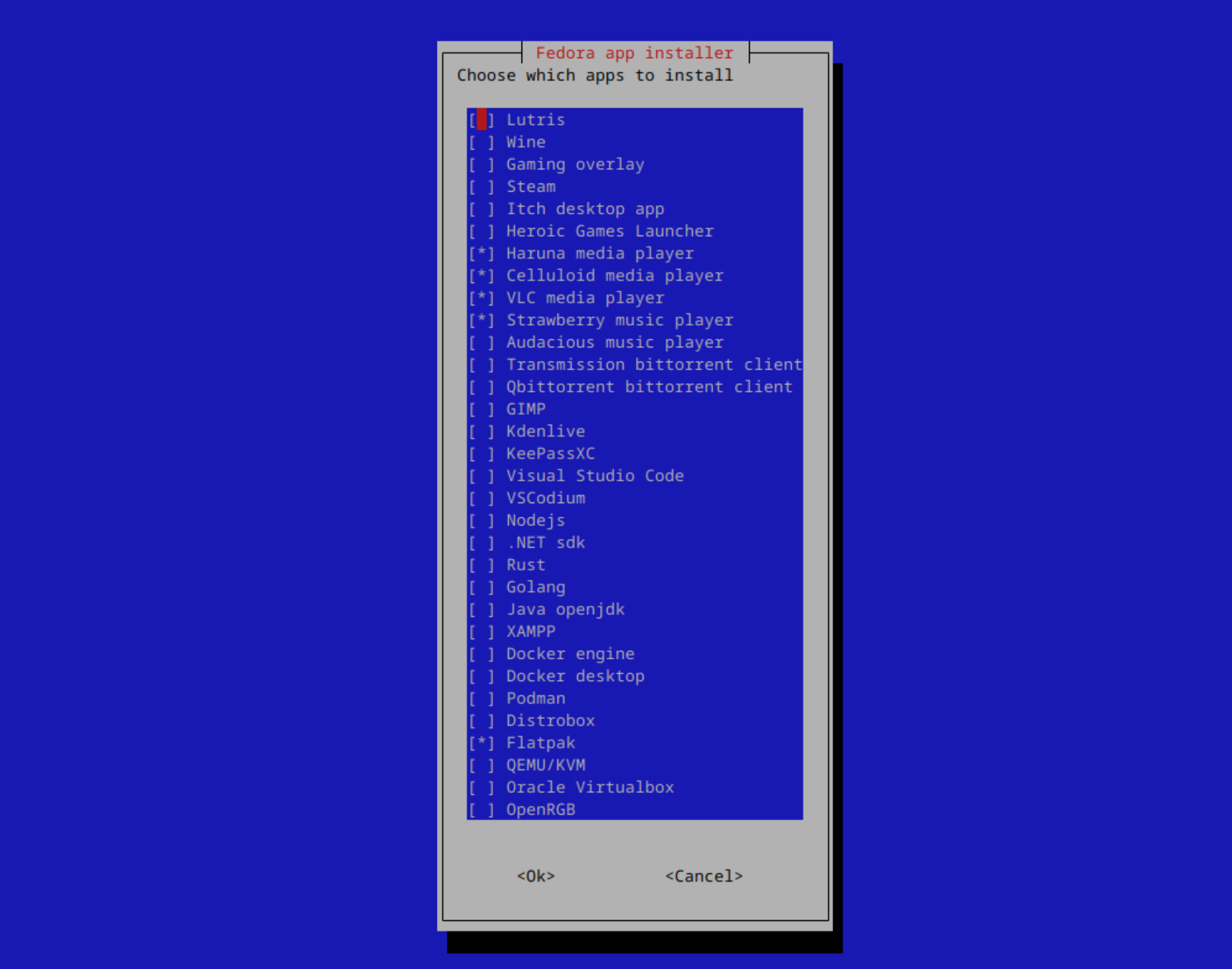
A collection of scripts for getting a new system up and running easily
Note
Click on distros for distro specific features and information
Tested distros:
Written in Bash and whiptail
>
Note
Originally designed for OpenSUSE Tumbleweed KDE
Only tested with the x86 architecture
Important
If you're using a very old iso, update the system and restart before running the script
Recommended on Arch Linux and OpenSUSE Tumbleweed
Note
Step 1: Download scripts (will be downloaded to your downloads directory)
Step 2: Navigate to the downloaded scripts and unzip them
Step 3: Run the script
wget -O "$(xdg-user-dir DOWNLOAD)/post-install-scripts.zip" "https://github.com/KnightTheCoder/Linux-Distro-Post-Install-Scripts/archive/refs/heads/master.zip"

cd "$(xdg-user-dir DOWNLOAD)" && unzip -o post-install-scripts.zip && cd Linux-Distro-Post-Install-Scripts-master

bash ./post_install.shwget -O "$(xdg-user-dir DOWNLOAD)/post-install-scripts.zip" "https://github.com/KnightTheCoder/Linux-Distro-Post-Install-Scripts/archive/refs/heads/maintanence.zip"
cd "$(xdg-user-dir DOWNLOAD)" && unzip -o post-install-scripts.zip && cd Linux-Distro-Post-Install-Scripts-maintanence
bash ./post_install.shPost install script for linux aims to quickly setup a system with the same configuration/software across multiple distros.
The scripts are meant to be reproducable and allow you to get to using your new system/virtual machine rather than try to replicate your already existing setup.
You only need to configure apps and configuration files once when changing the project to suit your own needs and be able to use it afterwards.
By using the provided commands the scripts will be downloaded and unzipped in your language's Downloads folder
Note
Run xdg-user-dir DOWNLOAD to find out the location of yours
A firefox policy is included for increased privacy.
Increases privacy, removes telemetry and installs privacy extensions.
Full policy list and changes: here
Note
The policy is applied automatically when running the script with the --copy-firefox-policy argument
Can be found at config/firefox/policies.json
Manually edit to customize, then copy to /etc/firefox/policies/ for it to work





