Linux Distro Post Install Scripts
1.0.0

要求·用法·功能·项目文档
一个脚本集,用于使新系统启动和运行
笔记
单击发行版以获取特定功能和信息
经过测试的发行版:
用狂欢和鞭子写
>
笔记
最初是为Opensuse Tumbleweed KDE设计的
仅使用X86体系结构进行测试
重要的
如果您使用的是非常旧的ISO,请在运行脚本之前更新系统并重新启动
推荐在Arch Linux和Opensuse Tumbleweed上
笔记
步骤1:下载脚本(将下载到您的下载目录)
步骤2:导航到下载的脚本并解压缩它们
步骤3:运行脚本
 wget -O "$(xdg-user-dir DOWNLOAD)/post-install-scripts.zip" "https://github.com/KnightTheCoder/Linux-Distro-Post-Install-Scripts/archive/refs/heads/master.zip"

cd "$(xdg-user-dir DOWNLOAD)" && unzip -o post-install-scripts.zip && cd Linux-Distro-Post-Install-Scripts-master

bash ./post_install.sh wget -O "$(xdg-user-dir DOWNLOAD)/post-install-scripts.zip" "https://github.com/KnightTheCoder/Linux-Distro-Post-Install-Scripts/archive/refs/heads/maintanence.zip"
cd "$(xdg-user-dir DOWNLOAD)" && unzip -o post-install-scripts.zip && cd Linux-Distro-Post-Install-Scripts-maintanence
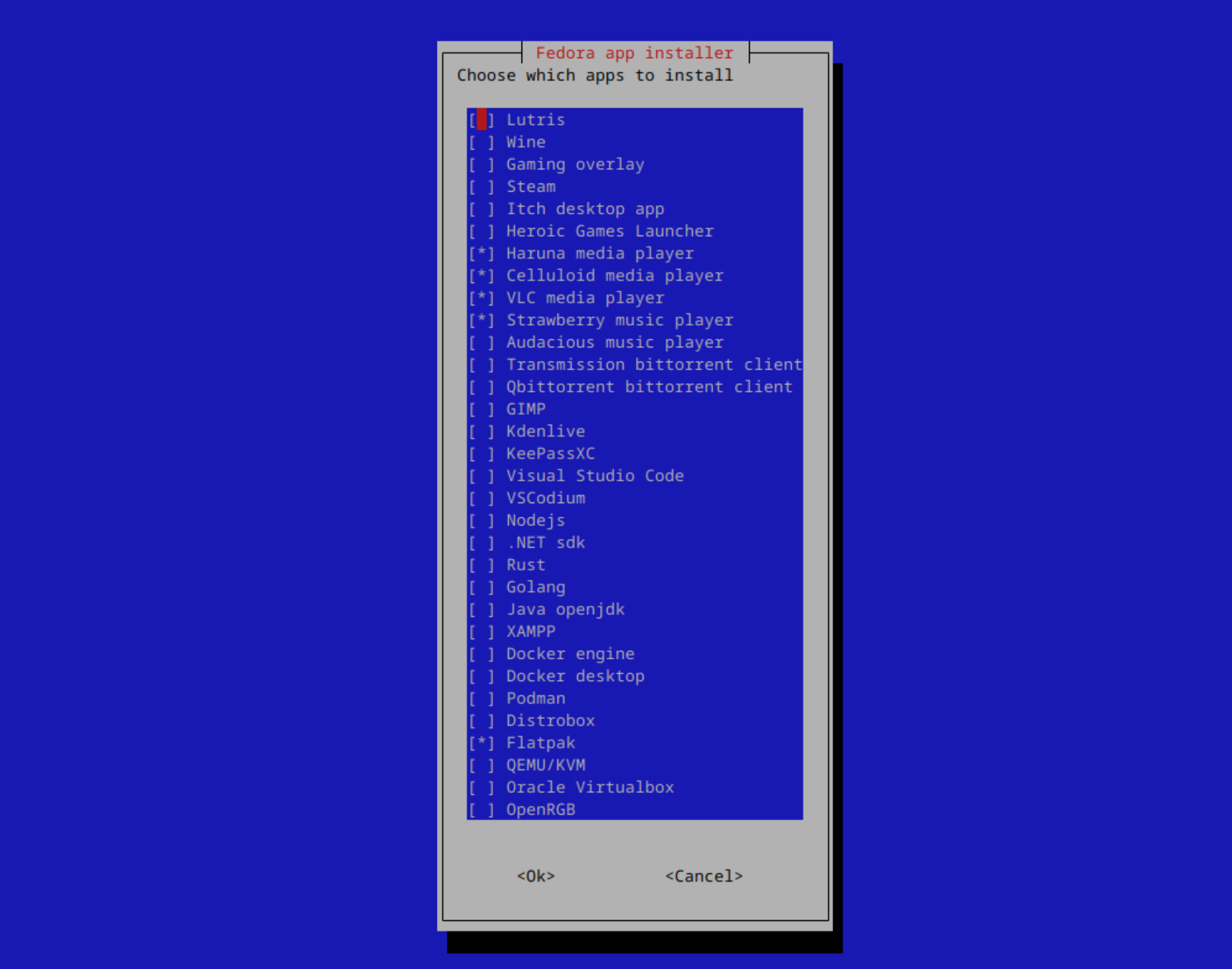
bash ./post_install.sh Linux的Post Install脚本旨在快速设置具有多个发行版中相同配置/软件的系统。
这些脚本本来可以重现,并允许您使用新的系统/虚拟机,而不是尝试复制已经存在的设置。
更改项目以适合自己的需求并能够以后能够使用它时,您只需要一次配置应用程序和配置文件即可。
通过使用提供的命令,脚本将在您的语言下载文件夹中下载和解压缩
笔记
运行xdg-user-dir DOWNLOAD以找出您的位置
包括Firefox政策以增加隐私。
增加隐私,删除遥测并安装隐私扩展。
完整的政策清单和更改:此处
笔记
使用--copy-firefox-policy参数运行脚本时,该策略会自动应用
可以在config/firefox/policies.json上找到
手动编辑以自定义,然后复制为/etc/firefox/policies/供其工作





