clickstream android
2.0.0-alpha-1

ClickStream是事件不可知論,實時數據攝入平台。 ClickStream允許應用程序維護長期運行的連接以實時發送數據。
“ clickstream”一詞是用戶在網站或移動應用程序中單擊的方式留下的數字麵包屑的踪跡。它充滿了企業的寶貴客戶信息,其分析和用法已成為強大的數據源。
要了解有關ClickStream的更多信息,您可以閱讀我們的媒介帖子
ClickStream為事件攝入提供了最終解決方案。要設置後端基礎設施,請查看浣熊
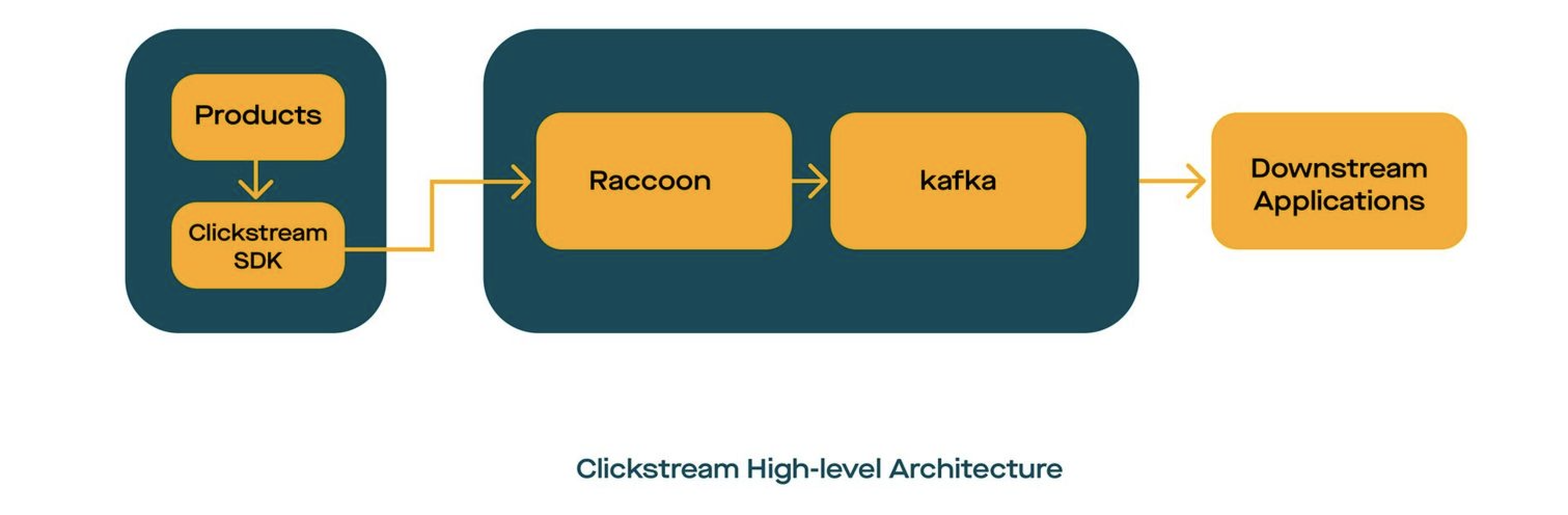
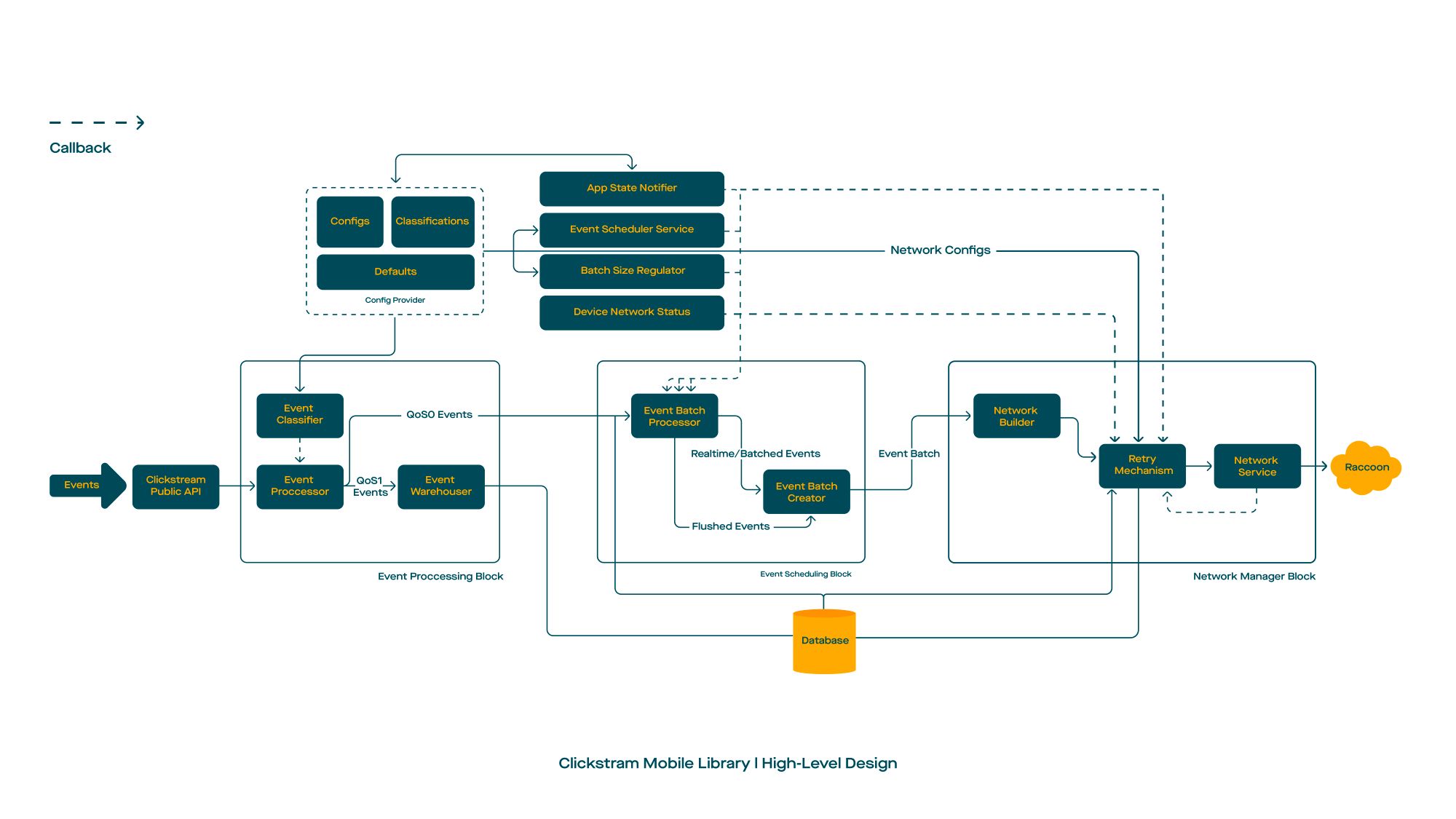
build.gradle您的項目的gradle。 buildscript {
repositories {
mavenCentral()
}
}build.gradle dependencies {
val version = " x.y.z "
// Required
implementation ' com.gojek.clickstream:clickstream-android:[latest_version] '
implementation ' com.gojek.clickstream:clickstream-lifecycle:[latest_version] '
// Optional
implementation ' com.gojek.clickstream:clickstream-health-metrics:[latest_version] '
}默認情況下,ClickStream嵌入了規則,因此不需要明確添加規則
 -keep class * extends com.google.protobuf.GeneratedMessageLite { *; }

# Scarlet
-if interface * { @com.tinder.scarlet.ws.* <methods>; }
-keep,allowobfuscation interface <1>
-keepclassmembers,allowshrinking,allowobfuscation interface * {
    @com.tinder.scarlet.ws.* <methods>;
}

# Keep the ProcessLifecycleInitializer meta
-keepresourcexmlelements manifest/application/provider/meta-data@name=androidx.lifecycle.ProcessLifecycleInitializer
-keepresourcexmlelements manifest/application/provider/meta-data@value=androidx.startup
添加依賴項並同步您的Gradle項目後,下一步就是初始化ClickStream。
可以在背景線程或主線程上完成clickstream的初始化,應在應用程序類上進行調用。因此初始化僅發生一次。
要創建ClickStream實例,您可以執行以下設置:
 class App : Application () {

    override fun onCreate () {
        initClickStream()
    }

    private fun initClickStream () {
        ClickStream .initialize(
            configuration = CSConfiguration . Builder (
                context = context,
                info = CSInfo (
                    appInfo = appInfo,
                    locationInfo = locationInfo,
                    deviceInfo = csDeviceInfo,
                    customerInfo = customerInfo,
                    sessionInfo = sessionInfo
                ),
                config = getBuildConfig(config),
                appLifeCycle = DefaultCSAppLifeCycleObserver (context),
                healthGateway = DefaultOpCSHealthGateway .factory( /* args */ )
            ). apply {
                setLogLevel( DEBUG )
                /* */
                setCSSocketConnectionListener(connectionListener())
            }.build())
    }

    /* *
    * @see [CSConnectionEvent] for more detail explanation
    */
    private fun onConnectionListener (): CSSocketConnectionListener {
        return object : CSSocketConnectionListener {
            override fun onEventChanged ( event : CSConnectionEvent ) {
                is OnConnectionConnecting -> {}
                is OnConnectionConnected -> {}
                is OnMessageReceived -> {}
                is OnConnectionClosing -> {}
                is OnConnectionClosed -> {}
                is OnConnectionFailed -> {}
 			}
    	}
    }
}保留ClickStream的配置。這些約束可以對庫行為進行細粒度的控制,例如重試持續時間,應用程序在後台時的沖洗事件,等等。
| 描述 | 多變的 | 類型 | 預設值 |
|---|---|---|---|
| 在單個請求中結合的事件數量 | EventsPerbatch | int | 20 |
| 在兩個請求之間延遲(以毫升為單位) | Batchperiod | 長的 | 10000 |
| 標誌以實現強迫沖洗事件 | Flushonbackground | 布爾 | 錯誤的 |
| 等待插座斷開的時間 | ConnectionTermertinationTimerWaittimeinmillis | 長的 | 5000 |
| 通過背景任務啟用事件沖洗的標誌 | BackowdTaskEnabled | 布爾 | 錯誤的 |
| 背景任務的初始延遲(以小時為單位) | Workrequestdelayinhr | 長的 | 1 |
保留有關網絡相關的配置。例如,為網絡渠道配置超時。
| 描述 | 多變的 | 類型 | 預設值 |
|---|---|---|---|
| Web插座服務器的端點 | 端點 | 細繩 | 沒有默認值 |
| 連接okhttp使用的超時(以秒為單位) | ConnectTimeOut | 長的 | 10 |
| 讀取OKHTTP使用的超時(秒) | ReadTimeOut | 長的 | 10 |
| 寫入超時,要由Okhttp使用(以秒為單位) | writeTimeout | 長的 | 10 |
| 客戶端發起的ping之間的間隔(以秒為單位) | pinginterval | 長的 | 1 |
| 最初的重試持續時間用於重試退向策略(以毫秒為單位) | 初始放電 | 長的 | 1000 |
| 重試退回策略的最大重試持續時間(以毫秒為單位) | maxConnectionRetryDurationm | 長的 | 6000 |
| 每個批次請求的最大檢索 | maxRetriesperbatch | 長的 | 20 |
| 接收ACK請求的最大超時(以毫秒為單位) | MaxRequestAckTimeOut | 長的 | 10000 |
| 從客戶端傳遞的okhttpclient實例 | OkhttpClient | OkhttpClient | 沒有默認值 |
將班級名稱保存為InstantEvent(QoS)或RealtimeEvent(QOS1)。
| 描述 | 多變的 | 類型 | 預設值 |
|---|---|---|---|
| 持有所有事件類型 | 事件類型 | 事件切割機 | [EventClassifier(標識符:“實時”,EventNames:[]),EventClassifier(標識符:“ Instant”,EventNames:[])] |
例如,在用戶登錄應用程序時,可以調用ClickStream的銷毀實例。
ClickStream .release()由於ClickStream在客戶端使用觸發定義時,您可以構建Messagelite並直接通過ClickStreamSDK發送。
例如,您已經定義了一個名為Rating.java的原始定義,該定義具有以下屬性
 rating: Float
reason: String
因此,我們只能通過使用構建器模式來構建評級對象。
 val event = Rating .newBuilder()
    .setRating( 4.5 )
    .setReason( " nice! " )
    .build()

// wrap event in CSEvent
val csEvent = CSEvent (
    guid = UUID .randomUUID().toString(),
    timestamp = Timestamp .getDefaultInstance(),
    message = event
)

// track the event
ClickStream .getInstance().trackEvent(csEvent)
恭喜!你完成了!
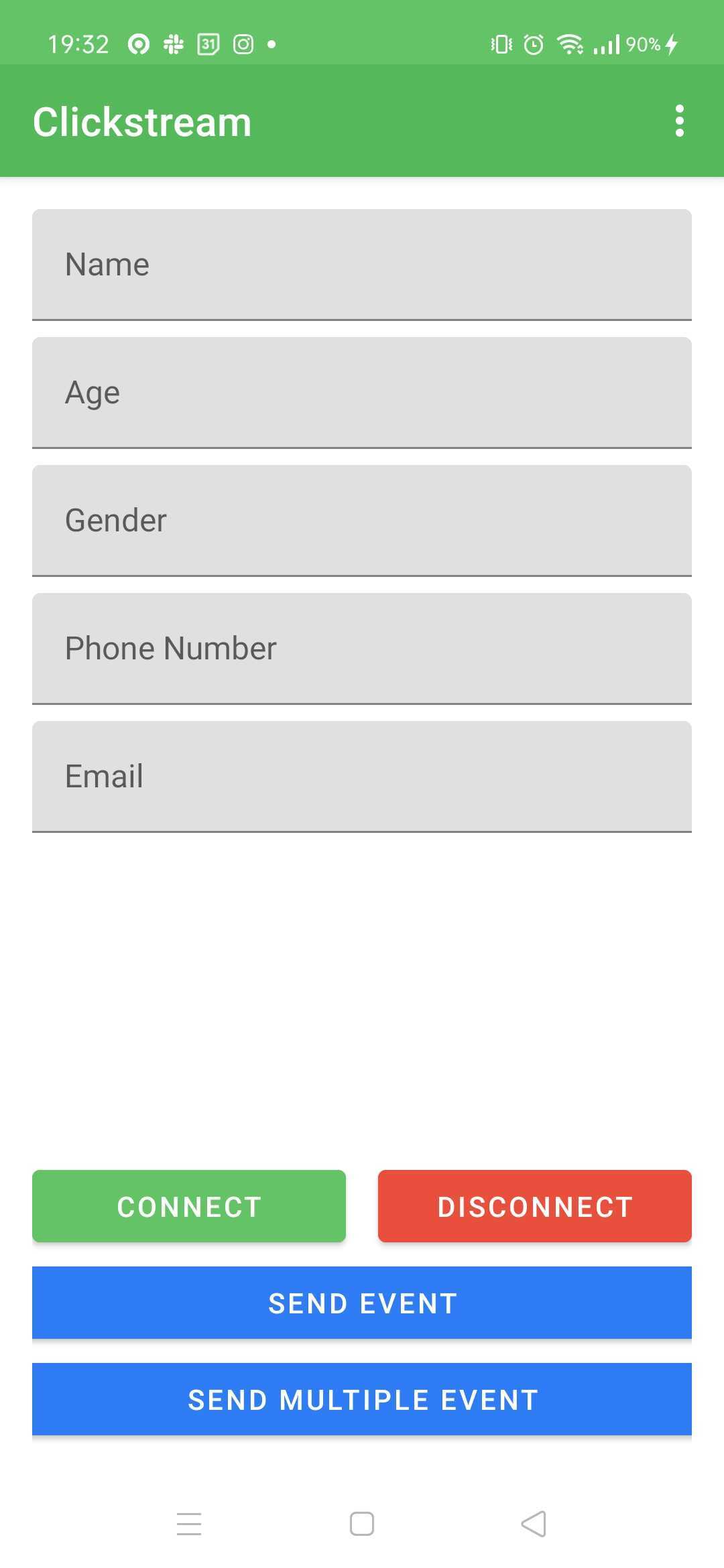
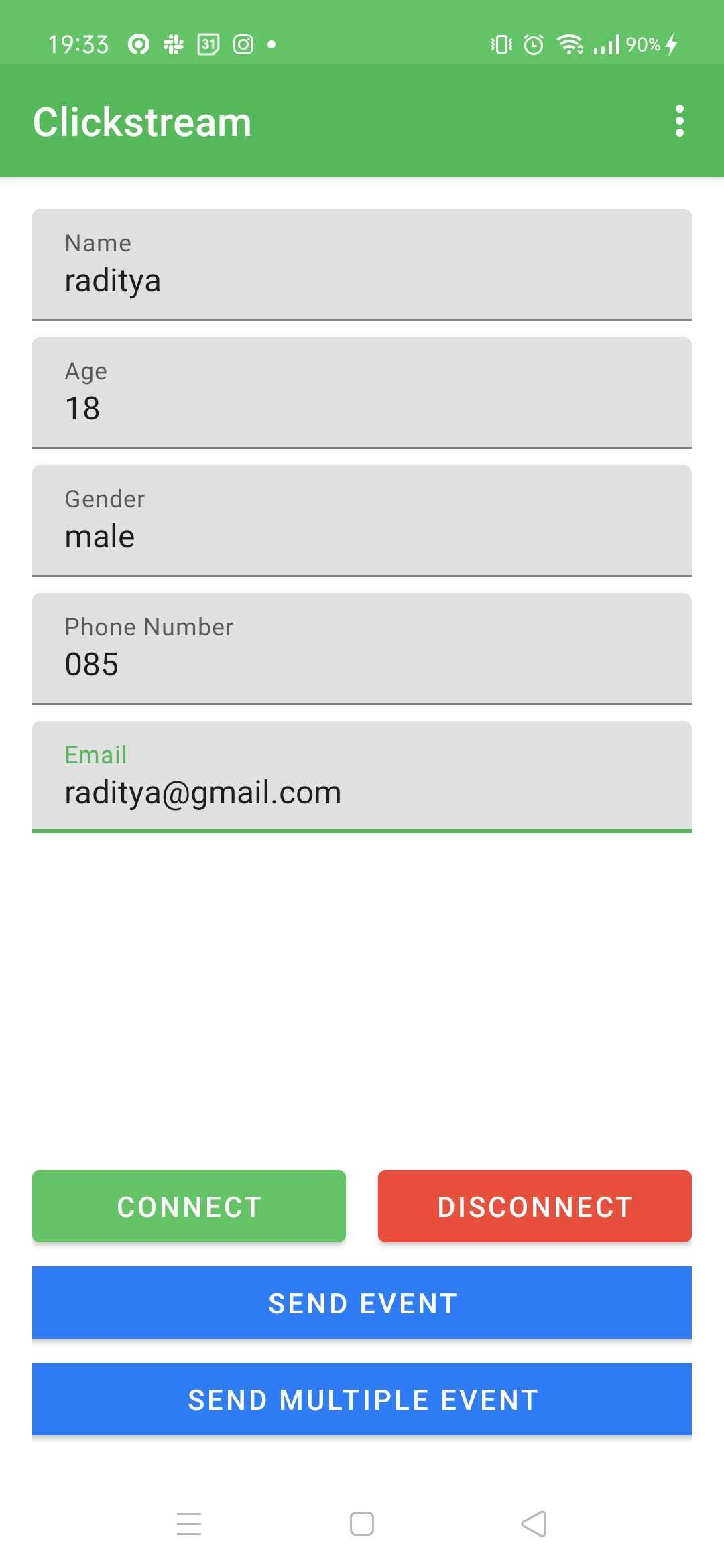
為了運行示例應用程序,請遵循此說明
./gradlew :app:installDebug或通過Android Studio中的播放按鈕| 圖1 | 圖2 |
|---|---|
 |  |
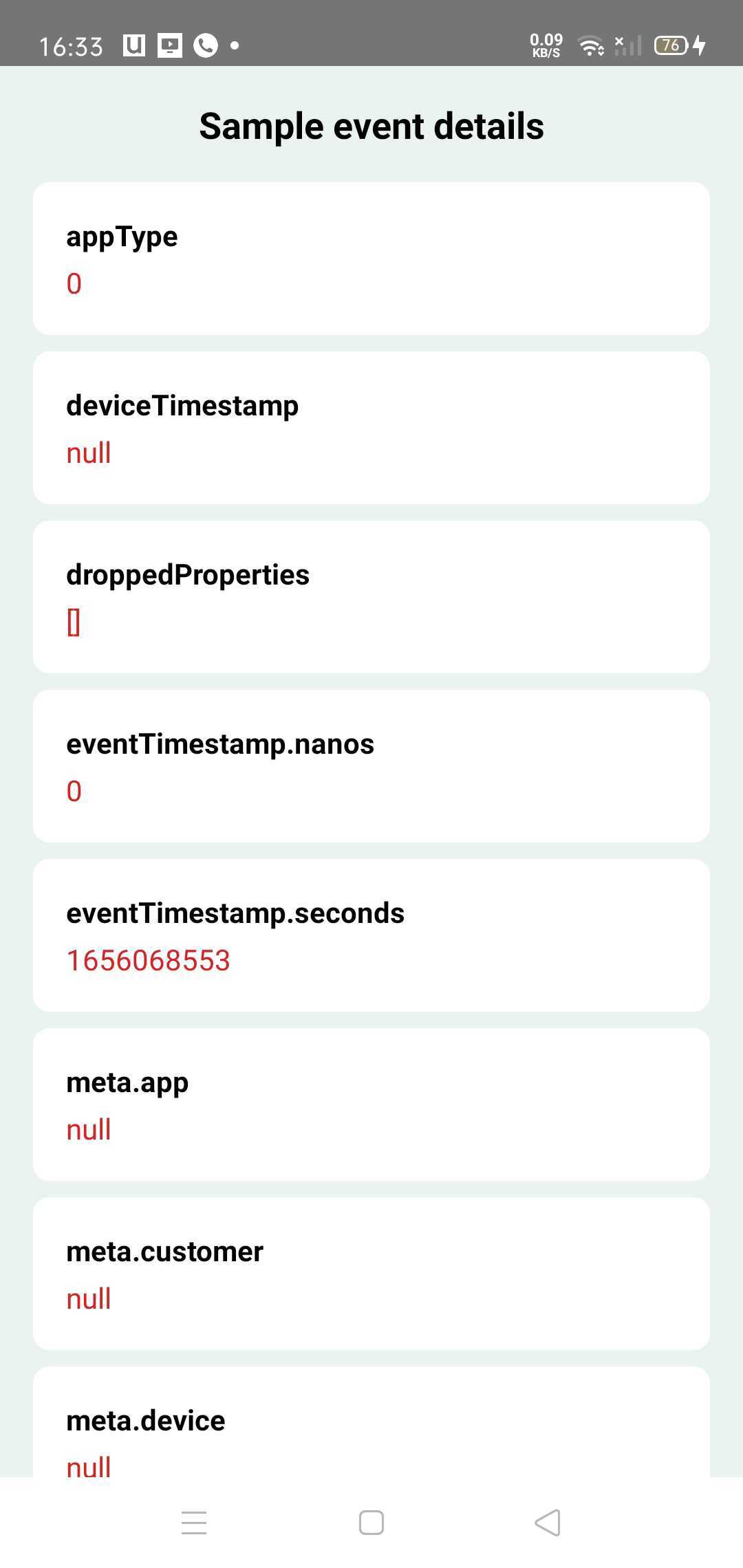
Event Visualiser是一種可視化發送到ClickStream的客戶端事件的Android工具。
添加以下內容到模塊的build.gradle中。
dependencies {
    val latest_version = " x.y.z "
    implementation( " com.gojek.clickstream:clickstream-event-visualiser: $latest_version " )
    implementation( " com.gojek.clickstream:clickstream-event-visualiser-ui: $latest_version " )
}CSEventVisualiserListener添加到ClickStream。CSEventVisualiserUI.initialise(this)以初始事件可視化器。 class App : Application () {
/* */
private fun initClickStream () {
ClickStream .initialize( /* */ ). apply {
/* */
addEventListener( CSEventVisualiserListener .getInstance())
}.build()
CSEventVisualiserUI .initialise( this )
}
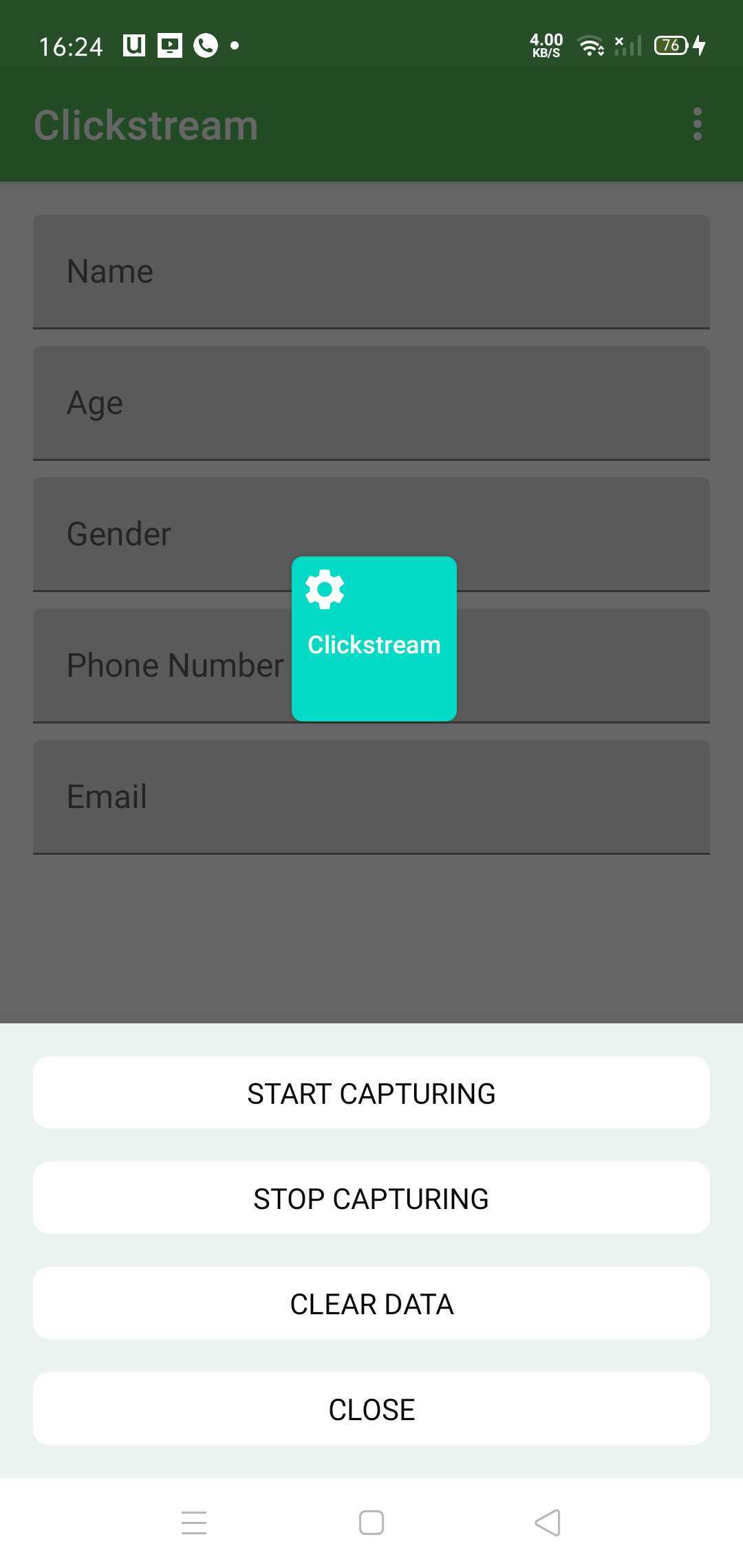
}CSEventVisualiserUI.getInstance().show()顯示浮動窗口,然後開始錄製從clickstream中錄製所有事件。 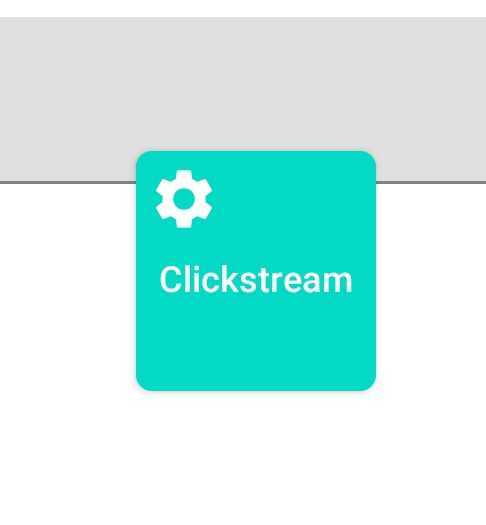
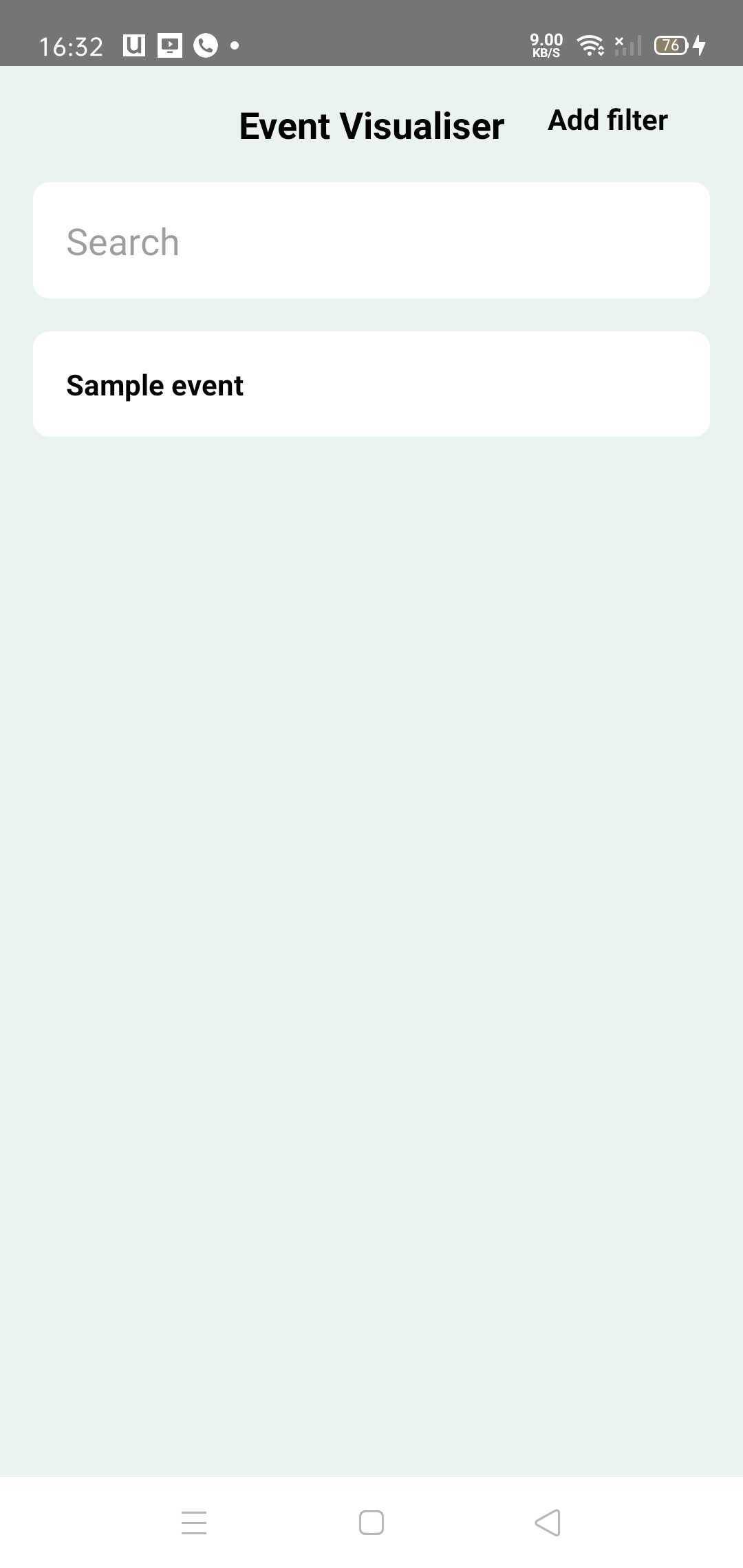
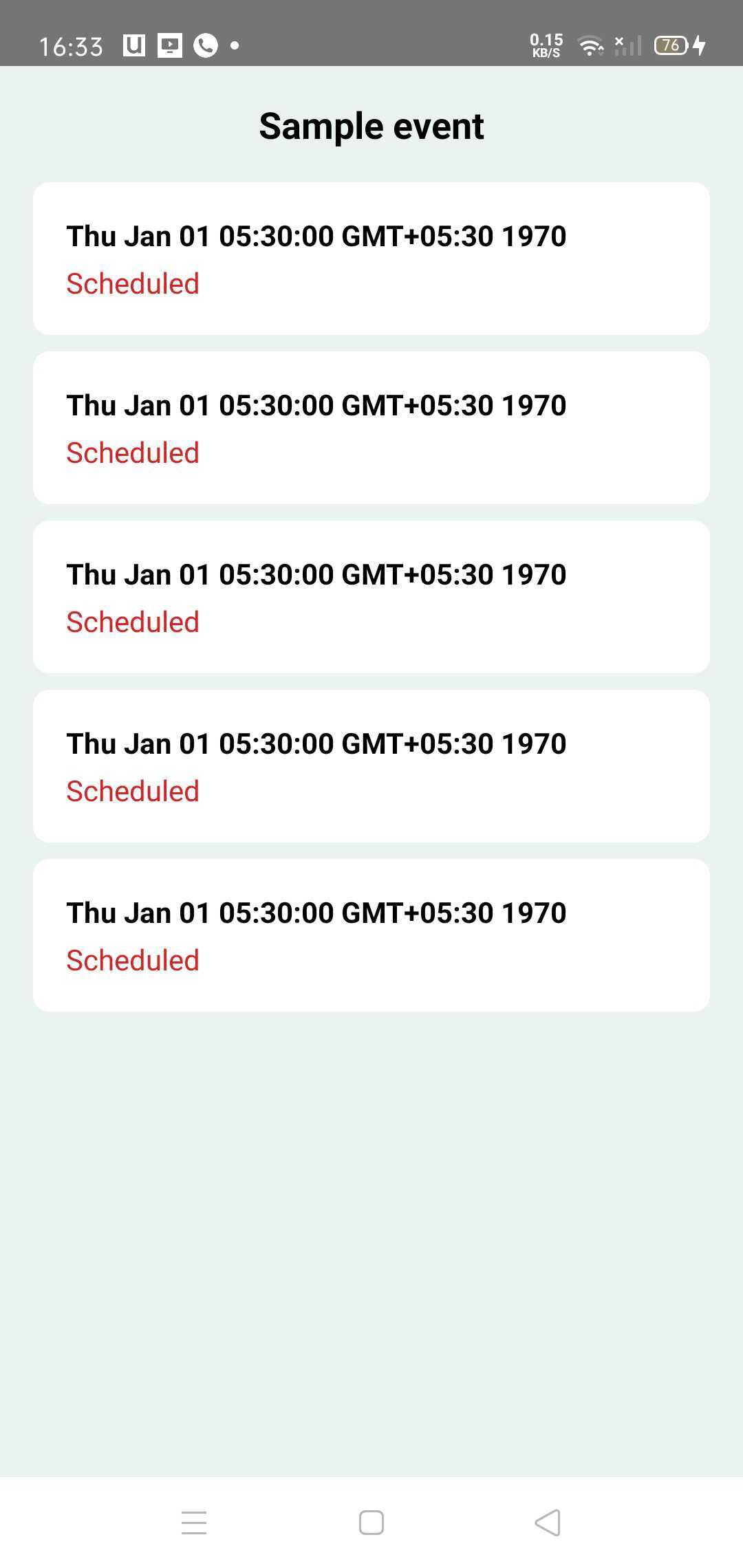
單擊窗口將降落到列出所有唯一事件的活動主屏幕。您可以單擊任何事件以檢查事件詳細信息。
事件可以具有以下狀態 -
由於事件可視化器是一種調試工具,只能由開發人員和測試團隊使用,因此理想情況下,它不應與發布版本捆綁在一起。
為此,有輕重量的替代NOOP(無操作)依賴性。
dependencies {
    val latest_version = " x.y.z "
    // Use main dependency for debug build types
    debugImplementation( " com.gojek.clickstream:clickstream-event-visualiser: $latest_version " )
    debugImplementation( " com.gojek.clickstream:clickstream-event-visualiser-ui: $latest_version " )

    // Use NoOp dependency for release build types
    releaseImplementation( " com.gojek.clickstream:clickstream-event-visualiser-noop: $latest_version " )
    releaseImplementation( " com.gojek.clickstream:clickstream-event-visualiser-ui-noop: $latest_version " )

} Copyright 2022 GOJEK
Licensed under the Apache License, Version 2.0 (the "License");
you may not use this file except in compliance with the License.
You may obtain a copy of the License at
http://www.apache.org/licenses/LICENSE-2.0
Unless required by applicable law or agreed to in writing, software
distributed under the License is distributed on an "AS IS" BASIS,
WITHOUT WARRANTIES OR CONDITIONS OF ANY KIND, either express or implied.
See the License for the specific language governing permissions and
limitations under the License.





