clickstream android
2.0.0-alpha-1

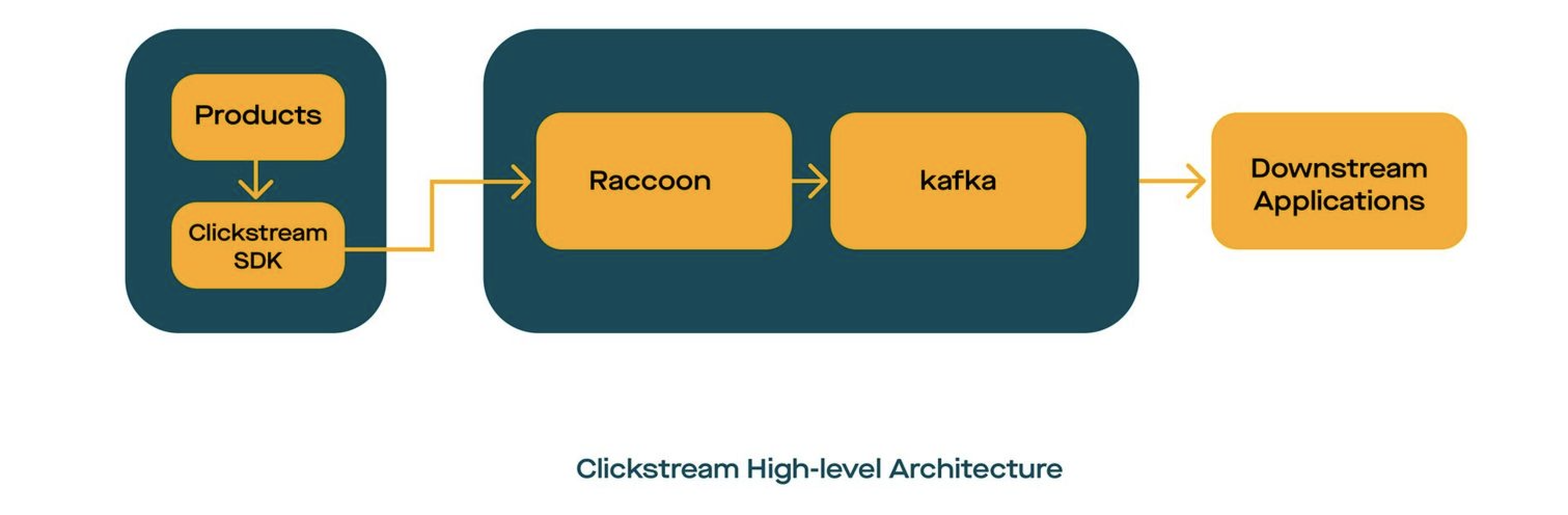
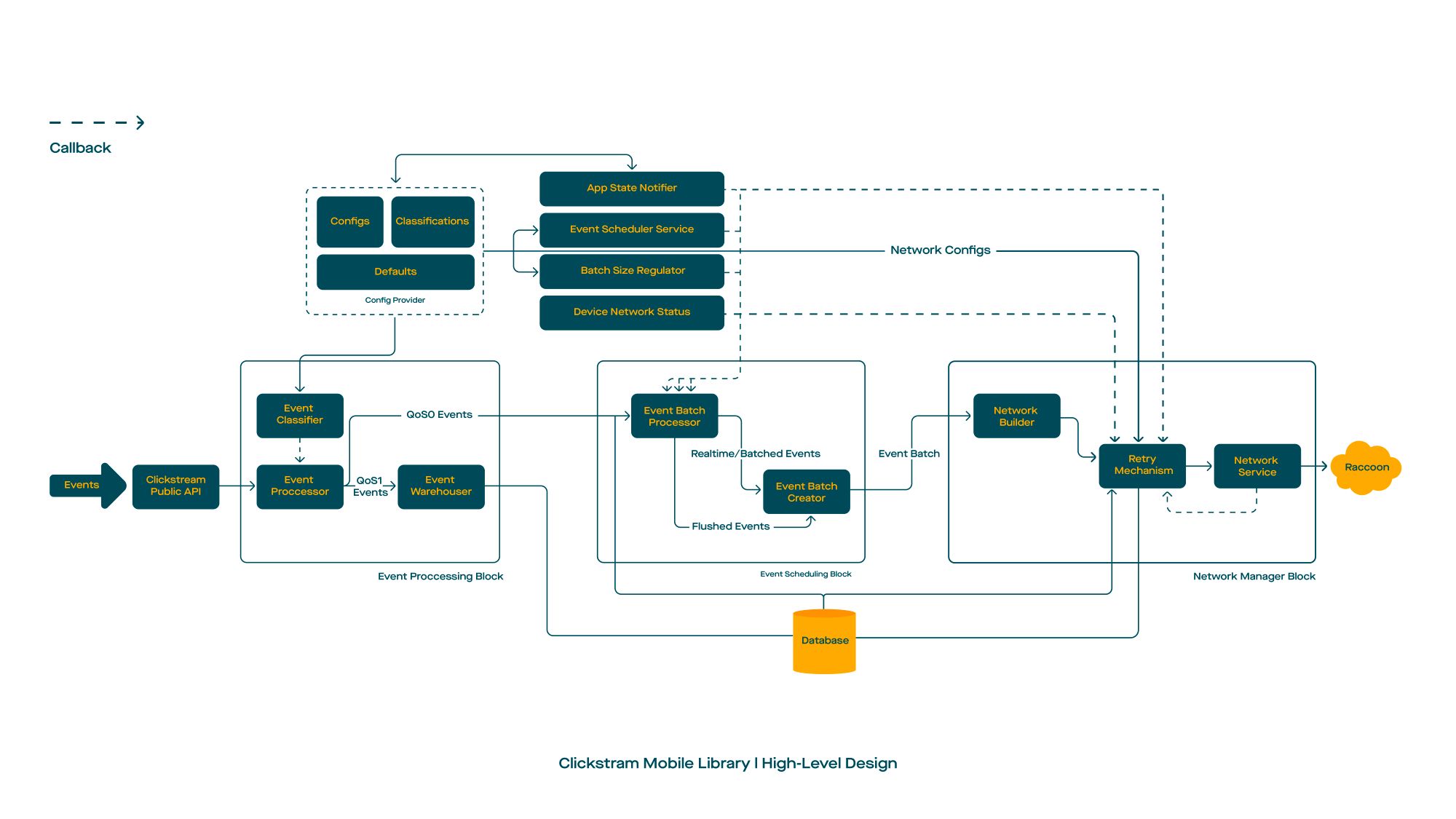
ClickStreamは、イベントに不可知の、リアルタイムのデータ摂取プラットフォームです。 ClickStreamを使用すると、アプリが長期にわたる接続を維持して、リアルタイムでデータを送信できます。
「Clickstream」という言葉は、ウェブサイトやモバイルアプリを介してクリックすると、ユーザーが残したデジタルパンくずの跡です。企業向けの貴重な顧客情報がロードされており、その分析と使用法は強力なデータソースとして浮上しています。
ClickStreamの詳細については、中程度の投稿を読むことができます
ClickStreamは、イベントの摂取のためのエンドツーエンドソリューションを提供します。バックエンドインフラストラクチャのセットアップについては、RACCOONをご覧ください
build.gradleに追加します。 buildscript {
repositories {
mavenCentral()
}
}build.gradleに次の依存関係を追加しますdependencies {
val version = " x.y.z "
// Required
implementation ' com.gojek.clickstream:clickstream-android:[latest_version] '
implementation ' com.gojek.clickstream:clickstream-lifecycle:[latest_version] '
// Optional
implementation ' com.gojek.clickstream:clickstream-health-metrics:[latest_version] '
}デフォルトでクリックストリームがルールを埋め込んだため、必要ではないクライアントはルールを明示的に追加しました
 -keep class * extends com.google.protobuf.GeneratedMessageLite { *; }

# Scarlet
-if interface * { @com.tinder.scarlet.ws.* <methods>; }
-keep,allowobfuscation interface <1>
-keepclassmembers,allowshrinking,allowobfuscation interface * {
    @com.tinder.scarlet.ws.* <methods>;
}

# Keep the ProcessLifecycleInitializer meta
-keepresourcexmlelements manifest/application/provider/meta-data@name=androidx.lifecycle.ProcessLifecycleInitializer
-keepresourcexmlelements manifest/application/provider/meta-data@value=androidx.startup
依存関係を追加してGradleプロジェクトを同期したら、次のステップはClickStreamを初期化することです。
クリックストリームの初期化は、バックグラウンドスレッドまたはメインスレッドで実行できます。アプリケーションクラスで呼び出しを行う必要があります。そのため、初期化は一度だけ行われます。
クリックストリームインスタンスを作成するには、次のセットアップを実行できます。
 class App : Application () {

    override fun onCreate () {
        initClickStream()
    }

    private fun initClickStream () {
        ClickStream .initialize(
            configuration = CSConfiguration . Builder (
                context = context,
                info = CSInfo (
                    appInfo = appInfo,
                    locationInfo = locationInfo,
                    deviceInfo = csDeviceInfo,
                    customerInfo = customerInfo,
                    sessionInfo = sessionInfo
                ),
                config = getBuildConfig(config),
                appLifeCycle = DefaultCSAppLifeCycleObserver (context),
                healthGateway = DefaultOpCSHealthGateway .factory( /* args */ )
            ). apply {
                setLogLevel( DEBUG )
                /* */
                setCSSocketConnectionListener(connectionListener())
            }.build())
    }

    /* *
    * @see [CSConnectionEvent] for more detail explanation
    */
    private fun onConnectionListener (): CSSocketConnectionListener {
        return object : CSSocketConnectionListener {
            override fun onEventChanged ( event : CSConnectionEvent ) {
                is OnConnectionConnecting -> {}
                is OnConnectionConnected -> {}
                is OnMessageReceived -> {}
                is OnConnectionClosing -> {}
                is OnConnectionClosed -> {}
                is OnConnectionFailed -> {}
 			}
    	}
    }
}クリックストリームの構成を保持します。これらの制約により、レトリ、アプリがバックグラウンドになったときのイベントのフラッシュなどの期間など、ライブラリの動作を細かく制御できます。
| 説明 | 変数 | タイプ | デフォルト値 |
|---|---|---|---|
| 単一のリクエストで結合するイベントの数 | eventsperbatch | int | 20 |
| 2つのリクエスト間(ミリ)間の遅延 | batchperiod | 長さ | 10000 |
| イベントの強制フラッシングを可能にするためのフラグ | フラッシュンバックグラウンド | ブール | 間違い |
| ソケットが切断されるまで待つ時間 | ConnectionTerminationTimerWaittimeInmillis | 長さ | 5000 |
| バックグラウンドタスクによるイベントのフラッシングを有効にするためのフラグ | BackgroundTasKenabled | ブール | 間違い |
| バックグラウンドタスクの初期遅延(時間単位) | WorkRequestDelayinhr | 長さ | 1 |
ネットワーク関連の構成を保持します。たとえば、ネットワークチャネルのタイムアウトを構成します。
| 説明 | 変数 | タイプ | デフォルト値 |
|---|---|---|---|
| Webソケットサーバーのエンドポイント | 終点 | 弦 | デフォルト値はありません |
| okhttpが使用するタイムアウトを接続する(秒) | ConnectTimeout | 長さ | 10 |
| okhttpが使用するタイムアウトを読む(秒) | readtimeout | 長さ | 10 |
| okhttpが使用するタイムアウトを書き込む(秒) | writetimeout | 長さ | 10 |
| クライアントによって開始されたping間の間隔(秒単位) | Pinginterval | 長さ | 1 |
| バックオフ戦略を再試行するために使用される初期再試行時間(ミリ秒単位) | InitialRetryDurationInms | 長さ | 1000 |
| 再試行バックオフ戦略の最大再試行時間(ミリ秒単位) | maxconnectionretrydurationInms | 長さ | 6000 |
| バッチ要求あたりの最大レトリ | maxretriesperbatch | 長さ | 20 |
| ACKを受信するリクエストの最大タイムアウト(ミリ秒単位) | maxrequestacktimeout | 長さ | 10000 |
| クライアントから渡されたokhttpclientインスタンス | okhttpclient | okhttpclient | デフォルト値はありません |
クラス名を保持して、InstantEvent(QOS)またはRealtimeEvent(QOS1)に分類します。
| 説明 | 変数 | タイプ | デフォルト値 |
|---|---|---|---|
| すべてのeventTypesを保持します | eventTypes | EventClassifier | [eventClassifier(識別子: "realtime"、eventNames:[])、eventClassifier(識別子: "instant"、eventnames:[])] |
たとえば、ClickStreamのインスタンスを破壊すると、ユーザーがアプリからログアウトしたときに呼び出されます。
ClickStream .release()Clickstreamを使用すると、クライアント側でProto定義を使用するため、MessageLiteを構築してClickStreamSDKを介して直接送信できます。
たとえば、次のプロパティを持つRating.javaというプロト定義を定義しました
 rating: Float
reason: String
したがって、ビルダーパターンを使用するだけで、評価オブジェクトを構築できます。
 val event = Rating .newBuilder()
    .setRating( 4.5 )
    .setReason( " nice! " )
    .build()

// wrap event in CSEvent
val csEvent = CSEvent (
    guid = UUID .randomUUID().toString(),
    timestamp = Timestamp .getDefaultInstance(),
    message = event
)

// track the event
ClickStream .getInstance().trackEvent(csEvent)
おめでとう!あなたは完了です!
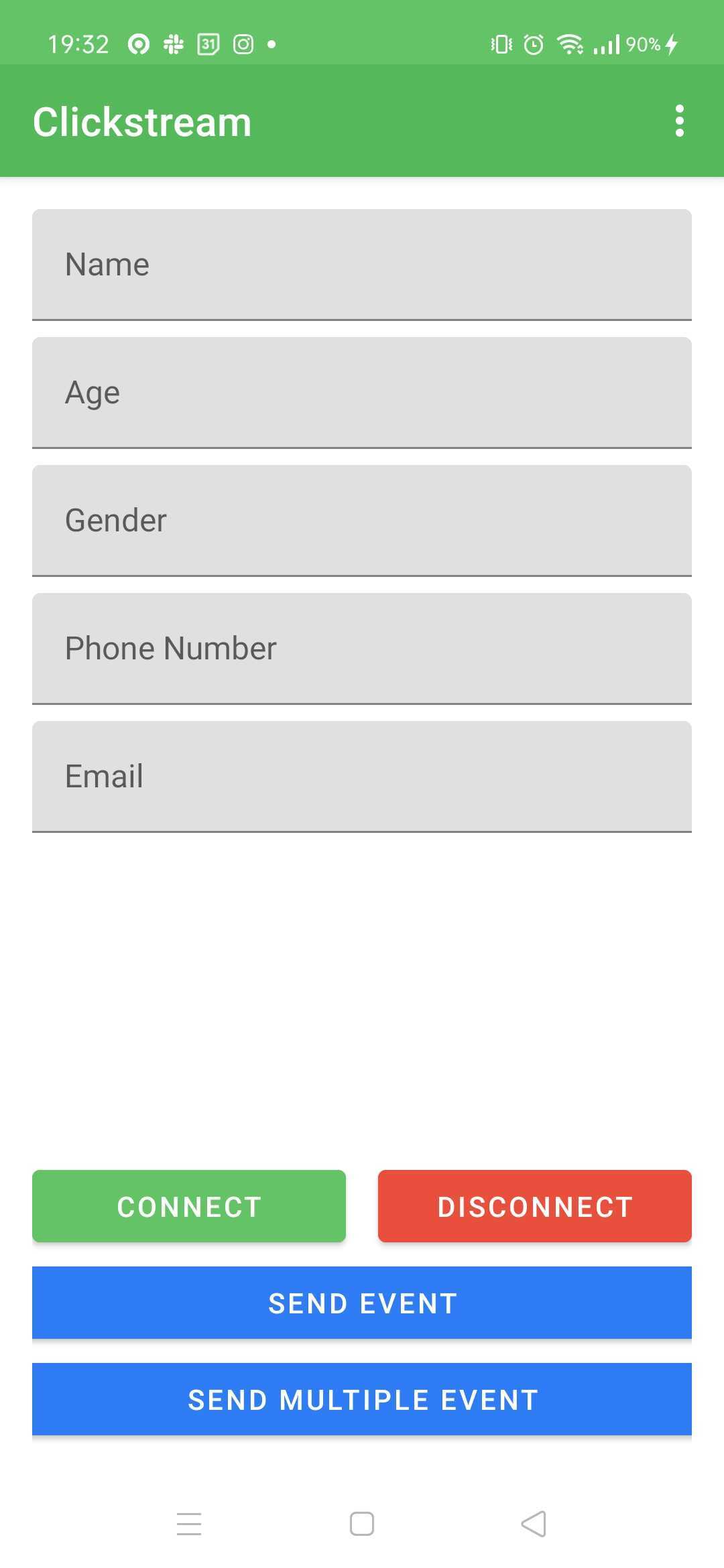
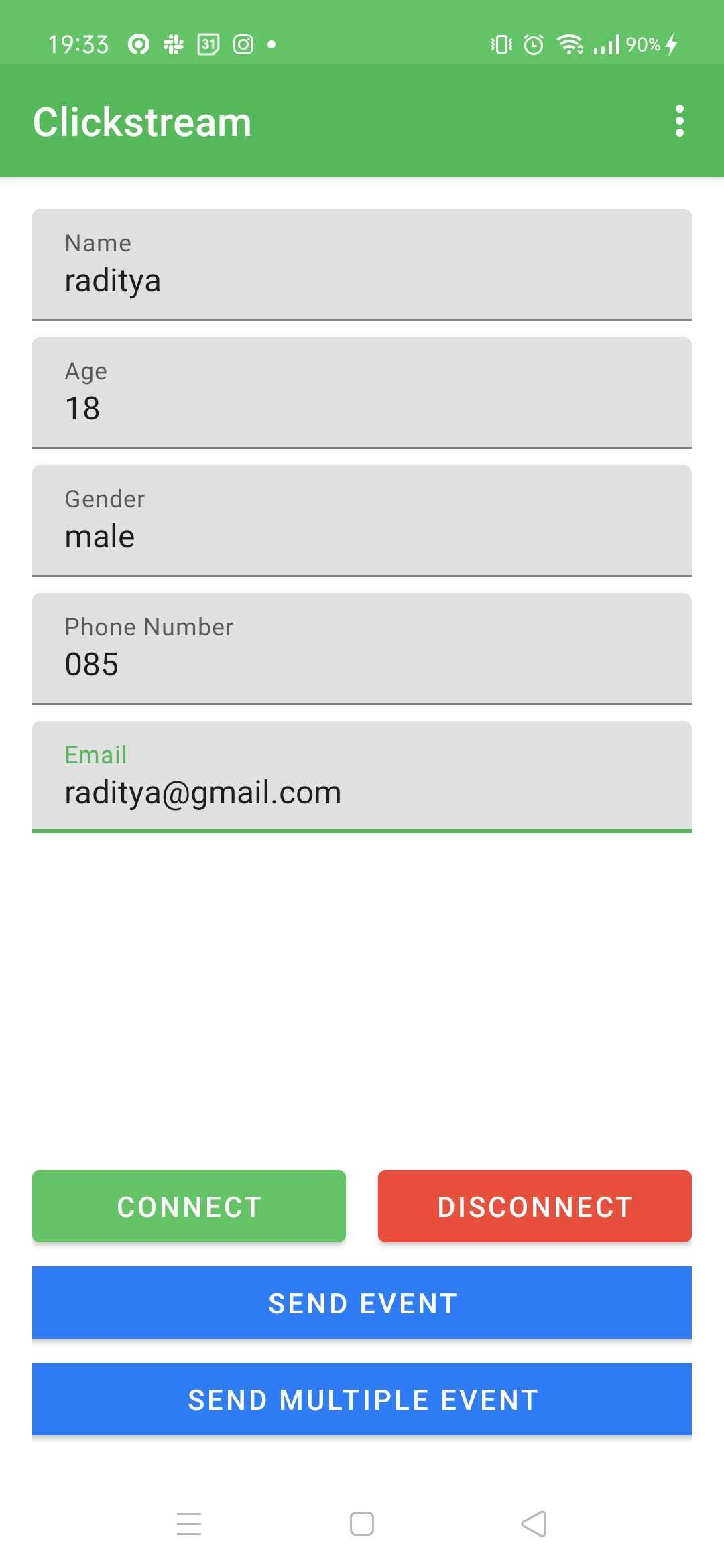
サンプルアプリを実行するには、この指示に従ってください
./gradlew :app:installDebugまたはAndroid Studioの再生ボタン経由| 図1 | 図2 |
|---|---|
 |  |
Event Visualiserは、Clickstreamに送信されるクライアントイベントを視覚化するAndroidツールです。
モジュールのbuild.gradleにフォローを追加します。
dependencies {
    val latest_version = " x.y.z "
    implementation( " com.gojek.clickstream:clickstream-event-visualiser: $latest_version " )
    implementation( " com.gojek.clickstream:clickstream-event-visualiser-ui: $latest_version " )
}CSEventVisualiserListenerクリックストリームに追加します。CSEventVisualiserUI.initialise(this)に電話して、イベントビジュアリザーを初期化します。 class App : Application () {
/* */
private fun initClickStream () {
ClickStream .initialize( /* */ ). apply {
/* */
addEventListener( CSEventVisualiserListener .getInstance())
}.build()
CSEventVisualiserUI .initialise( this )
}
}CSEventVisualiserUI.getInstance().show()に電話して、フローティングウィンドウを表示し、クリックストリームからすべてのイベントの記録を開始します。 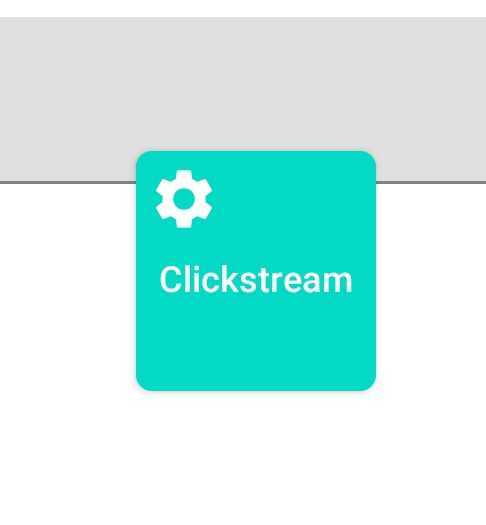
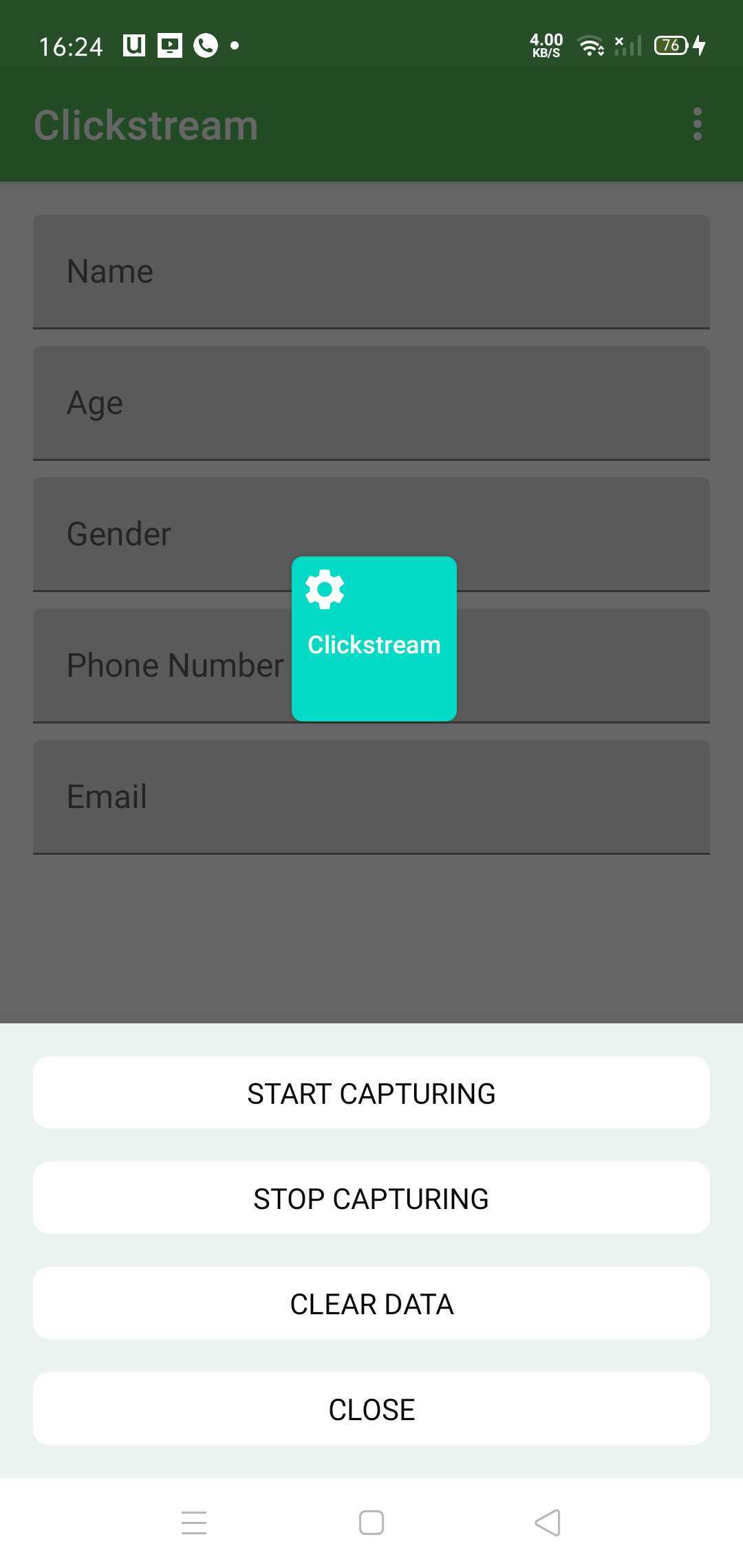
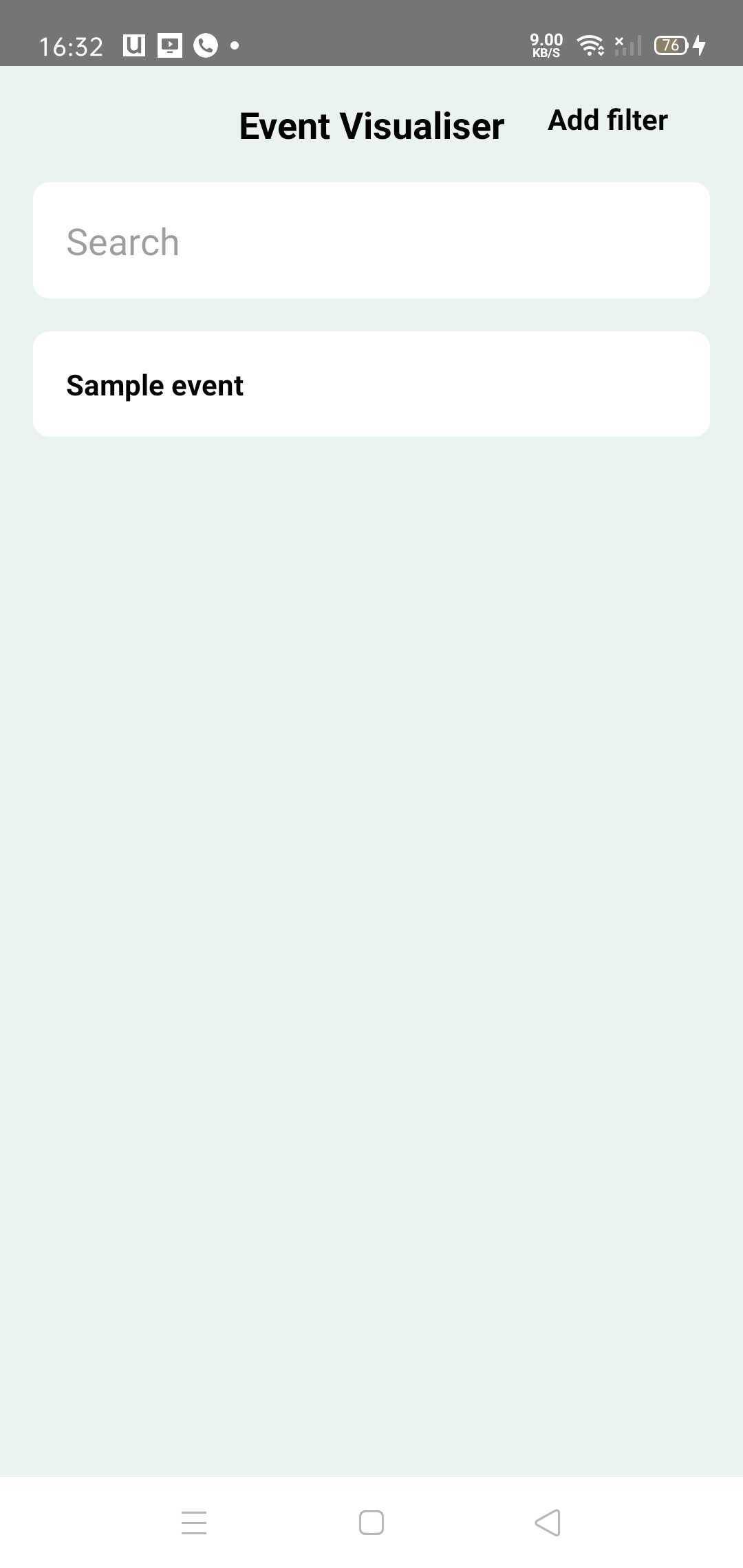
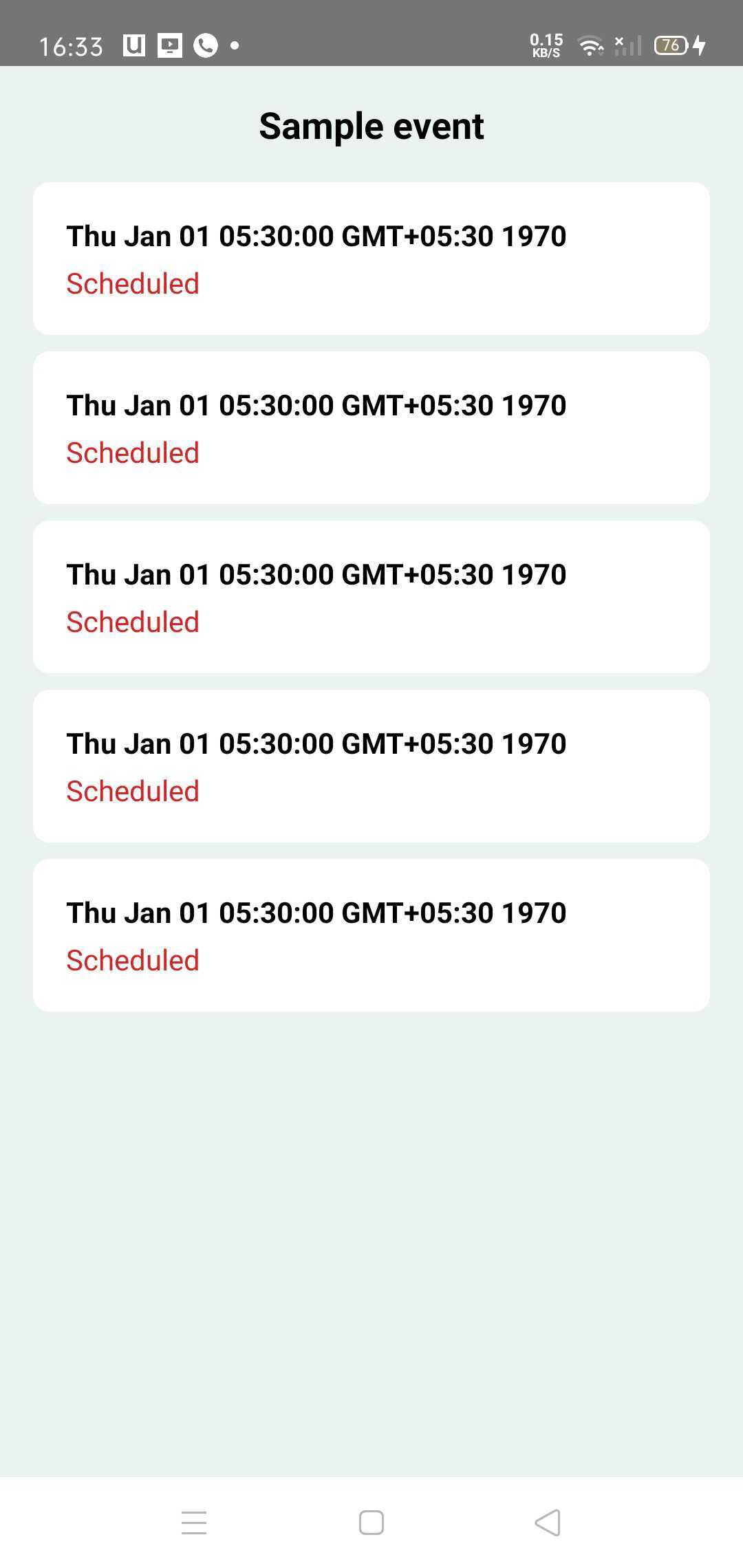
ウィンドウをクリックすると、すべての一意のイベントがリストされているイベントホーム画面に着陸します。イベントをクリックして、イベントの詳細を確認できます。
イベントには次の状態があります -
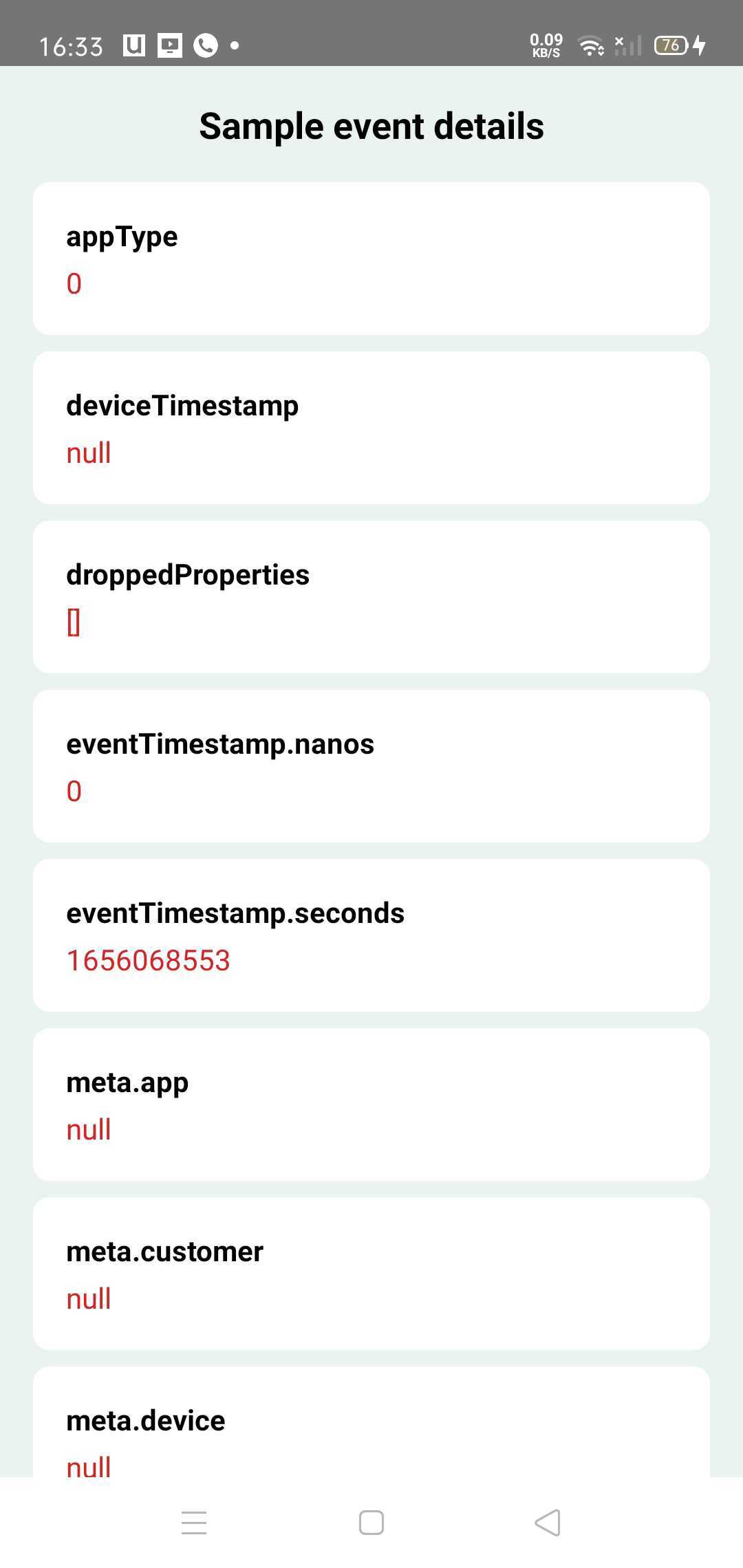
Event Visualiserは、開発者やテストチームのみが使用するデバッグツールであるため、リリースビルドにバンドルされることは理想的ではありません。
この目的のために、軽量の代替NOOP(操作なし)依存関係があります。
dependencies {
    val latest_version = " x.y.z "
    // Use main dependency for debug build types
    debugImplementation( " com.gojek.clickstream:clickstream-event-visualiser: $latest_version " )
    debugImplementation( " com.gojek.clickstream:clickstream-event-visualiser-ui: $latest_version " )

    // Use NoOp dependency for release build types
    releaseImplementation( " com.gojek.clickstream:clickstream-event-visualiser-noop: $latest_version " )
    releaseImplementation( " com.gojek.clickstream:clickstream-event-visualiser-ui-noop: $latest_version " )

} Copyright 2022 GOJEK
Licensed under the Apache License, Version 2.0 (the "License");
you may not use this file except in compliance with the License.
You may obtain a copy of the License at
http://www.apache.org/licenses/LICENSE-2.0
Unless required by applicable law or agreed to in writing, software
distributed under the License is distributed on an "AS IS" BASIS,
WITHOUT WARRANTIES OR CONDITIONS OF ANY KIND, either express or implied.
See the License for the specific language governing permissions and
limitations under the License.





