docling
v2.8.0

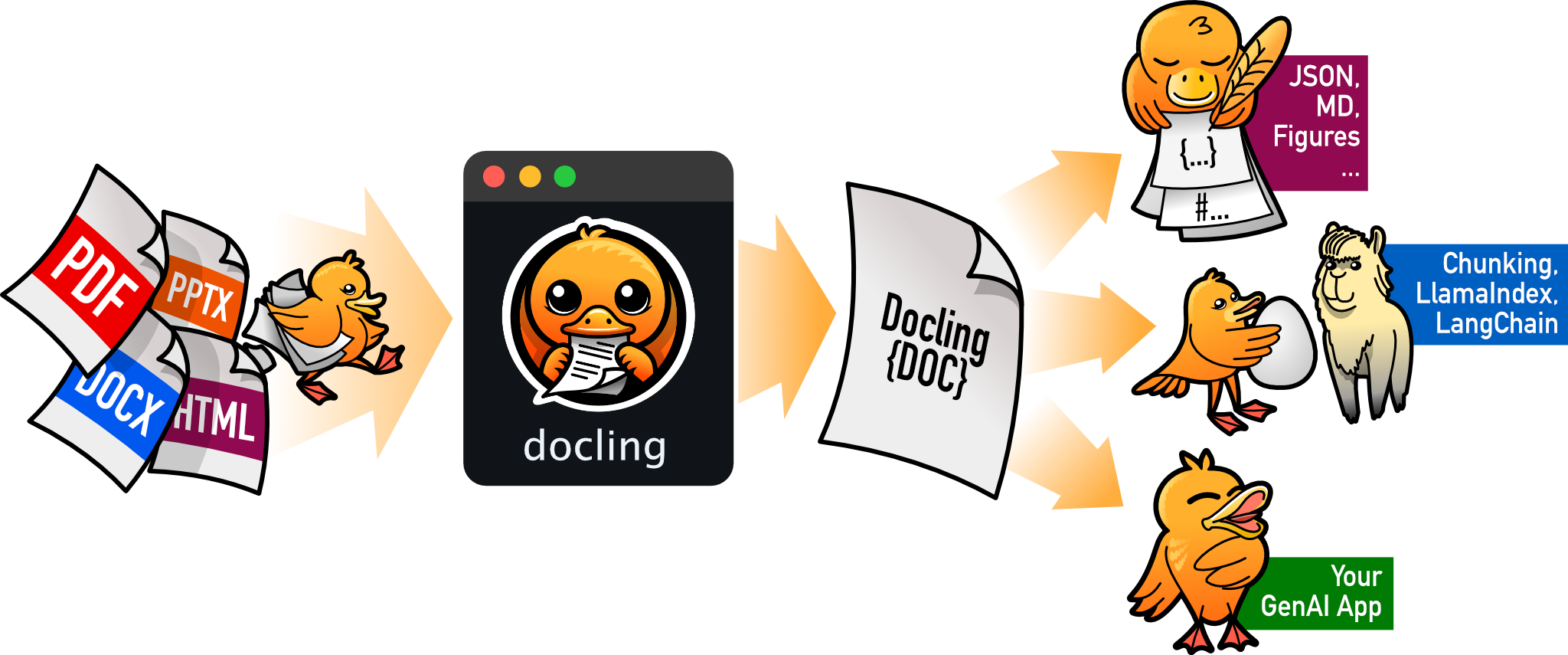
文檔解析文檔並以輕鬆和速度將其導出到所需的格式中。
探索文檔以發現很多示例並解鎖Docling的全部功能!
要使用Docling,只需從包裝管理器中安裝docling ,例如PIP:
pip install docling在MacOS,Linux和Windows環境上工作。 X86_64和ARM64架構。
文檔中提供了更詳細的安裝說明。
要轉換單個文檔,請使用convert() ,例如:
 from docling . document_converter import DocumentConverter

source = "https://arxiv.org/pdf/2408.09869"  # document per local path or URL
converter = DocumentConverter ()
result = converter . convert ( source )
print ( result . document . export_to_markdown ())  # output: "## Docling Technical Report[...]"
檢查入門。您會發現很多調整選項來利用所有高級功能。
請隨時使用討論部分與我們建立聯繫。
有關Docling內部運作的更多詳細信息,請查看Docling技術報告。
請閱讀有關詳細信息的貢獻。
如果您在項目中使用文檔,請考慮以下內容:
 @techreport { Docling ,
  author = { Deep Search Team } ,
  month = { 8 } ,
  title = { Docling Technical Report } ,
  url = { https://arxiv.org/abs/2408.09869 } ,
  eprint = { 2408.09869 } ,
  doi = { 10.48550/arXiv.2408.09869 } ,
  version = { 1.0.0 } ,
  year = { 2024 }
}文檔代碼庫符合MIT許可。對於單個模型使用情況,請參閱原始軟件包中的模型許可證。
IBM已將文檔帶給您。





