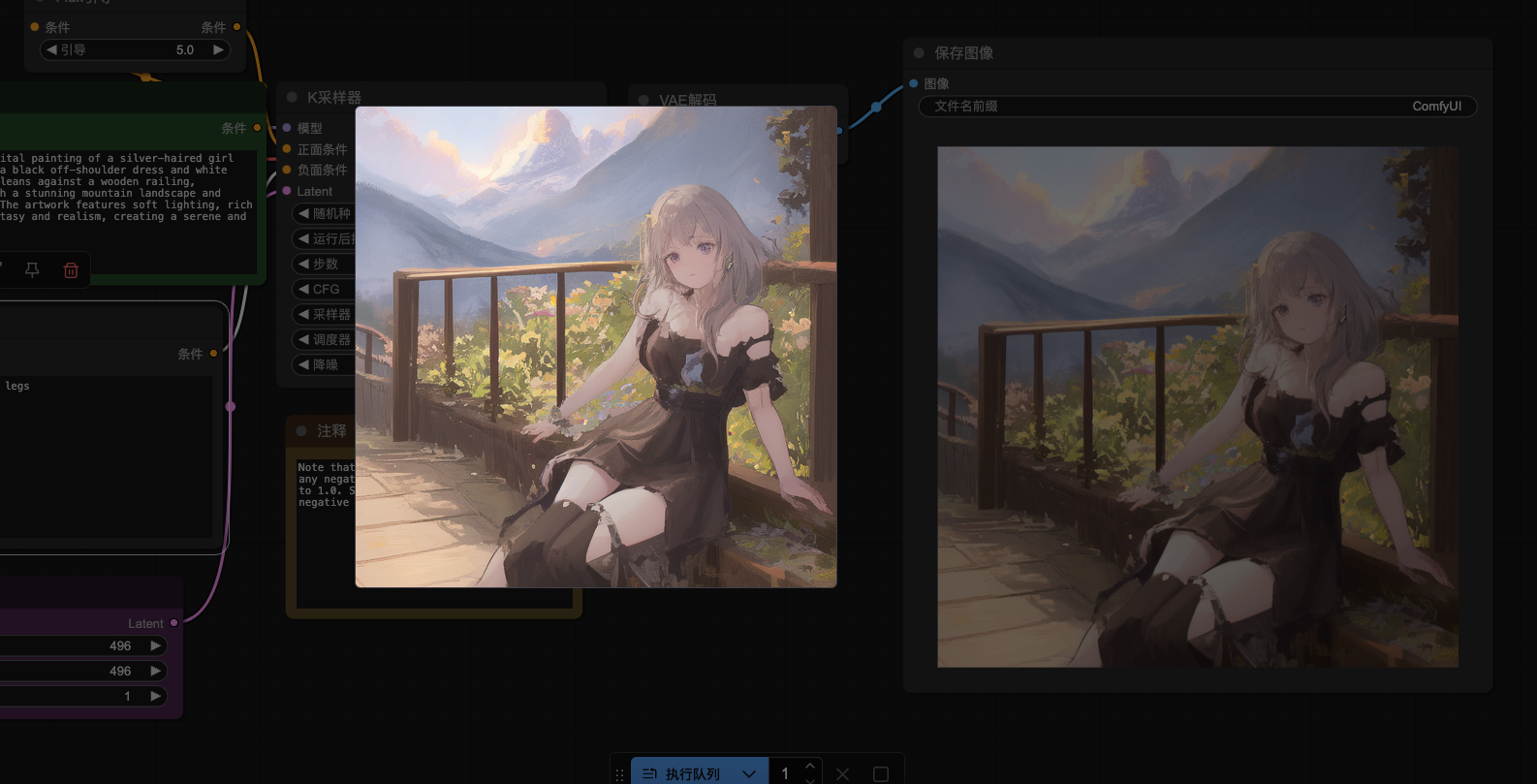
本文为大家带来ComfyUI flux dev对应模型安装教程,跟着Evo学ComfyUI,快速上手。
步骤一、打开ComfyUI,选择workflow>Flux>Flux Dev
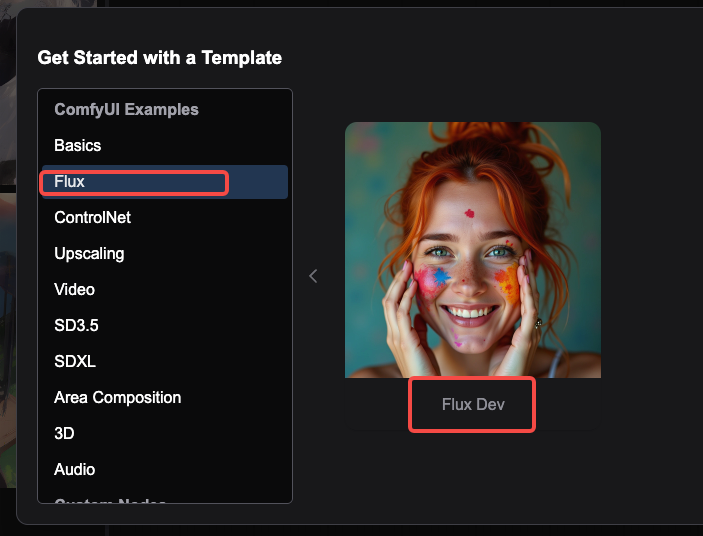
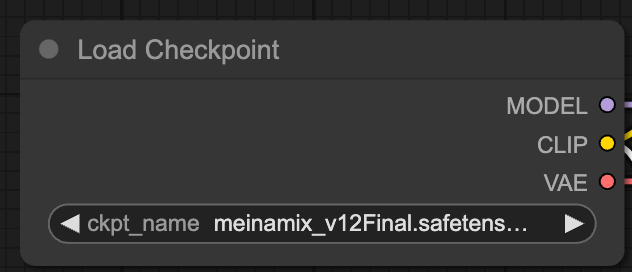
步骤二、进入Flux Dev界面,这里Load Checkpoint需要加载Flux模型,可以在civitai找到。
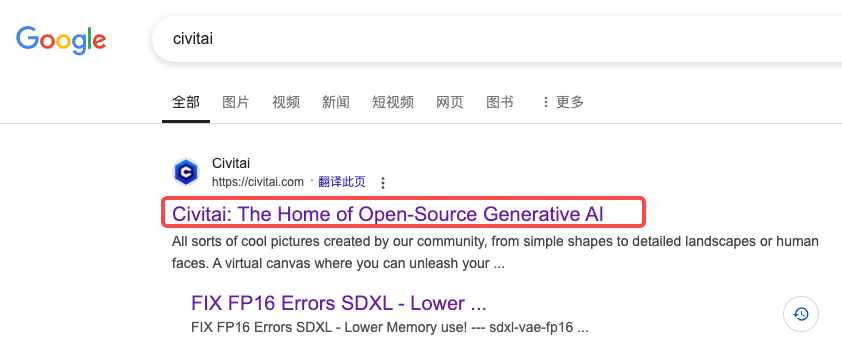
在谷歌搜索civitai,找到下面的网站点击进入
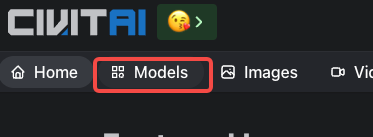
点击左上角的Models
在点击右上角的Filters

筛选出符合条件的模型
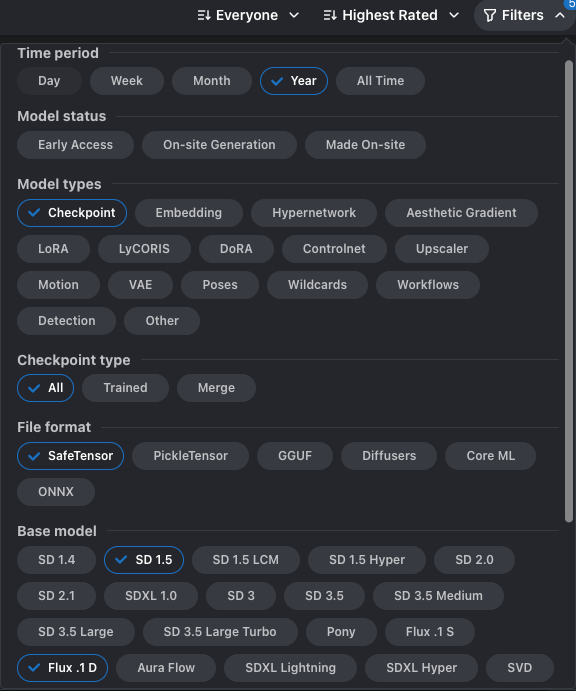
可以根据你的喜好选择模型,选好模型后点击下载

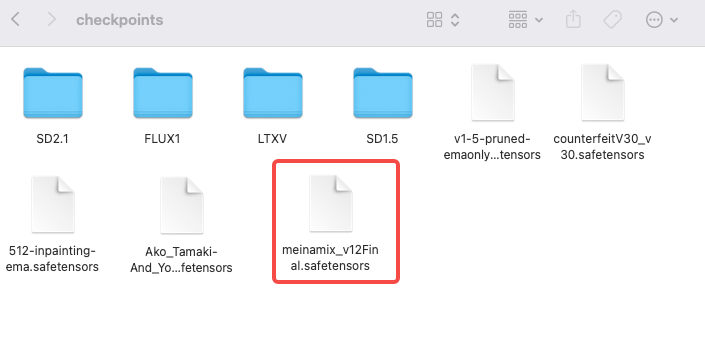
下载完成,把文件包放到ComfyUI>models>checkpoints
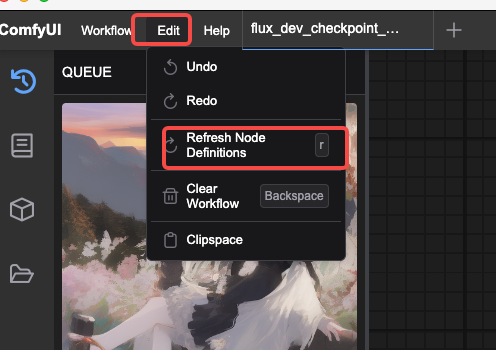
然后依次点击ComfyU>Edit>Refredh Node Definitions,重置工作流程
步骤三、输入你想要达到的效果文案和负面文案
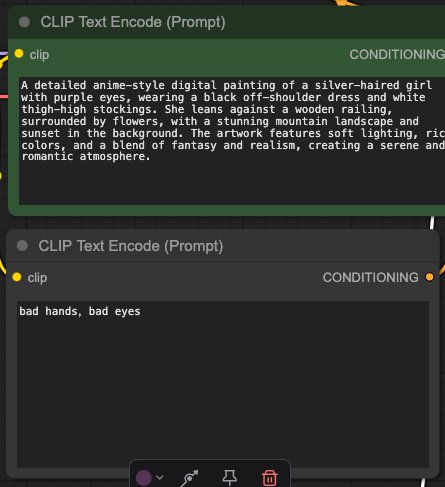
案列分享
正文:A detailed anime-style digital painting of a silver-haired girl with purple eyes, wearing a black off-shoulder dress and white thigh-high stockings. She leans against a wooden railing, surrounded by flowers, with a stunning mountain landscape and sunset in the background. The artwork features soft lighting, rich colors, and a blend of fantasy and realism, creating a serene and romantic atmosphere.
负面文案:low quality, worst quality, deformed, distorted, disfigured, motion smear, motion artifacts, fused fingers, bad anatomy, weird hand, ugly,bad hands,bad eyes,bad legs
步骤四、设置图片大小
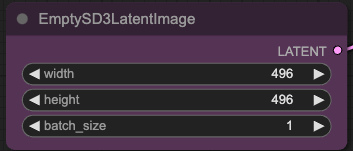
注:本人由于是演示,宽和高为496*496,你可以根据自己的需求进行调整
步骤五、其它设置为默认,点击Queue进行生成,等待几分钟即可生成效果图